The best case fans for a gaming PC move enough air to keep a hot graphics card and CPU in check without turning your desk into a wind tunnel. The right pick depends more on your case and fan layout than on any single number on the box.
Below, our build team covers why airflow matters more than ever, 120mm vs 140mm, PWM and bearings, how to plan intake and exhaust, RGB and cable management, and the case fans we’d choose for different kinds of builds.
In This Guide
Why Airflow Matters More in 2026
Today’s graphics cards put a lot of heat into your case. NVIDIA’s GeForce comparison page rates the RTX 5090 at 575 W total graphics power and the RTX 5080 at 360 W. AMD’s Radeon RX 9070 XT page lists 304 W typical board power.
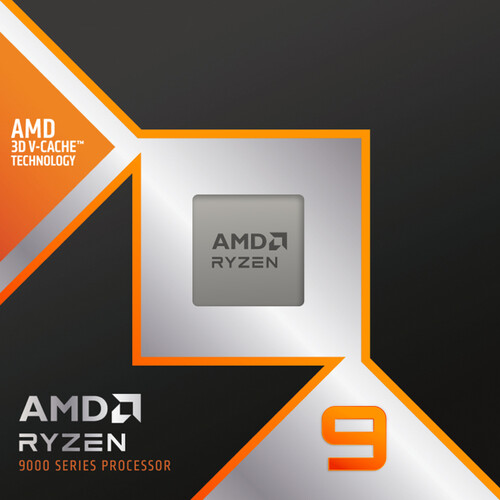
Add the CPU, such as a Ryzen 9 9950X3D at a 170 W default TDP, and an RTX 5090 build is rated for more than 700 W combined. Nearly all of that power ends up as heat inside the case.
That’s the job case fans do. They bring cool air in and push warm air out, so the GPU, CPU cooler and storage aren’t recycling their own exhaust. When airflow is poor, component fans spin faster to compensate, and the whole system gets louder.
120mm vs 140mm: Which Size?
Most cases accept both sizes of case fans in at least some positions, so check your case’s spec sheet first.
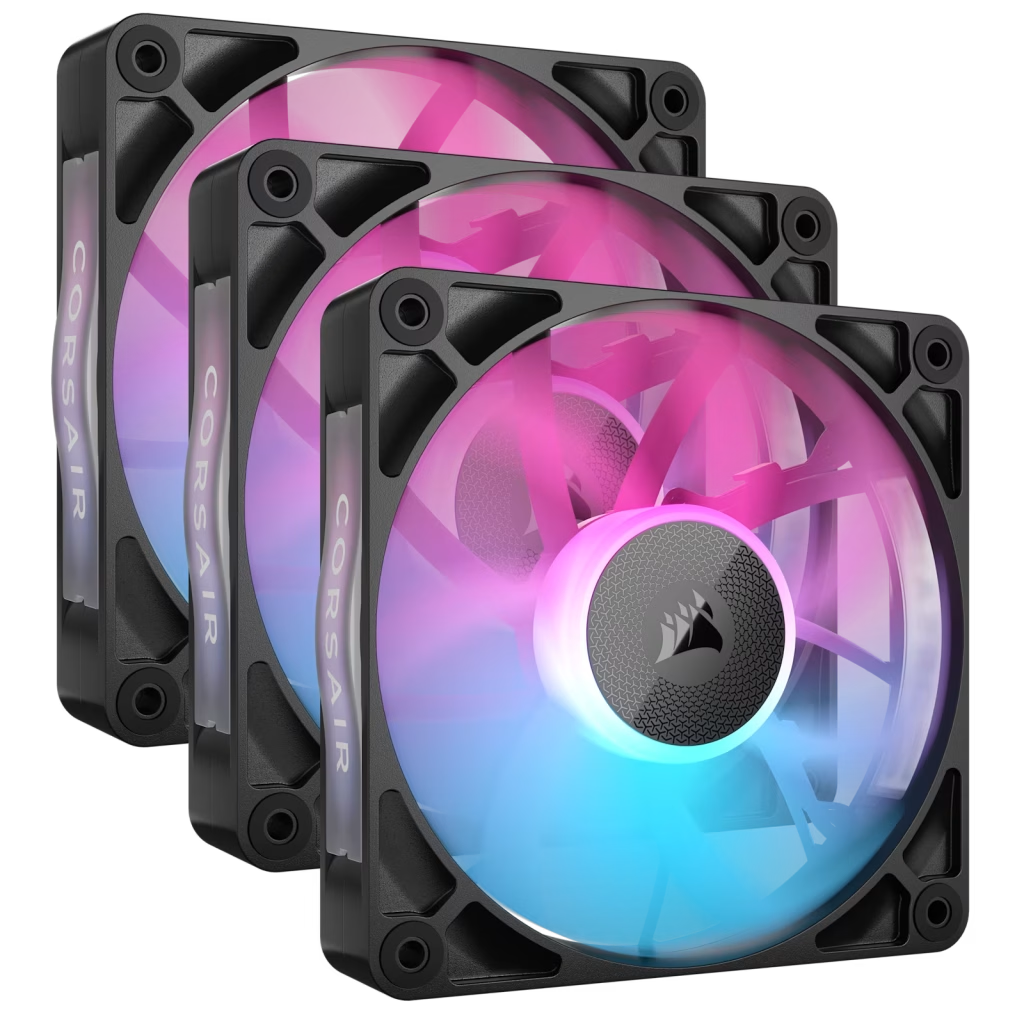
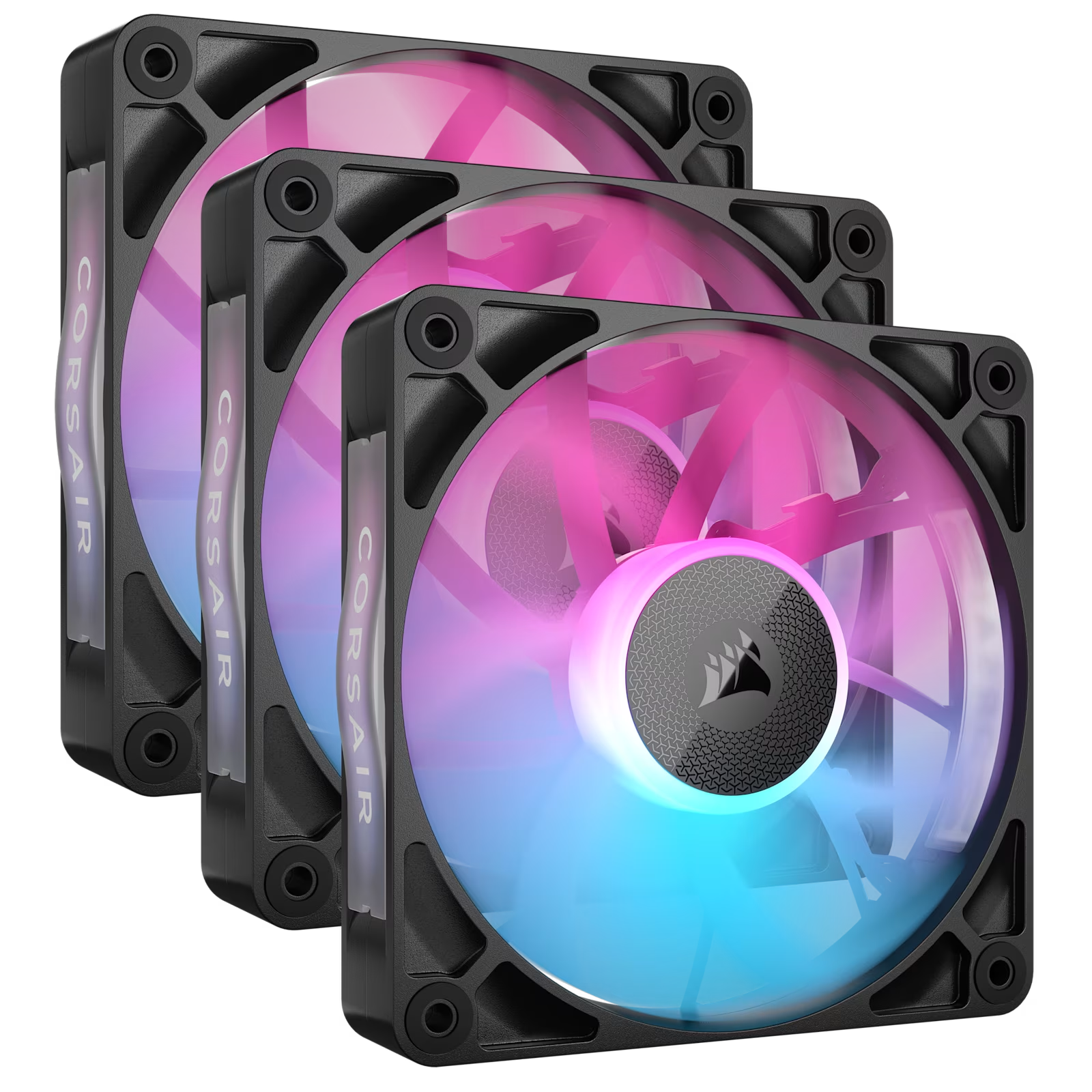
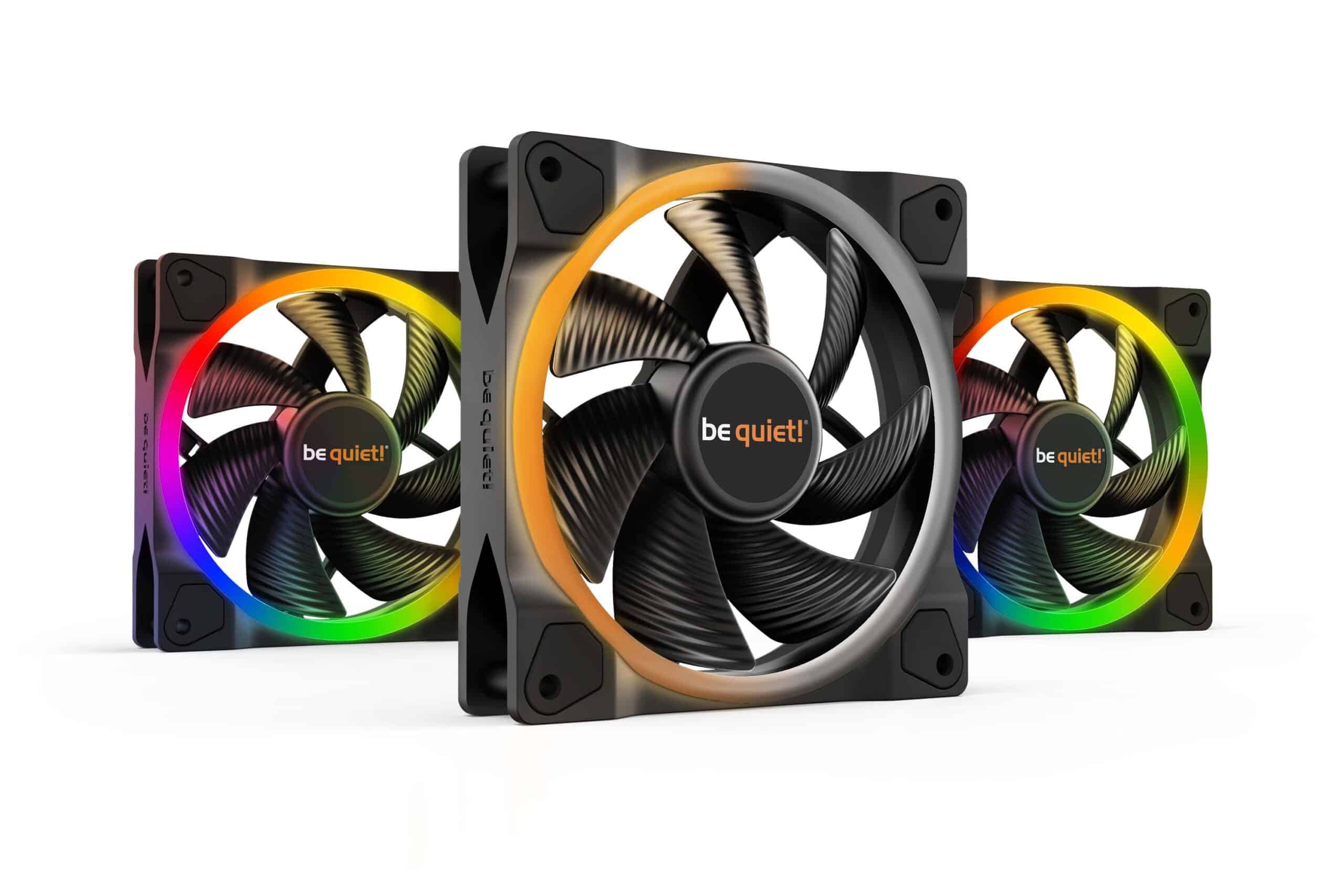
- 120mm is the most common size. It fits nearly every case and matches 240mm and 360mm radiators. Examples in our lineup include the Corsair iCUE Link QX120 RGB and RX120 RGB, the be quiet! Light Wings 120 PWM and the Lian Li UNI FAN TL Wireless 120.
- 140mm case fans have larger blades, so they can generally move a similar amount of air at a lower speed, which tends to mean less noise. They suit front intakes with 140mm mounts, and 280mm or 420mm radiators. Examples include the Corsair iCUE Link QX140 RGB and RX140 RGB and the be quiet! Light Wings 140 PWM.
Watch the thickness, too. Most case fans are 25mm thick; Corsair lists the QX120 at 120mm x 25mm. Lian Li says its UNI FAN TL fans are slightly wider and thicker than standard, at 120 x 124 x 28mm for the 120mm model, so check clearance near radiators and the motherboard.
Airflow, Static Pressure, PWM and Bearings
Spec sheets for case fans can look intimidating. These are the terms that actually matter:
- Airflow vs static pressure. Airflow-focused fans move lots of air through open spaces. Static pressure is the fan’s ability to push air through resistance, such as a radiator, a dense dust filter or a tight mesh front panel. Use pressure-capable fans on radiators and restrictive intakes.
- PWM (4-pin) vs DC (3-pin). PWM fans take a dedicated speed signal from the motherboard, which allows precise control, including very low speeds. DC fans are controlled by voltage and usually have a narrower usable range. For a quiet build, choose PWM.
- Speed range. A wide range lets fans idle quietly and still ramp up under load. Corsair lists the iCUE LINK QX120 RGB at 400 to 2,400 RPM, plus or minus 10%.
- Bearings. Better bearings run smoother and quieter over time. Corsair uses a magnetic dome bearing in the QX120, and Lian Li uses fluid dynamic bearings in its UNI FAN TL line.
How to Plan a Fan Layout
The classic layout for case fans is simple: cool air in at the front or bottom, warm air out at the rear and top. Warm air rises, so a top exhaust works with physics instead of against it.
- Aim for slight positive pressure. A little more intake than exhaust pushes air out through gaps, so dust enters mainly through the filtered intakes. Strong negative pressure pulls dust in through every unfiltered opening.
- Feed the graphics card. In cases with bottom fan mounts, bottom intake case fans send fresh air straight to the GPU’s own fans.
- Count the radiator. A top-mounted AIO radiator usually works as exhaust, so its fans are part of your layout. Our guide to choosing the best AIO cooler covers radiator placement in detail.
- Use reverse-blade fans where they help. In glass showcase cases, reverse-airflow fans let you mount bottom or side intakes with the clean, decorative side facing out. The D30-120 Reverse Airflow 3-Pack is built for this, and Lian Li offers standard and reverse-blade versions of its UNI FAN TL.
As a starting point, here’s how many case fans we’d plan for common builds:
| Build type | Suggested layout |
|---|---|
| Compact or budget mid-tower | 2 front intake, 1 rear exhaust |
| High-end gaming mid-tower | 3 front intake, 1 rear exhaust, plus a 360mm radiator on top as exhaust |
| Glass showcase case with an RTX 5090-class GPU | 3 bottom intake, 3 side or front intake, rear exhaust, plus a top radiator |
Best RGB Case Fans and Cable Management
More case fans mean more cables, and that’s where modern RGB ecosystems earn their price. The best RGB case fans cut down wiring as much as they add lighting.
- Corsair iCUE LINK. Corsair says its iCUE LINK QX120 RGB kit sets up with a single cable to the included iCUE LINK System Hub, with lighting and speed run through iCUE software. The RX120 RGB, RX140 RGB and QX140 RGB belong to the same system.
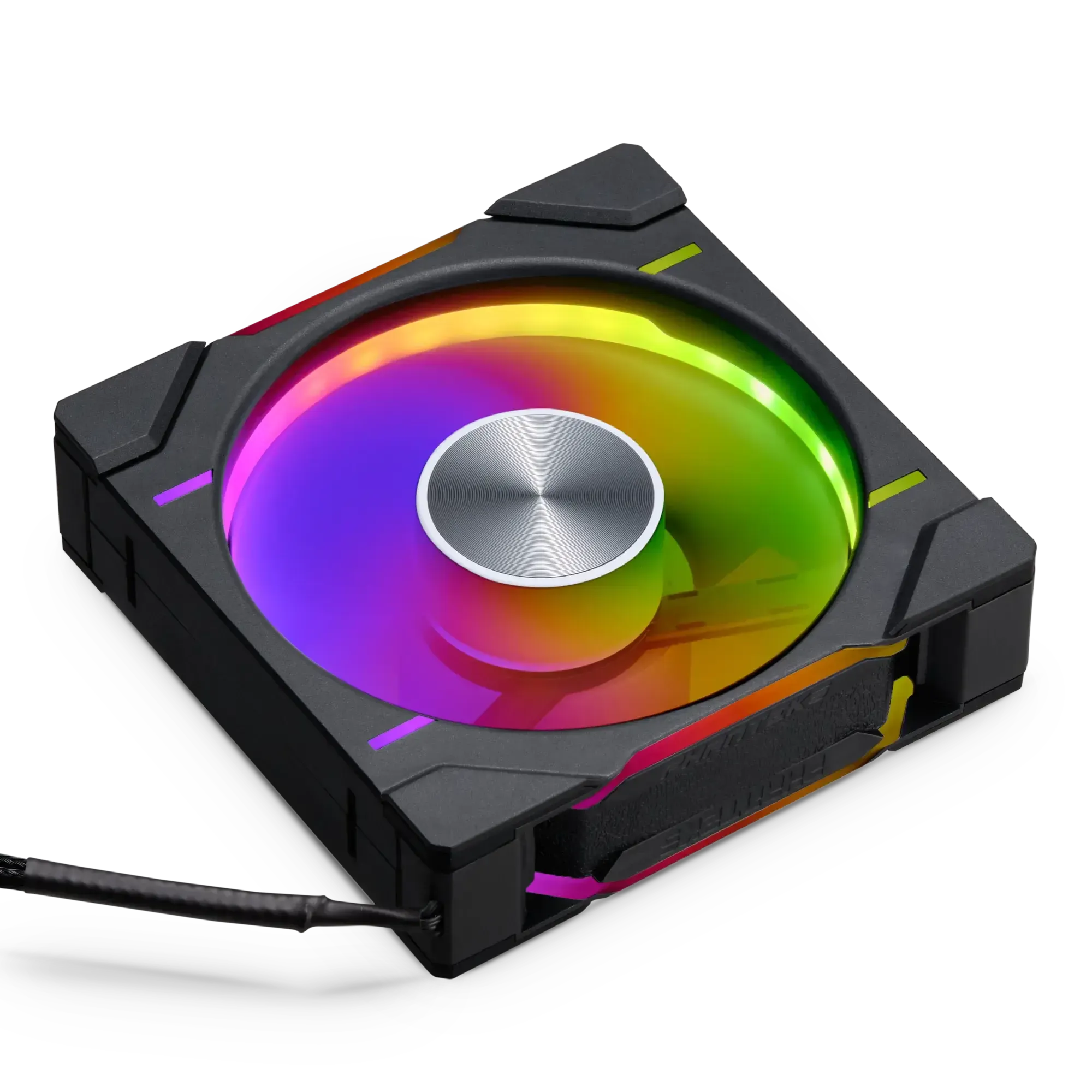
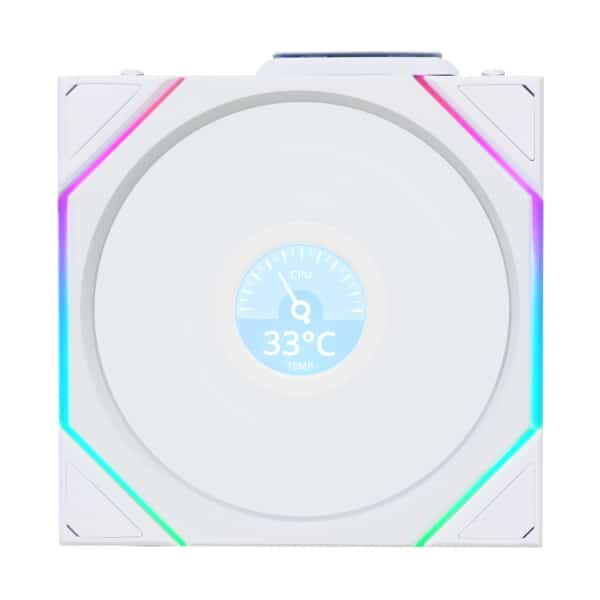
- Lian Li UNI FAN TL Wireless. Lian Li says these fans take lighting and speed commands over a 2.4GHz wireless signal from its L-Wireless controller, so there’s no data cable to the controller. They still need power from a 4-pin fan header or a SATA cable, and they link together with Lian Li’s UNIFAN interlocking system.
- Standard RGB fans. Multi-packs like the SWAFAN EX12 ARGB 3-Pack connect to your motherboard’s ARGB headers or a hub, and PWM models like the be quiet! Light Wings LX 120 PWM take speed control from a standard fan header.
Two rules keep RGB painless. First, stick to one ecosystem so you’re not running several lighting apps. Second, never plug a 5V 3-pin ARGB connector into a 12V 4-pin RGB header, since the mismatch can damage the LEDs. If you’re planning a light-themed build, our white PC build guide shows how fans, coolers and cases come together.
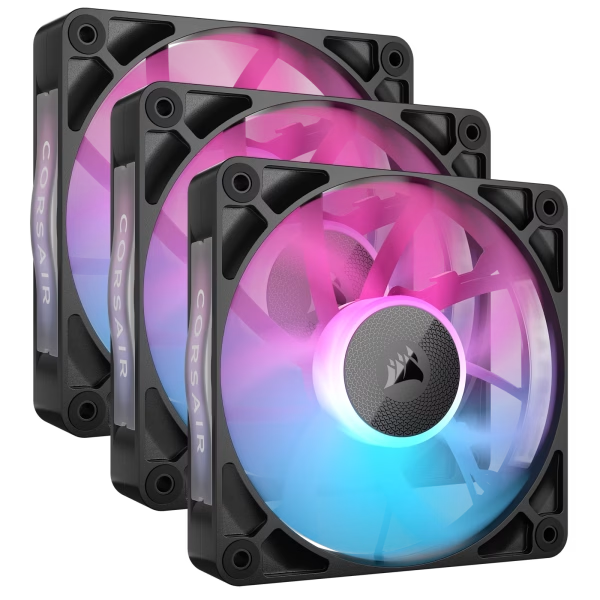
Corsair iCUE Link RX120 RGB Triple Kit
The Corsair iCUE Link RX120 RGB Triple Kit gives you 3 120mm RGB fans built to…
Lian Li UNI FAN TL Wireless 120 Reverse Blade
The Lian Li UNI FAN TL Wireless 120 Reverse is a 120mm RGB fan built to…
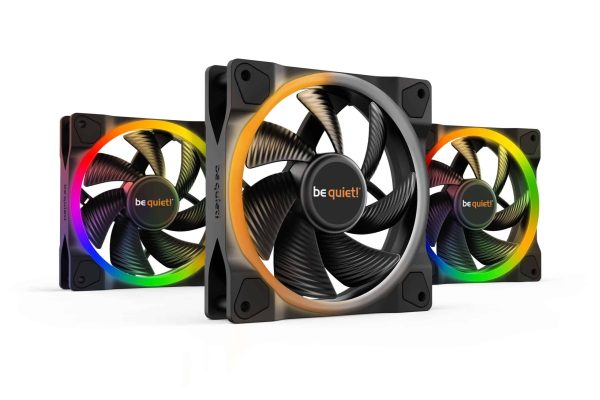
be quiet! Light Wings 120 PWM ARGB Triple Kit
The be quiet! Light Wings 120 PWM ARGB Triple gives you 3 RGB fans built to…
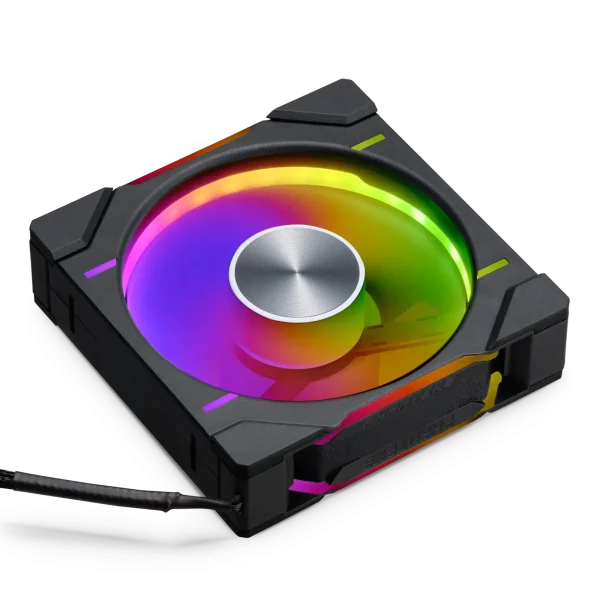
D30-120 Reverse Airflow 3-Pack
The D30-120 Reverse Airflow 3-Pack gives you 3 120mm RGB fans built to move more air…
Choosing the Best Case Fans for Your Build
There’s no single winner, so match the fan to your goal. Here’s how we’d shortlist the best case fans from our lineup:
| Your goal | What to look for | Examples from our lineup |
|---|---|---|
| Low noise | 140mm, PWM, wide speed range | be quiet! Light Wings 140 PWM, Corsair iCUE Link RX140 RGB |
| Maximum airflow around a big GPU | Several PWM intake fans | Corsair iCUE Link RX120 RGB |
| RGB showcase with tidy cables | One ecosystem, fewer cables | Corsair iCUE Link QX120 RGB, Lian Li UNI FAN TL Wireless 120 |
| Bottom or side intake in a glass case | Reverse airflow or reverse blades | D30-120 Reverse Airflow 3-Pack |
| Lighting on a budget | ARGB multi-packs | SWAFAN EX12 ARGB 3-Pack |
Whatever case fans you choose, set a fan curve in the BIOS or your fan software. Tie intake and exhaust fans to CPU or GPU temperature so they ramp smoothly under load and stay quiet at the desktop. If you’re building your own system, our guide on building a gaming PC step by step covers fan installation too.
Best Case Fans FAQ
How many case fans do I need?
For most gaming PCs, we suggest three intake fans and one exhaust, plus any radiator fans. High-end builds with a 575 W RTX 5090 and a glass showcase case benefit from more intake, often at the bottom and side.
Are 140mm case fans better than 120mm?
Not always better, but larger fans can generally move similar air at lower speed, which helps with noise. Use whatever your case and radiator support best. Many builds mix both sizes.
Should case fans be intake or exhaust?
Front and bottom fans usually work as intake, while rear and top fans work as exhaust. Aim for slightly more intake than exhaust so dust comes in mainly through the filters.
What are the best RGB case fans?
The ones that fit a single ecosystem with the rest of your build. Corsair’s iCUE LINK fans and Lian Li’s UNI FAN TL Wireless both cut cable clutter, which matters as much as the lighting itself.
Can I plug case fans into the motherboard?
Yes. Fan headers on the motherboard power and control case fans directly. For a lot of fans, use a hub or the controller that comes with your ecosystem, and check the motherboard manual for header ratings.
The Bottom Line
The best case fans for your PC are the ones that fit your case, suit your layout and keep a modern GPU fed with fresh air. Start with PWM fans in the right size, plan slightly positive pressure, and choose a single RGB ecosystem if lighting matters to you.
Browse our case fan collection to compare current prices. Every Luxvibe PC is hand-built to order, and upgrades and changes are always possible before we build. Want help planning a layout? Real builders answer questions through our contact form or at sales@luxvibepcs.com.