The best AIO cooler for most gaming PCs in 2026 is a 360mm unit that fits your case, matches your CPU’s heat output and runs software you’ll actually enjoy using. Brand matters less than fit, radiator size and placement, and those are the things most buyers get wrong.
Below, our build team explains how AIO liquid cooling works, the real AIO vs air cooler trade-offs, which radiator size to choose, how to pick a model and how to install it so it performs the way it should.
In This Guide
How AIO Liquid Cooling Works
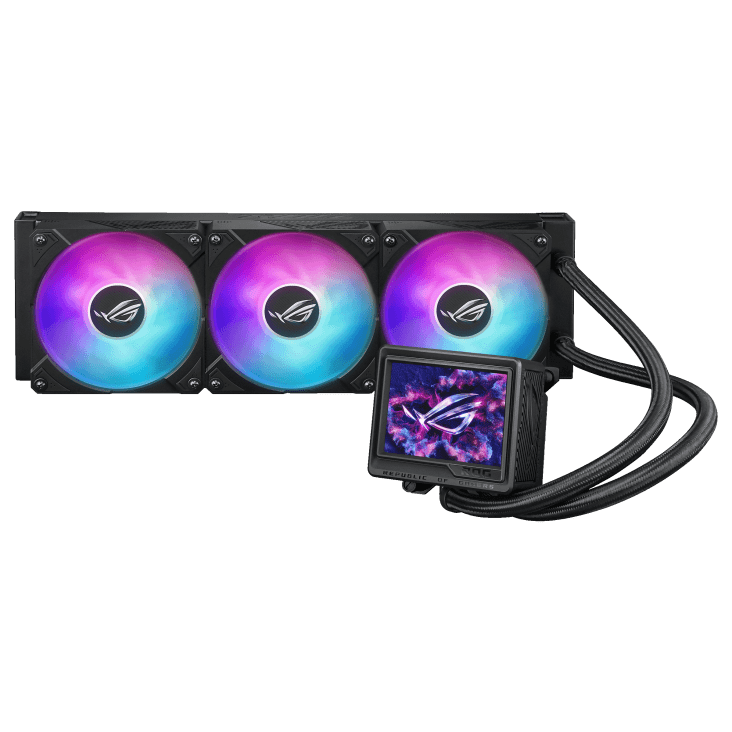
An all-in-one (AIO) liquid cooler is a sealed loop that comes pre-filled from the factory. It has four main parts:
- Cold plate and pump block. This sits on the CPU, pulls heat from it into the liquid and pumps that liquid around the loop.
- Tubes. Two flexible tubes carry warm liquid out to the radiator and cooled liquid back.
- Radiator. A thin, finned heat exchanger that mounts at the edge of your case.
- Fans. These push or pull air through the radiator and carry the heat out of the system.
Because the loop is sealed, there’s no filling, draining or tuning. You mount it like any other cooler. That simplicity is why an AIO cooler is the default in so many high-end gaming builds, while custom loops remain a hobby for enthusiasts. If you’re curious about going further, our liquid cooled PC guide covers custom loops too.
AIO vs Air Cooler: Which Makes Sense?
The AIO vs air cooler choice is less about raw cooling and more about your CPU, your case and the look you want. Here’s how they compare:
| Factor | AIO liquid cooler | Air cooler |
|---|---|---|
| How it moves heat | Liquid carries heat to a radiator at the case edge | Heat pipes carry heat to a fin stack above the CPU |
| Space around the socket | Compact pump block leaves RAM and board visible | A large tower can crowd tall memory |
| Case requirement | A radiator mount of the right size | Enough height clearance for the tower |
| Moving parts | Pump plus fans | Fans only |
| Looks | Clean, with RGB and pump-head screen options | More industrial, some RGB options |
| Best for | High-power CPUs, glass showcase builds | Simpler, budget-focused builds |
AMD’s own guidance tilts the AIO vs air cooler debate for its gaming chips. The product pages for the Ryzen 7 9800X3D and the 16-core 9950X3D both say a liquid cooler is recommended for optimal performance, and neither chip ships with a cooler in the box.
In fairness to the other side of the AIO vs air cooler question, a good air cooler still has a place. It’s simple, it has no pump, and it’s a fine match for a modest CPU in a budget build. For a high-end gaming PC with a glass panel, our builders usually reach for liquid.
Radiator Size: 240mm, 280mm or 360mm
AIO sizes are named for the fans they hold. A 240mm radiator takes two 120mm fans, a 280mm radiator takes two 140mm fans, and a 360mm radiator takes three 120mm fans. More radiator area gives the loop more room to shed heat at a given fan speed, which usually means lower fan speeds and less noise under load.
Match the size to the heat you need to move. AMD rates these popular chips at the following default TDPs:
| CPU | Default TDP | Our radiator suggestion |
|---|---|---|
| Ryzen 7 9800X3D / 9850X3D | 120 W | 240mm or larger |
| Ryzen 9 9900X3D | 120 W | 280mm or 360mm |
| Ryzen 9 9950X3D | 170 W | 360mm |
| Ryzen 9 9950X3D2 Dual Edition | 200 W | 360mm |
For most high-end builds, a 360mm AIO cooler is the sweet spot. It handles every chip in that table, keeps fan speeds relaxed and fits many mid-tower and larger cases. Go smaller only if your case can’t take a 360mm AIO cooler or you’re running a lower-power CPU.
Remember the GPU, too. NVIDIA rates the RTX 5090 at 575 W total graphics power, far more than any of these CPUs. Your radiator and case airflow have to deal with that heat as well, which is one more reason to give the CPU cooler a generous radiator.
How to Choose the Best AIO Cooler for Your Build
Use this checklist before you buy. It catches most fit and compatibility problems before they happen.
- Check your case’s radiator support. Look up the supported sizes for the top, front and side mounts. Make sure a top-mounted radiator and its fans clear the motherboard heatsinks and memory.
- Match the cooler to your CPU’s heat. Use the TDP table above as a guide, and size up if you plan to use Precision Boost Overdrive or other tuning.
- Confirm socket support. Make sure the kit includes mounting hardware for your platform, such as AMD’s AM5 or Intel’s LGA 1851 for Core Ultra 200S chips.
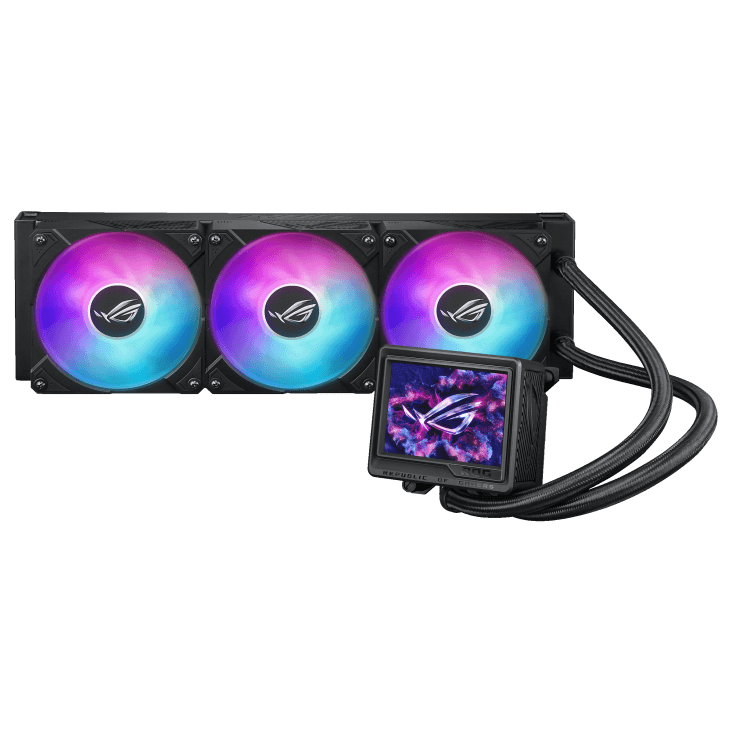
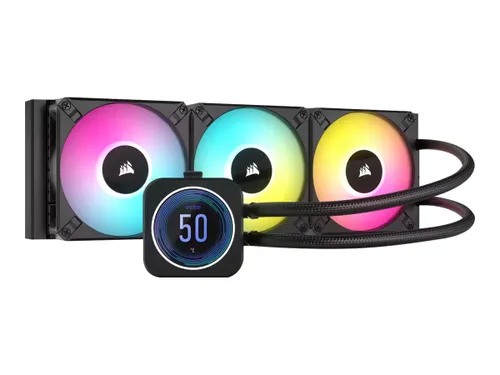
- Decide on the pump head. Some models add a screen, such as the LCD on the Corsair iCUE H150i ELITE LCD XT and Lian Li Galahad II LCD 360, or the OLED on the Lian Li Hydroshift II OLED Curved 360.
- Stick to one lighting ecosystem. Mixing brands means juggling several apps for RGB and fan control.
- Match your theme. White builds have plenty of options, and so do black ones.
Get those six right and almost any quality model will be the best AIO cooler for your particular build.
Best AIO Cooler Picks From Our Lineup
Every cooler below is a 360mm AIO cooler, which is the size we recommend for most high-end gaming builds. We’ve grouped them by what they do best.
With a pump-head screen
The Corsair iCUE H150i ELITE LCD XT pairs a 360mm radiator with three 120mm fans and an LCD display, according to Corsair. The Lian Li Galahad II LCD 360 and Lian Li Hydroshift II OLED Curved 360 also put a display on the pump, which suits showcase builds where the CPU block is front and center.
For ASUS ROG builds
The ASUS ROG Ryujin III 360, ROG Ryujin III 360 ARGB Extreme (Black or White) and ROG RYUO IV SLC 360 (Black or White) match ROG motherboards and graphics cards for a coordinated look.
For white builds
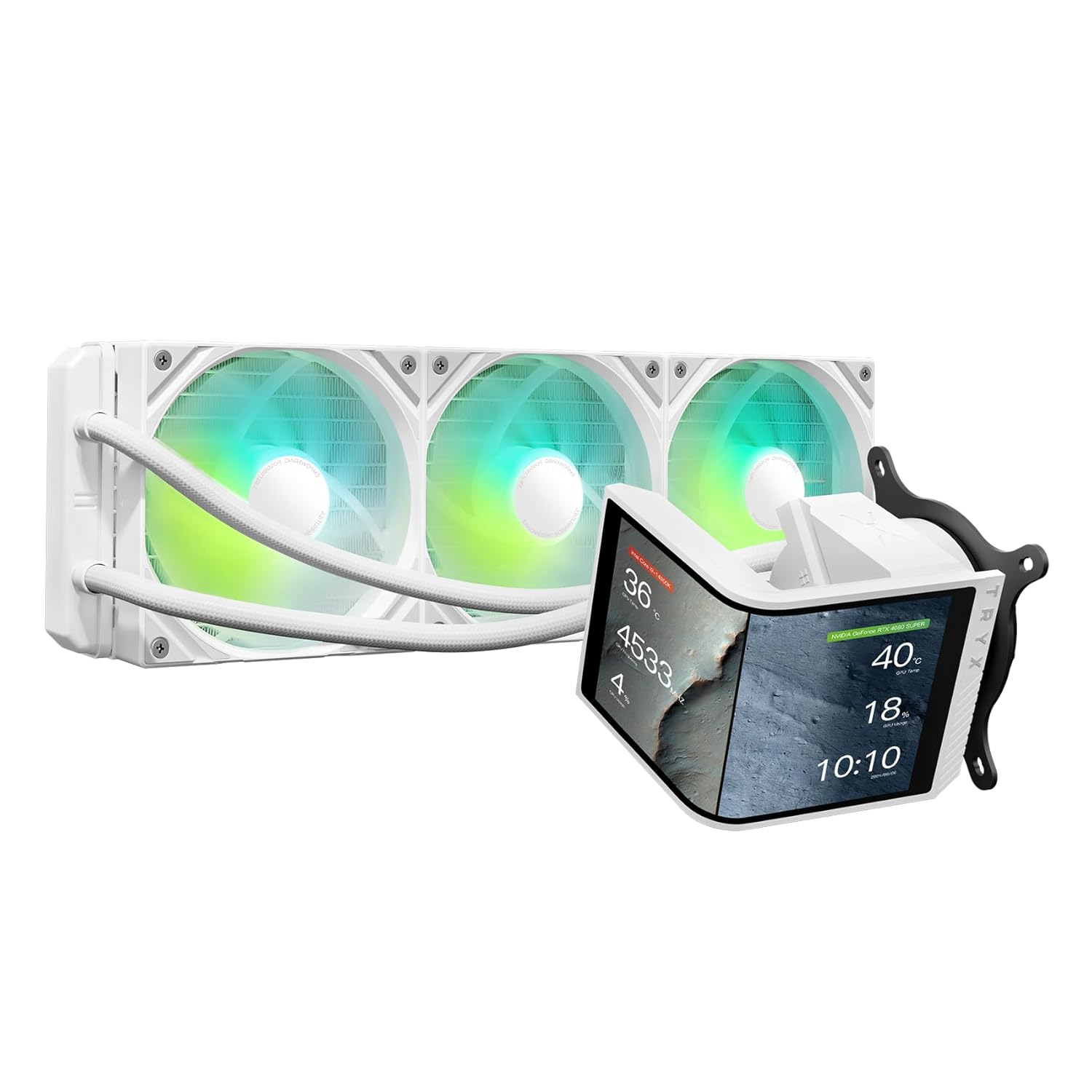
The TRYX Panorama SE 360 White, TRYX STAGE 360 ARGB White, ROG Ryujin III 360 ARGB Extreme White and ROG RYUO IV SLC 360 White all keep a light theme consistent from radiator to pump.
More 360mm options
The NZXT Kraken Elite 360 RGB, MSI MPG Core K360 V2, AORUS Waterforce X 360 and Thermalright Wonder Vision 360 round out our 360mm AIO cooler range, so you can match the cooler to the brand of your other parts.
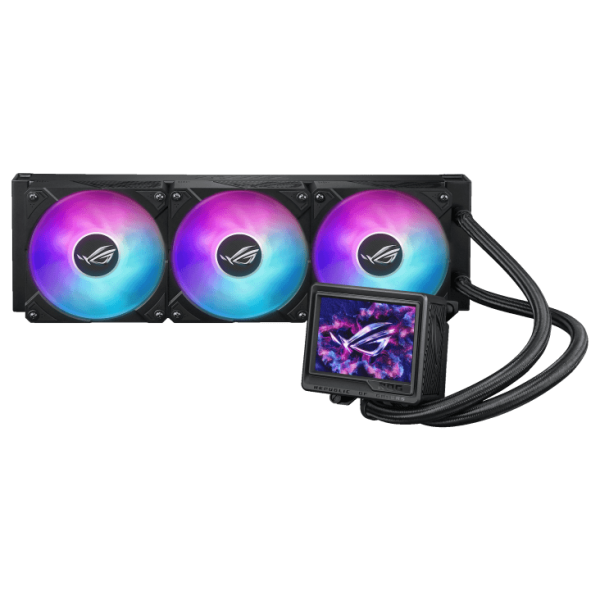
ASUS ROG Ryujin III 360
The ASUS ROG Ryujin III 360 is a 360mm all-in-one liquid cooler with a pump display…
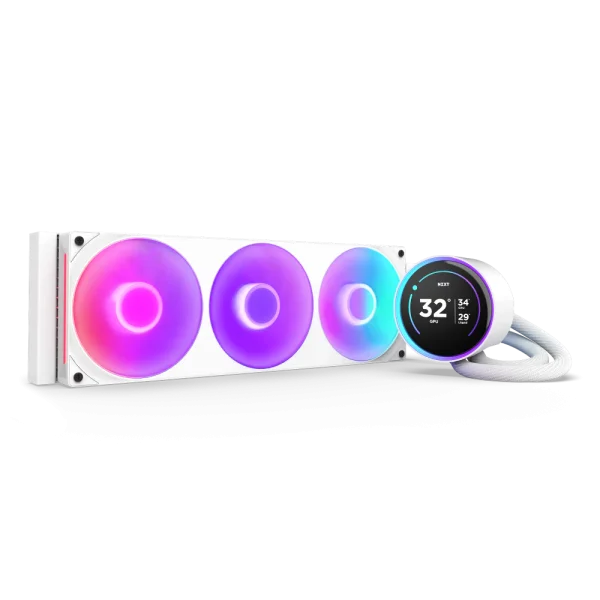
NZXT Kraken Elite 360 RGB
The NZXT Kraken Elite 360 RGB AIO Cooler is an all-in-one liquid cooler with a pump…
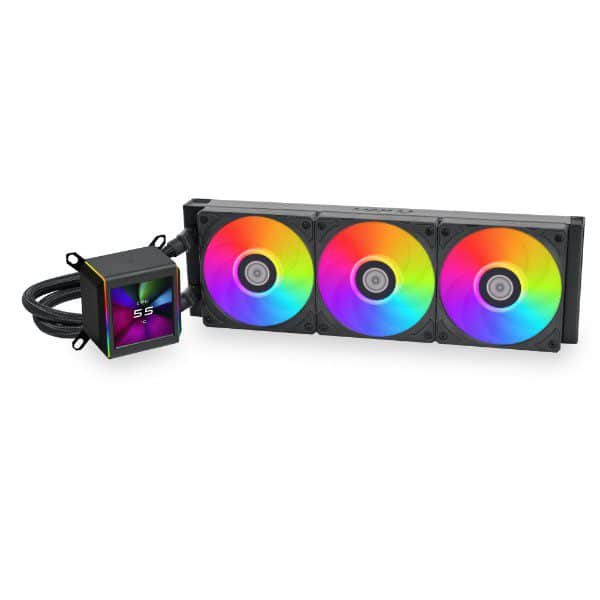
Lian Li Galahad II LCD 360
The Lian Li Galahad II LCD 360 is a 360mm all-in-one liquid cooler with a pump…
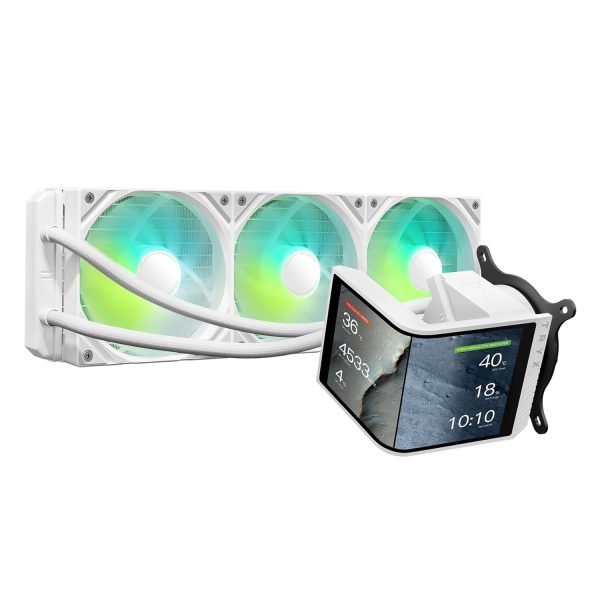
TRYX Panorama SE 360 White
The TRYX Panorama SE 360 White is a 360mm all-in-one liquid cooler with a pump display…
Installation and Placement Tips
Even the best AIO cooler performs like an average one if it’s mounted badly. Our builders follow a few rules on every install:
- Top-mount as exhaust is the common choice. Hot air from the radiator leaves the case instead of warming the GPU. A front-mounted radiator as intake gives the CPU cooler air but warms the inside of the case.
- Keep the pump below the top of the radiator. Any air in the loop rises to the highest point. If that point is the pump, you can hear it.
- Mind the tube routing. Avoid sharp bends, and check that front-mounted radiators have tubes long enough to reach without strain.
- Balance the airflow. The radiator fans are only part of the picture. Pair them with good case fans so fresh air reaches both the radiator and the graphics card.
- Set a sensible fan curve. Base it on CPU or liquid temperature in the BIOS or the cooler’s software, so fans ramp smoothly instead of spiking.
Best AIO Cooler FAQ
Is a 360mm AIO cooler worth it?
For high-end builds, yes. A 360mm AIO cooler has more radiator area than 240mm or 280mm units, so it can run its fans slower for the same heat. It’s our default for 16-core chips like the 9950X3D and a comfortable choice for 8-core gaming CPUs.
AIO vs air cooler: which is quieter?
It depends on the specific models and fan curves. A large radiator lets fans spin slower, which helps. An air cooler has no pump, which removes one sound source. A well-tuned build with either can be quiet.
Do AMD X3D chips need liquid cooling?
None of them include a cooler, and AMD says a liquid cooler is recommended for optimal performance on chips like the Ryzen 7 9800X3D and Ryzen 9 9950X3D. Our Ryzen 7 9800X3D guide explains how its cache design keeps it easy to cool.
Do AIO coolers need maintenance?
Very little. The loop is sealed, so there’s nothing to refill. Dust the radiator and fans every few months, and keep the cooler’s software or firmware current.
Will a 360mm AIO cooler fit my case?
Check your case’s spec sheet for 360mm support at the top, front or side. Also check clearance between a top radiator and your motherboard heatsinks and memory, especially in compact cases.
The Bottom Line
For most high-end gaming PCs, the best AIO cooler is a 360mm model that fits your case and matches the rest of your parts. Choose a screen if you want a showcase, stick to one lighting ecosystem, and mount the radiator so the pump isn’t the high point in the loop. In the AIO vs air cooler decision, a good air cooler still suits simple, lower-power builds.
Browse our liquid coolers to compare current prices. Every Luxvibe PC is hand-built to order, and upgrades and changes are always possible before we build. Not sure what fits? Real builders answer questions through our contact form or at sales@luxvibepcs.com.