DDR5 RAM prices have climbed sharply since 2025, and a memory kit that used to be an easy line item is now one of the bigger costs in a new gaming PC. The cause is a global memory shortage driven by AI data centers, and it’s changed how smart buyers plan a build.
This guide explains why DDR5 RAM costs what it does, what typical kits sell for, the DDR5 basics worth knowing, how much RAM for gaming you really need, and how to spend wisely while prices stay high.
In This Guide
Why DDR5 RAM Prices Jumped in 2025 and 2026
Memory chips come from a small number of manufacturers, and they decide where their production capacity goes. Through 2025 and 2026, those makers shifted capacity toward AI servers, which use HBM (high-bandwidth memory) and server DRAM. That left less room for the ordinary DDR5 that goes into desktop PCs.
The result: DRAM contract and retail prices rose several-fold year over year. Contract prices are what module makers and PC brands pay for chips in bulk. Retail prices are what you pay for a finished kit. When contract prices rise, retail DDR5 RAM prices follow.
The same shortage hit graphics memory too. GDDR7 supply pushed graphics card street prices far above launch MSRPs, and 2026 reports say NVIDIA’s rumored RTX 50 Super refresh was delayed or put on hold because of it. NVIDIA hasn’t announced that refresh, so we’d plan around the hardware that exists today.
In short, PC memory is competing with AI infrastructure for the same factories, and AI is winning that contest for now.
What DDR5 RAM Prices Look Like Right Now
Here’s a rough snapshot of typical US retail pricing at the time of writing, based on third-party price tracking rather than official figures. Prices move week to week, so treat these as ballpark ranges:
| Kit | Typical use | Rough US retail (at the time of writing) |
|---|---|---|
| 32 GB DDR5-6000 | Standard for a new gaming PC | Roughly $500 to $650 |
| 64 GB kits | Heavy video editing, 3D, VMs | Roughly $1,000 to $1,400 |
For context, that 32 GB range is roughly what AMD’s Ryzen 7 9800X3D cost at its $479 launch. In many builds, memory now costs about as much as the CPU. For the exact price of any kit we carry, check its product page.
What this means for planning: budget for memory early, the same way you’d budget for the graphics card. It’s no longer the cheap part you add at the end.
DDR5 Basics: Speeds, Standards and EXPO
JEDEC, the industry standards body for memory, published the DDR5 standard (JESD79-5) in July 2020. The current revision is JESD79-5D, released in November 2025, and you can see the family of DDR5 documents on JEDEC’s DDR5 standards page.
- Speed ratings. DDR5 starts at 4800 MT/s (mega-transfers per second), and JEDEC’s timing definitions extend to 8800 MT/s. A “DDR5-6000” kit is rated for 6,000 MT/s.
- EXPO and XMP. Kits rated beyond the standard JEDEC speeds use an AMD EXPO or Intel XMP profile. You enable it in the BIOS, otherwise the kit runs at a slower default speed.
- What AMD officially supports. AMD’s Ryzen 7 9800X3D page lists DDR5-5600 with two DIMMs, but only DDR5-3600 with four. DDR5-6000 EXPO kits are the common sweet spot on Ryzen 9000.
The takeaway: a two-stick DDR5-6000 kit with EXPO enabled is the practical target for most gaming builds. Our guide on how to optimize your PC for gaming covers turning EXPO on along with other quick wins.
What to Look for in a DDR5 RAM Kit
Once you’ve settled on capacity, a few details separate a good kit from a frustrating one:
- Platform match. AMD lists DDR5 as the only memory type for Ryzen 9000, so there’s no cheaper DDR4 route on a new AM5 build. For AMD systems, look for a kit with an EXPO profile.
- Speed and timings. The speed rating, such as DDR5-6000, tells you the transfer rate. The CAS latency (CL) number tells you how many clock cycles the memory takes to respond. Lower CL at the same speed is quicker, but it rarely deserves a big premium.
- Height and clearance. Tall heatspreaders and RGB light bars can clash with large tower air coolers. With an AIO, memory clearance is rarely a concern.
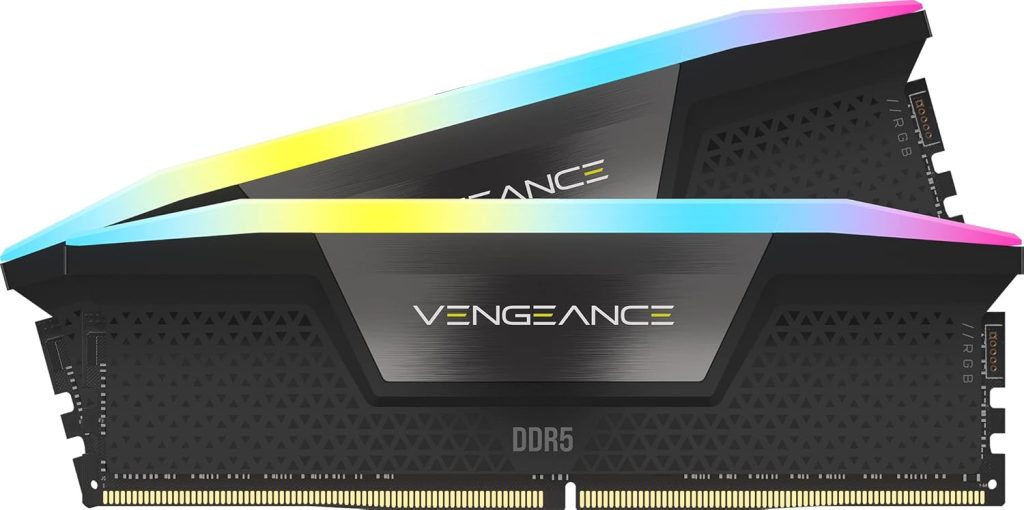
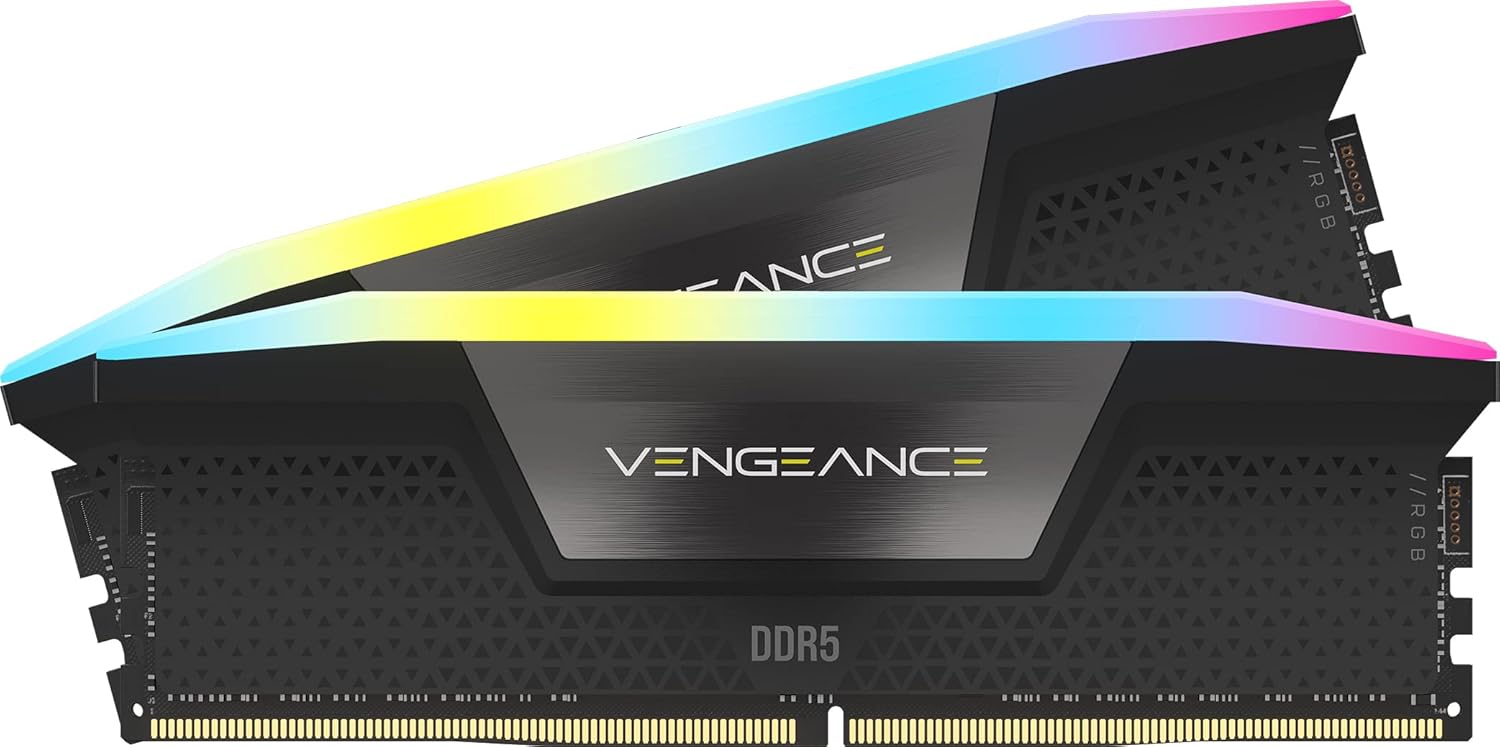
- Looks. White and RGB kits suit themed builds, for example the G.SKILL Trident Z5 Neo White or the Corsair Vengeance RGB White.
How Much RAM for Gaming in 2026?
Microsoft’s Windows 11 specifications list 4 GB of RAM as the minimum. That’s the floor for the operating system to run, not a target for a gaming PC. Here’s how we size DDR5 RAM for real builds:
| Capacity | Who it suits |
|---|---|
| 16 GB | Tight budgets and lighter games; can feel cramped with modern titles plus a browser, chat and launchers open |
| 32 GB | The standard for a new gaming PC in 2026, including gaming while streaming |
| 64 GB or more | Heavy video editing, 3D work, large sample libraries and virtual machines |
So, how much RAM for gaming? For a new build, 32 GB. It’s the capacity we recommend for nearly every gaming PC, so start by comparing 32GB DDR5 RAM kits.
Go to 64 GB only if your workload calls for it. Editors working with long 4K timelines, for example, should read our guide to the best computer for video editing before choosing.
How to Spend Less on Memory
High DDR5 RAM prices make every choice count. Here’s how our builders stretch a memory budget without regretting it later:
- Buy one matched kit. A single two-stick kit is tested to run together. Mixing two separate kits is a common source of instability.
- Use two DIMMs, not four. On Ryzen 9000, AMD’s official speed drops from DDR5-5600 to DDR5-3600 when you populate four slots. Two larger sticks beat four smaller ones.
- Prioritize capacity over extreme speed. A 32 GB DDR5-6000 kit is the sweet spot. Paying extra for much higher-rated kits is hard to justify on a gaming build.
- Compare lighting options. If RGB doesn’t matter to you, check non-RGB kits at the same speed and capacity.
- Plan upgrades as replacements. If you start with 16 GB, plan to replace it with a 32 GB two-stick kit later rather than adding two more sticks.
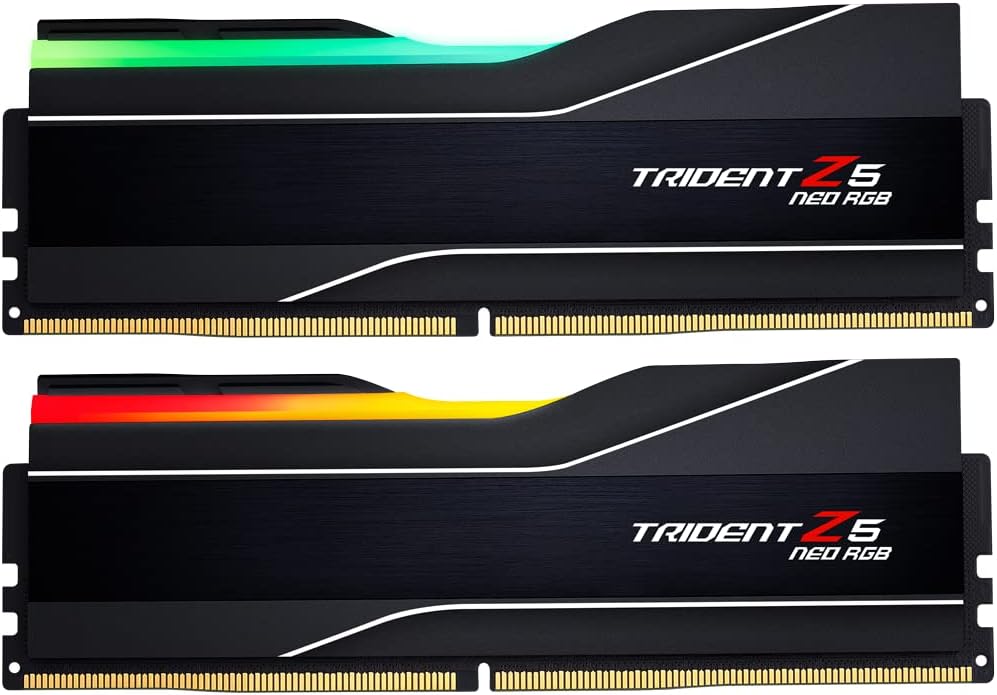
On a very tight budget, a kit like the Team Group 16GB (2x8GB) DDR5 6000 gets a system running at the right speed, with the understanding that you’ll move to 32 GB later.
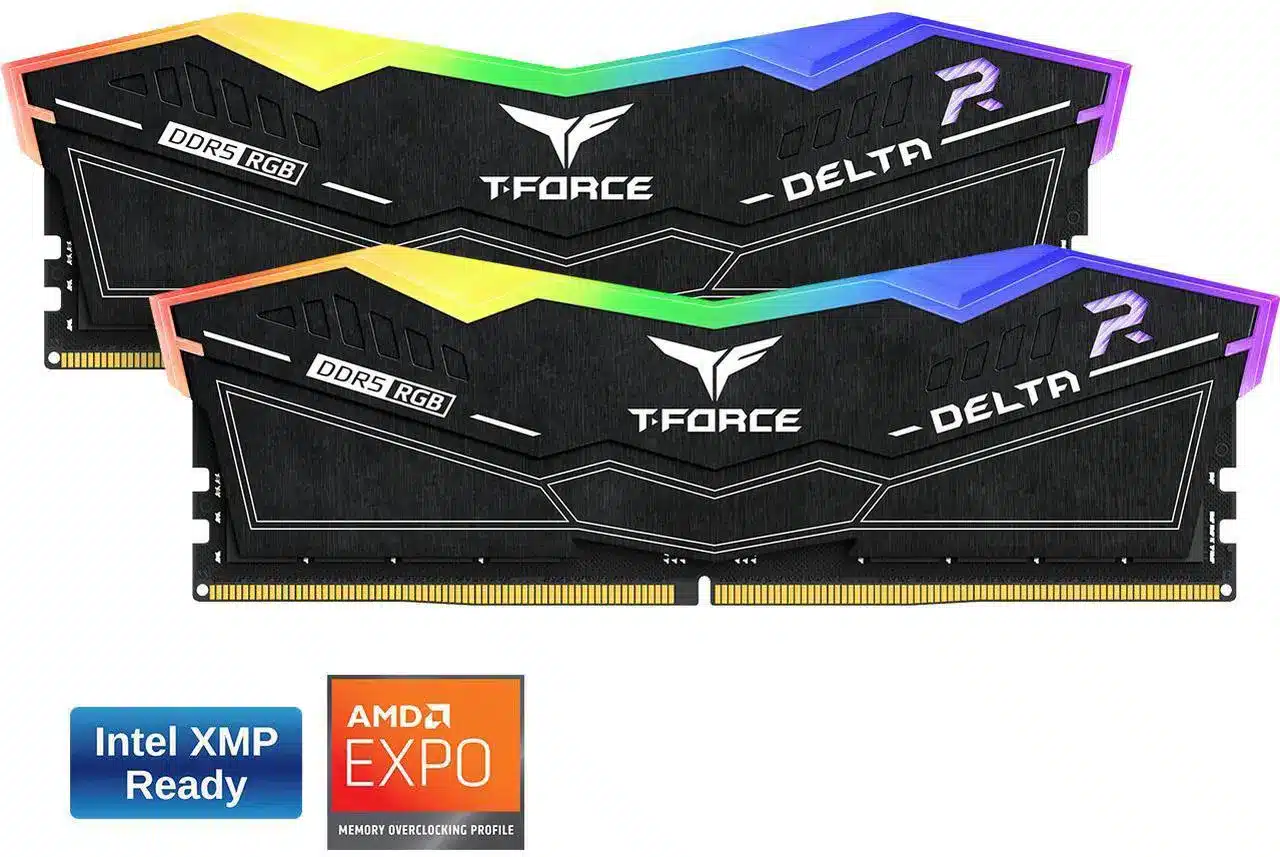
Corsair Vengeance RGB 32 GB
The Corsair Vengeance RGB 32 GB is a 32GB (2 x 16GB) DDR5 memory kit running…
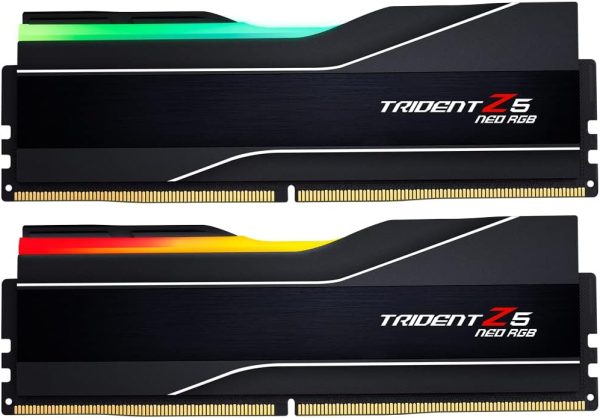
G.SKILL Trident Z5 Neo
The G.SKILL Trident Z5 Neo is a 64GB (2 x 32GB) DDR5 memory kit running at…
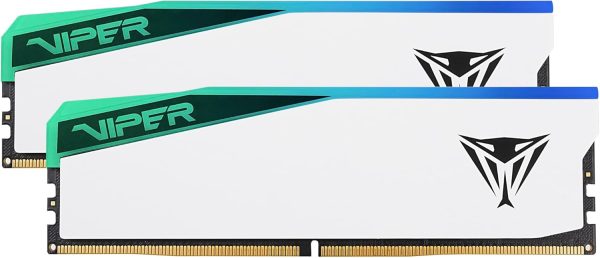
Patriot Viper Elite 5 RGB
The Patriot Viper Elite 5 RGB is a 32GB (2 x 16GB) DDR5 memory kit running…
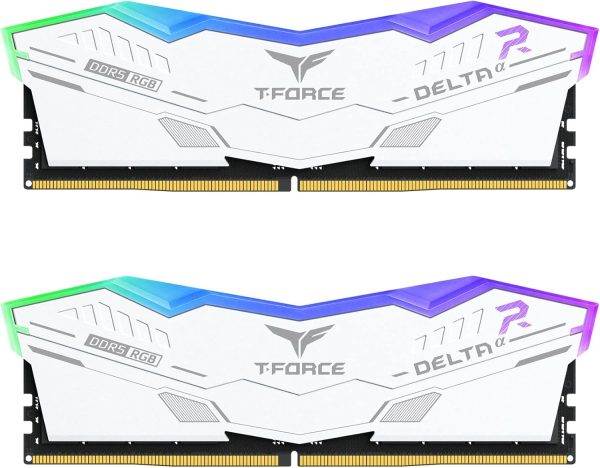
TEAMGROUP T-Force Delta RGB
The TEAMGROUP T-Force Delta RGB is a 64GB (2 x 32GB) DDR5 memory kit running at…
Should You Buy Now or Wait?
We won’t pretend to know where DDR5 RAM prices go next. Nobody can reliably predict them, because they hinge on how much capacity memory makers keep pointing at AI servers.
Here’s how we’d think about it:
- You need a PC now. Buy the capacity you need, which is 32 GB for gaming, and skip expensive speed upgrades. Waiting costs you months of use with no promise of savings.
- Your current PC still works. Waiting is a reasonable option, especially if you’re on DDR4 and happy with performance.
- You’re upgrading a DDR5 system. Only add memory if you’re actually running out. Watch Task Manager’s memory graph while you play to see real usage.
Whichever route you take, budget the memory first, then fit the rest of the build around it.
DDR5 RAM Prices FAQ
Why is DDR5 RAM so expensive right now?
Memory makers shifted production capacity to AI servers, which use HBM and server DRAM. That squeezed supply for desktop DDR5, and DRAM contract and retail prices rose several-fold year over year through 2025 and 2026.
How much RAM for gaming do I need?
32 GB is the standard for a new gaming PC in 2026. 16 GB works for tight budgets and lighter games, while 64 GB or more is for heavy video editing, 3D work, large sample libraries and virtual machines.
Will memory prices go down soon?
No one can say for certain. DDR5 RAM prices depend on how much capacity memory makers devote to AI servers versus PCs. If you need a PC now, buy the capacity you need and avoid paying extra for extreme speeds.
Is DDR5-6000 worth it over DDR5-5600?
On Ryzen 9000, DDR5-6000 EXPO kits are the common sweet spot, while AMD lists DDR5-5600 as its official two-DIMM speed. If the price difference is small, DDR5-6000 is the one to get. Enable EXPO in the BIOS either way.
Can I add a second kit later?
You can, but we don’t recommend it. Mixing kits can cause instability, and on Ryzen 9000 four DIMMs drop AMD’s official speed to DDR5-3600. Replacing your kit with a larger two-stick kit is the cleaner upgrade.
The Bottom Line
DDR5 RAM prices are high because AI data centers are absorbing memory production, and nobody can promise when that changes. Plan for it: budget memory early, buy a single 32 GB two-stick DDR5-6000 kit for gaming, enable EXPO, and step up to 64 GB only for heavy creative work. If you’re pairing memory with a new CPU, our Ryzen 7 9800X3D guide shows how it all fits together.
Browse our DDR5 memory kits for current prices. Every Luxvibe PC is hand-built to order, and upgrades and changes are always possible before we build. Questions about memory for your build? Real builders answer through our contact form or at sales@luxvibepcs.com.