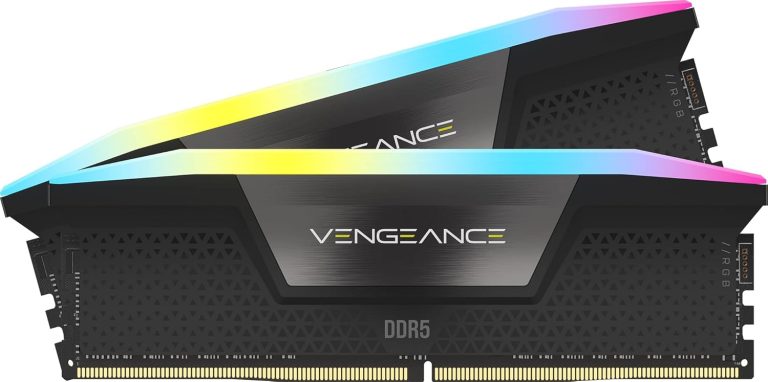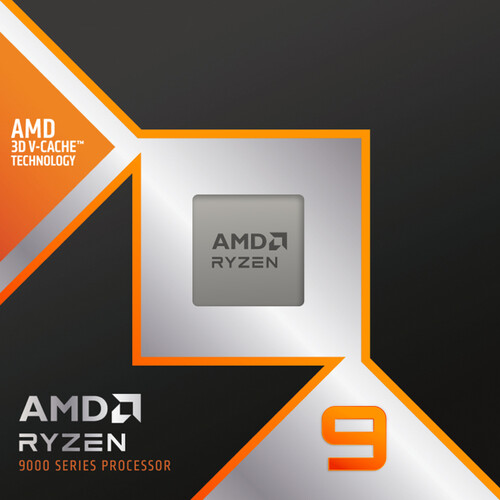
The best motherboard for 9800X3D builds is usually an X870 or X870E board, with B850 as the smart value pick. AMD’s 8-core gaming chip runs on every current AM5 chipset, so the right board depends on your graphics card, storage, USB needs and case size rather than on the CPU itself.
Below, our build team explains what the chip needs from a board, how X870E vs X870 vs B850 compare on AMD’s own spec sheet, and which boards from our lineup fit which kind of build.
In This Guide
What Makes the Best Motherboard for 9800X3D Builds
Picking the best motherboard for 9800X3D builds starts with what the processor actually asks for. According to AMD’s Ryzen 7 9800X3D spec page, it’s an AM5 chip with a 120 W default TDP, dual-channel DDR5 support and 24 usable PCIe 5.0 lanes. AMD lists support for A620, B650/B650E, X670/X670E, B840, B850, X870 and X870E.
That gives you a lot of freedom, but a few details separate a good board from a frustrating one:
- CPU overclocking support. AMD’s chipset table shows Ryzen CPU overclocking on B850, X870 and X870E, but not on A620 or B840. If you want to use Precision Boost Overdrive and Curve Optimizer on this unlocked chip, skip those two entry chipsets.
- BIOS readiness. AMD notes that 600-series boards may need a BIOS update for Ryzen 9000 processors. 800-series boards are the simpler path for a new build.
- Memory layout. AMD lists DDR5-5600 as official with two DIMMs, but only DDR5-3600 with four. Two sticks is the ideal setup, so a board with two DIMM slots isn’t a real limitation for most gamers.
- Power delivery. A 120 W default TDP is modest for a desktop chip, so you don’t need a flagship board just to run it at stock settings.
X870E vs X870 vs B850: Chipset Differences
AMD publishes the platform specs for every chipset on its AM5 chipset page. Here are the three that matter most for a new gaming build:
| Feature (AMD spec) | X870E | X870 | B850 |
|---|---|---|---|
| Graphics slot | PCIe 5.0 (1×16 or 2×8) | PCIe 5.0 (1×16 or 2×8) | PCIe 4.0 (1×16 or 2×8) |
| CPU-attached NVMe | 1×4 PCIe 5.0 plus 4 general-purpose lanes | 1×4 PCIe 5.0 plus 4 general-purpose lanes | 1×4 PCIe 5.0 |
| Usable PCIe lanes (total / PCIe 5.0) | 44 / 24 | 36 / 24 | 36 / 4 |
| USB4 | Standard | Standard | Optional |
| USB 20 Gbps / 10 Gbps (up to) | 2 / 12 | 1 / 6 | 1 / 6 |
| SATA (up to) | 8 | 4 | 4 |
| CPU and DDR5 overclocking | Yes | Yes | Yes |
The pattern is easy to read. X870 already gives you PCIe 5.0 for graphics and NVMe plus mandatory USB4. An X870E motherboard adds more lanes, more high-speed USB and more SATA on top of that. B850 keeps a PCIe 5.0 NVMe slot, but AMD’s base spec drops the graphics slot to PCIe 4.0 and makes USB4 optional.
These are platform maximums, and every X870E motherboard or X870 board spends them differently. Each board maker decides how to use the lanes, so always check the exact board’s spec page for M.2 count, slot wiring and rear I/O.
When an X870E Motherboard Is Worth It
An X870E motherboard makes sense when you’ll actually use the extra connectivity. With 44 usable PCIe lanes against 36 on X870, plus up to twice the 20 Gbps USB ports and eight SATA connections, it handles busy systems without as much lane sharing.
Choose an X870E motherboard if you:
- plan to run three or more NVMe drives, or add a capture card or other expansion cards;
- connect lots of fast USB devices, such as external SSDs, docks and audio interfaces;
- want the extra headroom for a high-end gaming and creator rig that you’ll keep for years;
- like premium extras that flagship boards tend to carry, and are happy to pay for them.
For a straightforward gaming PC with one graphics card and one or two SSDs, though, an X870E motherboard is a nice-to-have, not a must. It won’t make the CPU itself faster.
When X870 or B850 Makes More Sense
X870 is the sweet spot for most gaming builds. You still get PCIe 5.0 for the graphics card and an NVMe drive, and USB4 is standard. The cuts versus X870E are in total lanes, USB count and SATA, which most single-GPU gaming PCs never fully use.
B850 is the value play. It supports CPU and memory overclocking and keeps a PCIe 5.0 NVMe slot. The trade-offs are the PCIe 4.0 graphics slot in AMD’s base spec and optional USB4. RTX 50 Series cards and AMD’s RX 9070 and RX 9070 XT all support PCIe 5.0, so if a Gen 5 graphics slot matters to you, check the board’s spec sheet or step up to X870.
Either way, you can save meaningful money compared with an X870E motherboard and spend it where gamers feel it most: the graphics card and memory.
Best Motherboard for 9800X3D: Our Picks by Build
Every pick below for the best motherboard for 9800X3D builds uses an 800-series chipset with CPU overclocking support. We’ve grouped them by the kind of build they suit best.
High-end gaming builds (X870E)
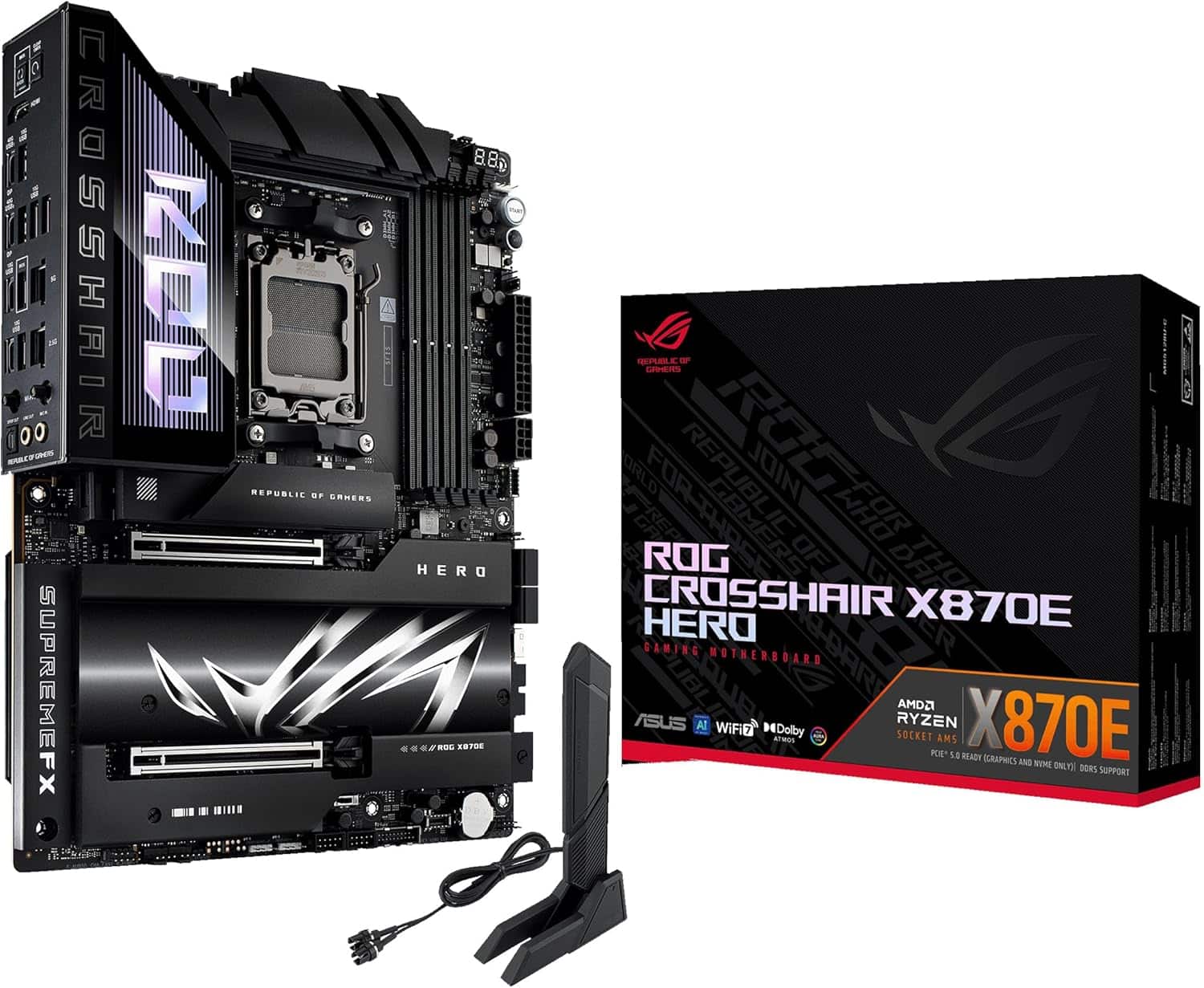
For a flagship rig, look at the ASUS ROG Crosshair X870E Hero, ASUS ROG Crosshair X870E Dark Hero, MSI MEG X870E GODLIKE and GIGABYTE X870E AORUS Master. One step down, the ASUS ROG Strix X870E-E, MSI MPG X870E Carbon, MSI MPG X870E Edge Ti, ASRock X870E Taichi and GIGABYTE X870E AORUS Pro deliver the same chipset features. If you want the best motherboard for Ryzen 7 9800X3D gaming builds with room to grow, start with an X870E board from this group.
Value X870E
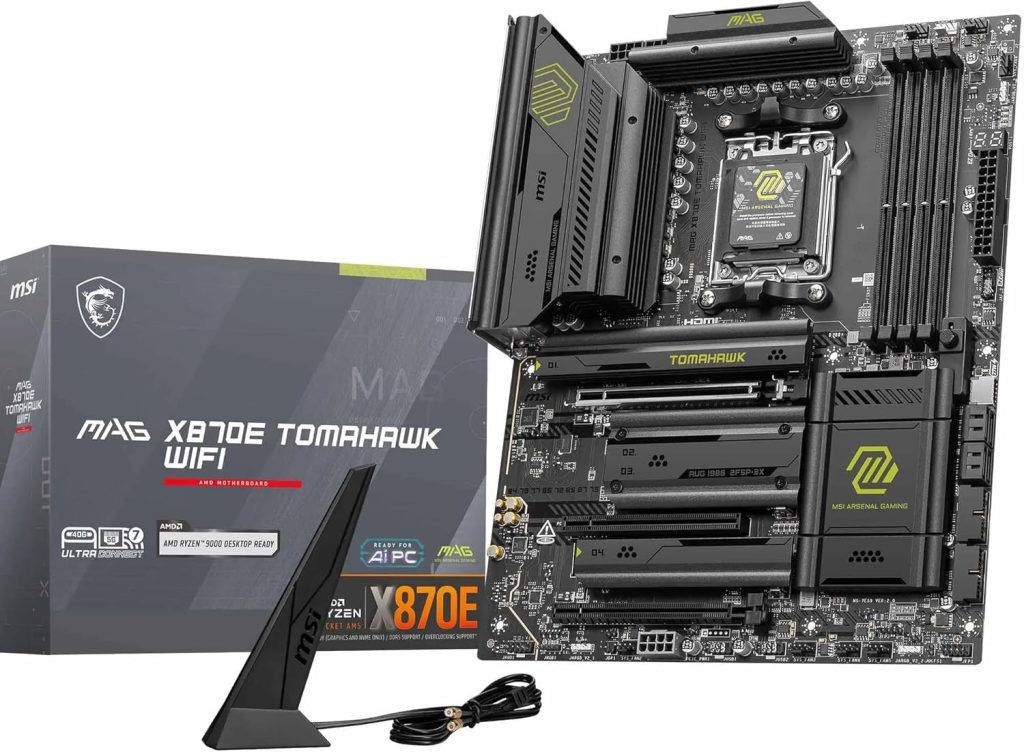
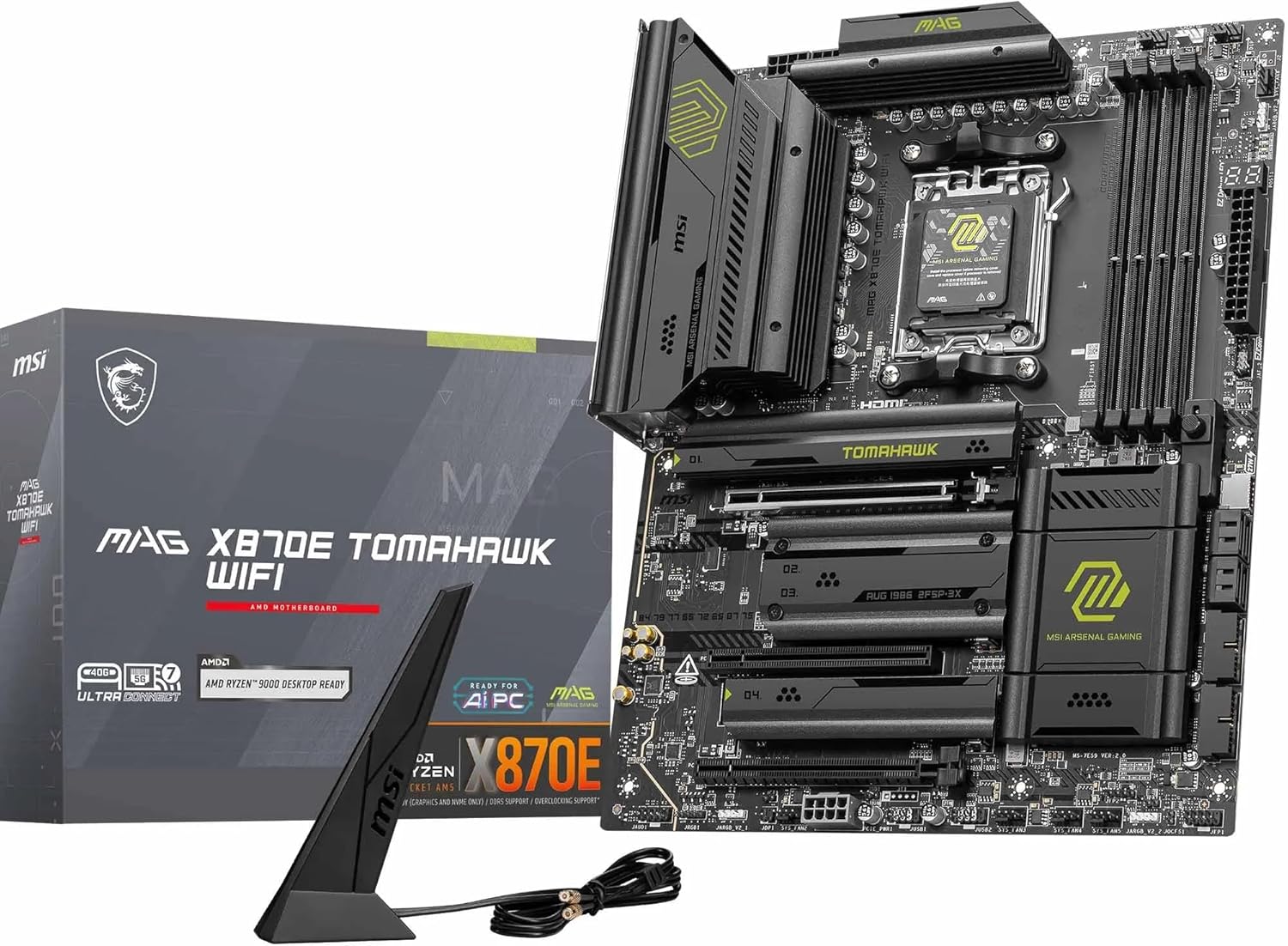
The MSI MAG X870E Tomahawk and GIGABYTE X870E AORUS Elite give you the full X870E platform, with its extra lanes, USB and SATA, without reaching for flagship pricing.
White and themed builds
For light-colored or showpiece builds, the ASRock X870E Challenger White and GIGABYTE X870E AORUS PRO ICE suit white themes. The Gigabyte X870E AERO X3D WOOD stands out with X3D right in its name and a wood-accent look.
Creator builds
The ASUS ProArt X870E-Creator is aimed at creators who game, pairing the X870E feature set with ASUS’s ProArt creator line.
Mainstream X870
The ASUS ROG Strix X870-A, ASUS TUF X870-Plus and ASUS Prime X870-P cover most gaming builds, with PCIe 5.0 graphics and NVMe plus standard USB4. For many buyers, one of these is the best motherboard for 9800X3D gaming at a sensible price.
Small builds (Mini-ITX and micro-ATX)
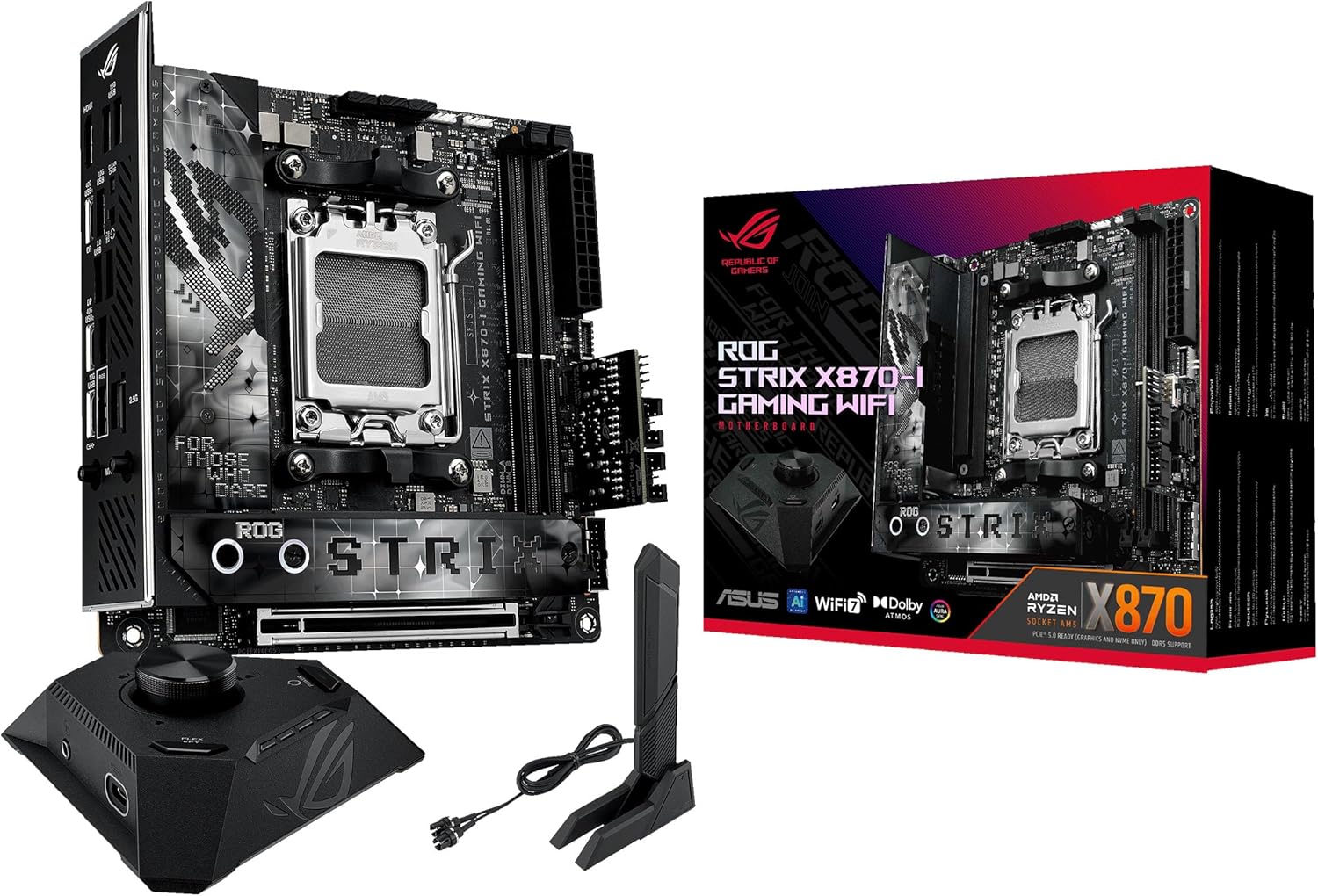
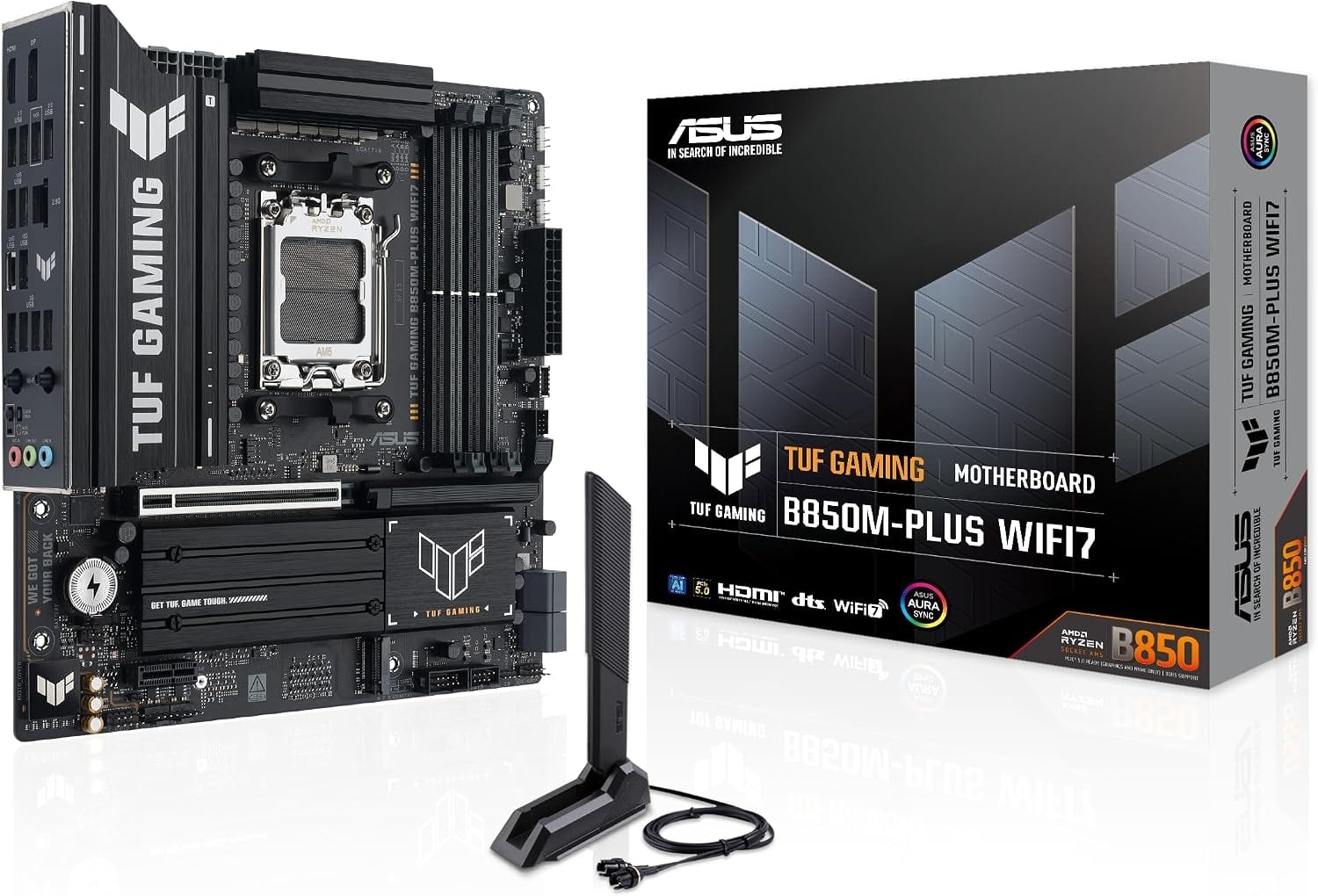
The ASUS ROG Strix X870-I is a Mini-ITX board; ASUS lists two DIMM slots and two M.2 slots, one of them PCIe 5.0 x4. That two-DIMM layout fits the 9800X3D’s ideal memory setup perfectly. For a compact build on a budget, the ASUS TUF B850M-PLUS is a micro-ATX B850 board with CPU overclocking support and a PCIe 5.0 NVMe slot on the chipset spec.
MSI MAG X870E Tomahawk WiFi
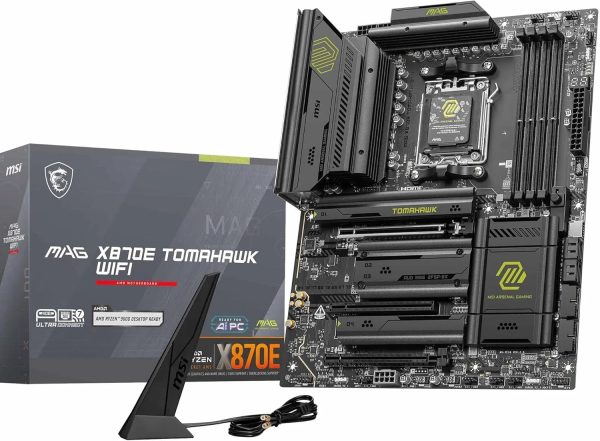
The MSI MAG X870E Tomahawk WiFi is an X870E motherboard, giving your build a solid, feature-rich…
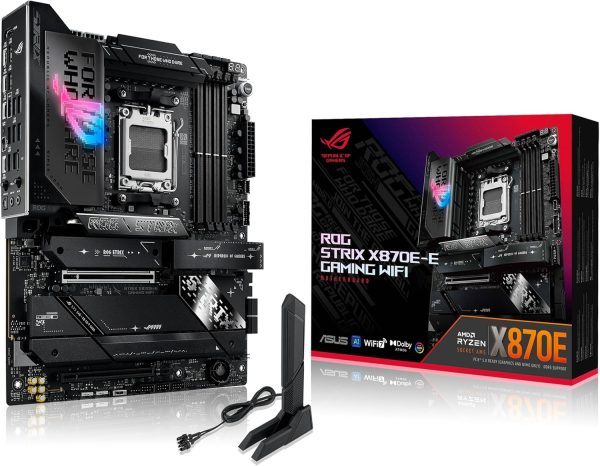
ASUS ROG Strix X870E-E Gaming WiFi
The ASUS ROG Strix X870E-E Gaming WiFi is an X870E ATX motherboard, giving your build a…
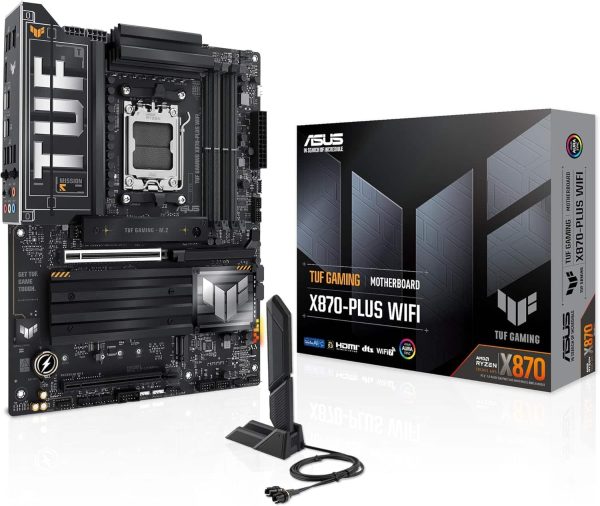
ASUS TUF Gaming X870-Plus WiFi 7
The ASUS TUF Gaming X870-Plus WiFi 7 is an X870 ATX motherboard, giving your build a…
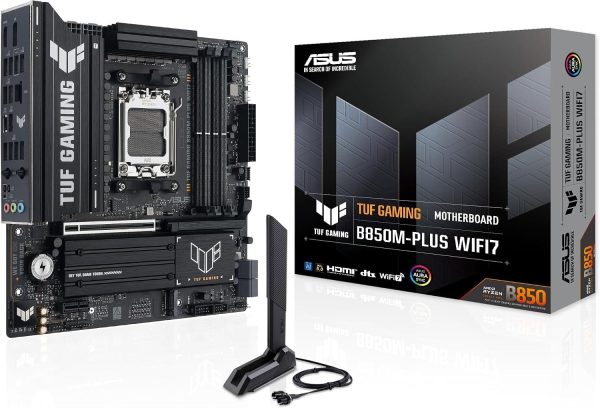
ASUS TUF Gaming B850M-PLUS WIFI7 AMD B850 mATX Motherboard
The ASUS TUF Gaming B850M-PLUS WIFI7 AMD B850 is an B850 Micro-ATX motherboard, giving your build…
Five Checks Before You Buy
Before you order an X870E motherboard or a budget board, run through this list:
- Form factor. Match the board to your case: ATX, micro-ATX or Mini-ITX.
- M.2 slots. Count them, and note which ones run at PCIe 5.0 and which share lanes with other slots.
- Rear I/O. Check USB4, USB-C, networking and Wi-Fi against the devices you actually use.
- Memory plan. Two DIMMs at DDR5-6000 with EXPO is the common sweet spot. With memory expensive in 2026, read our guide to DDR5 RAM prices before you budget.
- Cooler fit. The 9800X3D ships without a cooler, and AMD recommends liquid cooling. Make sure your case fits the radiator of the AIO cooler you plan to use, and see our AIO buying guide for sizing tips.
Best Motherboard for 9800X3D FAQ
Do I need an X870E motherboard for the 9800X3D?
No. An X870E motherboard adds lanes, USB and SATA, but it doesn’t make the CPU faster. X870 gives you PCIe 5.0 graphics, PCIe 5.0 NVMe and USB4, which covers most gaming builds.
What is the best motherboard for Ryzen 7 9800X3D on a budget?
A B850 board such as the ASUS TUF B850M-PLUS. It supports CPU overclocking and has a PCIe 5.0 NVMe slot. Avoid A620 and B840 if you want PBO, since AMD doesn’t list CPU overclocking for those chipsets.
Will the 9800X3D work on a B650 or X670 board?
Yes. AMD lists B650, B650E, X670 and X670E as supported. These 600-series boards may need a BIOS update before they recognize Ryzen 9000 chips, so update first.
Does the motherboard affect gaming performance?
The chipset on its own doesn’t change how fast the CPU runs games at stock settings. Memory configuration, EXPO, cooling and your graphics card have a bigger influence. Pick the board for features, fit and connectivity.
Is Mini-ITX a good choice for this CPU?
Yes. The chip’s 120 W default TDP suits compact builds, and two DIMMs is AMD’s ideal memory setup anyway. Just plan cooling and case airflow carefully.
The Bottom Line
For most gamers, the best motherboard for 9800X3D builds is a solid X870 board: PCIe 5.0 graphics and storage, standard USB4 and full overclocking support. Choose an X870E motherboard if you need more drives, USB and expansion, and choose B850 if you’d rather put the savings into your GPU and RAM. Want more on the chip itself? Read our Ryzen 7 9800X3D guide.
Browse our full range of AM5 motherboards to compare current prices. Every Luxvibe PC is hand-built to order, and upgrades and changes are always possible before we build. Not sure which board fits your case and parts? Real builders answer through our contact form or at sales@luxvibepcs.com.