A dual PC streaming setup splits the work between two computers: a gaming PC runs the game at full speed, while a second PC captures that video, adds your camera, overlays and alerts, then encodes and sends the broadcast. Big streamers relied on it for years, and it still has a place in 2026.
Below, our builders explain how video and audio flow between the machines, what you need to buy, when a dual PC streaming setup is still worth it now that GPU encoders have improved, and how to connect everything step by step.
In This Guide
How a Dual PC Streaming Setup Works
The gaming PC sends video from its graphics card to a capture card in, or attached to, the second machine. OBS Studio on that stream PC treats the capture card as a source, just like a webcam, and builds your scene around it. Your own monitor still gets the gaming PC’s full-quality output.
Intel’s guide to dual PC streaming describes two capture options. An internal card installs in the stream PC, with the gaming PC’s graphics card cabled to it. An external card takes HDMI from the gaming PC and connects to the stream PC over USB. Intel also mentions network-based capture over Ethernet with NDI, but calls its setup complicated.
In a dual PC streaming setup, the work flows like this:
- The game renders on the gaming PC.
- Video goes to your monitor and to the capture card.
- The stream PC composites your scene in OBS.
- The stream PC encodes the video and uploads it.
Do You Still Need Two PCs in 2026?
For most people, no. Modern graphics cards carry dedicated encoders, and the OBS knowledge base says hardware encoders are generally recommended over x264 software encoding for best performance. Every RTX 50 card can encode AV1, so a well-built single streaming PC covers nearly every streamer.
A 2 PC streaming setup still earns its place when:
- You run production-heavy shows with several cameras, scene automation and separate local recordings.
- You prefer CPU-based x264 encoding and don’t want it competing with your game.
- You want the broadcast to keep running if the game crashes or needs a restart.
- You play CPU-heavy competitive games and want every core on the gaming PC for the game.
- You already own a capable second PC.
The costs are real, too: a second machine, a capture card, extra cables, often a mixer, and more setup time. Intel lists a second set of peripherals and a display among the extras.
What You Need for a 2 PC Streaming Setup
Here’s the shopping list for a typical dual PC streaming setup:
- A gaming PC: Built for your games; encoding isn’t its job anymore.
- A stream PC: Runs OBS, your camera, alerts and chat, and does the encoding.
- A capture card: Check both its capture resolution and its passthrough resolution and refresh rate, since they’re often different specs. Passthrough should match your gaming monitor.
- Cables: HDMI or DisplayPort rated for your monitor’s resolution and refresh rate.
- Audio gear: A mixer with two outputs, or a plan for routing your mic to both PCs.
- A second display and input devices: Or a KVM switch to share one keyboard and mouse.
- Wired Ethernet: For the stream PC at minimum.
Choosing the Gaming PC and the Stream PC
The gaming PC. In a dual PC streaming setup, encoding moves off this machine, so spend on the graphics card and a gaming CPU such as the Ryzen 7 9800X3D. Then tune it with our guide on how to optimize PC for gaming, including running your monitor at its full refresh rate.
The stream PC. The second half of a 2 PC streaming setup doesn’t need flagship gaming power, but it does need a strong hardware encoder. Every RTX 50 card has 9th-generation NVENC with AV1 encoding; the RTX 5070 Ti and RTX 5080 have two encoders and the RTX 5090 has three. AMD’s RX 9070 XT uses the AMF encoder, which OBS also supports. Add 32 GB of RAM and a separate NVMe drive for local recordings.
If you plan to use x264 on the stream PC instead, cores matter most; a 16-core Ryzen 9 9950X3D gives software encoding plenty of room. Either way, match your bitrate to the platform. YouTube’s live encoder settings recommend 17 Mbps for 1080p at 60 fps with H.264, or 12 Mbps with AV1 or H.265, plus a 2-second keyframe interval.
Audio Routing: The Tricky Part
Audio is where most dual PC streaming setups get complicated. Game sound travels with the video through the capture card, so the stream PC receives it automatically. Your microphone usually connects to the stream PC so viewers hear you. The catch is voice chat: Discord or in-game chat runs on the gaming PC, which also needs your mic.
- Hardware mixer: Intel suggests a mixer with two channels so your mic feeds both PCs.
- Two mics: A main mic on the stream PC and a headset mic on the gaming PC for chat. Simple, but both mics may pick you up.
- Headphones: To hear what viewers hear, Intel recommends plugging headphones into the stream PC and selecting the capture card’s audio, or using a splitter.
Capture adds a small delay, so check that your mic lines up with your gameplay. OBS lets you offset audio per source to fix any mismatch.
How to Connect a Dual PC Streaming Setup
- Install OBS on the stream PC, plus your capture card’s driver or software if it needs one.
- Connect the gaming PC’s graphics card to the capture card input, then connect the capture card’s passthrough output to your gaming monitor. With an internal card, run a second GPU output to it instead.
- On the gaming PC, set Windows to duplicate the display to the capture output, as Intel recommends, so the capture card doesn’t limit your main monitor.
- In OBS on the stream PC, add a Video Capture Device source for the card and set its resolution and frame rate.
- Route audio: capture card audio for the game, your mic on the stream PC, and a plan for chat.
- Set the encoder to NVENC or AMF, then pick a bitrate within your platform’s guidance and your upload speed.
- Run a private test stream and a local recording. Check audio sync, dropped frames and alerts before your dual PC streaming setup goes live.
Two PCs vs One: Side by Side
| Factor | Single PC | Dual PC |
|---|---|---|
| Hardware | One PC | Two PCs, a capture card, often a mixer |
| Setup | Simple | More cables and audio routing |
| Encoding load | Shared with the game | Moved to the stream PC |
| If the game crashes | The stream goes down with it | The broadcast can keep running |
| Desk space and power | One machine | Two machines |
| Best for | Most streamers | Production-heavy shows and x264 fans |
If the right column looks like more than you need, it probably is. A 2 PC streaming setup is a production tool, not a requirement.
Our Picks for Each Side of the Desk
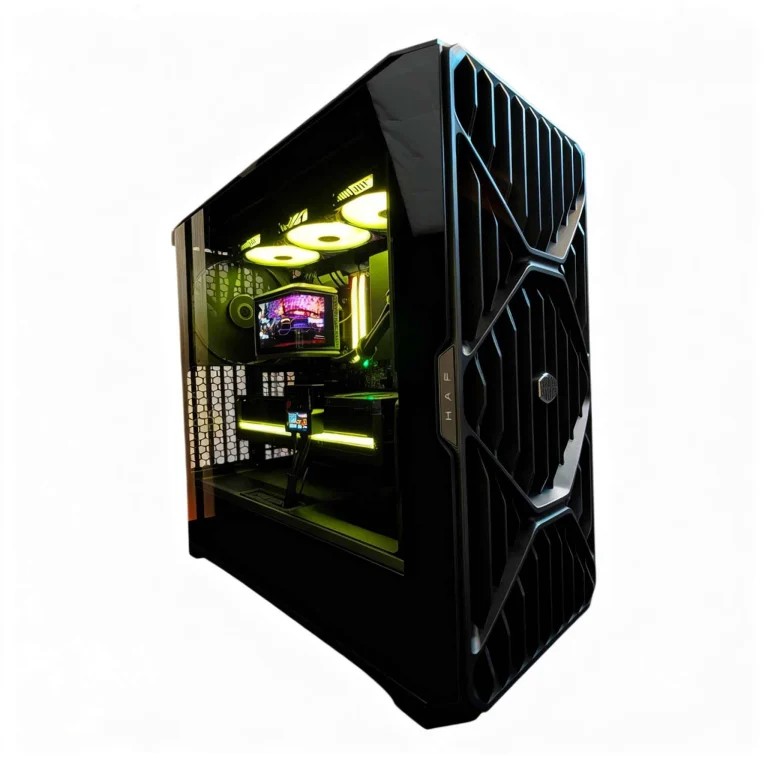
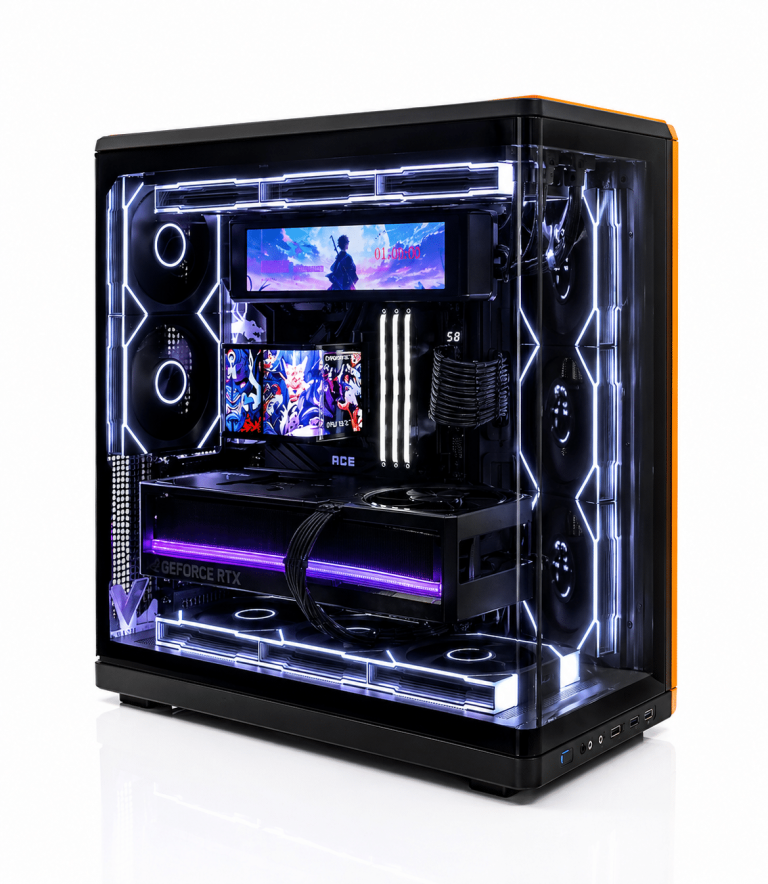
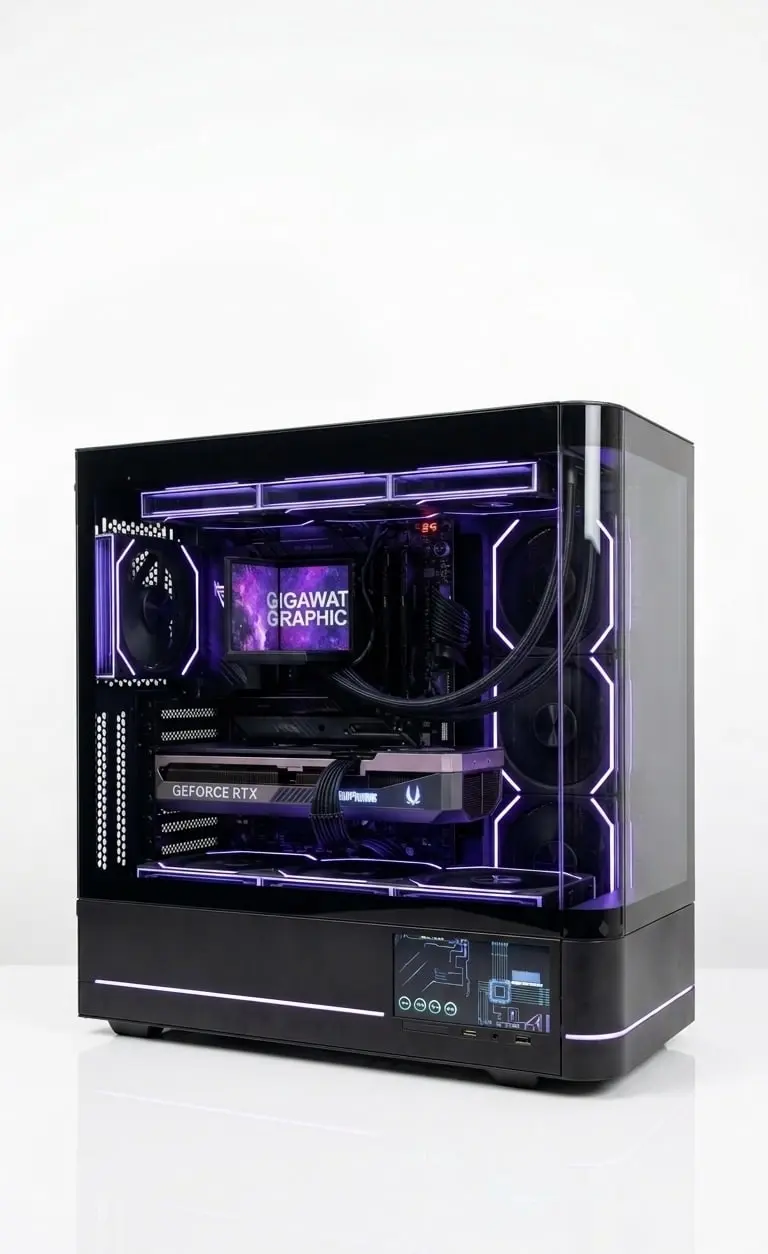
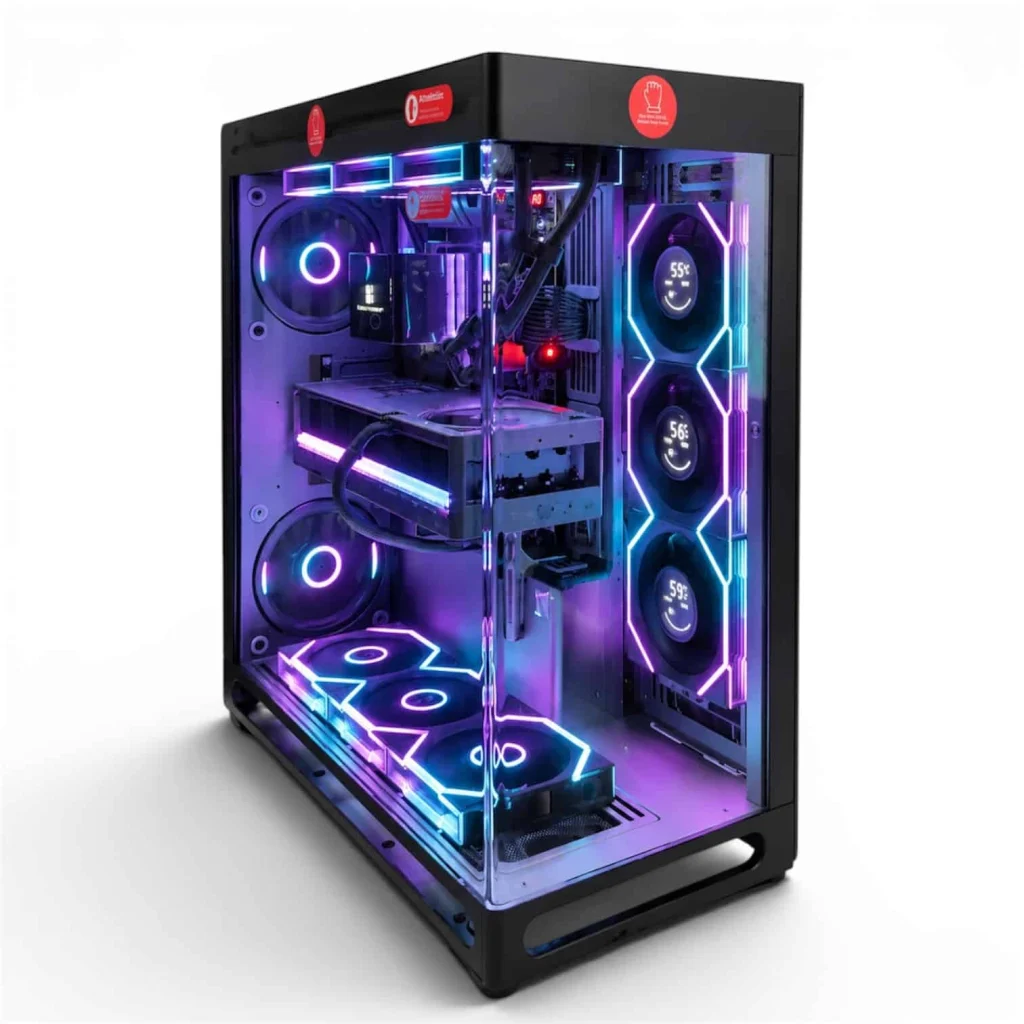
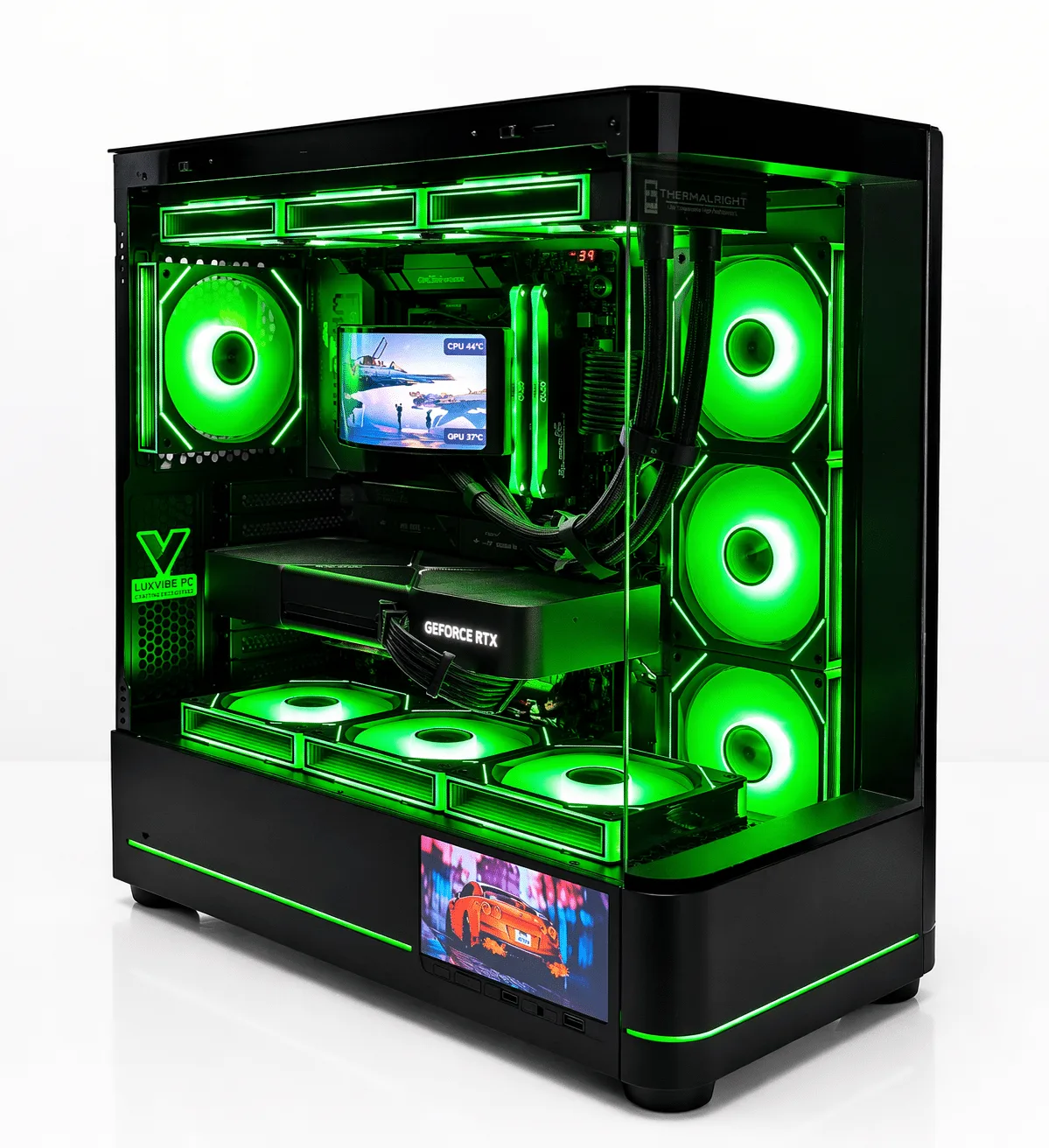
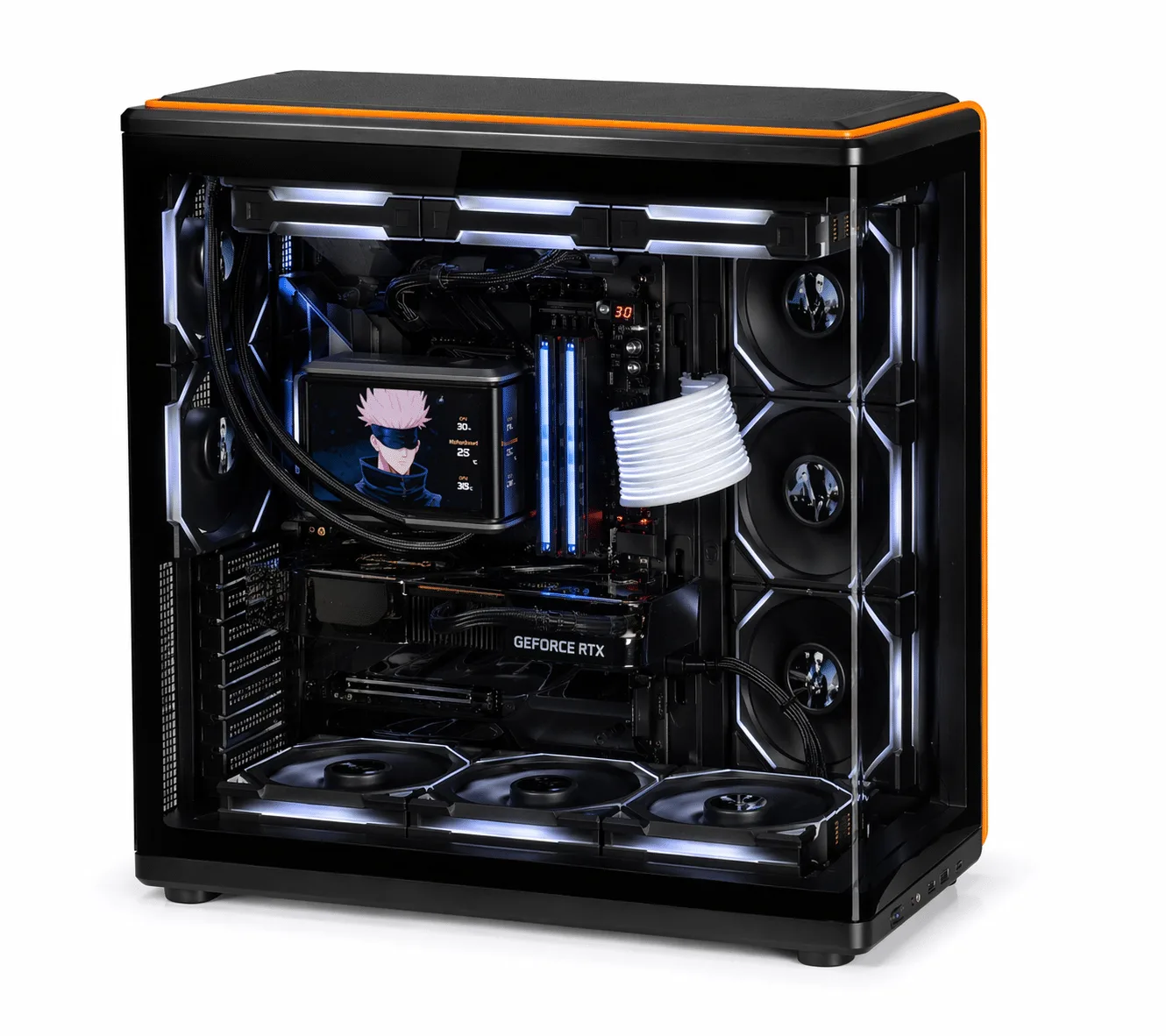
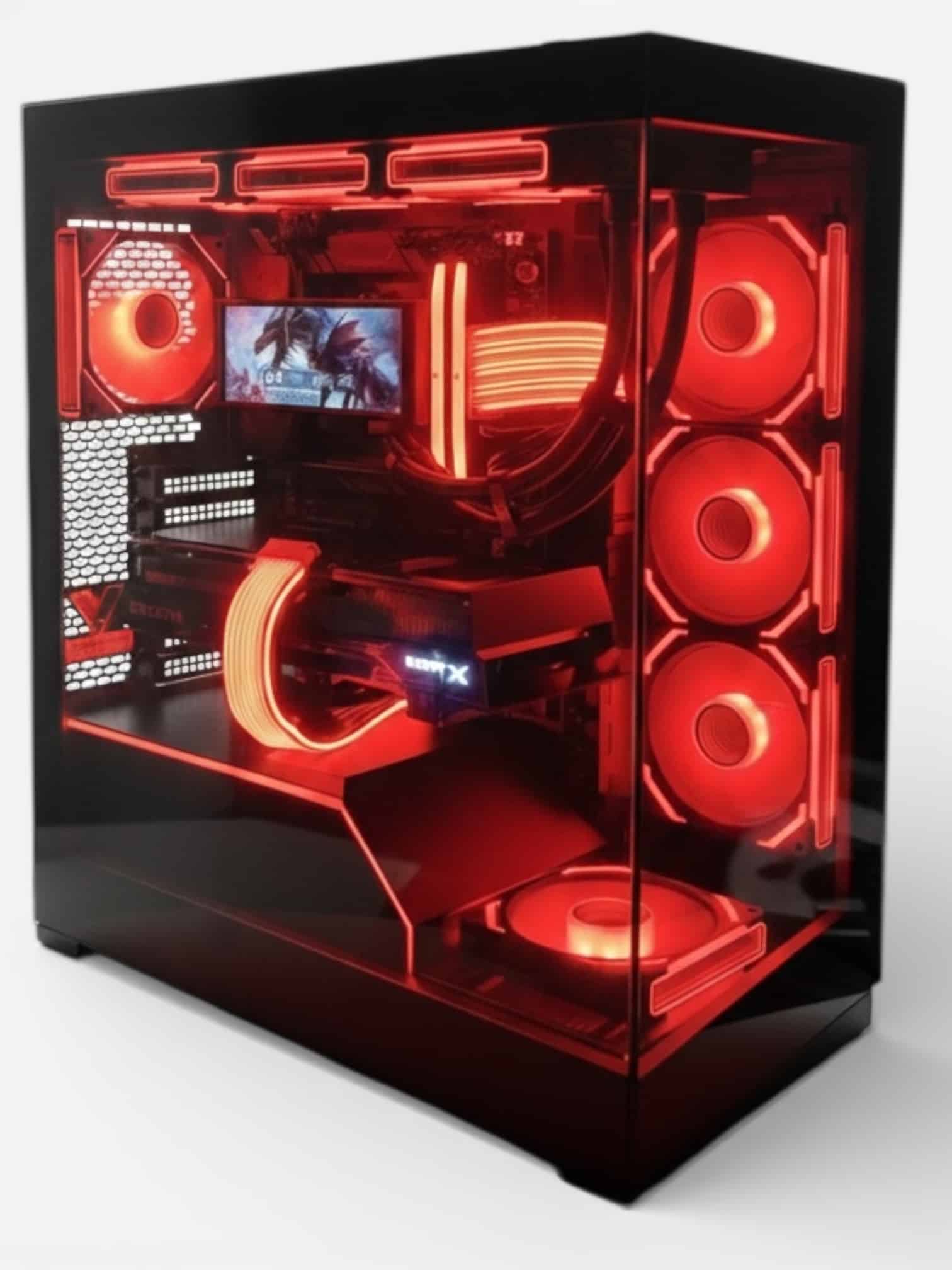
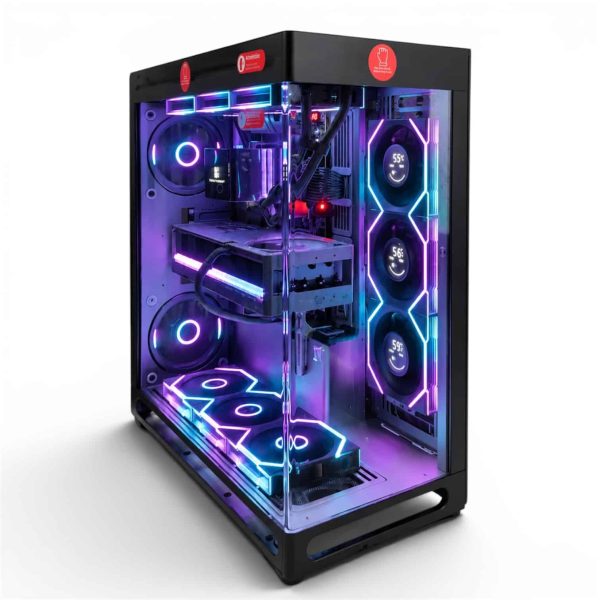
Every Luxvibe PC is hand-built to order, and upgrades and changes are always possible before we build, so we can size each machine for its role in your dual PC streaming setup.
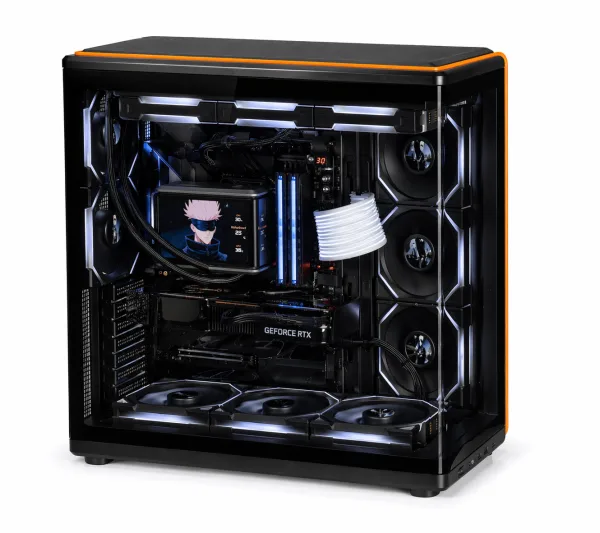
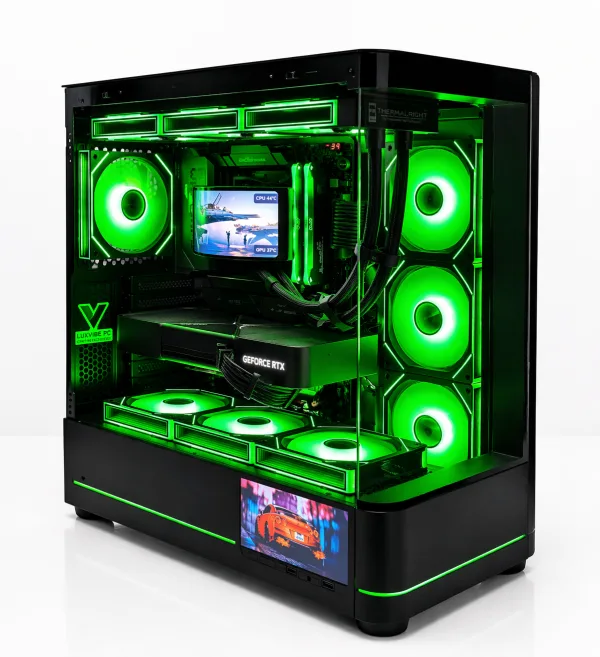
- Gaming side: The LUX View 5090 for maximum frame rates, or the LUX View 5080 for a strong RTX 5080 build.
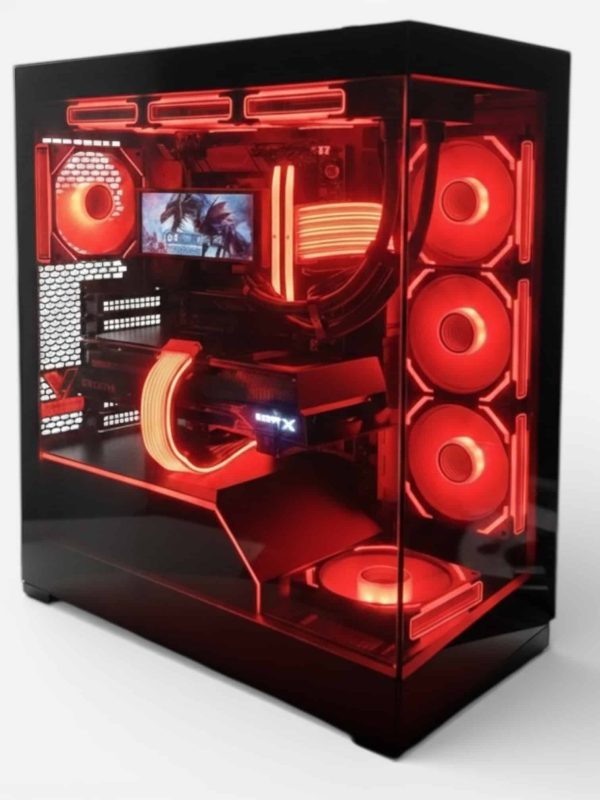
- Stream side: The LUX Optic 5070ti Core, with two 9th-gen NVENC encoders and AV1, or the Lux Nv5 Black 9070XT if you prefer AMD’s AMF encoder.
See every creator PC we build for more options on either side.
LUX View 5090
- GPURTX 5090
- CPURyzen 9 9950X3D
- RAM64GB DDR5
- SSD4TB NVMe
LUX View 5080
- GPURTX 5080
- CPURyzen 9 9950X3D
- RAM64GB DDR5
- SSD4TB NVMe
LUX Optic 5070ti Core
- GPURTX 5070 Ti
- CPURyzen 7 9800X3D
- RAM32GB DDR5
- SSD2TB NVMe
Lux Nv5 Black 9070XT
- GPURX 9070 XT
- CPURyzen 7 9800X3D
- RAM32GB DDR5
Dual PC Streaming Setup FAQ
Is a dual PC streaming setup worth it in 2026?
For most streamers, no. Hardware encoders on RTX 50 and Radeon RX 9000 cards make one-PC streaming practical. Two PCs are worth it for production-heavy shows, x264 encoding or keeping the broadcast alive through game crashes.
What capture card do I need for a 2 PC streaming setup?
One that captures at your stream resolution and frame rate and passes through your monitor’s full resolution and refresh rate. Choose internal or external based on whether the stream PC has a free slot.
Can I use NDI instead of a capture card?
Yes. NDI sends video between the two machines in a dual PC streaming setup over your network instead of a capture card. Intel notes the setup is more complicated, and it relies on a solid wired connection, so most people start with a capture card.
Does the stream PC need a powerful graphics card?
It needs a good encoder more than gaming power. Any RTX 50 card brings 9th-gen NVENC with AV1, and the RX 9070 XT uses AMD’s AMF encoder. If you encode with x264 instead, prioritize CPU cores.
The Bottom Line
A dual PC streaming setup moves capture, scenes and encoding to a second machine. It’s powerful for complex productions and x264 purists, but most streamers in 2026 will be happier with one well-built PC and its hardware encoder. If you go with two, spend on the gaming PC’s GPU and CPU and give the stream PC a modern encoder, 32 GB of RAM and a recording drive.
Browse our creator PCs, or email our builders at sales@luxvibepcs.com or use the contact form with your games and platform. Real builders answer your questions.