The best computer for video editing in 2026 pairs a GeForce RTX 50 Series graphics card with plenty of VRAM, a 12- to 16-core processor, 64 GB of RAM and separate NVMe drives for your system, media and cache. Get those four right and timelines scrub smoothly, effects run on the GPU and exports stop eating your afternoon.
Below, our builders explain how editing apps like DaVinci Resolve and Premiere Pro use each part, what to prioritize for the footage you shoot, and which hand-built systems we’d pick at each level.
In This Guide
What Makes the Best Computer for Video Editing
Editing loads a PC in three phases. Playback decodes compressed footage in real time, often several streams at once. Effects, color grading, noise reduction and AI tools lean hard on the GPU. Exports encode the finished timeline, using dedicated encoder hardware or the CPU.
The software has moved toward the GPU. Blackmagic says the free version of DaVinci Resolve 21 works with virtually all 8-bit formats at up to 60 fps and Ultra HD 3840 x 2160, while Resolve Studio adds 10-bit video at up to 120 fps, resolutions beyond 4K and over 100 GPU- and CPU-accelerated Resolve FX. Adobe Premiere Pro also uses GPU acceleration. So in either app, a strong video editing PC starts with the graphics card.
GPU: The Biggest Lever in a Video Editing PC
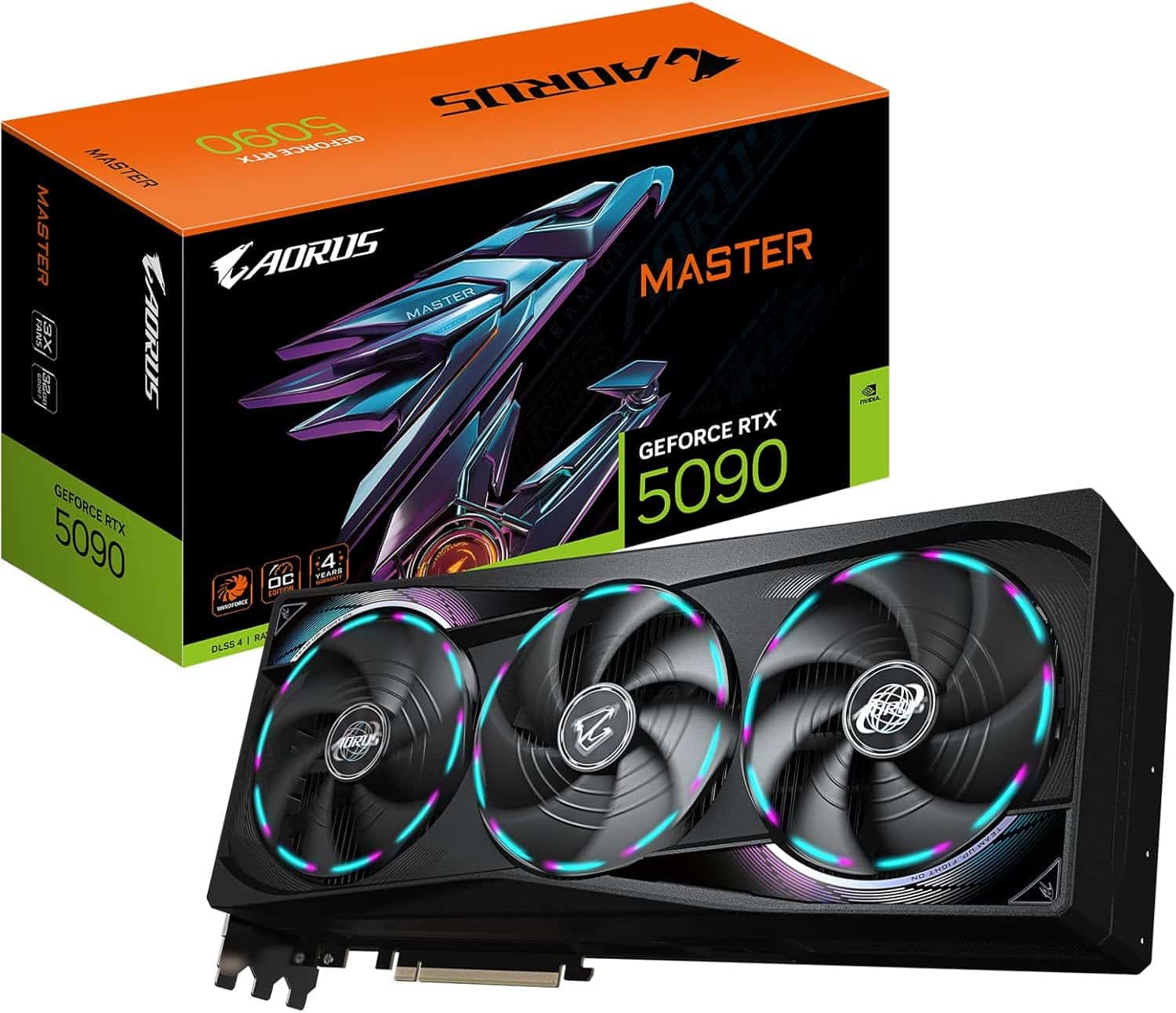
The graphics card decodes footage (NVDEC on NVIDIA cards), runs effects and AI tools, and encodes exports (NVENC). RTX 50 Series added hardware decode support for 4:2:2 video, and NVIDIA’s Studio page says creators can now work with 4:2:2 footage seamlessly, with no proxies needed, while up to three dedicated encoders speed up exports. That matters if your camera records 10-bit 4:2:2.
| Spec | RTX 5090 | RTX 5080 | RTX 5070 Ti |
|---|---|---|---|
| VRAM | 32 GB GDDR7 | 16 GB GDDR7 | 16 GB GDDR7 |
| NVENC encoders | 3x 9th gen | 2x 9th gen | 2x 9th gen |
| NVDEC decoders | 2x 6th gen | 2x 6th gen | 1x 6th gen |
| CUDA cores | 21,760 | 10,752 | 8,960 |
| Launch MSRP | $1,999 | $999 | $749 |
The RTX 5090 has roughly twice the CUDA cores and twice the VRAM of the RTX 5080, plus a third encoder. For 4K timelines with effects, we treat 16 GB of VRAM as the floor; 32 GB is the comfortable choice for 6K and 8K, heavy Fusion work and AI tools. Street prices are well above MSRP in 2026 because of the memory shortage, so check our product pages for current pricing.
AMD’s Radeon RX 9070 XT, with 16 GB of GDDR6, also works in the major editors; check that your app supports hardware decoding for your camera’s codec before you choose. Whichever card you pick, install NVIDIA Studio Drivers or current AMD drivers rather than a random beta.
CPU: Cores for Exports, Speed for the Timeline
The processor still matters in a video editing computer. It handles codecs the GPU can’t decode, some effects, software exports and everything else on your desktop. More cores help exports and multitasking, while strong per-core speed keeps the interface responsive.
The CPU matters most when the GPU can’t help. Footage your graphics card can’t decode in hardware falls back to the processor, and so do software exports. If you cut long-GOP camera files, check your GPU’s decode support first; if you export with software encoders for final masters, give the CPU more cores.
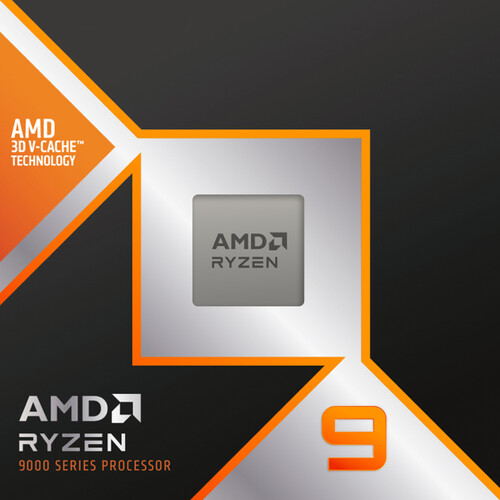
- Ryzen 9 9950X3D: 16 cores, 32 threads, up to 5.7 GHz and 128 MB of L3 cache. Our default for serious editors.
- Ryzen 9 9900X3D: 12 cores and up to 5.5 GHz. A solid step down for 4K work.
- Ryzen 7 9800X3D or 9850X3D: 8 cores. Fine for 1080p and lighter 4K, but built for gaming first.
- Intel Core Ultra 9 285K: 24 cores (8 performance plus 16 efficient), the main Intel option.
RAM and Storage for a Video Editing Computer
RAM. 32 GB handles 1080p and light 4K. We recommend 64 GB or more for heavy 4K, 6K and 8K timelines, layered effects and running other creative apps alongside your editor. AMD lists DDR5-5600 as official with two modules but DDR5-3600 with four, so two 32 GB modules beat four 16 GB sticks. At the time of writing, 64 GB kits run roughly $1,000 to $1,400; see current DDR5 RAM prices for context.
Storage. Split the load across drives so playback, caching and exports don’t fight over one SSD:
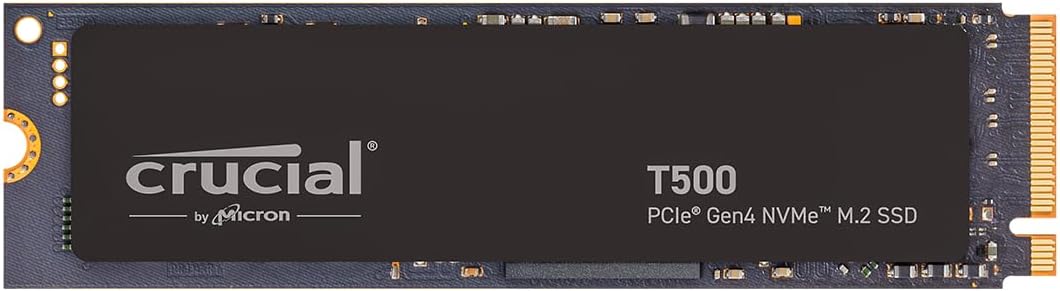
- Drive 1: Windows and apps on an NVMe SSD.
- Drive 2: Active project media on a fast NVMe SSD.
- Drive 3: Cache, proxies and render files.
- Archive: Larger, slower storage for finished projects, plus a separate backup.
Best PC for Video Editing by Footage Type
The best PC for video editing is the one matched to your footage. Use this as a starting point:
| Your footage | GPU | CPU | RAM | Drives |
|---|---|---|---|---|
| 1080p, YouTube and social | RTX 5070 Ti | 8 to 12 cores | 32 GB | 2 NVMe |
| 4K, 8-bit or 10-bit 4:2:0 | RTX 5080 | 12 to 16 cores | 64 GB | 3 NVMe |
| 4K or 6K 10-bit 4:2:2, color grading | RTX 5090 | 16 cores | 64 to 128 GB | 3+ NVMe |
| 8K, heavy VFX and AI tools | RTX 5090 | 16 cores | 128 GB | 3+ NVMe plus archive |
Torn between the top two cards? Our RTX 5080 vs 5090 breakdown compares them spec by spec. If your days also include long 3D renders or simulations, a full workstation PC may fit better than a video editing PC.
Mistakes to Avoid
These are the problems we see most often when editors describe a slow video editing computer:
- Buying a top CPU with a weak GPU: Modern editors push playback, effects and exports onto the graphics card, so balance the budget.
- Running out of VRAM: 6K and 8K timelines with effects and AI tools can push past 16 GB. Plan for the footage you’ll shoot next year, not just this year.
- One drive for everything: Media, cache and the system on a single SSD compete for bandwidth during playback and export.
- Four small RAM sticks: On Ryzen 9000, four modules drop the official memory speed. Two larger modules are the better path.
- No backup plan: Client footage deserves a second copy on a separate device.
Our Picks for the Best Computer for Video Editing
Every Luxvibe PC is hand-built to order, and upgrades and changes are always possible before we build, so you can add RAM or extra NVMe drives to any of these.
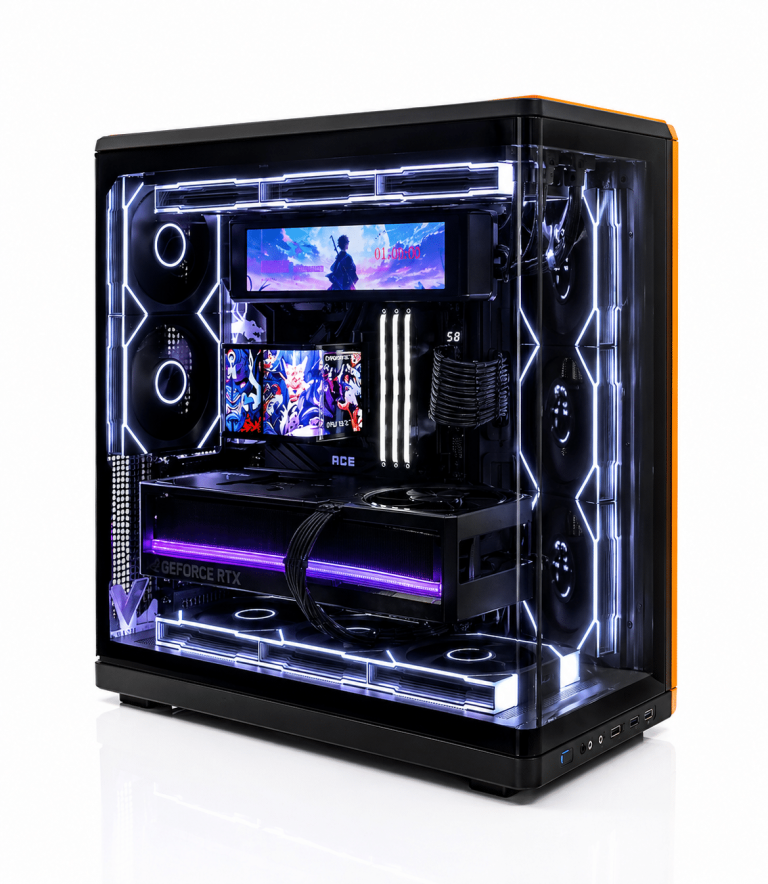
- LUX Optic 5070ti Core: The entry pick for 1080p and lighter 4K, with two NVENC encoders and 16 GB of VRAM.
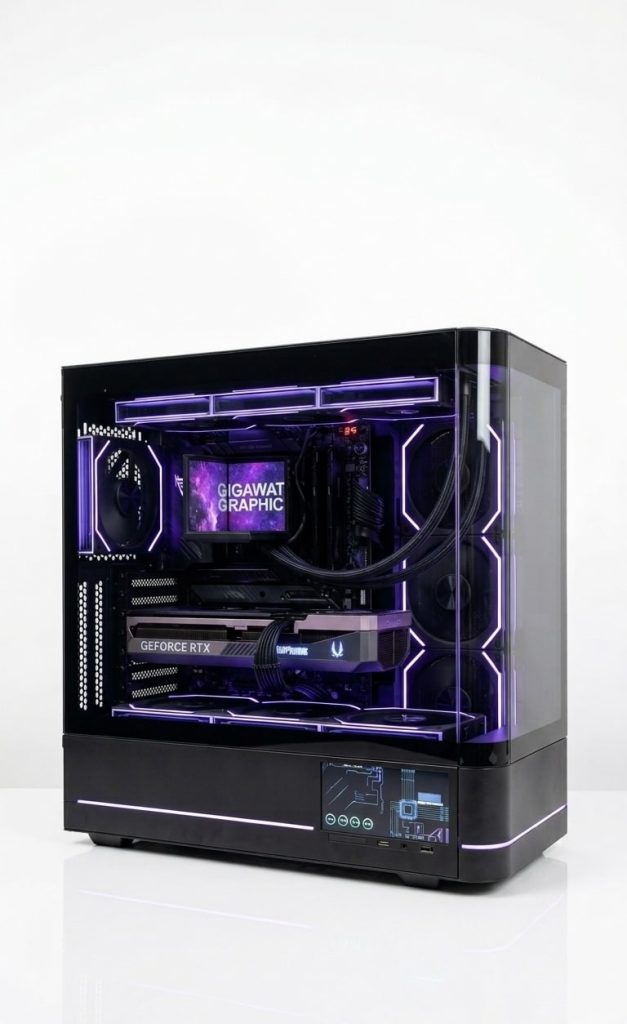
- LUX Optic 5080 Pro: Our 4K pick. The RTX 5080 has two encoders and two decoders.
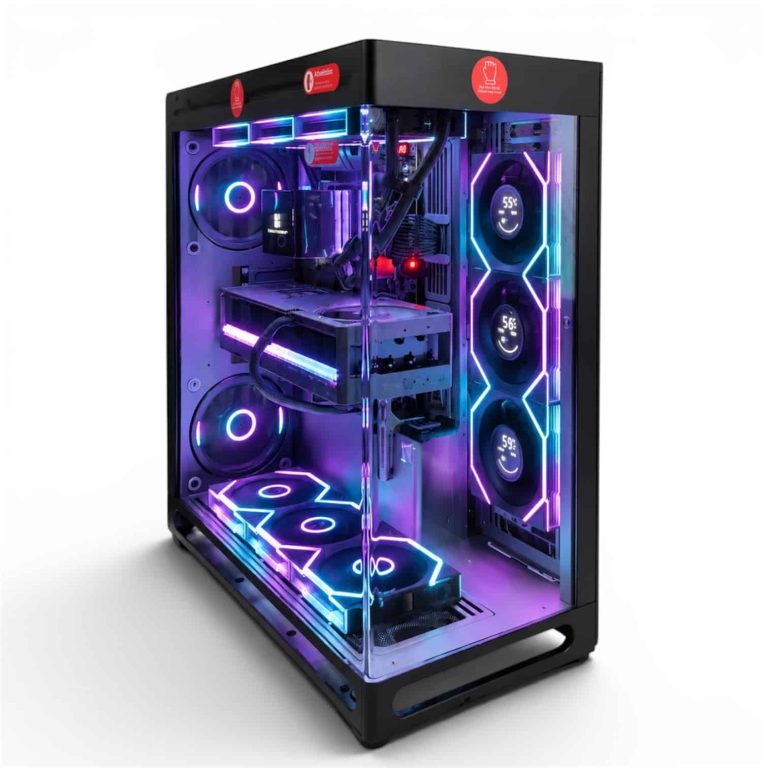
- LUX View 5090: For 6K, 8K and 4:2:2 work, with 32 GB of VRAM and three encoders.
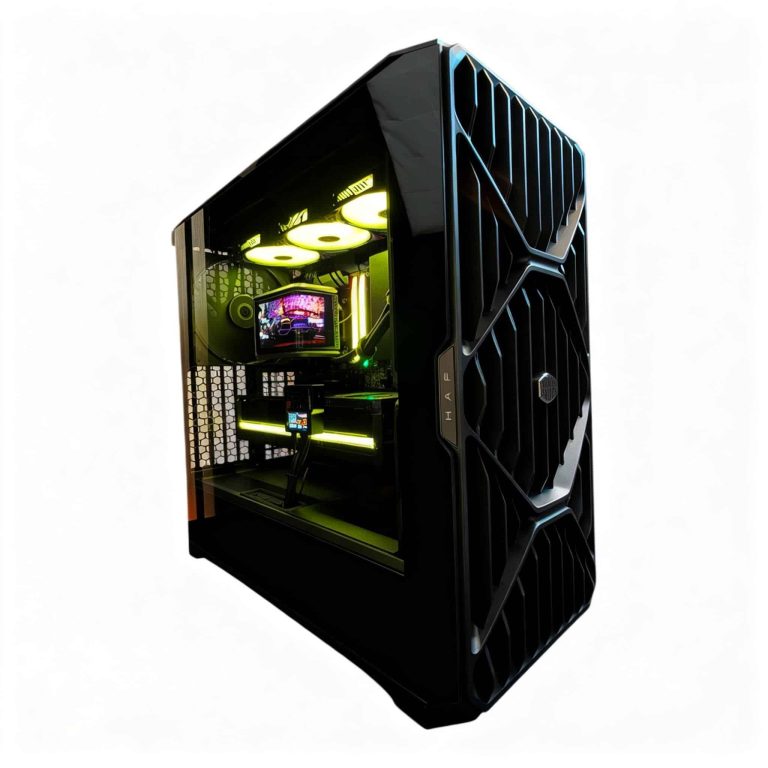
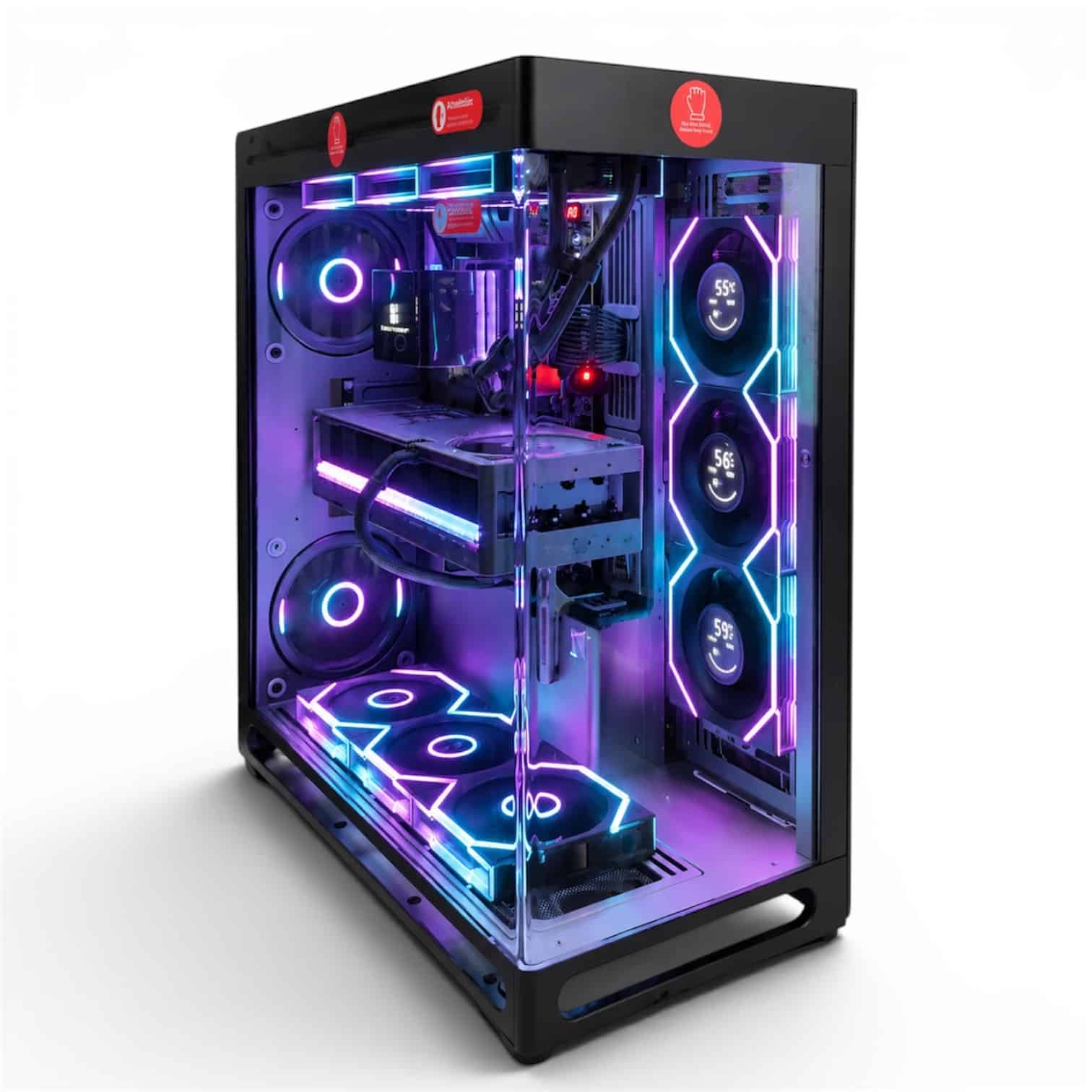
- LUX HAF II 500 9950X3D2 RTX 5090: The no-compromise build, pairing a 16-core 9950X3D2 with an RTX 5090.
See every creator PC we build for more configurations.
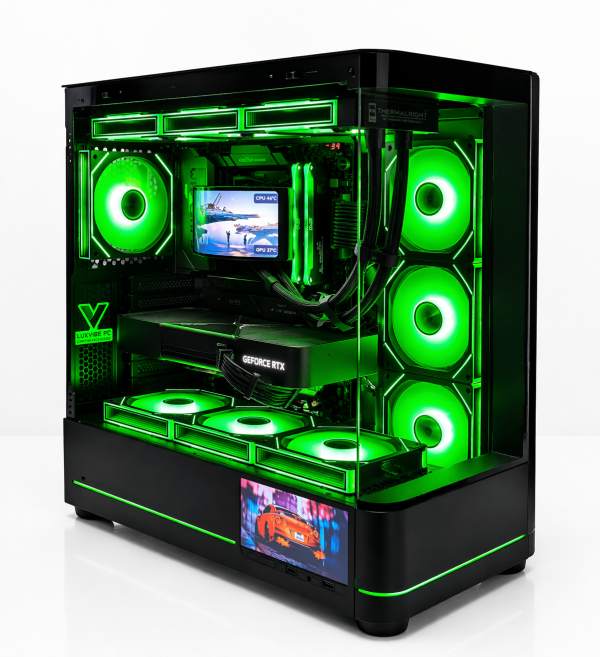
LUX Optic 5070ti Core
- GPURTX 5070 Ti
- CPURyzen 7 9800X3D
- RAM32GB DDR5
- SSD2TB NVMe
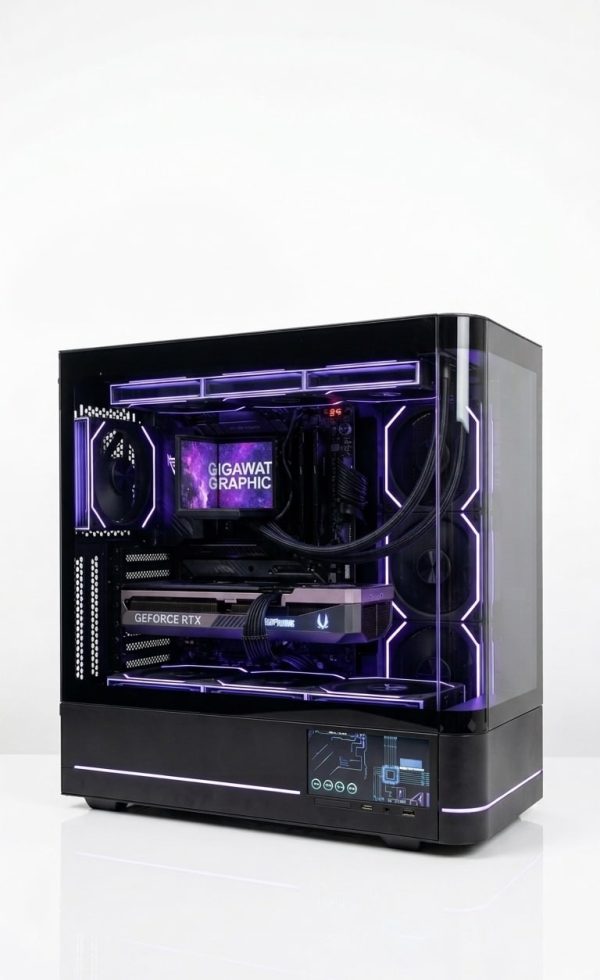
LUX Optic 5080 Pro
- GPURTX 5080
- CPURyzen 9 9900X3D
- RAM64GB DDR5
- SSD4TB NVMe
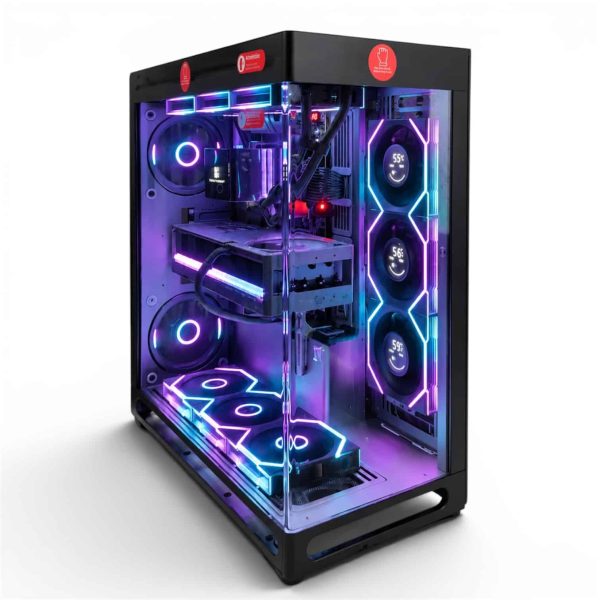
LUX View 5090
- GPURTX 5090
- CPURyzen 9 9950X3D
- RAM64GB DDR5
- SSD4TB NVMe
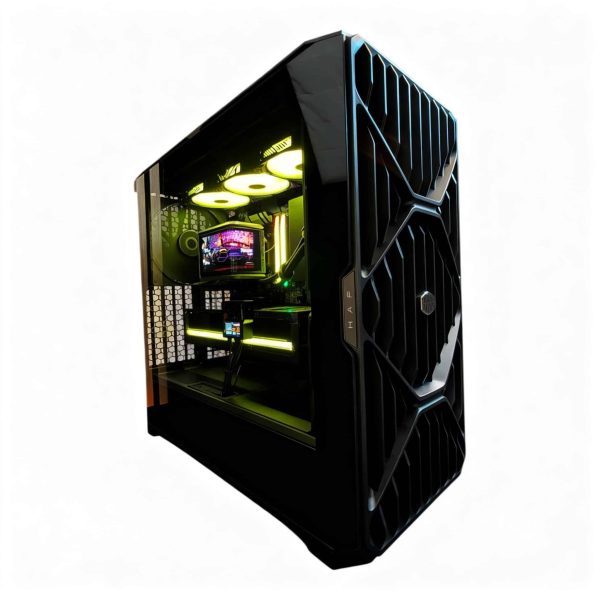
LUX HAF II 500 9950X3D2 RTX 5090
- GPURTX 5090
- CPURyzen 9 9950X3D2
- RAM64GB DDR5
- SSD4TB NVMe
Best Computer for Video Editing FAQ
What is the best PC for video editing on a budget?
Start with an RTX 5070 Ti system, 32 GB of DDR5 and two NVMe drives. That covers 1080p and lighter 4K comfortably. Put the next dollar into RAM if you move to heavier 4K projects.
How much RAM does a video editing PC need?
32 GB for 1080p and light 4K; 64 GB for most 4K and 6K work; 128 GB for 8K, heavy effects or several creative apps open at once. Use two modules for the best official memory speed on Ryzen 9000.
Is a gaming PC good for video editing?
Usually, yes. A modern gaming PC already has a strong RTX 50 GPU with NVENC and NVDEC. For editing, add RAM, a 12- or 16-core CPU and separate drives for media and cache.
Is a 32 GB graphics card worth it for editing?
It is if you edit 6K or 8K, stack heavy effects or lean on AI tools, because those workloads can outgrow 16 GB of VRAM. For 1080p and most 4K timelines, a 16 GB card like the RTX 5080 or RTX 5070 Ti is enough, and the savings can go toward RAM and storage.
Do I need DaVinci Resolve Studio?
Not to start. Blackmagic says the free version handles virtually all 8-bit formats at up to 60 fps and Ultra HD. Studio adds 10-bit video at up to 120 fps, resolutions beyond 4K and its full set of GPU-accelerated effects and AI tools.
The Bottom Line
For most editors, the best computer for video editing in 2026 is an RTX 5080 system with a 12- or 16-core Ryzen, 64 GB of DDR5 in two modules and three NVMe drives. Step up to an RTX 5090 for 6K, 8K, 4:2:2 and heavy AI work, or start with an RTX 5070 Ti build for 1080p.
Browse our creator PCs, or email our builders at sales@luxvibepcs.com or use the contact form with your camera, codecs and editing app. Real builders answer your questions.