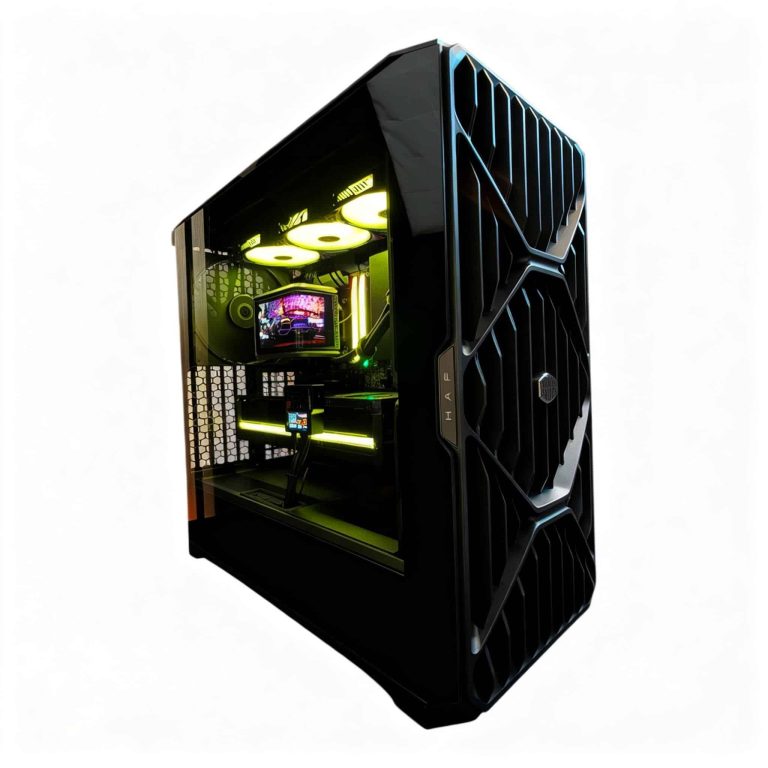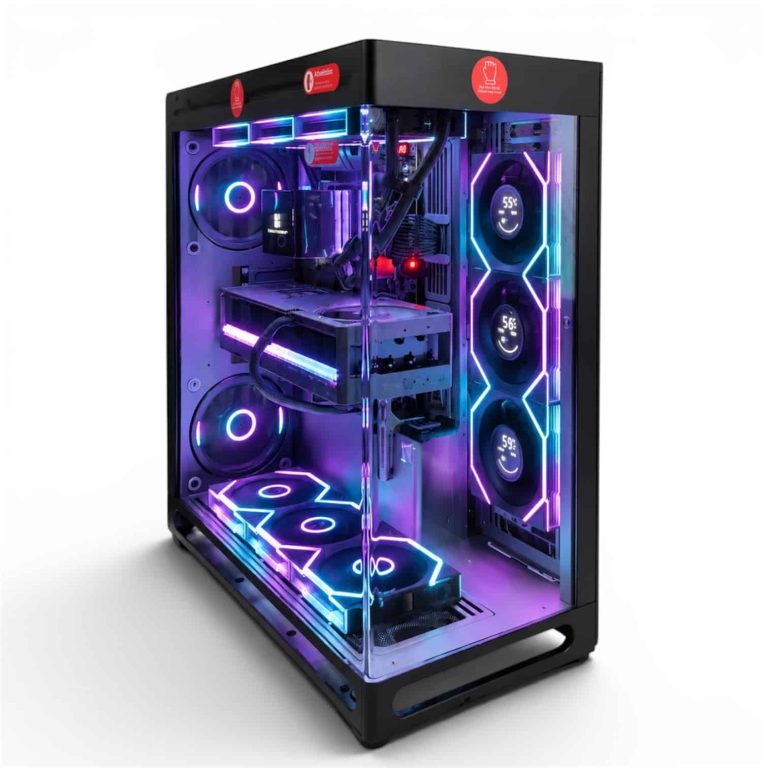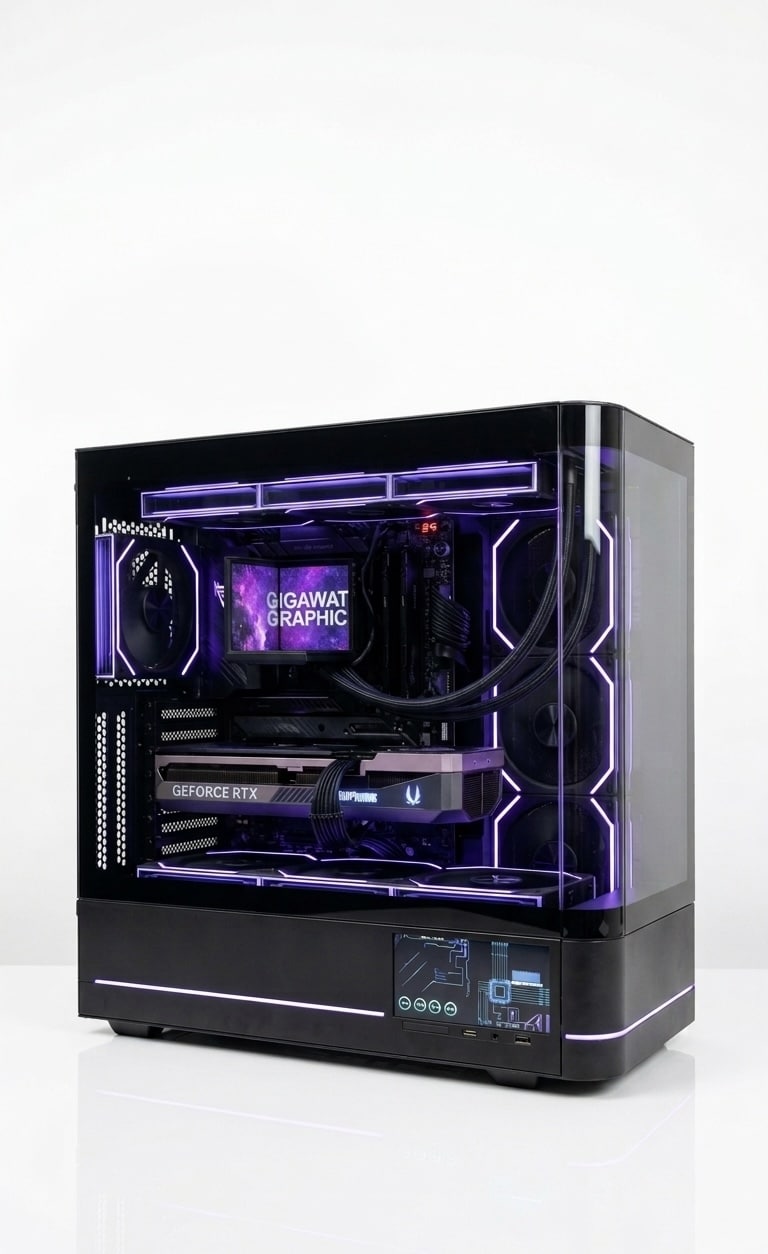
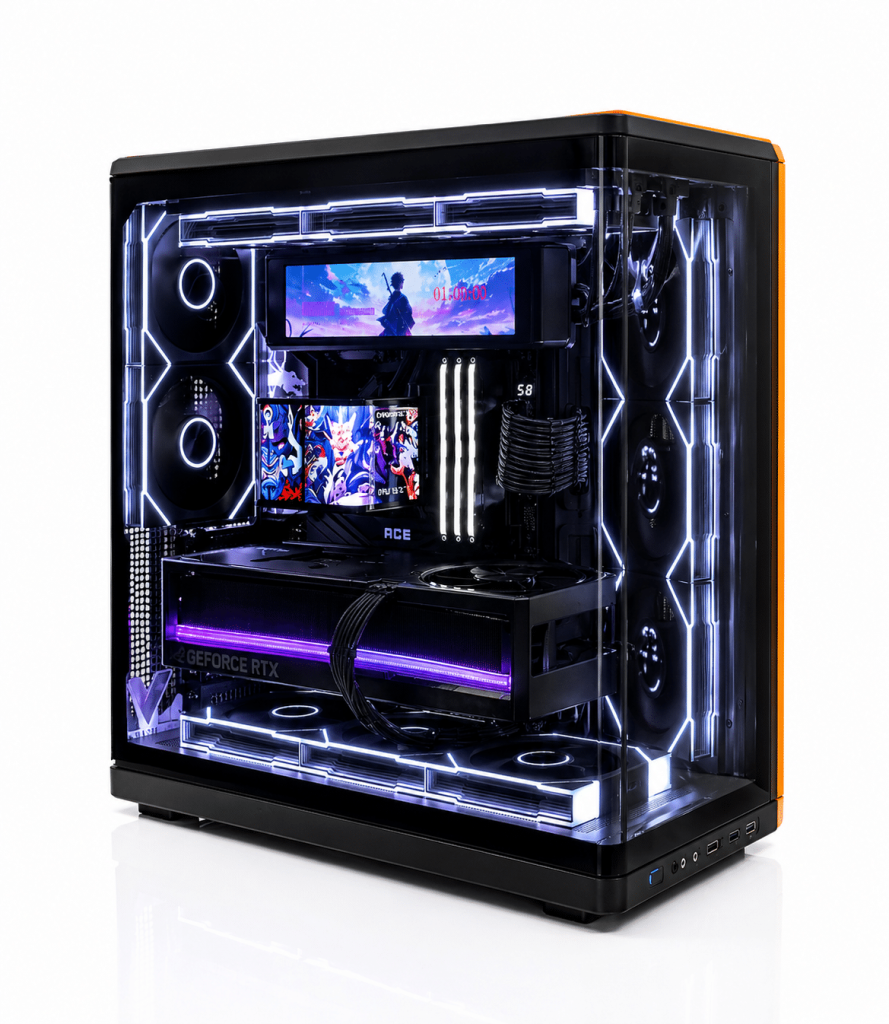
A streaming PC is a computer that can run your game and encode a live broadcast at the same time, and in 2026 one well-built desktop with a modern graphics card handles both jobs for most creators. The GPU’s dedicated encoder does the heavy lifting, so you no longer need two machines to stream well.
This guide covers what a streaming PC actually does, the specs that matter, the bitrates YouTube asks for, and which hand-built Luxvibe PC configurations fit different kinds of streamers.
In This Guide
What a Streaming PC Actually Does
While you play, a streaming PC juggles four jobs: rendering the game, compositing your scene (gameplay, webcam, overlays, alerts and chat), encoding that scene into video and uploading it. Most streamers handle the scene and encode in OBS Studio, which is free, open source and runs on Windows 10 and 11.
The encode used to be the bottleneck. Software encoding with x264 runs on the CPU and fights the game for cores. Modern graphics cards carry dedicated encoder hardware instead, which is why a PC for gaming and streaming today looks a lot like a well-balanced gaming PC with a few smart extras.
The GPU: Encoder, VRAM and Power
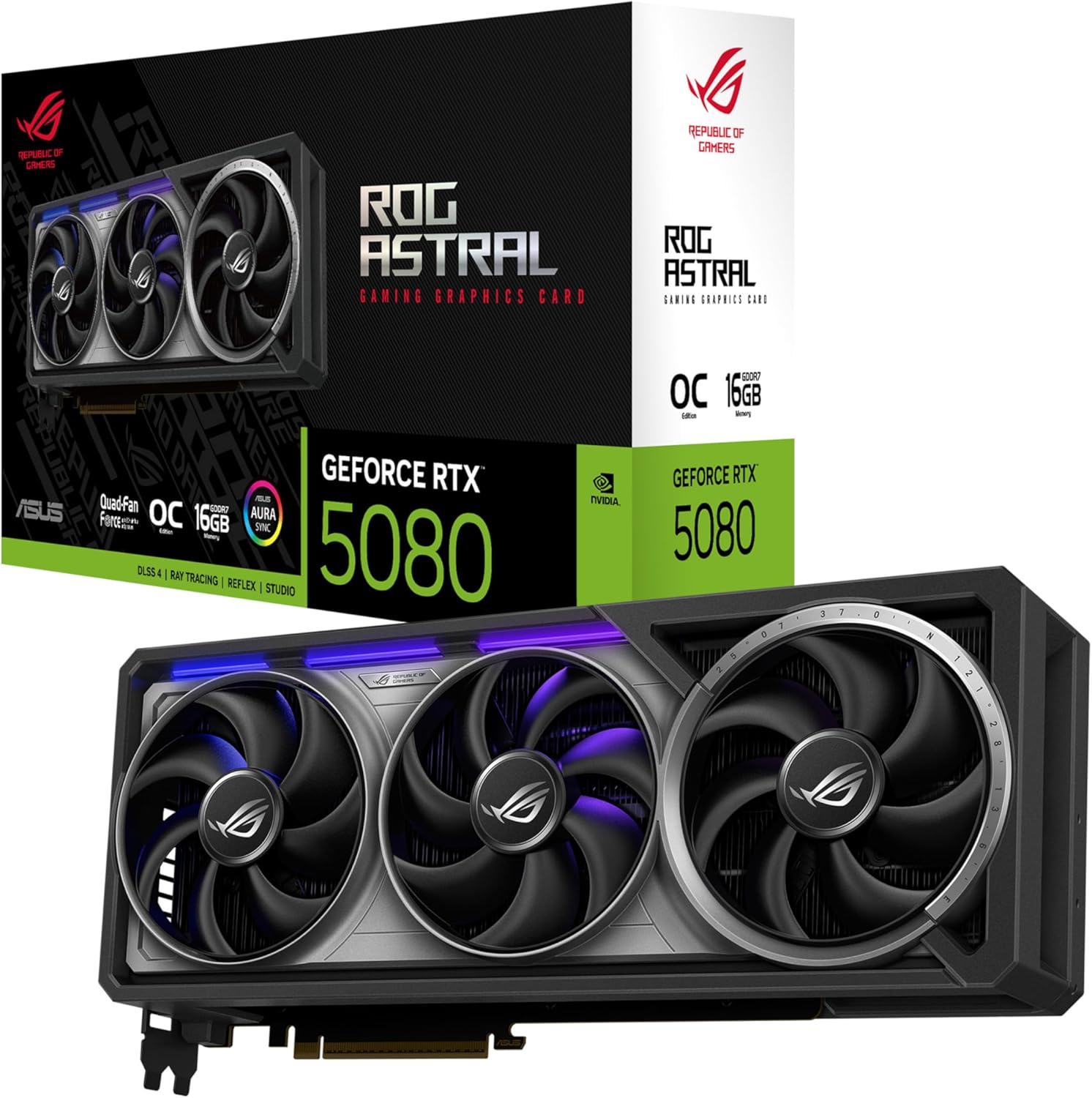
In a streaming PC, the graphics card renders the game and, through its dedicated encoder, compresses the stream. NVIDIA calls its encoder NVENC; AMD’s is AMF. OBS supports both, and the OBS knowledge base says hardware encoders are generally recommended over the bundled x264 software encoder for best performance.
| GPU | Hardware encoder | Decoders | VRAM | Launch MSRP |
|---|---|---|---|---|
| RTX 5090 | 3x 9th-gen NVENC | 2x 6th-gen NVDEC | 32 GB GDDR7 | $1,999 |
| RTX 5080 | 2x 9th-gen NVENC | 2x 6th-gen NVDEC | 16 GB GDDR7 | $999 |
| RTX 5070 Ti | 2x 9th-gen NVENC | 1x 6th-gen NVDEC | 16 GB GDDR7 | $749 |
| RTX 5070 | 1x 9th-gen NVENC | 1x 6th-gen NVDEC | 12 GB GDDR7 | $549 |
NVIDIA lists AV1 encoding on every RTX 50 card. Extra encoders mainly help when you stream and record at once, or export video while you’re live, which is why the RTX 5090 carries three. VRAM matters too: the game, OBS browser sources and capture all draw on it, so we treat 16 GB as a comfortable floor for a streaming PC build. On the Radeon side, the RX 9070 XT (16 GB GDDR6, $599 launch price) uses AMD’s AMF encoder.
Prices above are launch MSRPs for reference. Street prices are well above MSRP in 2026 because of the memory shortage, so check our product pages for current pricing.
GeForce RTX owners can also use NVIDIA Broadcast, which uses AI for noise and echo removal, virtual backgrounds and auto framing. NVIDIA lists an RTX 2060 or higher as the requirement.
Streaming PC Build: CPU, RAM and Storage
CPU. With encoding on the GPU, the processor’s job is the game plus OBS, browser sources, chat and alerts. For gaming-first streamers, an eight-core 3D V-Cache chip like the Ryzen 7 9800X3D (8 cores, 96 MB L3 cache) is our default. If you also edit VODs, use x264 or run lots of apps, the 12-core Ryzen 9 9900X3D or 16-core Ryzen 9 9950X3D adds headroom.
RAM. 32 GB is the standard for a new gaming PC in 2026 and the right starting point for any streaming PC. Step up to 64 GB if you edit long recordings or run heavy overlays beside a demanding game. Memory isn’t cheap right now: at the time of writing, a 32GB DDR5 RAM kit at DDR5-6000 runs roughly $500 to $650.
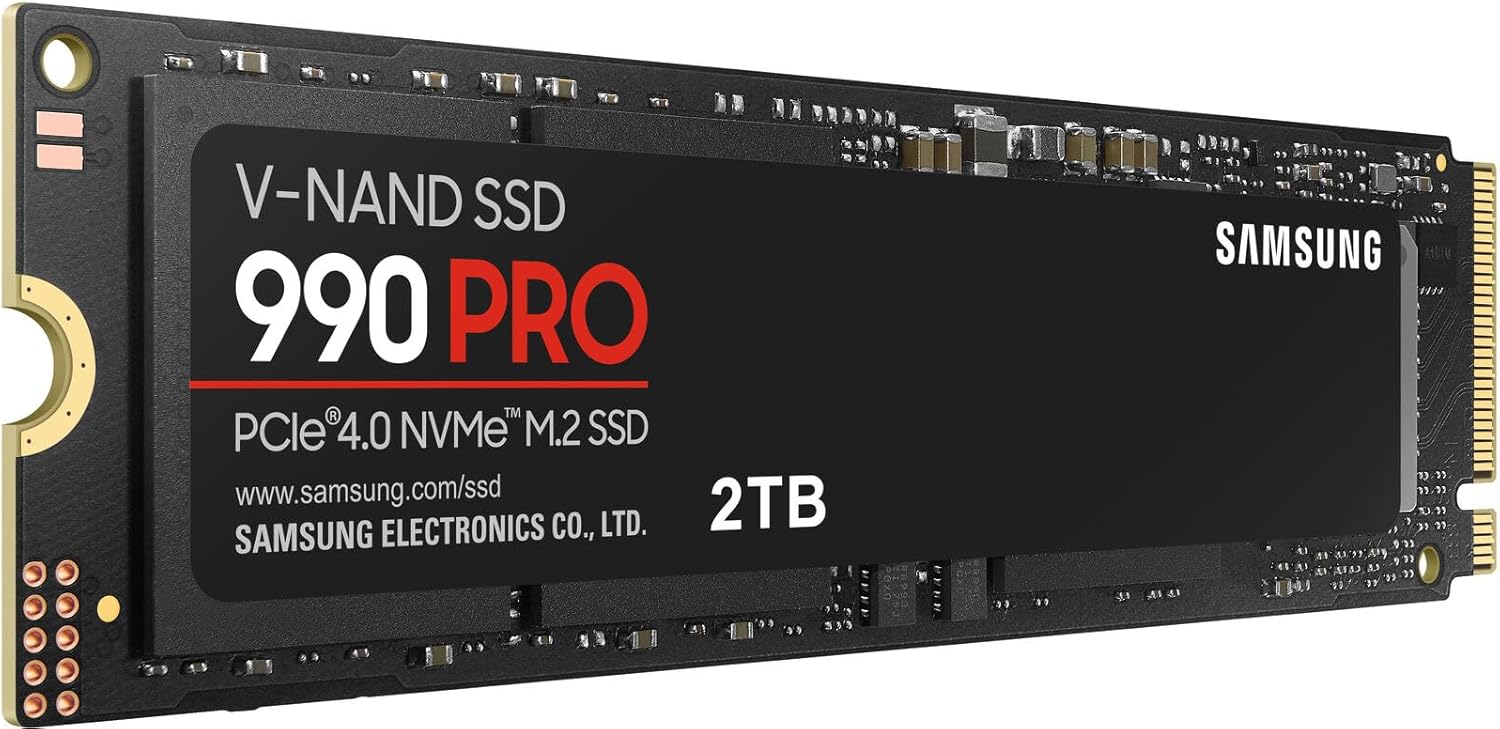
Storage. Put Windows and games on a fast NVMe SSD, and add a second NVMe drive for recordings so local captures don’t share a drive with game loading.
Power and cooling. Follow NVIDIA’s required system power: 1,000 W for an RTX 5090 build, 850 W for an RTX 5080 and 750 W for an RTX 5070 Ti. Streams are long, sustained loads, so strong airflow or a 360 mm liquid cooler keeps clocks steady and fan noise out of your mic.
Specs for a PC for Gaming and Streaming
Use this table as a starting point. Match the GPU to the games you stream and the CPU and RAM to everything else you run.
| Component | Gaming-first streamer | Serious streamer | Streamer and editor |
|---|---|---|---|
| GPU | RTX 5070 Ti or RX 9070 XT | RTX 5080 | RTX 5090 |
| CPU | Ryzen 7 9800X3D | Ryzen 7 9800X3D or 9850X3D | Ryzen 9 9950X3D |
| RAM | 32 GB DDR5 | 32 GB DDR5 | 64 GB DDR5 |
| Storage | 2 TB NVMe | NVMe plus recording drive | Several NVMe drives |
| PSU (NVIDIA guidance) | 750 W | 850 W | 1,000 W |
A streamer who plays mostly esports titles needs less GPU than one streaming the newest ray-traced releases at high settings. If you also cut videos, our guide to the best computer for video editing covers that workload in depth.
Bitrates, Upload Speed and Settings
Your upload bandwidth and the platform’s limits matter as much as the hardware inside a streaming PC. YouTube’s live encoder settings page recommends a 2-second keyframe interval, AAC audio at 128 Kbps for stereo and these video bitrates:
| Resolution and frame rate | H.264 recommended | AV1 / H.265 recommended |
|---|---|---|
| 1080p at 60 fps | 17 Mbps | 12 Mbps |
| 2560×1440 at 60 fps | 34 Mbps | 24 Mbps |
| 4K at 60 fps | 50 Mbps | 35 Mbps |
YouTube recommends lower bitrates for AV1 and H.265 than for H.264 at every resolution, which is where the AV1 encoder on RTX 50 cards earns its keep. YouTube also notes that AV1 isn’t supported for HDR streams.
Twitch publishes its own broadcasting guidelines in its help center, and its Enhanced Broadcasting feature lets a single PC send multiple renditions of a stream when you have a supported graphics card. Check both before you settle on settings, and leave clear headroom between your bitrate and your measured upload speed. In OBS, Tools > Auto-Configuration Wizard is a sensible first pass.
One PC or Two?
For most people, one well-built streaming PC is simpler, quieter and less expensive than two machines. Two systems still make sense for production-heavy shows with several cameras, streamers who prefer CPU-based x264 encoding, or anyone who wants the broadcast to survive a game crash. Our guide to the dual-PC streaming setup explains how the capture card, audio routing and second machine fit together.
Common Mistakes We See
Most stream problems we hear about aren’t caused by weak hardware. They come from a few setup choices that are easy to fix:
- Using x264 on a busy CPU: Software encoding competes with the game for cores. Switch OBS to NVENC or AMF first.
- Setting the bitrate above your upload speed: Dropped frames on stream usually trace back to the network, not the PC.
- Recording to the game drive: A separate NVMe drive for recordings keeps captures and game loading apart.
- Ignoring audio: Viewers forgive soft video faster than a noisy mic. Clean up the signal with OBS filters such as noise suppression, or with NVIDIA Broadcast.
- Undersizing the power supply: Follow NVIDIA’s or AMD’s power guidance for your card, then leave room for upgrades.
Best Streaming PC Picks From Our Builders
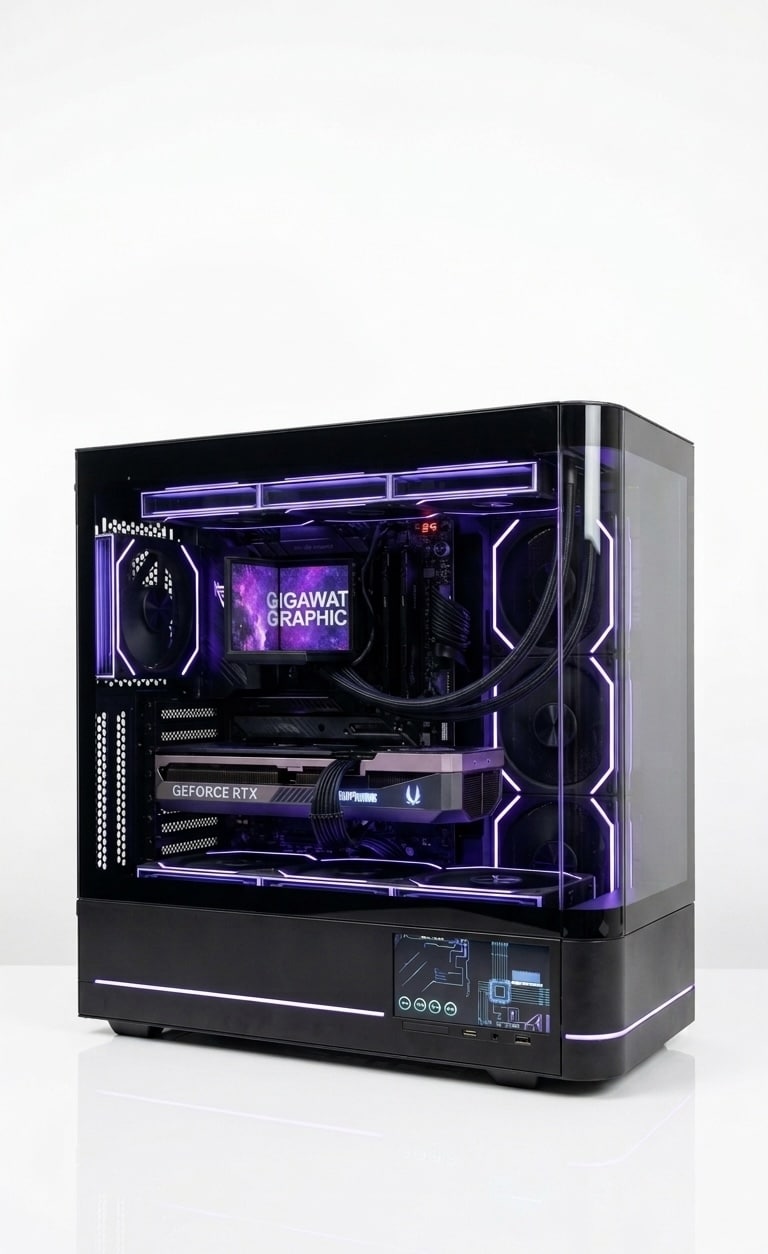
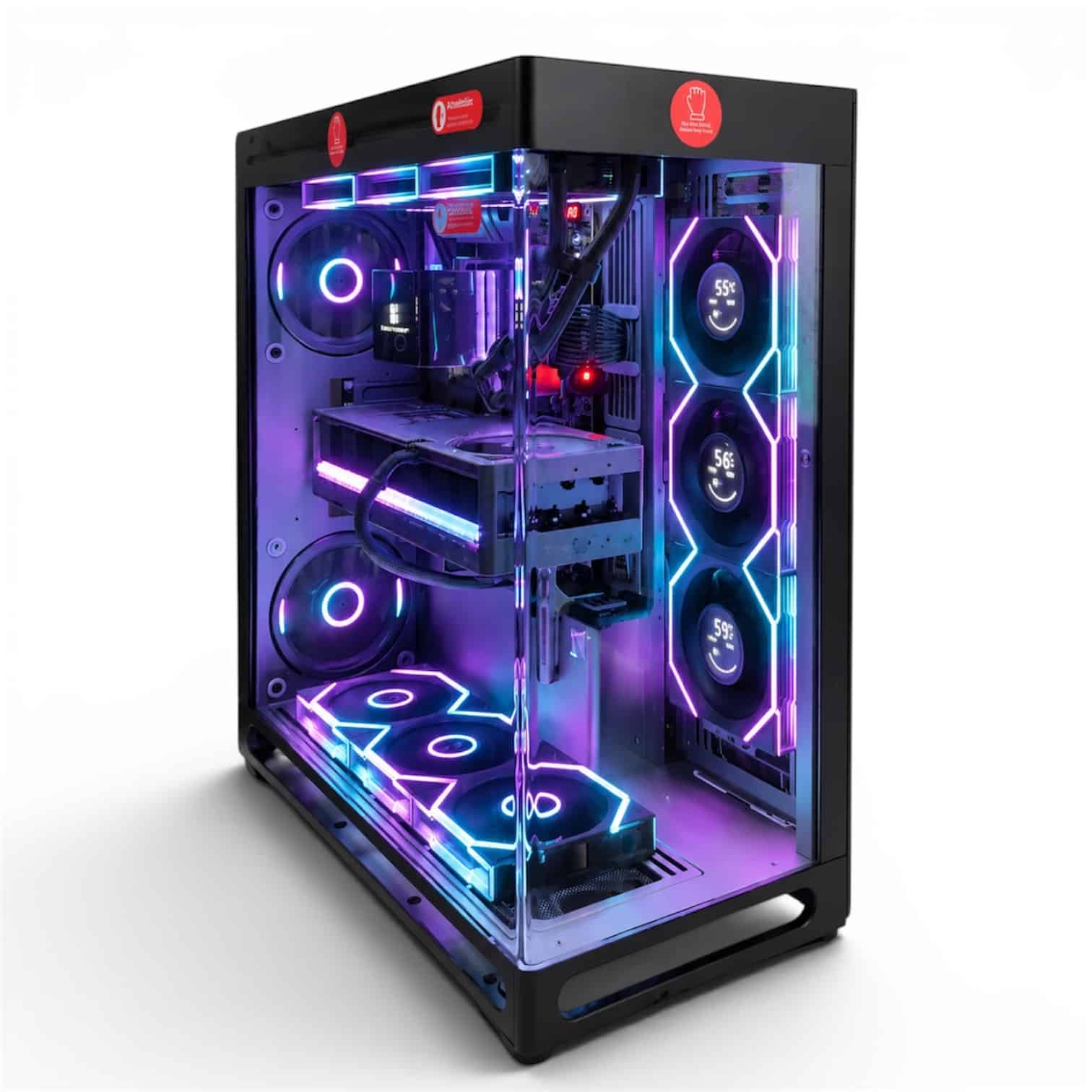
Every Luxvibe PC is hand-built to order, and upgrades and changes are always possible before we build, so any of these can take more RAM or a second SSD for recordings.
- LUX Optic 5070ti Core: The entry point. The RTX 5070 Ti has two 9th-gen NVENC encoders and 16 GB of VRAM, which suits gaming-first streamers.
- LUX Optic 5080 Pro or LUX View Duo 5080: The sweet spot. An RTX 5080 adds a second NVDEC decoder and more CUDA cores (10,752 versus 8,960) for demanding games.
- LUX View 5090: The best streaming PC here for creators who also edit. The RTX 5090 brings three NVENC encoders and 32 GB of VRAM.
Browse every creator PC we build for more options.
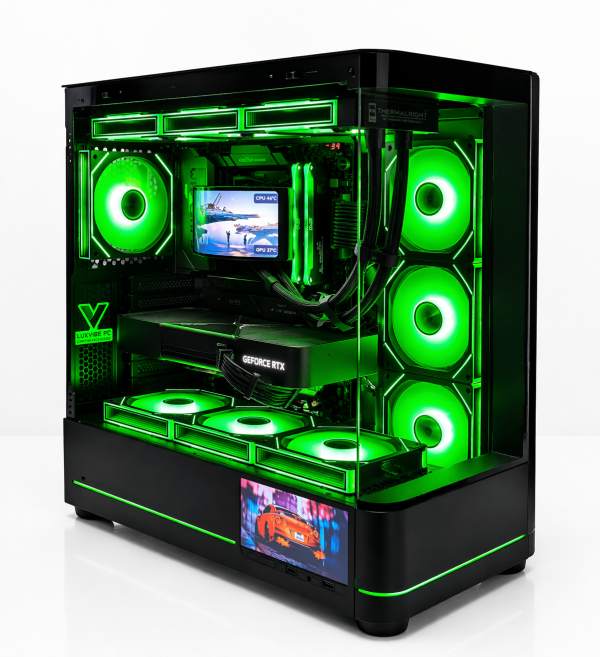
LUX Optic 5070ti Core
- GPURTX 5070 Ti
- CPURyzen 7 9800X3D
- RAM32GB DDR5
- SSD2TB NVMe
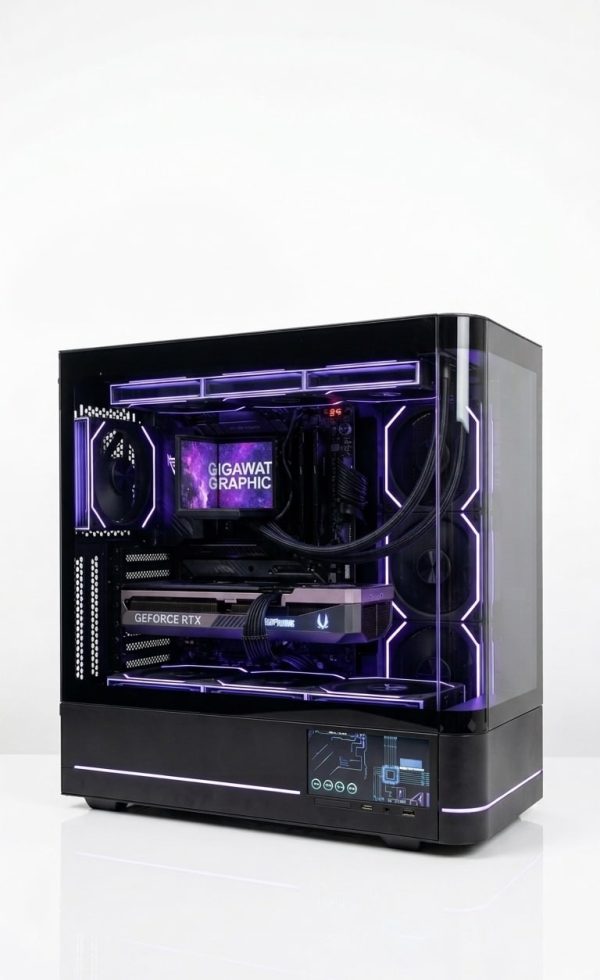
LUX Optic 5080 Pro
- GPURTX 5080
- CPURyzen 9 9900X3D
- RAM64GB DDR5
- SSD4TB NVMe
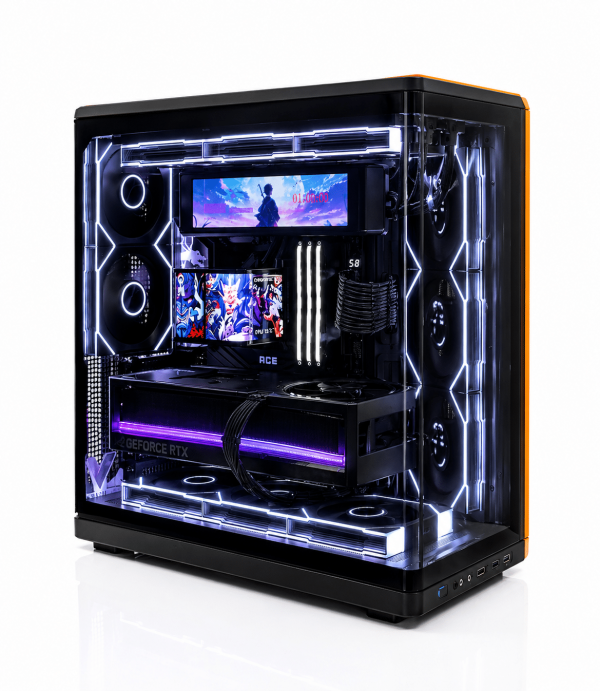
LUX View Duo 5080
- GPURTX 5080
- CPURyzen 9 9950X3D2
- RAM64GB DDR5
- SSD4TB NVMe
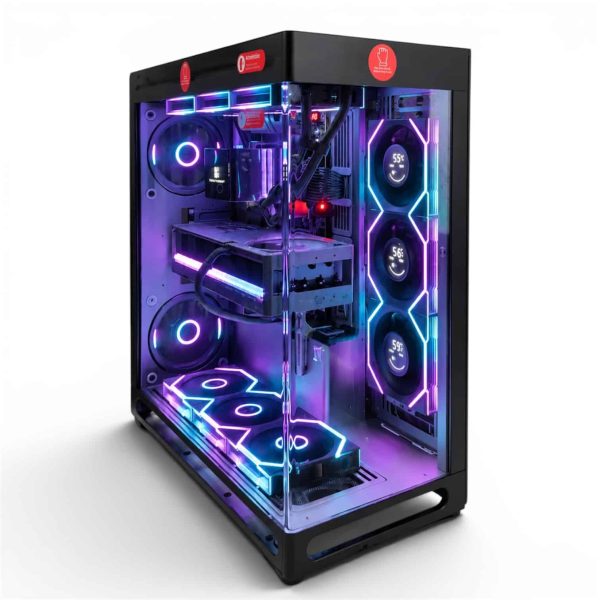
LUX View 5090
- GPURTX 5090
- CPURyzen 9 9950X3D
- RAM64GB DDR5
- SSD4TB NVMe
Streaming PC FAQ
What specs does a PC for gaming and streaming need?
For most streamers: a GPU with a modern hardware encoder (RTX 50 Series or Radeon RX 9000), an eight-core CPU or better, 32 GB of DDR5, a fast NVMe SSD plus a recording drive, and a power supply that meets NVIDIA’s or AMD’s guidance for your card.
Does streaming lower my FPS?
Some, because the game and OBS share one system. Encoding on the GPU’s dedicated hardware keeps the work off the CPU cores your game needs, which is why OBS generally recommends hardware encoders for best performance.
Is AV1 worth using for streaming?
If your platform accepts it, yes. YouTube recommends lower bitrates for AV1 than for H.264 at the same resolution, and every RTX 50 card can encode AV1. Check Twitch’s help center for its current codec support before switching.
What should a beginner buy to start streaming?
Start with an RTX 5070 Ti build such as the LUX Optic 5070ti Core, 32 GB of RAM and OBS’s Auto-Configuration Wizard. For a first streaming PC, it has two NVENC encoders and enough headroom to grow into.
Do I need two PCs to stream?
No. Hardware encoders make single-PC streaming practical for nearly everyone. Two PCs mainly help complex productions and streamers who want the broadcast isolated from the game.
The Bottom Line
For most people, the right streaming PC is an RTX 5080 system with an eight-core X3D processor, 32 GB of DDR5 and two NVMe drives. Choose an RTX 5070 Ti build if you’re starting out, and an RTX 5090 build if you also edit or want three encoders.
See our creator PCs, or email our builders at sales@luxvibepcs.com or use the contact form with your games and platforms. Real builders answer your questions.