4K gaming is worth it if you play on a 32-inch or larger screen, love detailed single-player worlds and are ready to pay for a graphics card that can push more than 8.2 million pixels every frame. If you mostly play fast competitive shooters on a 27-inch monitor, a lower resolution at a higher refresh rate will usually serve you better.
Below, our builders break down what 4K gaming really asks of a PC in 2026, how upscaling changes the picture, what the hardware costs, and who should hold off for now.
In This Guide
What 4K Gaming Actually Means
On monitors and TVs, “4K” means 4K UHD: 3840 x 2160 pixels, or 8,294,400 pixels per frame. That is four times as many pixels as 1080p (2,073,600) and 2.25 times as many as 1440p (3,686,400).
Your graphics card has to shade and light every one of those pixels, many times per second. Going from 1440p to 4K more than doubles the work per frame, while the CPU’s job (game logic, physics, draw calls) barely changes. That makes 4K gaming almost entirely a graphics card question: the GPU decides how high your settings and frame rates can go.
Is 4K Gaming Worth It? Pros and Cons
Here is how our builders weigh 4K gaming for customers who ask.
Where 4K shines
- Sharpness on bigger screens. On a 32-inch monitor, 4K works out to roughly 138 pixels per inch, versus about 92 for 1440p at the same size. Text, HUD elements and distant detail like foliage and signage look visibly cleaner.
- Living-room play. On a 4K TV, a PC that renders at the panel’s native resolution avoids the softness of upscaling done by the TV.
- Cinematic and open-world games. Slower-paced titles reward detail more than raw frame rate, and high settings at 4K are where expensive GPUs earn their keep.
Where 4K hurts
- GPU cost. Comfortable 4K play starts at upper-midrange cards and climbs to the flagship tier.
- Frame rate. Any given GPU delivers fewer frames at 4K than at 1440p, because it has 2.25 times the pixels to render.
- Monitor cost. High-refresh 4K gaming panels cost more than 1440p panels with similar features.
- Diminishing returns on small screens. At 27 inches and a normal desk distance, the step up from 1440p is real but much subtler than the step up from 1080p.
Our short answer to “is 4K gaming worth it?”: yes, if your screen is 32 inches or larger (or a TV), you favor visuals over maximum frame rate, and your budget covers at least an RTX 5070 Ti or RX 9070 XT class card. Otherwise, put that money toward refresh rate instead.
4K Gaming Requirements in 2026
Here is what each part of the system needs for 4K gaming, using official specs from NVIDIA and AMD.
Graphics card: the part that matters most
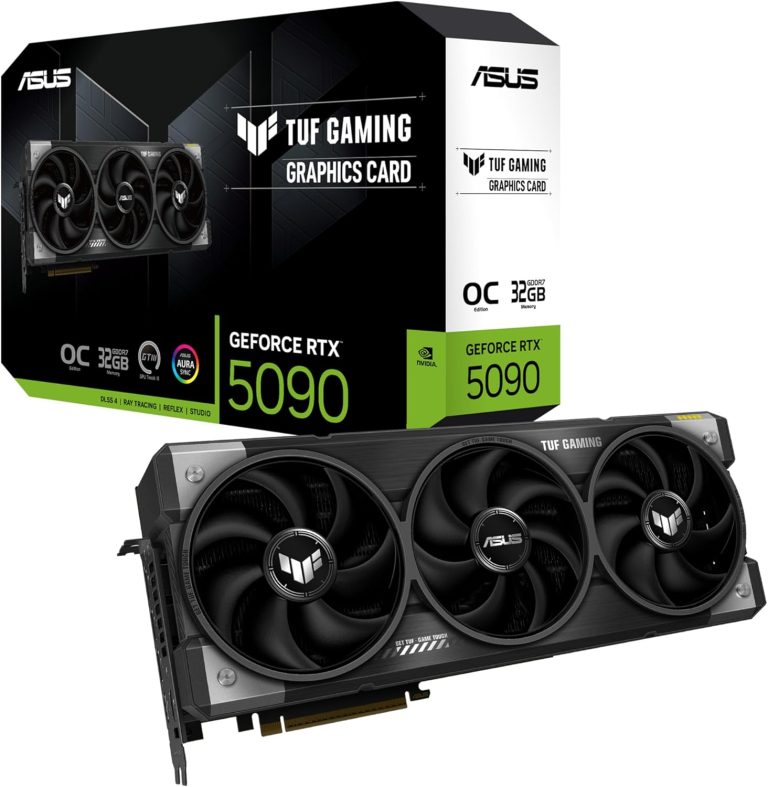
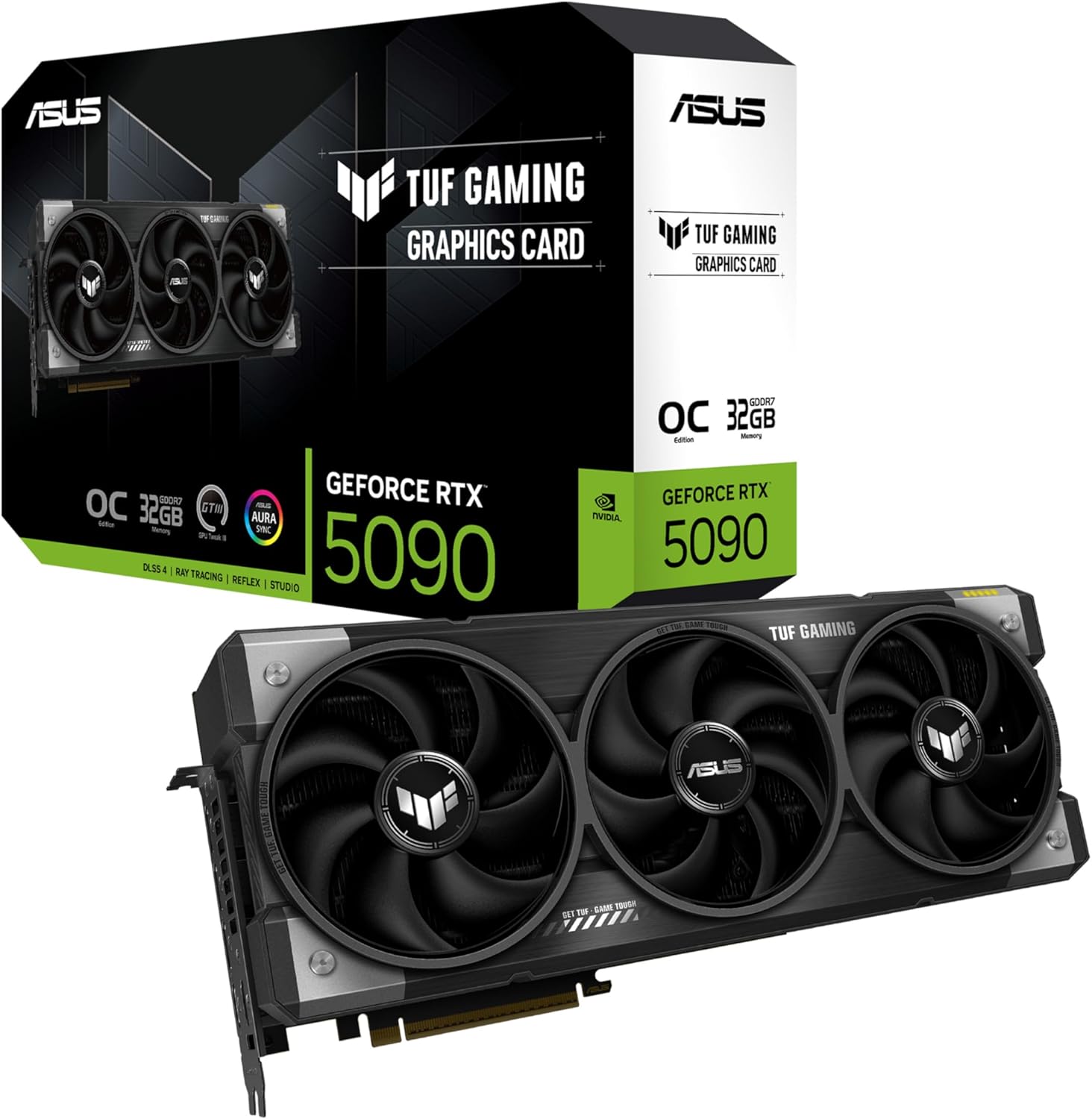
- RTX 5090: 21,760 CUDA cores and 32 GB of GDDR7 on a 512-bit bus. It is the card for native 4K with heavy ray tracing and for high-refresh 4K.
- RTX 5080: 10,752 CUDA cores and 16 GB of GDDR7 on a 256-bit bus. Strong 4K performance, especially with DLSS.
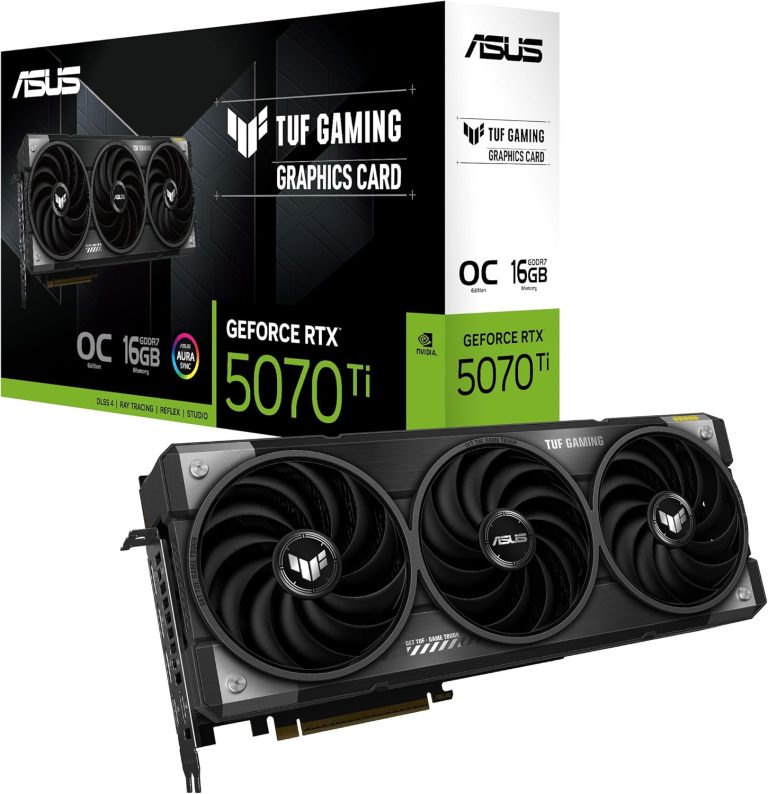
- RTX 5070 Ti and RX 9070 XT: both carry 16 GB of VRAM on a 256-bit bus. They are the realistic entry point, usually with upscaling on in demanding games.
- RTX 5070: 12 GB of GDDR7. Great at 1440p, but our builders steer 4K buyers toward 16 GB cards for texture headroom.
Our full ranking lives in our guide to the best GPU for 4K gaming.
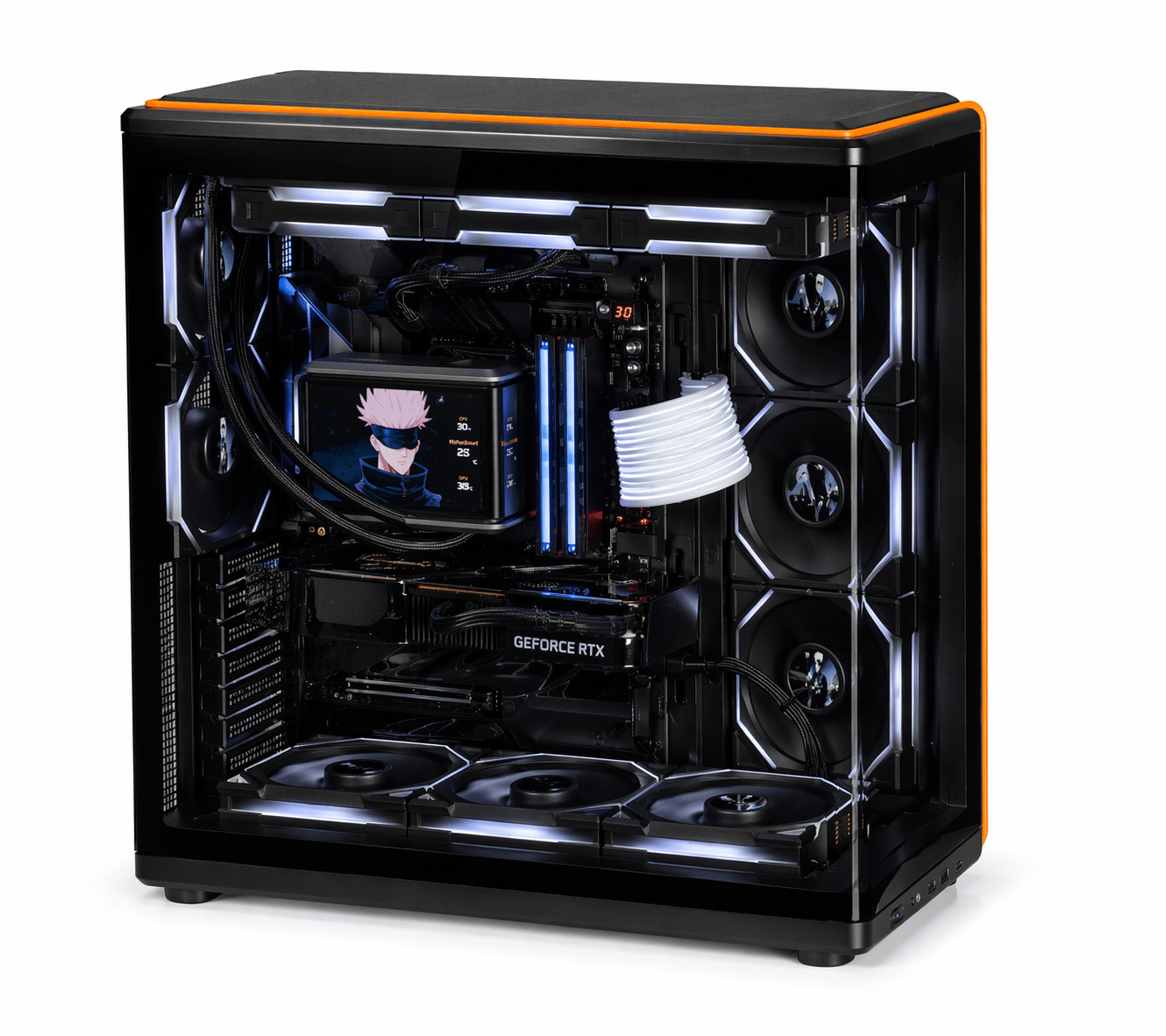
CPU, memory, power and storage
- CPU: The GPU is usually the limit at 4K, so the processor matters less than at 1080p, but a fast gaming chip still helps frame pacing. Our builders reach for the Ryzen 7 9800X3D (8 cores, 96 MB of L3 cache) most often.
- Memory: 32 GB of DDR5 is the standard for a new gaming PC in 2026. On AM5, DDR5-6000 EXPO kits are the common sweet spot.
- Power supply: NVIDIA lists 1,000 W of required system power for the RTX 5090, 850 W for the RTX 5080 and 750 W for the RTX 5070 Ti. AMD recommends 750 W for the RX 9070 XT.
- Storage: A fast NVMe SSD keeps load times short, and 4K gaming texture packs make generous capacity worthwhile.
| Component | Entry 4K (with upscaling) | High-refresh 4K | No-compromise 4K |
|---|---|---|---|
| GPU | RTX 5070 Ti or RX 9070 XT (16 GB) | RTX 5080 (16 GB) | RTX 5090 (32 GB) |
| CPU | Ryzen 7 9800X3D or similar | Ryzen 7 9800X3D or 9850X3D | Ryzen 7 9850X3D or Ryzen 9 9950X3D |
| RAM | 32 GB DDR5-6000 | 32 GB DDR5-6000 | 32 to 64 GB DDR5 |
| PSU (vendor guidance) | 750 W | 850 W | 1,000 W |
| GPU launch MSRP | $749 / $599 | $999 | $1,999 |
These 4K gaming requirements are starting points, not hard limits. Older or lighter games run well on less, while path-traced showcases can humble even the flagship at native resolution.
How DLSS and FSR Change the Math
Upscaling is the reason 4K gaming is far more accessible today than a few GPU generations ago. The game renders at a lower internal resolution and an AI model reconstructs a sharp 4K image.
- DLSS Super Resolution: NVIDIA describes it as using AI to output higher-resolution frames from a lower-resolution input. It works on RTX 20 Series cards and newer.
- Frame Generation: supported on RTX 40 and RTX 50 Series, according to NVIDIA’s DLSS technology page.
- Multi Frame Generation: exclusive to RTX 50 Series. NVIDIA says it can generate up to five frames per rendered frame.
- DLSS 5: launched September 3, 2026 with neural rendering on RTX 50 Series only. NVIDIA says RTX 40 support is planned later.
- FSR 4: AMD’s machine-learning upscaler launched exclusive to the RX 9000 Series and now sits inside the AMD FSR Redstone suite.
One honest caveat: generated frames make motion look smoother, but responsiveness still tracks the frames your GPU actually renders, which is why NVIDIA pairs frame generation with Reflex. Our rule: get the base frame rate to a level you would already call playable, then add frame generation to fill a high-refresh display.
Picking a Screen That Does 4K Justice
The monitor or TV is half of the 4K gaming experience, and the wrong one can undercut a great PC.
- Size: 32 inches is the sweet spot for desk use. A 27-inch 4K panel looks extremely crisp but usually needs Windows scaling around 150% to keep text readable. TVs of 42 inches and up suit couch play.
- Refresh rate: 144 Hz or higher makes sense with an RTX 5080 or RTX 5090, especially with frame generation.
- Connections: RTX 50 Series cards support DisplayPort 2.1b (UHBR20) and HDMI 2.1b, and NVIDIA rates their maximum output at 4K 480 Hz with DSC. The RX 9070 XT offers DisplayPort 2.1a and HDMI 2.1b. For a TV, you want HDMI 2.1 on both ends.
- HDR: look for a VESA DisplayHDR certification rather than a vague “HDR” sticker.
We cover panel types, HDR tiers and ports in depth in our guide to choosing the best 4K gaming monitor.
What a 4K Setup Really Costs
Launch MSRPs give you the baseline: $1,999 for the RTX 5090, $999 for the RTX 5080, $749 for the RTX 5070 Ti and $599 for the RX 9070 XT. In 2026, street prices are well above MSRP because of the global memory shortage, which AI data-center demand has driven across both GDDR7 and DRAM.
System memory is caught up in it too: at the time of writing, a 32 GB DDR5-6000 kit costs roughly $500 to $650 at US retail. Add a capable power supply and a good monitor, and 4K gaming is a real investment. Check our product pages for current pricing.
If you are waiting for an RTX 50 Super refresh, note that NVIDIA has not announced one. Reports in 2026 say it was delayed or put on hold because of the GDDR7 shortage, so we recommend buying based on what exists today.
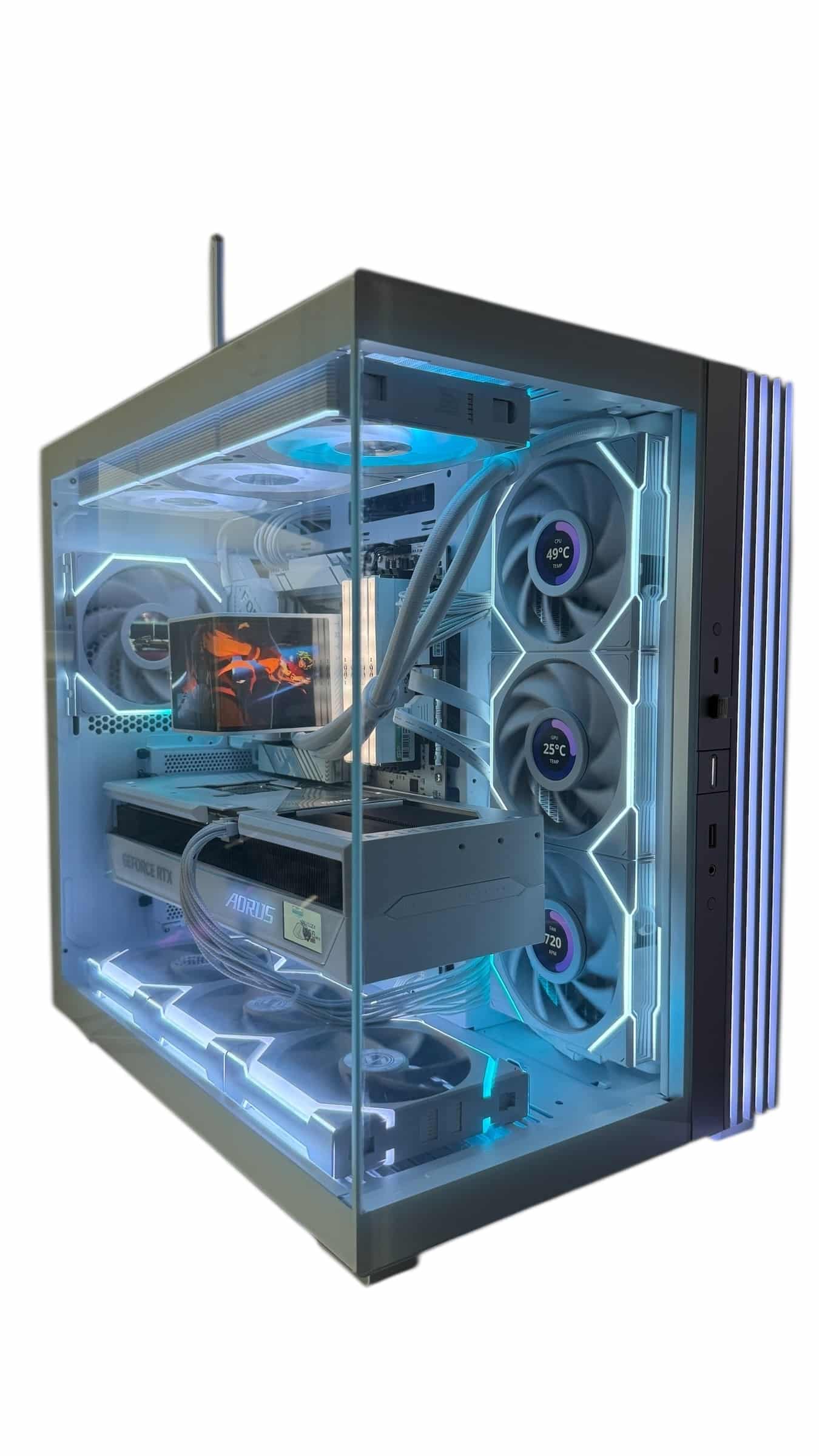
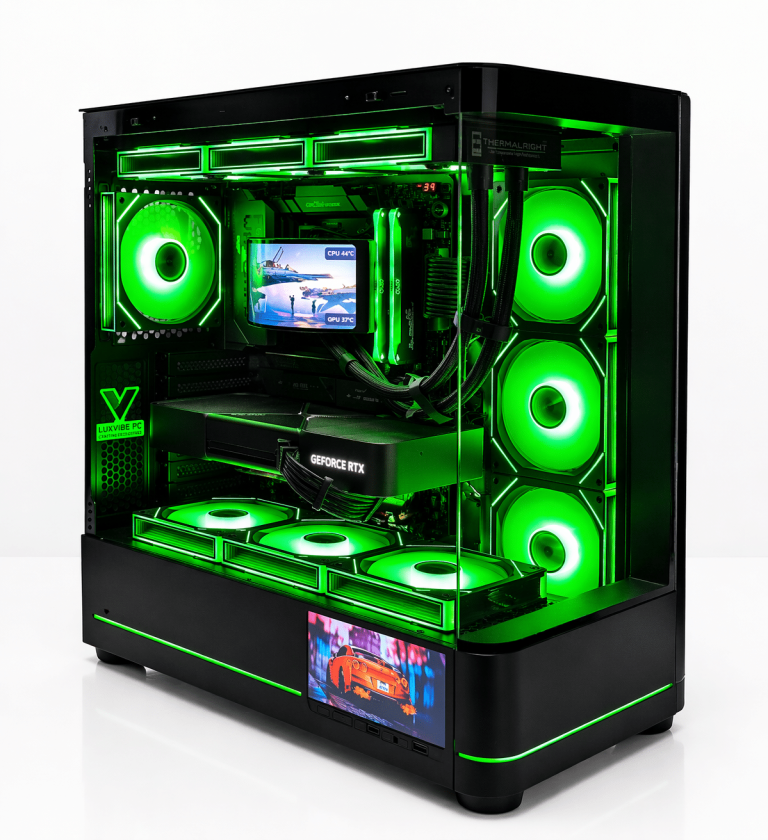
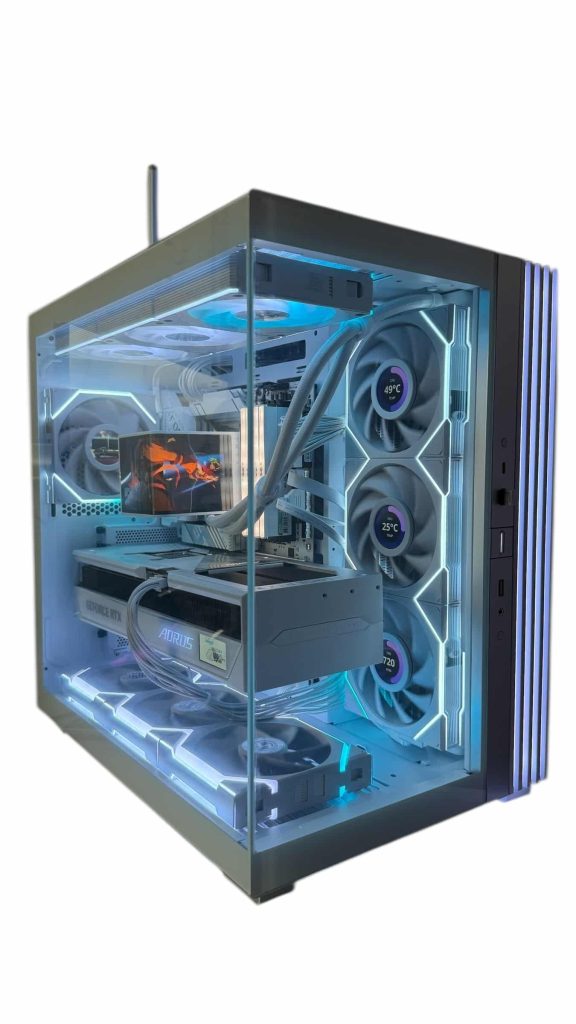
Want something ready to go? Every 4K gaming PC in our lineup is hand-built to order, and upgrades and changes are always possible before we build.
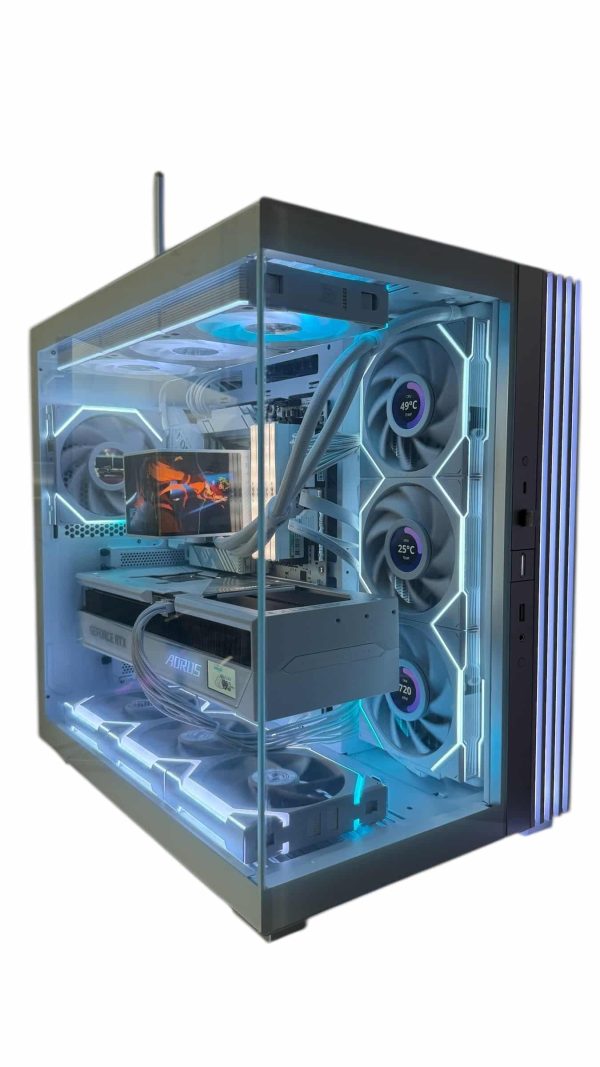
LUX Vision SNOW 5090
- GPURTX 5090
- CPURyzen 9 9950X3D
- RAM64GB DDR5
- SSD4TB NVMe
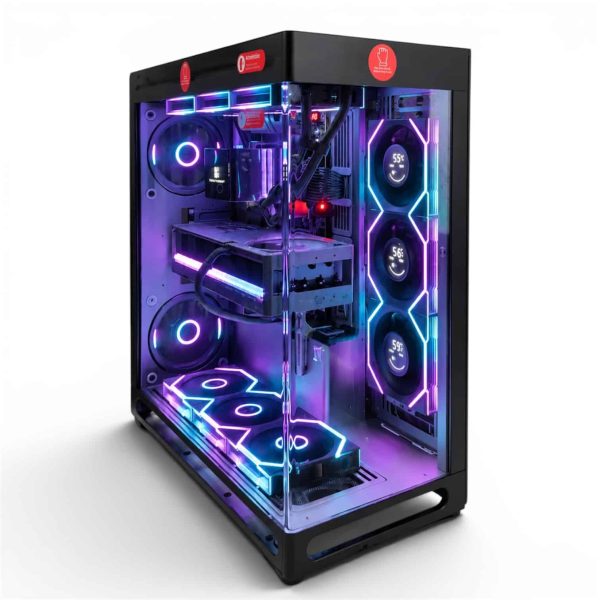
LUX View 5090
- GPURTX 5090
- CPURyzen 9 9950X3D
- RAM64GB DDR5
- SSD4TB NVMe
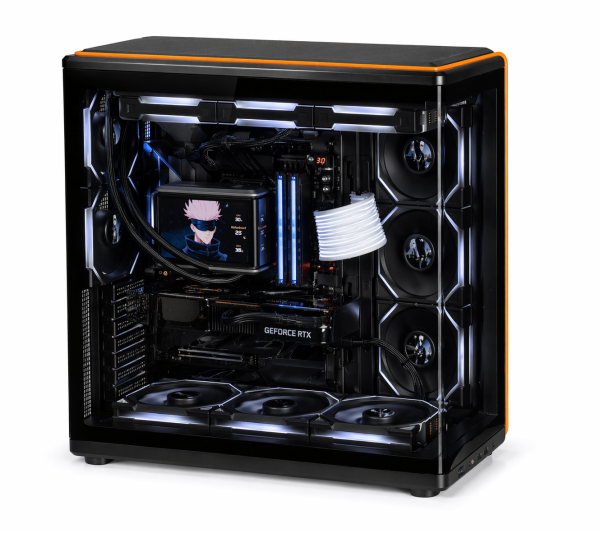
LUX View 5080
- GPURTX 5080
- CPURyzen 9 9950X3D
- RAM64GB DDR5
- SSD4TB NVMe
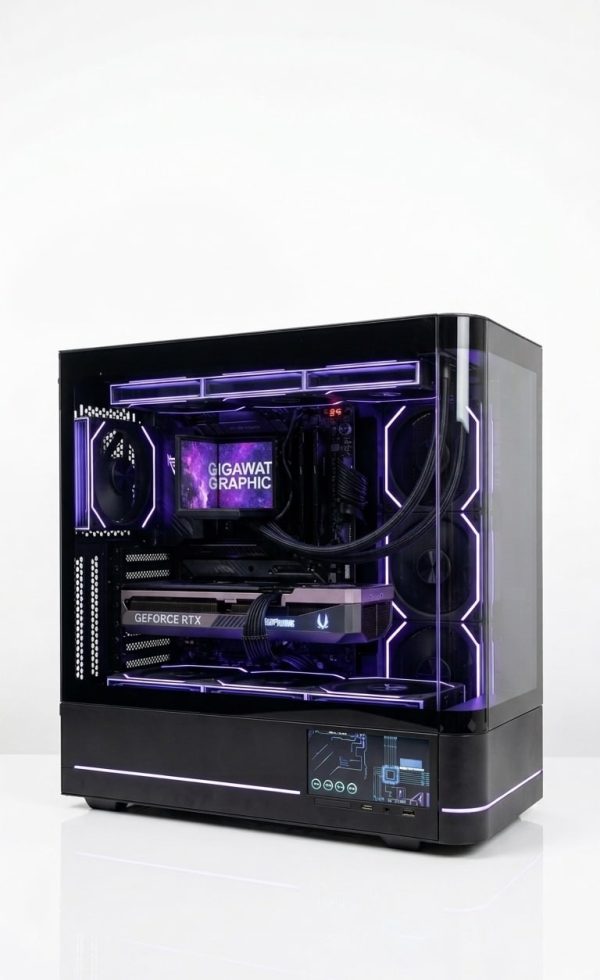
LUX Optic 5080 Pro
- GPURTX 5080
- CPURyzen 9 9900X3D
- RAM64GB DDR5
- SSD4TB NVMe
Who Should Skip 4K for Now
4K gaming is not the right target for everyone, and saying so saves people money.
- Competitive shooter players. If you chase very high frame rates on a 240 Hz or faster monitor, a lower resolution gets you there for far less.
- Tighter budgets. An RTX 5070 or RX 9070 is a superb card at 1440p but asks for compromises at 4K. A 1440p gaming PC is the better spend.
Torn between the two? Our 1440p vs 4K comparison puts image quality, frame rates and costs side by side.
4K Gaming FAQ
Is 4K worth it on a 27-inch monitor?
It can be. A 27-inch 4K panel is extremely sharp, but at typical desk distances the gain over 1440p is smaller than on a 32-inch screen, and you pay for it in GPU load. Is 4K gaming worth it at that size? Mainly if you also do photo or video work.
What are the minimum specs to play at 4K?
As a practical floor, our builders recommend a 16 GB graphics card such as the RTX 5070 Ti or RX 9070 XT, a modern 8-core CPU, 32 GB of DDR5 and a 750 W power supply. Those 4K gaming requirements assume you will use DLSS or FSR in demanding games.
Can a midrange graphics card handle 4K?
Yes, with sensible settings. The RTX 5070 Ti has 16 GB of GDDR7 and supports DLSS 4 Multi Frame Generation, which helps in demanding titles. For maximum settings with heavy ray tracing at high refresh, step up to the RTX 5080 or RTX 5090.
How much VRAM do you need at 4K?
We treat 16 GB as the sensible minimum for a new card in 2026, since high-resolution textures and ray tracing both eat memory. The RTX 5090’s 32 GB is the most memory in the RTX 50 desktop lineup.
Is a TV or a monitor better for PC play at 4K?
A 32-inch monitor suits desk setups with keyboard and mouse, while a large TV suits controller play from the couch. For TV-based 4K gaming, make sure both the TV input and your GPU support HDMI 2.1 so you can run above 60 Hz.
The Bottom Line
4K gaming is worth it when three things line up: a screen big enough to show the detail, a GPU with at least 16 GB of VRAM, and a budget that covers both. For most buyers who want it, an RTX 5080 build is the sweet spot, while the RTX 5090 is for those who want native 4K with every setting maxed. If those boxes are not ticked, 1440p at high refresh is the smarter buy.
Browse our 4K-ready systems, or ask a real builder at sales@luxvibepcs.com or through our contact form. We hand-build every system to order and ship across the USA from Oshkosh, Wisconsin.