1440p is a display resolution of 2560 x 1440 pixels, also sold as QHD or WQHD. It has become the sweet spot for PC gaming because it looks clearly sharper than 1080p without demanding the graphics horsepower of 4K.
This guide explains what the numbers mean, whether 1440p really counts as “2K”, how it stacks up against other resolutions and screen sizes, and what hardware you need to game at it comfortably.
In This Guide
What Is 1440p?
The name describes the image height: 1,440 horizontal lines of pixels, each 2,560 pixels wide. Multiply them and you get 3,686,400 pixels per frame, in a 16:9 widescreen aspect ratio, the same shape as a standard TV or Full HD monitor.
The “p” stands for progressive scan, meaning every line of the image is drawn in each frame. That distinguishes it from interlaced (“i”) formats, which draw alternating lines. Every modern PC monitor is progressive, so the “p” is mostly a naming convention today.
QHD, WQHD and other names
- QHD (Quad HD): 2560 x 1440 has exactly four times the pixels of 720p HD (1280 x 720), hence “quad”.
- WQHD (Wide Quad HD): many monitor makers use this label for the same 2560 x 1440 resolution.
- Ultrawide QHD: 3440 x 1440 in a 21:9 shape. It keeps the same height but adds width, for 4,953,600 pixels in total, about 34% more than standard QHD.
Is 1440p 2K? Clearing Up the Naming
Strictly speaking, no. The cinema standard known as DCI 2K is 2048 x 1080, a format used in digital film projection. The “K” refers loosely to horizontal pixel count in thousands, and 2048 is roughly 2,000.
In everyday shopping, though, monitor makers and buyers often call 2560 x 1440 “2K”, and you will see that label on plenty of product listings. By the same loose logic, it would be closer to “2.5K”, since 2,560 is nearer to 2,500 than 2,000.
So is 1440p 2K? In marketing, usually yes. In technical terms, no. Our practical advice is simple: ignore the “K” label and check the actual pixel count on the spec sheet. If it says 2560 x 1440, you are getting QHD. Similarly, “4K” on monitors and TVs means 4K UHD at 3840 x 2160, roughly 4,000 pixels wide.
How QHD Compares to 1080p and 4K
Resolution matters because your graphics card has to render every pixel in every frame. More pixels means a sharper image, but also more work for the GPU.
| Name | Resolution | Total pixels | Compared with 1080p |
|---|---|---|---|
| 1080p (Full HD) | 1920 x 1080 | 2,073,600 | 1x |
| 1440p (QHD / WQHD) | 2560 x 1440 | 3,686,400 | 1.78x |
| Ultrawide QHD | 3440 x 1440 | 4,953,600 | 2.39x |
| 4K UHD | 3840 x 2160 | 8,294,400 | 4x |
The key ratios: 1440p has 1.78 times the pixels of 1080p, and 4K has 2.25 times the pixels of 1440p. Put another way, QHD asks your GPU for about 44% fewer pixels than 4K while still delivering a big jump in clarity over Full HD.
If you are deciding between resolutions, we go deeper in our 1080p vs 1440p upgrade guide and our 1440p vs 4K comparison.
Pixel Density and Screen Size
Resolution alone does not tell you how sharp a screen looks. Pixel density, measured in pixels per inch (PPI), depends on how those pixels are spread across the panel.
- 24-inch 1080p: about 92 PPI. Fine, but text and fine edges look soft up close.
- 27-inch 1440p: about 109 PPI. Noticeably crisper, and comfortable at 100% Windows scaling.
- 32-inch 1440p: about 92 PPI, the same density as a 24-inch 1080p screen, just bigger.
- 27-inch 4K: about 163 PPI. Very sharp, but usually needs around 150% scaling.
That is why 27 inches is the classic size for 1440p. It hits a density that looks sharp at a normal desk distance without forcing you to scale up text, and it fits on most desks.
Why Gamers Love This Resolution
1440p has become the default recommendation for new gaming builds for a few practical reasons:
- Balance. You get a large step up in sharpness from 1080p while staying well short of the GPU load of 4K.
- High refresh rates. Fast QHD monitors are widely available, and midrange GPUs can actually feed them.
- Upscaling works well. DLSS and FSR can render below native resolution and reconstruct a sharp 1440p image, buying extra frames in demanding games. NVIDIA describes DLSS Super Resolution as using AI to output higher-resolution frames from a lower-resolution input.
- It suits every genre. Competitive players get high frame rates, while single-player fans get visibly more detail than Full HD.
- Better for work, too. More desktop space than 1080p makes side-by-side windows and timelines easier.
For most buyers in 2026, our builders see 1440p as the best place to spend a gaming budget: 4K is a luxury, and 1080p leaves visual quality on the table.
What Hardware You Need to Game at 1440p
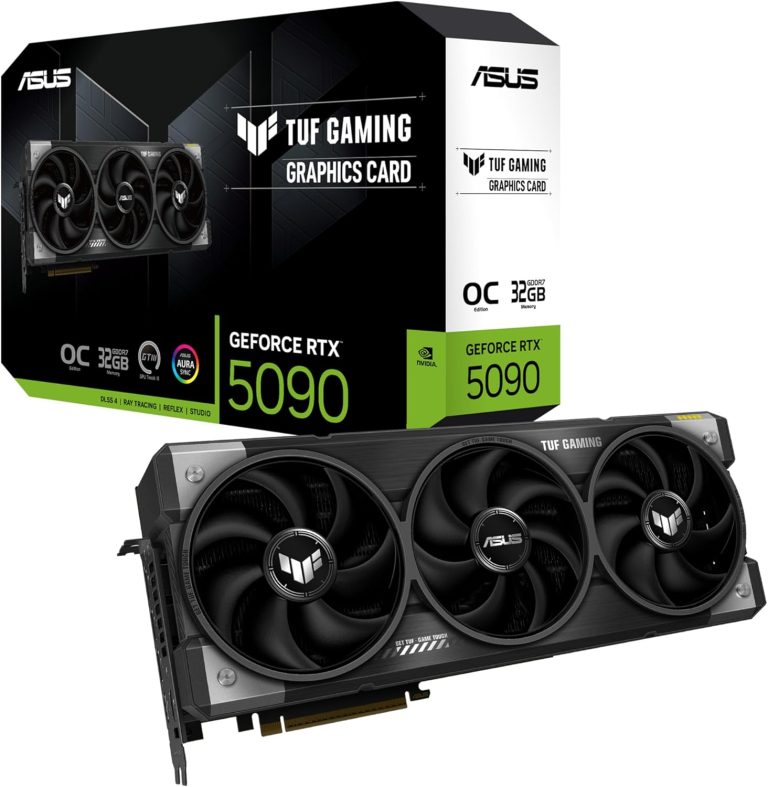
The graphics card does most of the work. Here are the current cards our builders recommend, with official specs:
- RTX 5070: 6,144 CUDA cores, 12 GB of GDDR7, 250 W, $549 launch MSRP. NVIDIA’s own RTX 5070 family page uses QHD for its performance charts.
- RX 9070: 56 compute units, 16 GB of GDDR6, 220 W, $549 launch price.
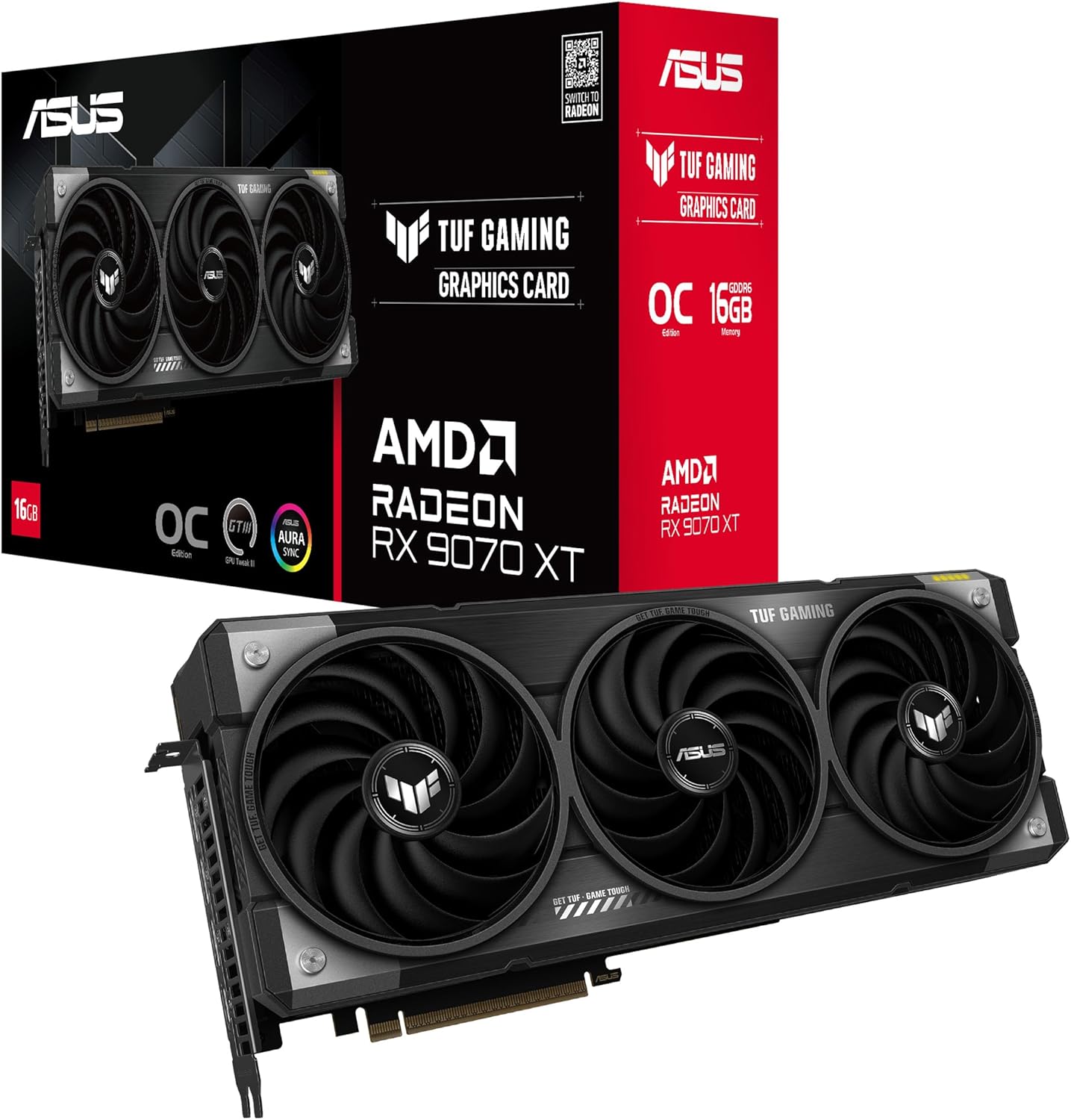
- RX 9070 XT: 64 compute units, 16 GB of GDDR6, 304 W, $599. AMD said at launch it is over 40% faster on average than the RX 7900 GRE at 1440p.
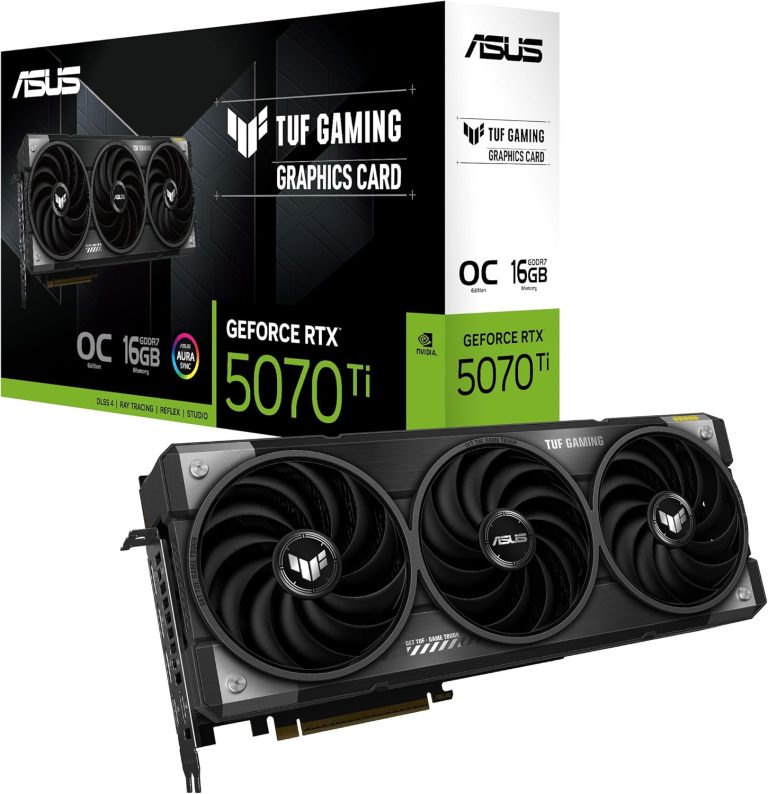
- RTX 5070 Ti: 8,960 CUDA cores, 16 GB of GDDR7, 300 W, $749. Our favorite all-rounder for high-refresh 1440p.
Street prices for graphics cards are well above MSRP in 2026 because of the memory shortage, so check our product pages for current pricing. For a full ranking, see our guide to the best GPU for 1440p.
CPU, memory and power
- CPU: At high refresh rates the processor matters more than it does at 4K. The Ryzen 7 9800X3D and Ryzen 7 7800X3D, each with 96 MB of L3 cache, are excellent gaming chips.
- Memory: 32 GB of DDR5 is the standard for a new gaming PC in 2026.
- Power supply: NVIDIA recommends 650 W for the RTX 5070 and 750 W for the RTX 5070 Ti. AMD recommends 650 W for the RX 9070 and 750 W for the RX 9070 XT.
If you would rather have it all assembled for you, every 1440p gaming PC we sell is hand-built to order, and upgrades and changes are always possible before we build.
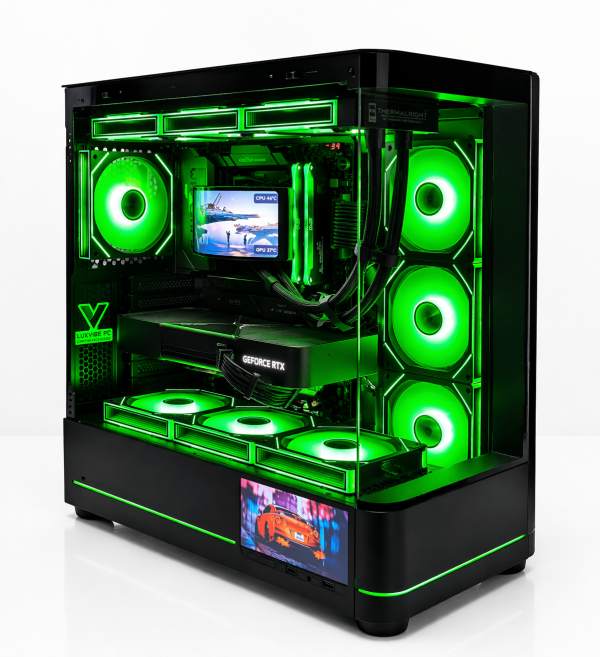
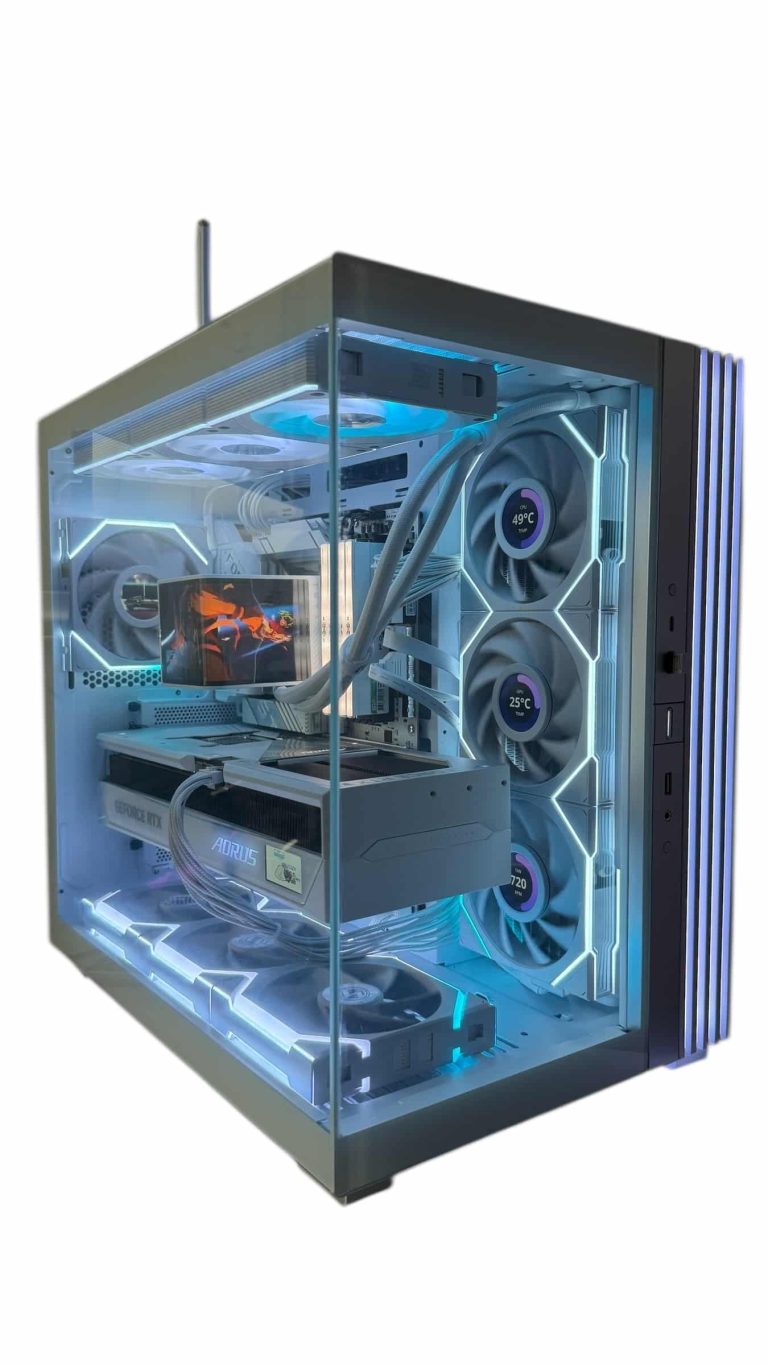
LUX Optic 5070ti Core
- GPURTX 5070 Ti
- CPURyzen 7 9800X3D
- RAM32GB DDR5
- SSD2TB NVMe
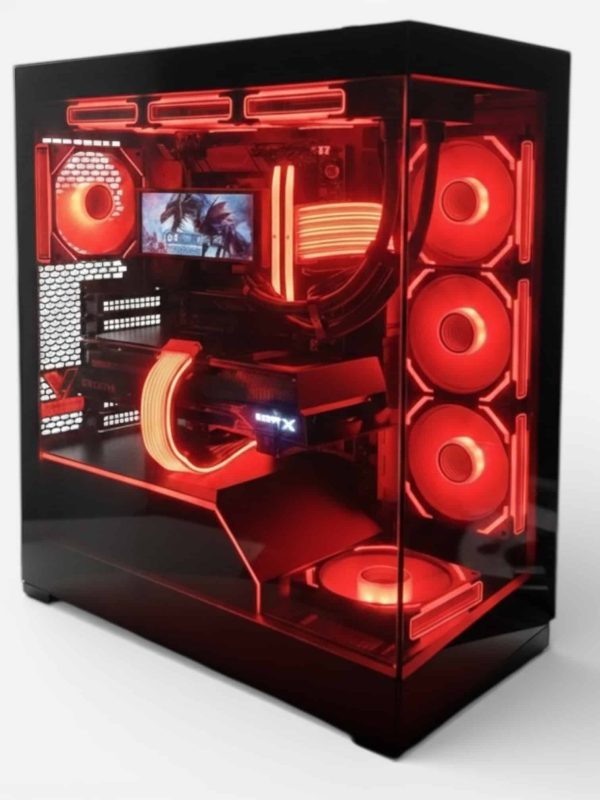
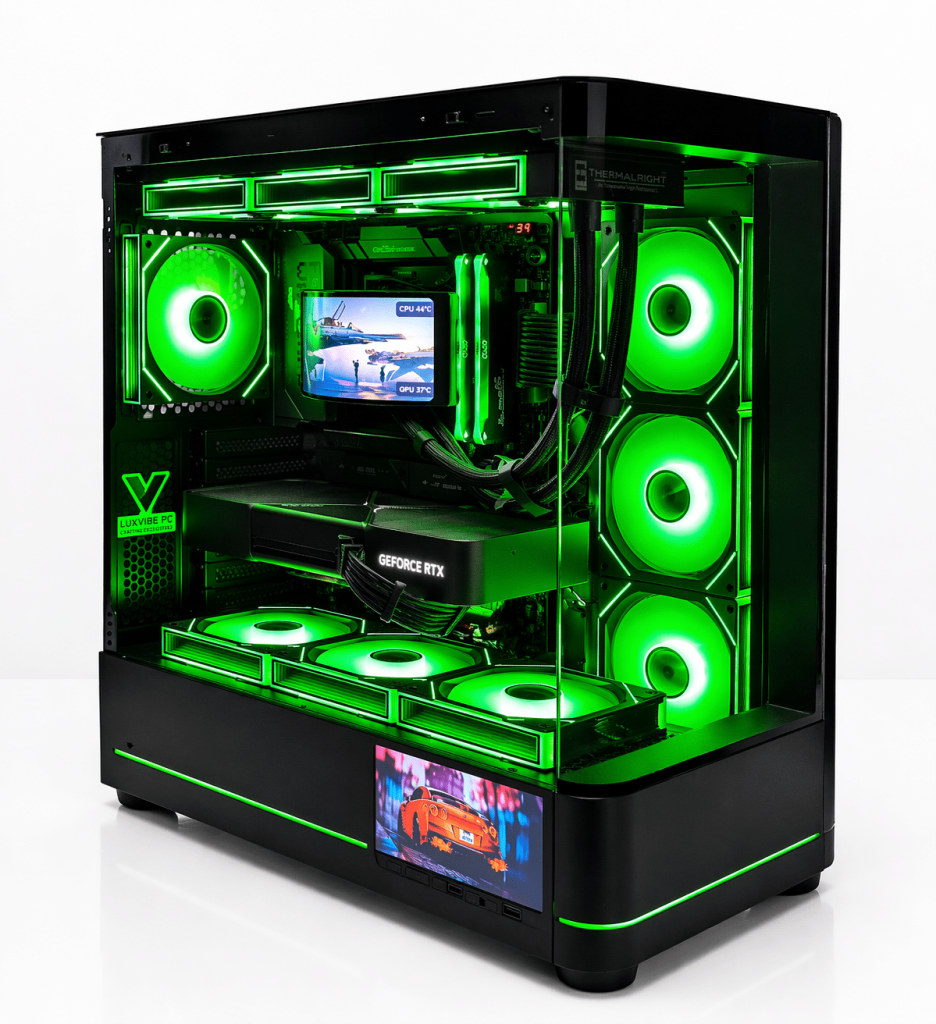
Lux Nv5 Black 9070XT
- GPURX 9070 XT
- CPURyzen 7 9800X3D
- RAM32GB DDR5
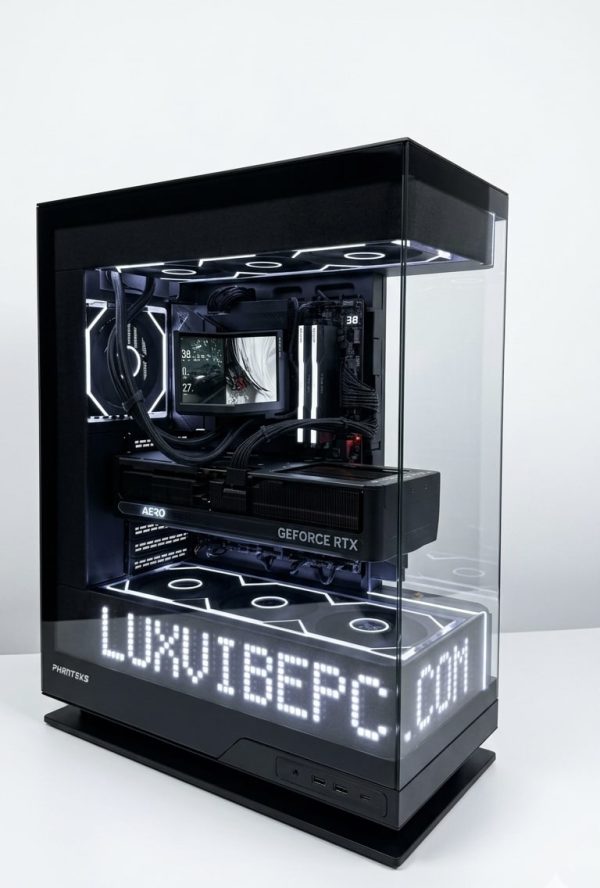
LUX Matrix 5070ti
- GPURTX 5070 Ti
- CPURyzen 7 9800X3D
- RAM32GB DDR5
- SSD2TB NVMe
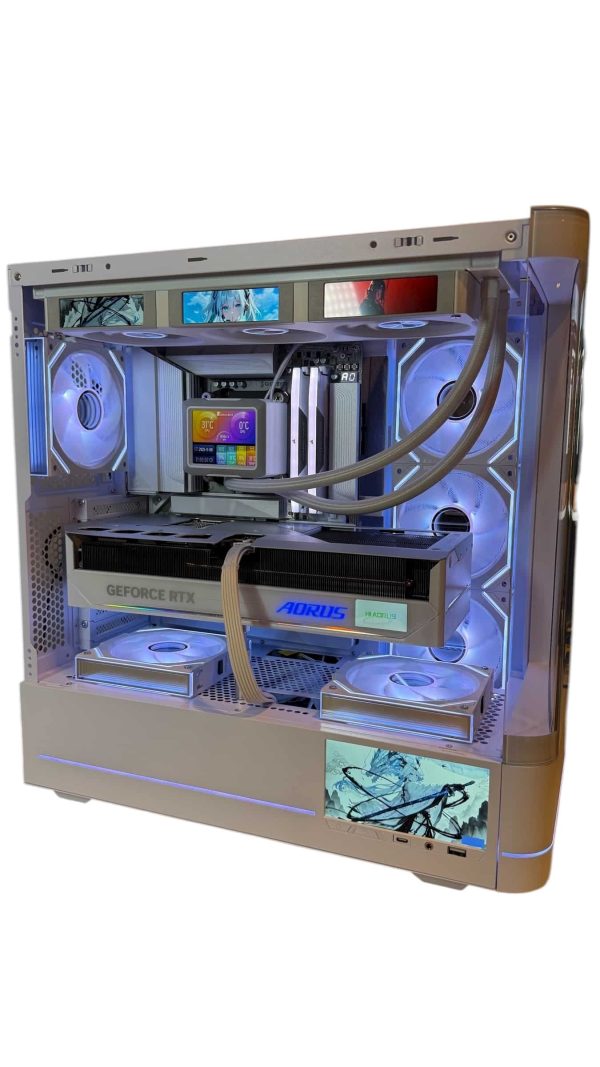
LUX Optic ICE 9070XT
- GPURX 9070 XT
- CPURyzen 7 9800X3D
- RAM32GB DDR5
- SSD2TB NVMe
Picking a QHD Monitor
A few quick rules our builders share with customers:
- Size: 27 inches is the sweet spot for density and desk fit.
- Refresh rate: 144 Hz is the floor for a gaming monitor; faster panels make sense with an RTX 5070 Ti or RX 9070 XT and above.
- Variable refresh rate: look for G-SYNC Compatible or FreeSync support to eliminate tearing.
- Panel type: IPS for balanced color and price, OLED for contrast and motion clarity.
- Connection: use DisplayPort where possible for the full refresh rate.
1440p Resolution FAQ
Is QHD the same as WQHD?
For monitors, yes. Both labels describe 2560 x 1440 in a 16:9 shape. Ultrawide models at 3440 x 1440 share the height but are a different, wider format.
Is a 27-inch screen the right size for QHD?
For most desks, yes. At 27 inches you get about 109 PPI, which looks sharp at a normal viewing distance and works at 100% scaling. At 32 inches, density falls to about 92 PPI, so some players step up to 4K at that size.
Can a QHD monitor show 1080p or 4K content?
Yes. It will scale 1080p up, though non-native content looks slightly soft because 1440 is not an even multiple of 1080. It will also display 4K video downscaled to its own resolution, which still looks great.
Is QHD better than Full HD for gaming?
For most players, yes: it is noticeably sharper, especially at 27 inches. Full HD still makes sense for very high frame rate esports play or tight budgets. Our 1080p comparison guide covers the tradeoffs in detail.
Does QHD need a powerful graphics card?
It needs a capable one, but not a flagship. Cards like the RTX 5070, RX 9070, RX 9070 XT and RTX 5070 Ti are well suited, and DLSS or FSR upscaling helps in the heaviest games.
The Bottom Line
1440p means 2560 x 1440 pixels, often marketed as “2K” even though true DCI 2K is 2048 x 1080. It is the sharpest resolution most gamers can run at high frame rates without flagship hardware, which is why our builders recommend it for most new systems. Pair a 27-inch 1440p monitor at 144 Hz or more with an RTX 5070 Ti or RX 9070 XT, and you have a setup that looks great and plays fast.
Ready to build? Browse our QHD-ready systems, or ask a real builder at sales@luxvibepcs.com or through our contact form. We ship across the USA from Oshkosh, Wisconsin.