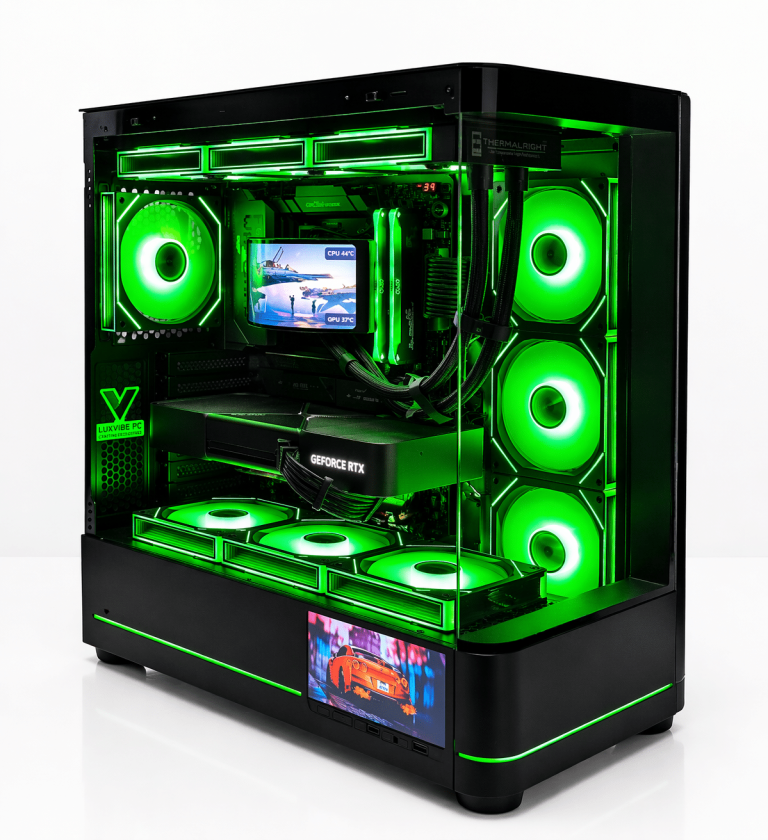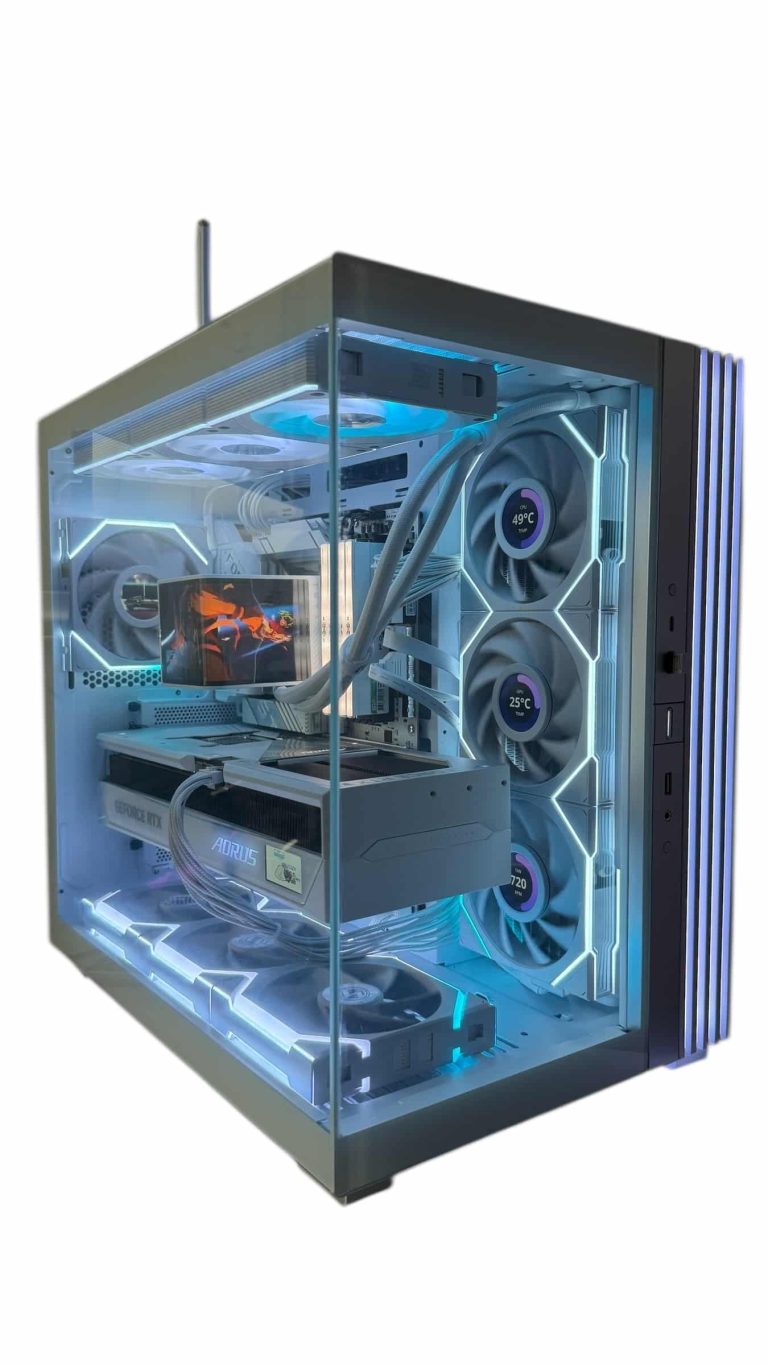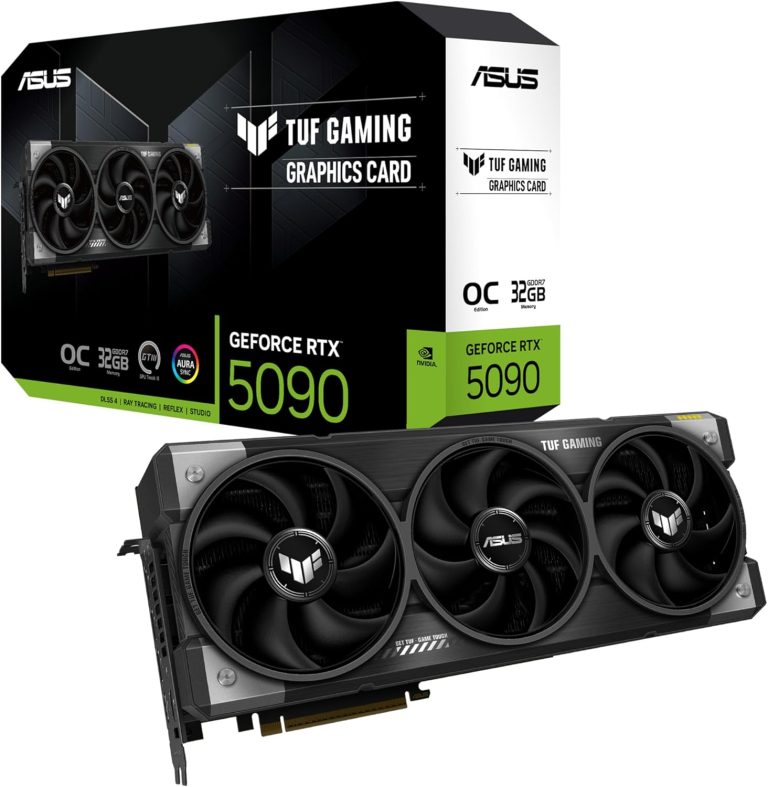
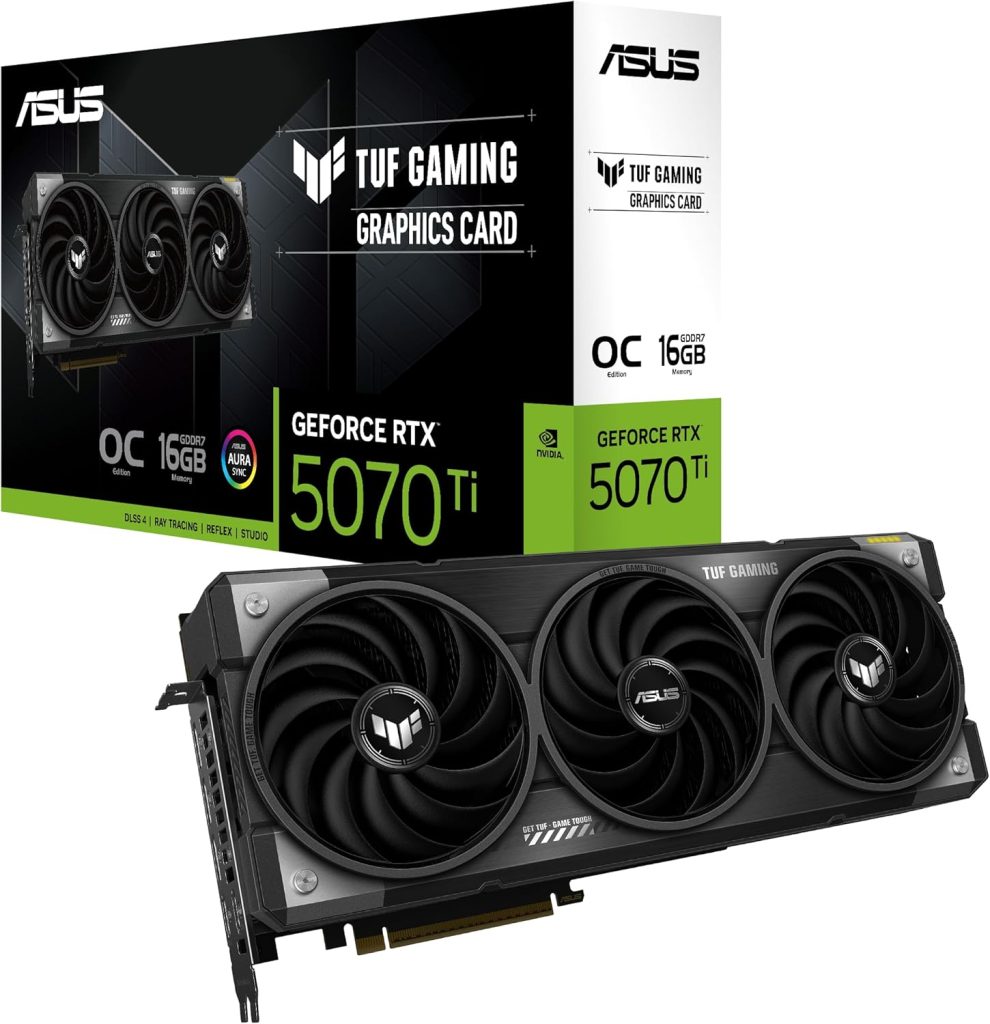
The best GPU for 1440p for most builds in 2026 is NVIDIA’s RTX 5070 Ti: 16 GB of GDDR7, the full DLSS 4 feature set and plenty of headroom for high-refresh QHD. If value matters most, AMD’s RX 9070 XT is the strongest alternative, the RTX 5070 and RX 9070 are smart entry points, and the RTX 5080 is for players chasing 240 Hz and beyond.
Below, our builders rank each 1440p graphics card, explain the specs that matter at 2560 x 1440, and cover the CPU, memory and power supply that keep a QHD system balanced.
In This Guide
Quick Picks: Best GPU for 1440p by Budget
Here is how we rank the best 1440p GPU at each price point:
- Best overall: RTX 5070 Ti. 16 GB of GDDR7, Multi Frame Generation and DLSS 5 support. Launch MSRP $749.
- Best value: RX 9070 XT. 16 GB of GDDR6 and FSR 4 at a $599 launch price.
- Best NVIDIA entry point: RTX 5070. 12 GB of GDDR7 and the full RTX 50 feature set for $549 at launch.
- Best AMD entry point: RX 9070. 16 GB of GDDR6 at a 220 W board power, also $549 at launch.
- Best for 240 Hz and up: RTX 5080. The most headroom for QHD, at a $999 launch MSRP.
Street prices for all of these are well above MSRP in 2026 because of the global memory shortage. Our product pages always show current prices.
What to Look for in a 1440p Graphics Card
QHD is 3,686,400 pixels per frame, 1.78 times as many as 1080p. Here is what decides how well a 1440p graphics card copes with that load:
- VRAM. 12 GB is workable at QHD for most games. 16 GB is the safer long-term choice for high texture settings, ray tracing and mods.
- Shader count and clocks. More CUDA cores or stream processors within the same architecture means more frames. Do not compare core counts across NVIDIA and AMD directly.
- Upscaling and frame generation. NVIDIA says Multi Frame Generation, exclusive to RTX 50 Series, can generate up to five frames per rendered frame. AMD’s FSR 4 machine-learning upscaler launched exclusive to RX 9000 cards.
- Power draw. Board power ranges from 220 W to 360 W across our picks, which affects your PSU, heat and noise.
- Encoders. If you stream, OBS Studio supports NVIDIA NVENC (including AV1 on RTX 40 and 50) and AMD AMF.
Best 1440p GPU Specs Compared
Here is how each 1440p graphics card stacks up. All figures come from NVIDIA’s RTX 5070 family page, its comparison page and AMD’s official product pages.
| Spec | RTX 5080 | RTX 5070 Ti | RTX 5070 | RX 9070 XT | RX 9070 |
|---|---|---|---|---|---|
| Shaders | 10,752 CUDA | 8,960 CUDA | 6,144 CUDA | 4,096 SP (64 CUs) | 3,584 SP (56 CUs) |
| VRAM | 16 GB GDDR7 | 16 GB GDDR7 | 12 GB GDDR7 | 16 GB GDDR6 | 16 GB GDDR6 |
| Memory bus | 256-bit | 256-bit | 192-bit | 256-bit | 256-bit |
| Boost clock | 2.62 GHz | 2.45 GHz | 2.51 GHz | Up to 2.97 GHz | Up to 2.52 GHz |
| Board power | 360 W | 300 W | 250 W | 304 W | 220 W |
| Vendor PSU guidance | 850 W | 750 W | 650 W | 750 W | 650 W |
| Launch MSRP | $999 | $749 | $549 | $599 | $549 |
AMD positioned the RX 9070 XT against the RTX 5070 Ti and the RX 9070 against the RTX 5070, so those are the natural head-to-head pairs.
Our Top Pick: The Best GPU for 1440p for Most Builds
The RTX 5070 Ti uses the same 16 GB of GDDR7 on a 256-bit bus as the RTX 5080, with 8,960 CUDA cores to the 5080’s 10,752. As a 1440p graphics card, that gives it the memory headroom of a higher-tier card at a $749 launch MSRP. It draws 300 W, and NVIDIA lists 750 W of required system power.
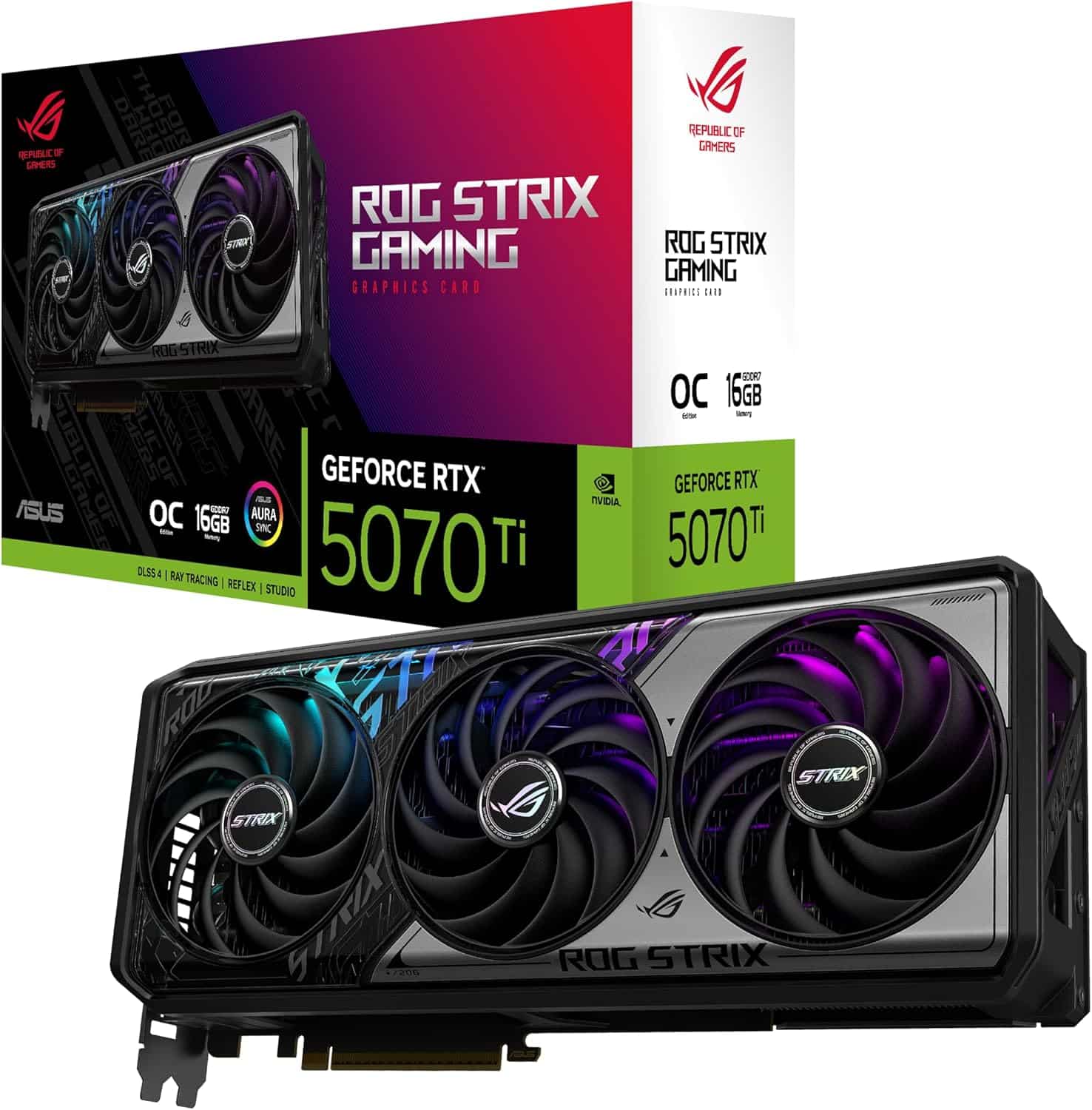
Why our builders recommend it most often:
- Full RTX 50 feature set: DLSS Super Resolution, Frame Generation, Multi Frame Generation and DLSS 5.
- Streaming and creative work: two 9th-gen NVENC encoders and 1,406 AI TOPS.
- Flexibility: it handles high-refresh QHD comfortably and can step up to a 4K screen with upscaling later.
For a deeper look, read our RTX 5070 Ti guide.
AMD’s Value Contender
The RX 9070 XT is the 1440p graphics card most likely to make you reconsider. It has 64 compute units (4,096 stream processors), 16 GB of GDDR6 with up to 640 GB/s of bandwidth, 64 MB of Infinity Cache and a 304 W typical board power, with a 750 W PSU recommendation. It launched at $599, $150 under the RTX 5070 Ti.
AMD said at launch that the RX 9070 XT is over 40% faster on average than the RX 7900 GRE at 1440p. That is AMD’s own claim, but it shows where the company aimed the card. Its specs are on AMD’s RX 9070 XT page.
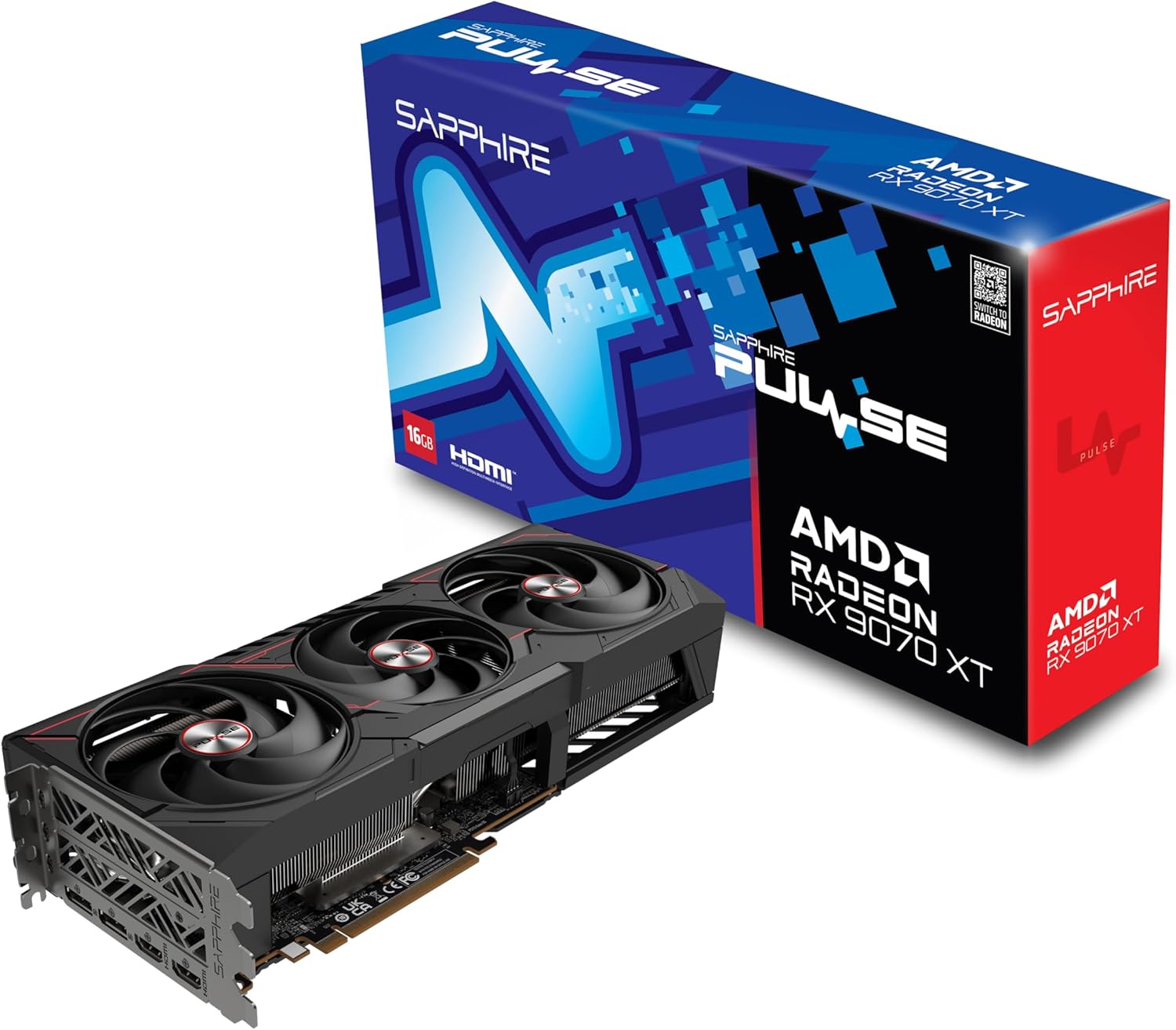
The choice between the two comes down to features versus price: DLSS and Multi Frame Generation on one side, a lower launch price on the other. Our RX 9070 XT vs RTX 5070 Ti comparison walks through it in detail.
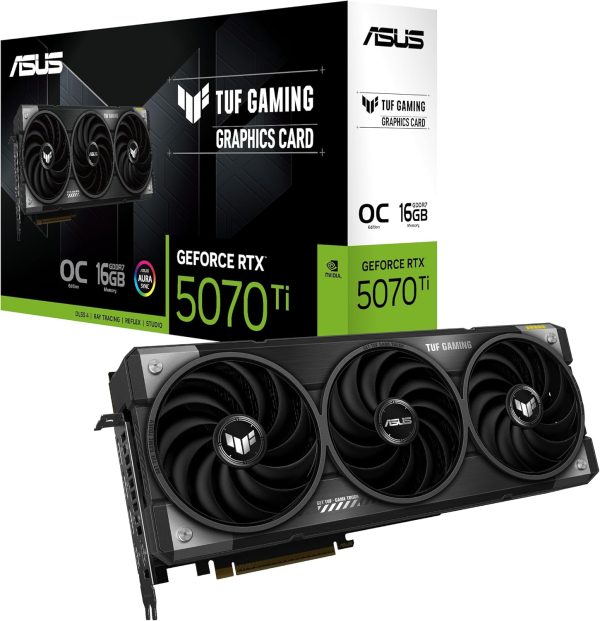
ASUS TUF Gaming GeForce RTX 5070 Ti 16GB GDDR7 OC Edition Gaming
The ASUS TUF Gaming RTX 5070 Ti 16GB GDDR7 OC puts NVIDIA GeForce RTX 5070 Ti…
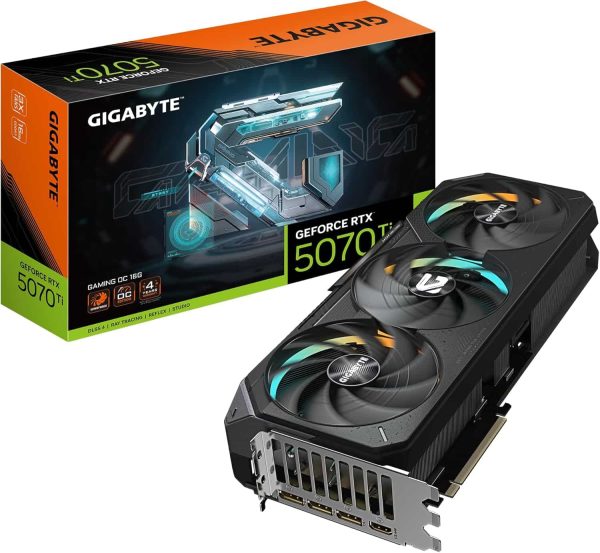
GIGABYTE GeForce RTX 5070 Ti Gaming OC 16G Graphics Card
The GIGABYTE GeForce RTX 5070 Ti Gaming OC 16G puts NVIDIA GeForce RTX 5070 Ti power…
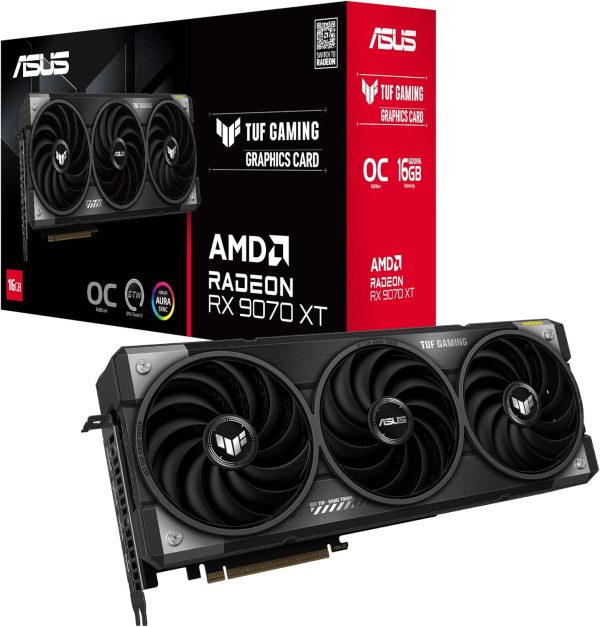
ASUS TUF Gaming RX 9070 XT
The ASUS TUF Gaming RX 9070 XT puts AMD Radeon RX 9070 XT power into your…
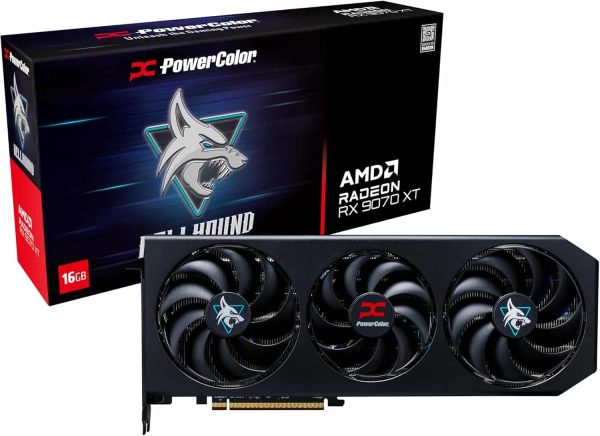
PowerColor RX 9070 XT Hellhound
Upgrade to the PowerColor RX 9070 XT Hellhound and get AMD Radeon RX 9070 XT performance…
RTX 5070 and RX 9070: Smart Entry Points
Both launched at $549, and either one is a capable 1440p graphics card at high settings, with upscaling helping in the heaviest titles.
- RTX 5070: 6,144 CUDA cores and 12 GB of GDDR7 on a 192-bit bus, 250 W, 650 W system power. You get Multi Frame Generation and the rest of the RTX 50 feature set.
- RX 9070: 56 compute units and 16 GB of GDDR6 on a 256-bit bus, 220 W, 650 W PSU. It has the lowest board power on this list and carries 4 GB more memory than the RTX 5070.
Our take: pick the RTX 5070 if you want NVIDIA’s frame generation and encoders, and the RX 9070 if you value VRAM capacity and lower power draw. Our LUX ICE Duo 5070 build uses the RTX 5070 for an efficient QHD system.
Stepping Up for 240 Hz and Beyond
If you play fast shooters on a 240 Hz or faster QHD monitor, or you want one card that also handles 4K, the RTX 5080 is the step up and the most capable 1440p graphics card we recommend. It has 10,752 CUDA cores, 16 GB of GDDR7, 360 W total graphics power and an 850 W system power requirement, at a $999 launch MSRP.
Waiting for a Super refresh? NVIDIA has not announced any RTX 50 Super cards. Reports in 2026 say the refresh was delayed or put on hold because of the GDDR7 shortage, so there is no date to plan around. Buy based on what exists today.
CPU, RAM and Power at QHD
At high refresh rates the CPU matters more than at 4K, because a fast GPU can render frames faster than a slow processor can prepare them.
- CPU: The Ryzen 7 9800X3D (8 cores, 96 MB of L3 cache, 120 W) is our go-to gaming chip. The Ryzen 7 9850X3D adds 400 MHz of boost clock, and the 7800X3D remains a strong lower-cost option.
- Memory: 32 GB of DDR5 is the 2026 standard. DDR5-6000 EXPO kits are the common sweet spot on AM5.
- Power supply: follow the vendor guidance in the table above and leave headroom for the CPU and future upgrades.
- Monitor: a 27-inch QHD panel at 144 Hz or more. Our guide to the best 1440p gaming monitor covers refresh rates and panel types.
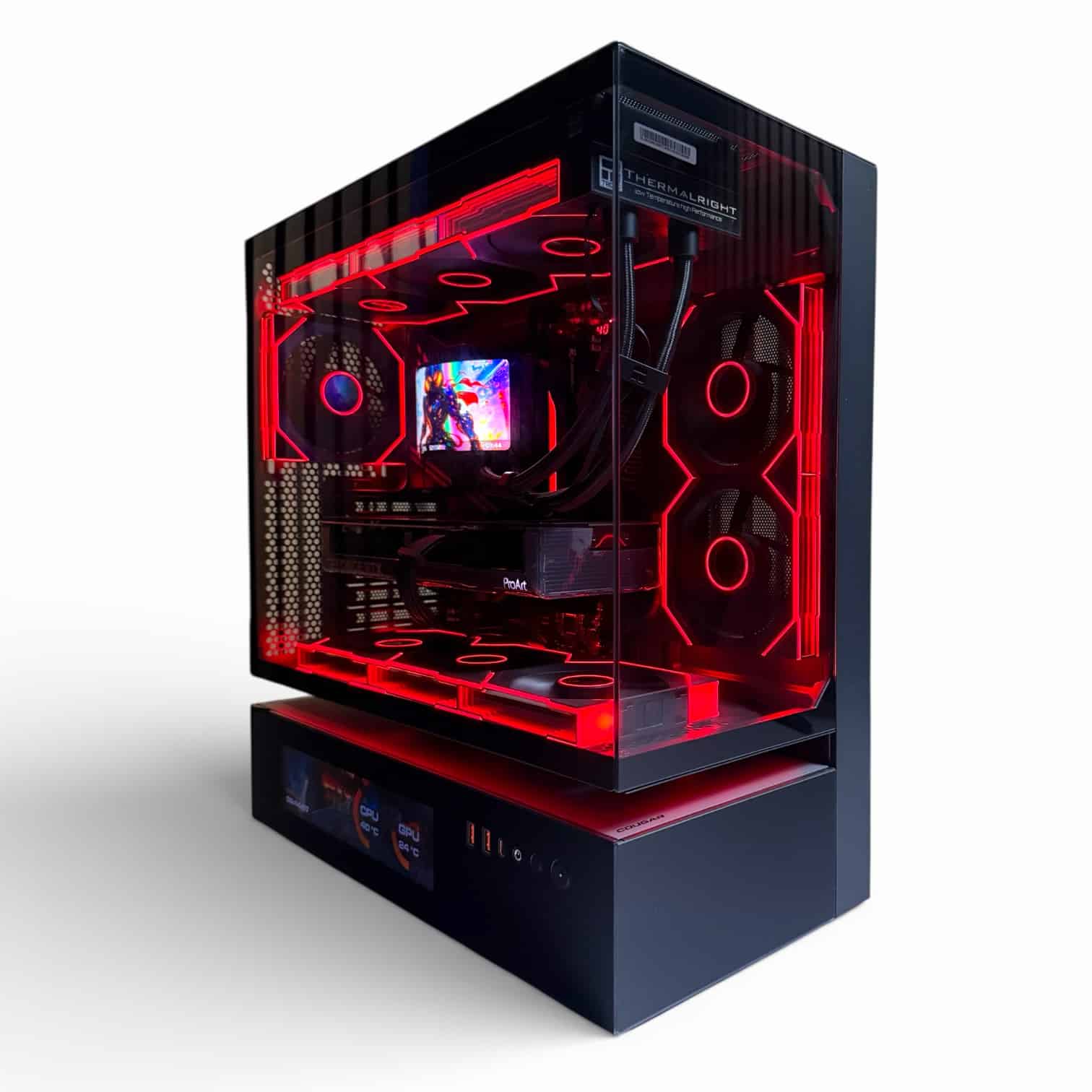
Prefer a complete system? Every 1440p gaming PC we sell is hand-built to order, and upgrades and changes are always possible before we build.
Best GPU for 1440p FAQ
Is 12 GB of VRAM enough for QHD?
For most games today, yes. The 12 GB RTX 5070 is a capable 1440p graphics card, especially with DLSS. If you play with high-resolution texture packs, heavy ray tracing or mods, a 16 GB card like the RTX 5070 Ti, RX 9070 XT or RX 9070 gives more headroom.
Is a flagship card overkill at this resolution?
For most players, yes. At QHD a fast CPU often becomes the limit before a top-tier card is fully used. The RTX 5080 is the most we suggest for pure 1440p gaming, unless you also do heavy creative work.
Is AMD or NVIDIA the better 1440p graphics card choice?
Both are excellent at this resolution. NVIDIA offers DLSS, Multi Frame Generation and NVENC encoders; AMD offers more VRAM at the entry level and lower launch prices. Pick based on the features you will use.
What power supply does a 1440p graphics card need?
Per NVIDIA and AMD: 650 W for the RTX 5070 and RX 9070, 750 W for the RTX 5070 Ti and RX 9070 XT, and 850 W for the RTX 5080. Quality matters as much as wattage.
Should I wait for RTX 50 Super cards?
NVIDIA has not announced them, and reports say the refresh was delayed or put on hold because of the memory shortage. We recommend buying the best 1440p GPU you can get today.
The Bottom Line
For most gamers, the RTX 5070 Ti is the best GPU for 1440p: 16 GB of fast memory, NVIDIA’s full feature set and room to grow. Choose the RX 9070 XT if you want the strongest value, the RTX 5070 or RX 9070 for a lower-cost build, and the RTX 5080 if you run a 240 Hz monitor or plan to move to 4K.
Want help matching a card to your games? Ask a real builder at sales@luxvibepcs.com or through our contact form, or browse our QHD-ready systems. We ship across the USA from Oshkosh, Wisconsin.