The 1440p vs 4K decision comes down to one tradeoff: 4K gives you 2.25 times as many pixels for a sharper image, while 1440p gives you higher frame rates from the same graphics card and costs far less to run well. For most gamers on a 27-inch monitor, 1440p is the smarter buy. On a 32-inch screen or a TV, with a high-end GPU, 4K earns its keep.
Below, our builders compare 1440p vs 4K gaming on image quality, performance, hardware costs and monitor choices, then match each resolution to the kind of player it suits best.
In This Guide
1440p vs 4K at a Glance
| Factor | 1440p (QHD) | 4K UHD |
|---|---|---|
| Resolution | 2560 x 1440 | 3840 x 2160 |
| Pixels per frame | 3,686,400 | 8,294,400 (2.25x) |
| Density at 27 inches | ~109 PPI | ~163 PPI |
| Density at 32 inches | ~92 PPI | ~138 PPI |
| GPUs we recommend | RTX 5070, RX 9070, RX 9070 XT, RTX 5070 Ti | RTX 5070 Ti or RX 9070 XT (with upscaling), RTX 5080, RTX 5090 |
| GPU launch MSRP range | $549 to $749 | $599 to $1,999 |
| Best for | High refresh, competitive play, value | Big screens, cinematic games, TVs |
The short version of 1440p vs 4K: one resolution favors speed and value, the other favors detail. Everything below explains when each one wins.
Image Quality: 1440p vs 4K Gaming Side by Side
Pixel density, not resolution alone, decides how sharp a screen looks. On a 27-inch monitor, the 1440p vs 4K gap is easy to quantify: 4K packs about 163 pixels per inch against roughly 109 for 1440p. You will notice it in text, thin geometry like fences and power lines, and distant foliage. At a normal desk distance, though, a 27-inch 1440p image already looks clean, so the gap is real but modest.
Move up to 32 inches and the picture changes. 1440p drops to about 92 PPI, the same density as a 24-inch 1080p screen, while 4K stays crisp at about 138 PPI. That is why our builders treat 32 inches as the point where 4K clearly pulls ahead.
Two other factors matter as much as resolution:
- Viewing distance. The farther back you sit, the less of the extra 4K detail your eyes can resolve.
- Panel quality. Contrast, HDR brightness and motion clarity shape what you see. A great 1440p OLED can look more impressive than an average 4K IPS panel.

Performance: The Cost of 2.25x the Pixels
Your graphics card has to render every pixel of every frame. At 4K it renders 2.25 times as many as at 1440p, so the same GPU delivers noticeably fewer frames per second. Frame rates do not fall in perfect proportion to pixel count, but in GPU-heavy games the drop is large.
That changes where the bottlenecks sit in a 4K vs 1440p build:
- At 1440p, a fast GPU can push frame rates high enough that the CPU starts to matter. A gaming chip like the Ryzen 7 9800X3D, with 96 MB of L3 cache, helps keep high-refresh play smooth.
- At 4K, the GPU is almost always the limit, so the money goes into the graphics card first.
- VRAM demands rise with resolution. The 12 GB RTX 5070 is comfortable at 1440p, while our builders recommend 16 GB or more for 4K.
Hardware and Budget for Each Resolution
Here is how the current lineup splits for 1440p vs 4K, using launch MSRPs. In 2026, street prices are well above MSRP because of the memory shortage, so check our product pages for current prices.
For 1440p
- RTX 5070 (12 GB GDDR7, $549) and RX 9070 (16 GB GDDR6, $549): strong entry points with 650 W PSU guidance from NVIDIA and AMD.
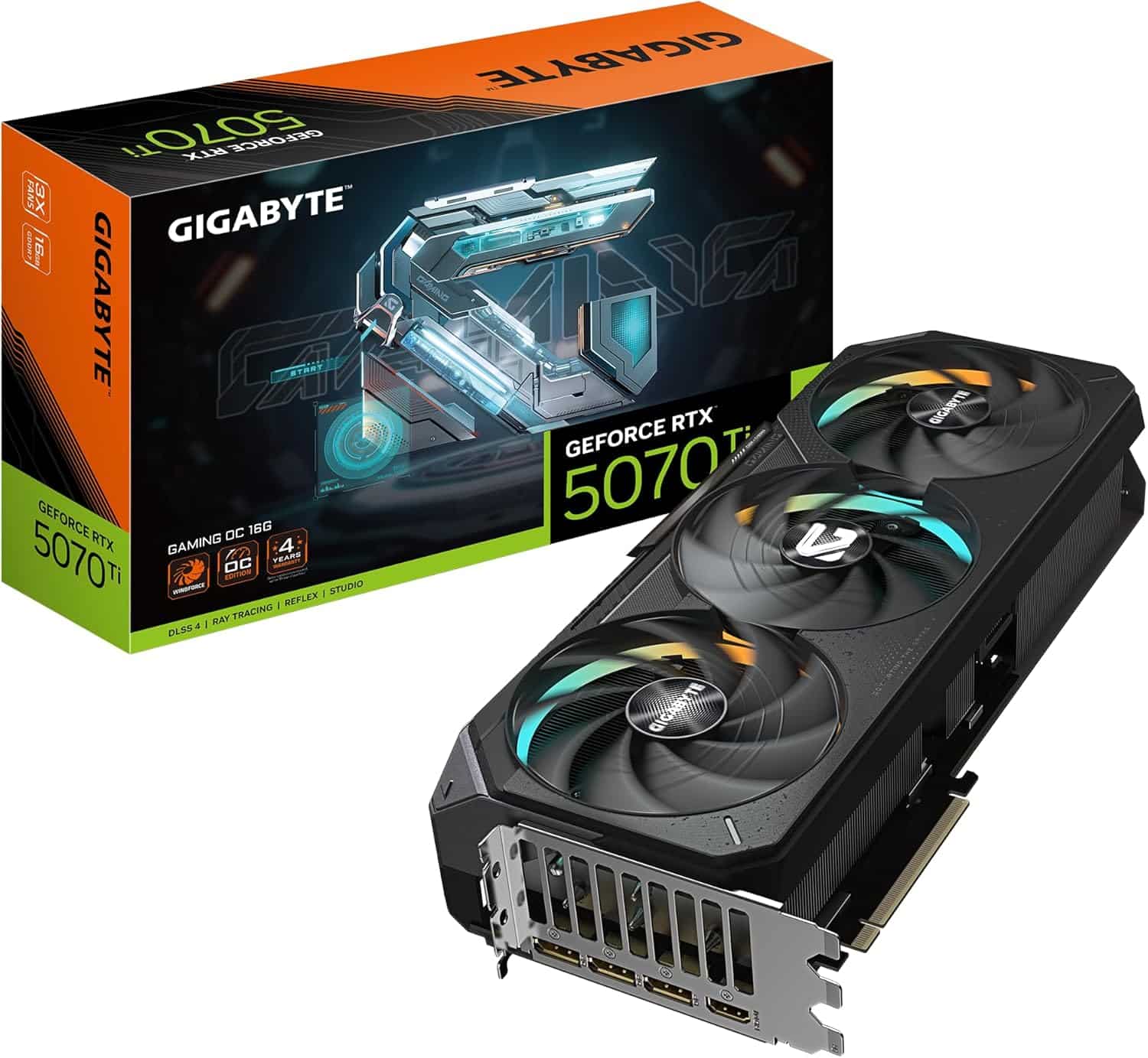
- RX 9070 XT (16 GB, $599) and RTX 5070 Ti (16 GB GDDR7, $749): our high-refresh picks, each with 750 W PSU guidance.
For 4K
- RTX 5070 Ti or RX 9070 XT: the entry point, with upscaling on in demanding games.
- RTX 5080 (10,752 CUDA cores, 16 GB GDDR7, $999): the sweet spot, with 850 W required system power.
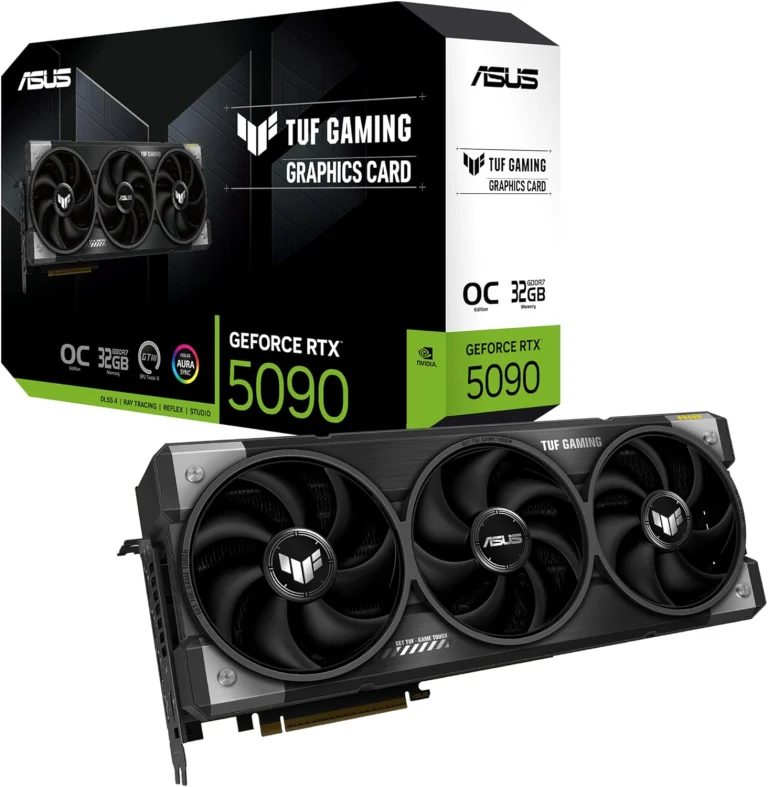
- RTX 5090 (21,760 CUDA cores, 32 GB GDDR7, $1,999): no-compromise native 4K, with 1,000 W required system power per NVIDIA’s GeForce comparison page.
For a complete system, browse our 1440p gaming PC range or step up to a 4K gaming PC. Every build is hand-built to order, and upgrades and changes are always possible before we build. For card-by-card detail at QHD, see our guide to the best GPU for 1440p.
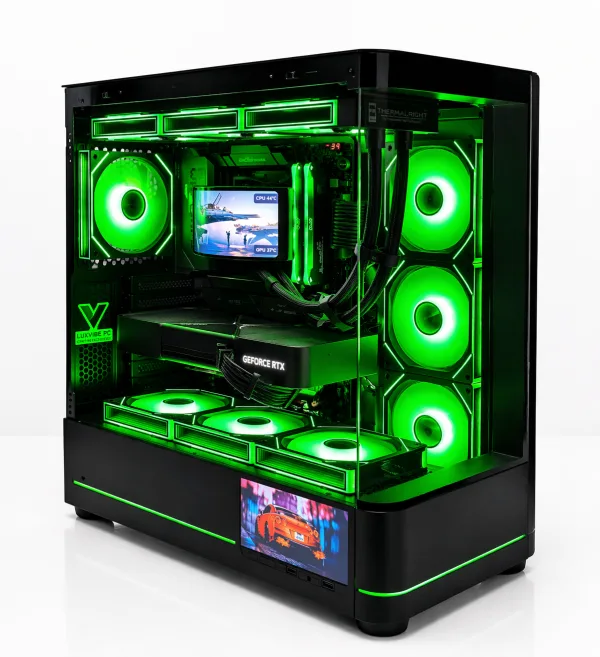
LUX Optic 5070ti Core
- GPURTX 5070 Ti
- CPURyzen 7 9800X3D
- RAM32GB DDR5
- SSD2TB NVMe
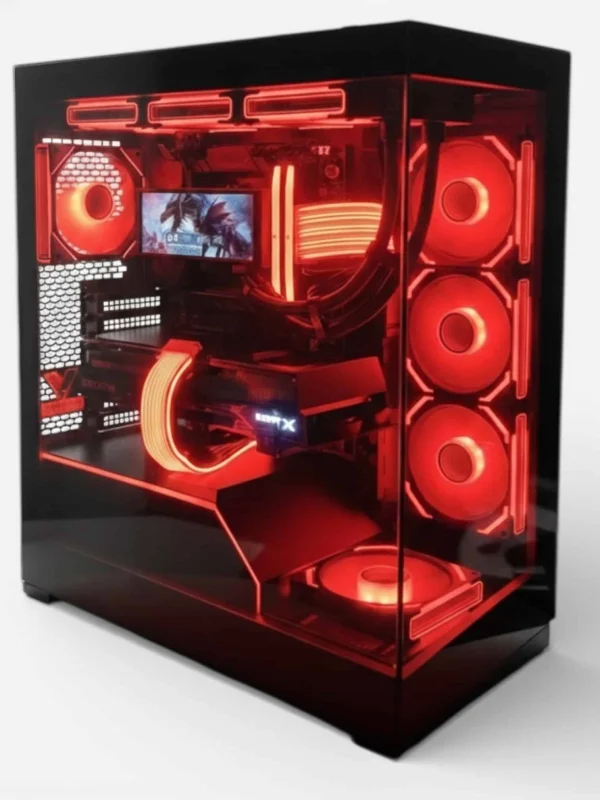
Lux Nv5 Black 9070XT
- GPURX 9070 XT
- CPURyzen 7 9800X3D
- RAM32GB DDR5
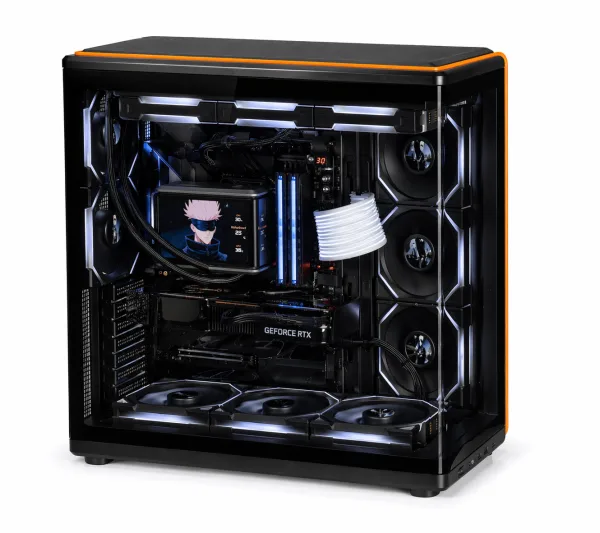
LUX View 5080
- GPURTX 5080
- CPURyzen 9 9950X3D
- RAM64GB DDR5
- SSD4TB NVMe
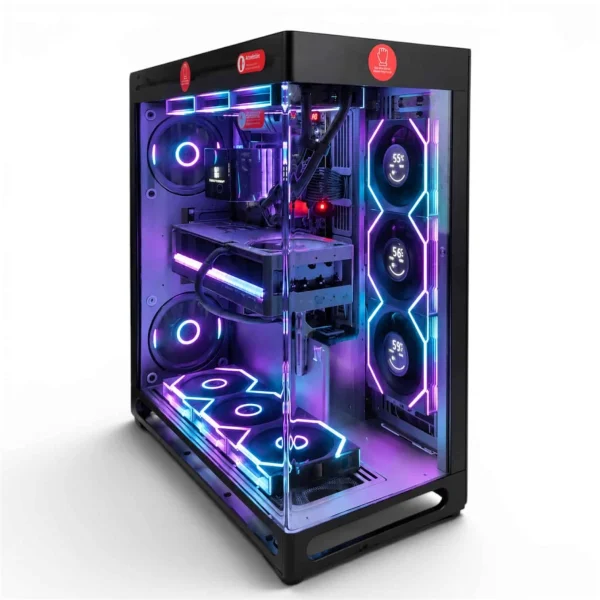
LUX View 5090
- GPURTX 5090
- CPURyzen 9 9950X3D
- RAM64GB DDR5
- SSD4TB NVMe
Upscaling Blurs the Line
Modern upscaling means the 4K vs 1440p choice is no longer all or nothing. NVIDIA describes DLSS Super Resolution as using AI to output higher-resolution frames from a lower-resolution input, and it runs on RTX 20 Series cards and newer. AMD’s FSR 4 machine-learning upscaler launched exclusive to the RX 9000 Series.
In practice, a 4K monitor with upscaling on lets a card like the RTX 5070 Ti deliver a sharp 4K-output image at frame rates closer to what it manages at a lower resolution. Frame generation adds more on top: per NVIDIA’s DLSS page, Multi Frame Generation on RTX 50 Series can generate up to five frames per rendered frame. Responsiveness still follows the frames the GPU actually renders, so it works best from a solid base frame rate.
One thing to avoid: setting a 4K monitor to a 1440p output. 4K is 1.5 times 1440p in each direction, so the scaling is uneven and the image looks soft. Upscaling inside the game almost always looks better.
Competitive vs Cinematic Games
In 1440p vs 4K gaming, what you play matters as much as what you can afford:
- Competitive shooters and esports: 1440p at 240 Hz or more. Frame rate and low latency beat extra pixels here.
- Open-world and story games: 4K shines, especially with ray tracing on an RTX 5080 or RTX 5090.
- Racing and flight sims: 4K on a large screen or TV adds real immersion, as long as your GPU keeps frame rates steady.
- Strategy and MMOs: either works; 4K shows more detail and sharper interface text on big screens.
Monitor Choices at Each Resolution
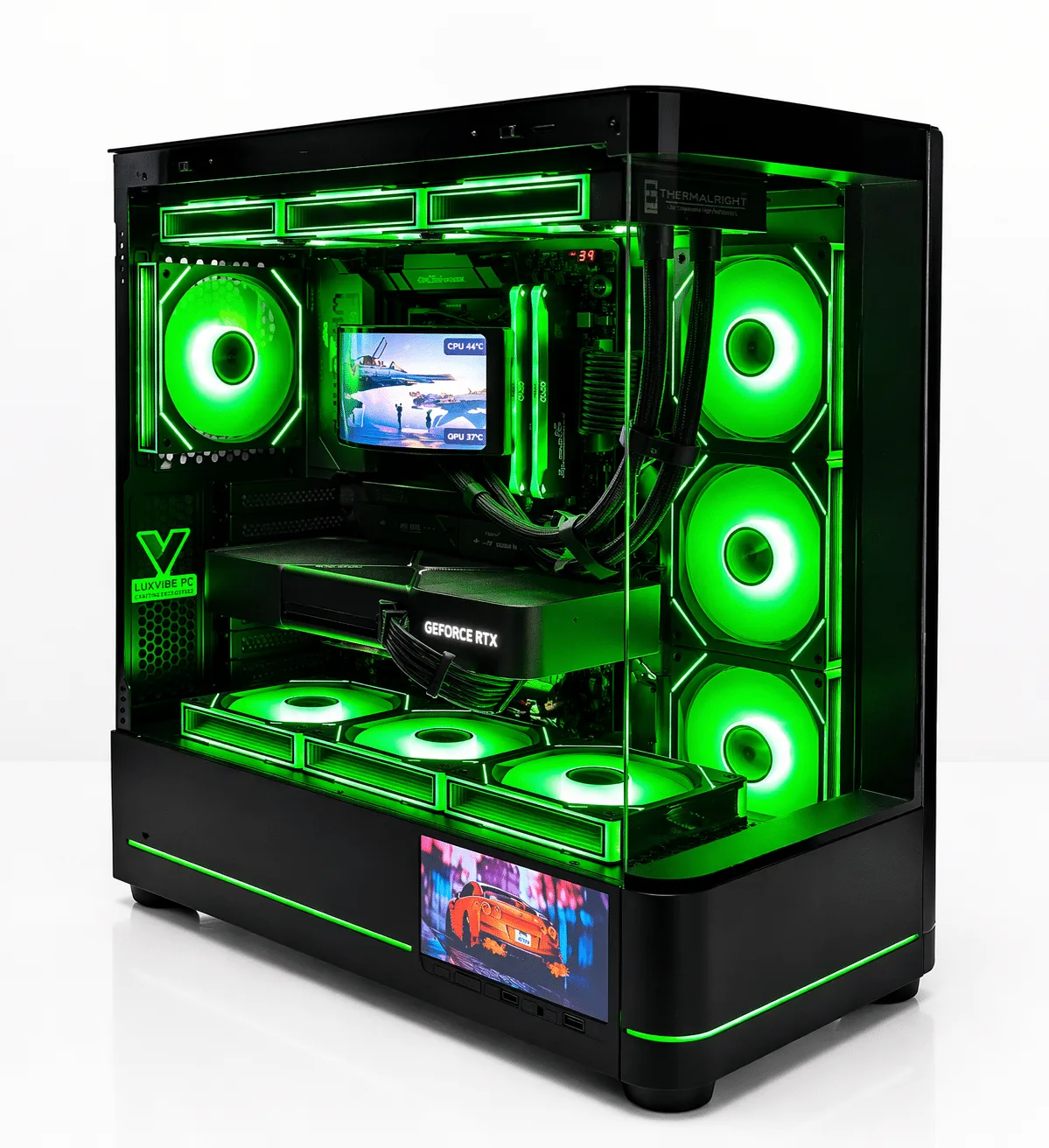
For monitors, the classic 1440p vs 4K pairings are a 27-inch 1440p panel at 144 Hz to 240 Hz or more, or a 32-inch 4K panel at 144 Hz or more. OLED and Mini-LED options exist at both resolutions. At 4K, high refresh rates need DisplayPort or HDMI 2.1 bandwidth, so check the ports on both ends.
RTX 50 Series cards support DisplayPort 2.1b (UHBR20) and HDMI 2.1b, with NVIDIA rating maximum output at 4K 480 Hz with DSC. If 4K is your direction, our guide to the best 4K gaming monitor covers panel types, HDR tiers and ports.
4K vs 1440p: Which One Fits You?
Here is how we settle 4K vs 1440p for customers who ask:
- Choose 1440p if you play competitive games, use a 27-inch monitor, want the best frame rates per dollar, or are buying an RTX 5070, RX 9070 or RX 9070 XT.
- Choose 4K if you use a 32-inch or larger screen or a TV, prefer cinematic games, and are buying an RTX 5080 or RTX 5090.
- Either works with an RTX 5070 Ti: it is our favorite card for high-refresh 1440p and a capable 4K card with DLSS.
Still unsure whether the jump is worth the money? Our guide on whether 4K is worth it breaks down the full requirements and costs.
1440p vs 4K FAQ
Is the 1440p vs 4K difference noticeable on a 27-inch monitor?
Yes, but it is modest. At 27 inches, 4K is about 163 PPI against 109 PPI for 1440p, so text and fine detail are crisper. In fast games at a normal desk distance, many players value the higher frame rate of 1440p more.
What about playing on a TV?
On a TV, 4K usually wins. TVs are large and usually 4K natively, so rendering at 4K (with upscaling if needed) looks best. Use HDMI 2.1 on both the GPU and the TV to get above 60 Hz.
Can a midrange card handle 4K?
Yes, with DLSS on in demanding games. The RTX 5070 Ti’s 16 GB of GDDR7 and Multi Frame Generation make it a credible 4K card, though the RTX 5080 and RTX 5090 give more headroom at high settings.
Should I buy a 4K monitor and run games at 1440p?
Not by changing the output resolution, since uneven scaling softens the image. Keep the desktop at 4K and use DLSS or FSR in games instead. You get most of the performance benefit with a much sharper result.
Is a flagship GPU overkill for 1440p?
For most players, yes. At 1440p the CPU often limits frame rates before an RTX 5090 is fully used. It makes sense at 1440p only for very high refresh competitive play or if you also do heavy creative work.
The Bottom Line
In the 1440p vs 4K debate, 1440p is the right choice for most gamers in 2026: it is cheaper to run well, plays faster and looks great at 27 inches. Choose 4K if you have a 32-inch or larger screen or a TV, and budget for at least an RTX 5080 to enjoy it at high settings. The RTX 5070 Ti sits comfortably in the middle of the 4K vs 1440p question and works at either.
Want a second opinion on your setup? Ask a real builder at sales@luxvibepcs.com or through our contact form, or browse our QHD-ready systems. We ship from Oshkosh, Wisconsin to the USA and worldwide.