The best computer for music production is a quiet, stable desktop with a fast multi-core CPU, at least 32 GB of RAM, NVMe storage and an audio interface with proper ASIO drivers. Audio work rewards low latency and reliability far more than graphics power, so the priorities differ from a gaming build.
This guide explains what a DAW actually asks of your hardware, how to spec each part, which Windows settings Ableton itself recommends, and how our builders would configure a computer for music production at different levels.
In This Guide
What Music Production Asks of a PC
A digital audio workstation (DAW) such as Ableton Live, Cubase, FL Studio or Pro Tools works in real time. Every few milliseconds it must process each track’s instruments and effects and hand a finished block of audio, called a buffer, to your interface. If the computer misses that deadline even once, you hear a click, pop or dropout.
That’s why a computer for music production is judged differently from a gaming PC. Average speed matters less than consistent speed, and background interruptions matter more. The parts that carry the load are the CPU, RAM, storage and audio interface, in roughly that order.
CPU: The Heart of a Computer for Music Production
Ableton’s guide to computer specifications for running Live recommends a 6- to 12-core Intel Core i7 or i9 or AMD Ryzen 7 or 9, and notes that a CPU with 6 or more cores may help with large projects. For Live 12 on Windows, the minimum is a 5th-generation Intel Core i5 or an AMD Ryzen processor with AVX2 support.
Core count isn’t the whole story. In most DAWs, the plug-ins on a single track process in sequence, so one heavy synth or effects chain can load a single core while the others sit idle. A good computer for music production balances core count with strong per-core speed.
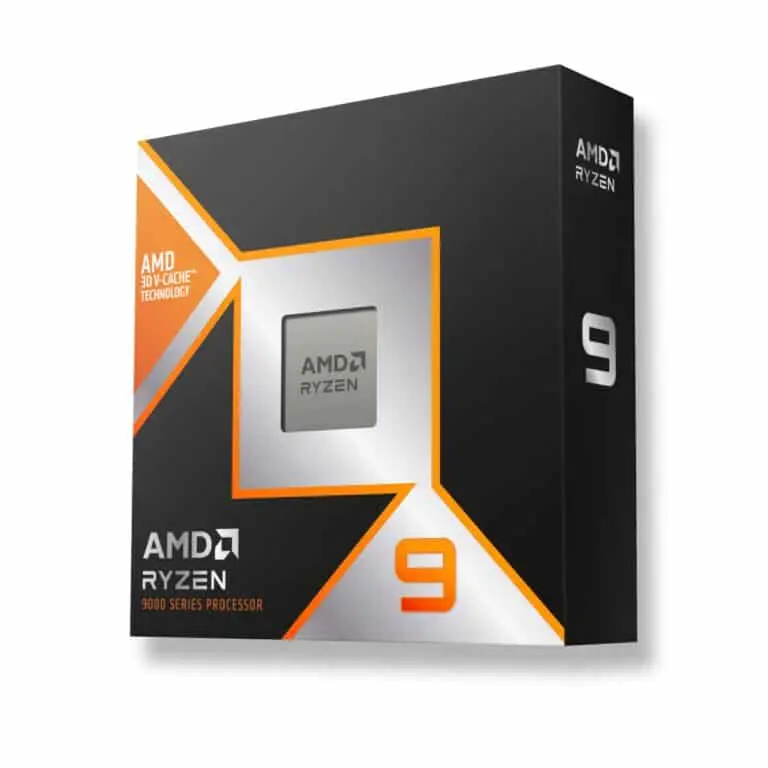
- Ryzen 9 9900X3D: 12 cores and up to 5.5 GHz, right at the top of Ableton’s recommended range. Our default pick for producers.
- Ryzen 9 9950X3D: 16 cores and up to 5.7 GHz, for large orchestral templates or producers who also edit video.
- Ryzen 7 9800X3D or 9850X3D: 8 cores. Plenty for beat-making, mixing and moderate track counts.
RAM and Storage for Sample Libraries
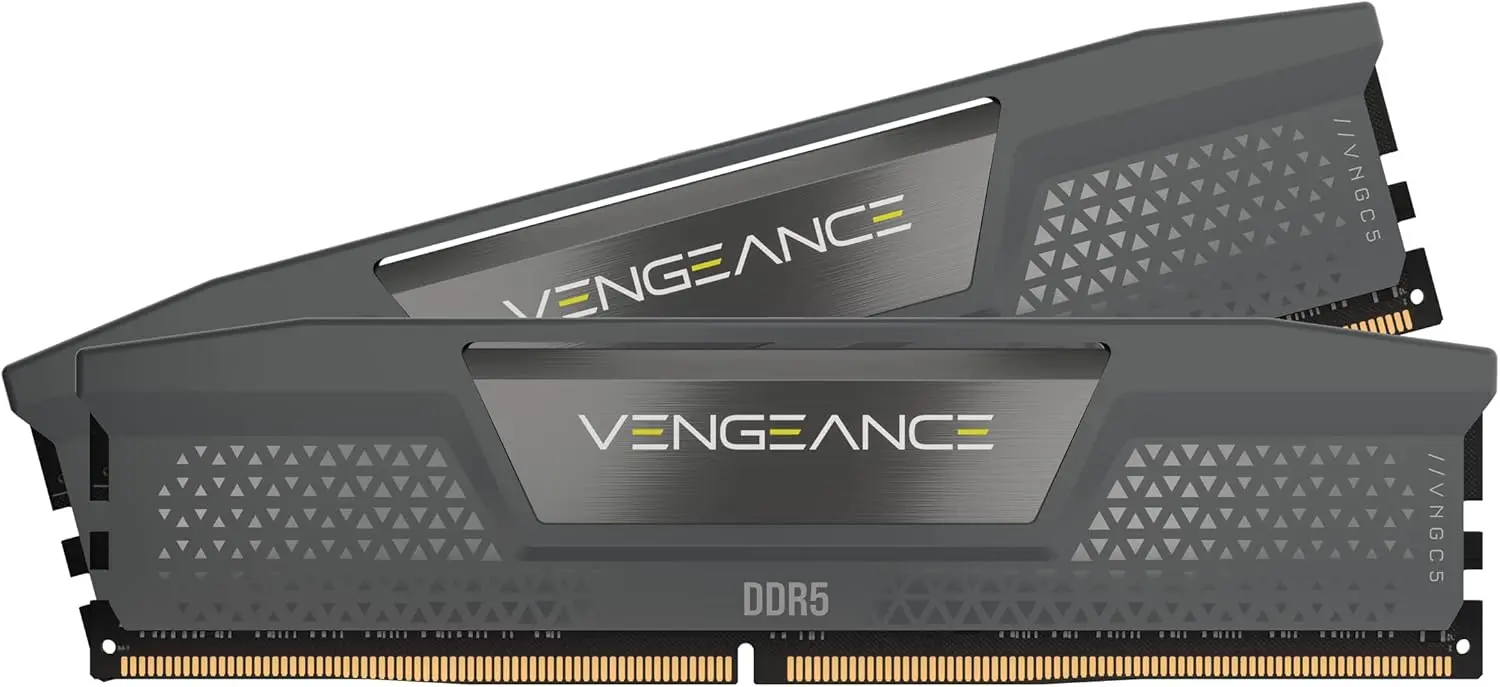
RAM. Ableton lists 8 GB as required and 16 GB or more as recommended, with 32 GB or more for large projects with extensive sample libraries. We treat 32 GB as the floor for a new computer for music production in 2026, and 64 GB or more for big orchestral, piano or drum libraries that load samples into memory.
Memory prices are high right now. At the time of writing, a 32 GB DDR5-6000 kit runs roughly $500 to $650 and 64 GB kits roughly $1,000 to $1,400. Our guide to DDR5 RAM prices explains why, and how to size your purchase.
Storage. Ableton recommends an NVMe or high-speed SSD of 500 GB to 2 TB for the system and Live installation. Sample-heavy producers should add a second NVMe drive just for libraries and recordings, so streaming samples never competes with the system drive. Ableton notes that Live 12’s optional sound content alone can take up to 76 GB.
Latency, ASIO Drivers and Your Audio Interface
Latency is the delay between playing a note and hearing it. Ableton’s article on how to reduce latency sums it up: the bigger the buffer size, the bigger the latency. Smaller buffers feel tighter but demand more CPU, and pushing too low causes dropouts. Higher sample rates also lower latency but add CPU stress.
On a Windows computer for music production, the driver matters as much as the hardware:
- Use an audio interface with a native ASIO driver. Ableton recommends a low-latency USB, Thunderbolt or PCIe interface with quality drivers.
- Ableton says MME/DirectX audio drivers are not recommended for use with Live.
- Record with a small buffer, then raise it for mixing when you’re running more plug-ins.
- Freeze and flatten tracks with high-latency plug-ins, which Ableton says permanently removes that latency.
Windows Settings for Glitch-Free Audio
Ableton’s guide to optimizing Windows for audio lines up closely with good PC hygiene in general:
- Set Power mode to Best performance under Settings > System > Power & battery.
- Disable startup programs you don’t need, such as chat and messaging apps.
- Keep Windows, your DAW, your graphics driver, your audio interface software and firmware, MIDI drivers and plug-ins up to date.
- Set the buffer size to 128, 256, 512 or 1024 samples.
- Allow your DAW through antivirus software and disable Windows system sounds.
None of this needs registry edits or third-party tweak tools, and every step is easy to reverse on a computer for music production. Many of the steps overlap with what gamers do. Our guide on how to optimize PC for gaming walks through the same Windows 11 menus in more detail.
Quiet Cooling and Clean Power
A computer for music production often sits a few feet from a microphone, so noise is a real spec. Ableton lists efficient cooling and a stable power supply among its optional recommendations, and we’d call both essential in a studio.
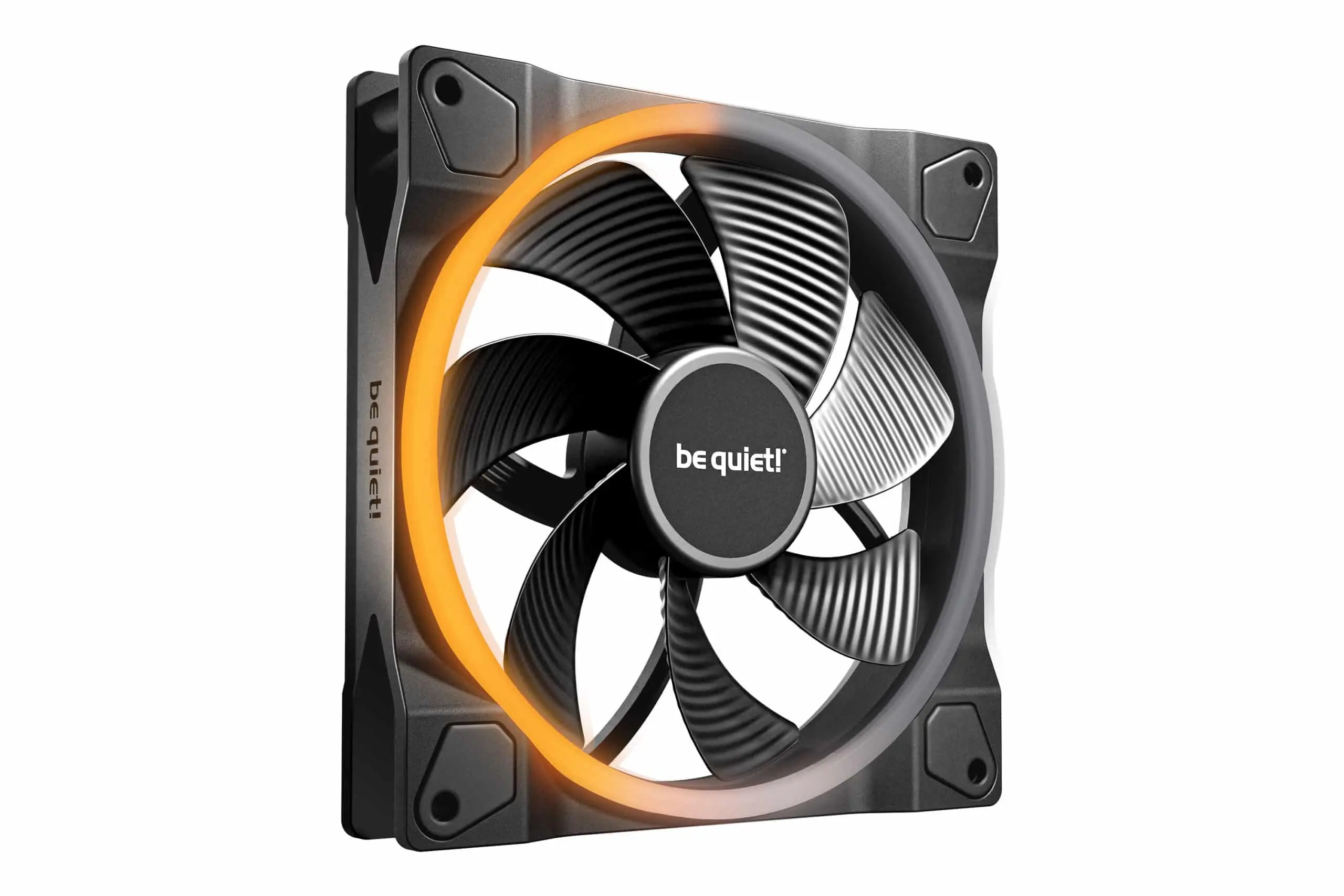
- Bigger, slower fans: 140 mm fans move the same air at lower speed than smaller ones, which usually means less noise. Our best case fans guide covers quiet options.
- Gentle fan curves: Set fans to ramp up gradually instead of spiking with every CPU burst.
- A quality power supply: Choose a reputable unit sized with headroom, not the bare minimum.
Does the GPU Matter in a Computer for Music Production?
Less than in almost any other build. Ableton lists a dedicated GPU as optional, mainly for video work, and recommends a display of 1920 x 1080 or higher, with multiple displays as an option. A GPU becomes useful if you score to picture, edit video for your releases, stream your sessions or run several large monitors.
Every system in our catalog includes an RTX 50 Series or Radeon RX 9070 XT card, which is more GPU than pure audio work needs. It pays off if you also game, stream or edit, and because upgrades and changes are always possible before we build, you can steer the budget toward CPU, RAM and storage instead.
Computer for Music Production Spec Tiers
Match the build to the way you work. These are the configurations our builders start from:
| Part | Beat-making and mixing | Producer with big libraries | Film or orchestral composer |
|---|---|---|---|
| CPU | 8-core Ryzen 7 9800X3D | 12-core Ryzen 9 9900X3D | 16-core Ryzen 9 9950X3D |
| RAM | 32 GB DDR5 | 64 GB DDR5 | 64 to 128 GB DDR5 |
| Storage | 1 to 2 TB NVMe | System NVMe plus sample NVMe | System, sample and project NVMe drives |
| Interface | USB with ASIO | USB or Thunderbolt with ASIO | Thunderbolt or PCIe with ASIO |
| GPU role | Displays only | Displays only | Video playback when scoring to picture |
Best Computer for Music Production: Our Picks
Every Luxvibe PC is hand-built to order and shipped from Oshkosh, Wisconsin to the USA and worldwide. For producers, these are our starting points:
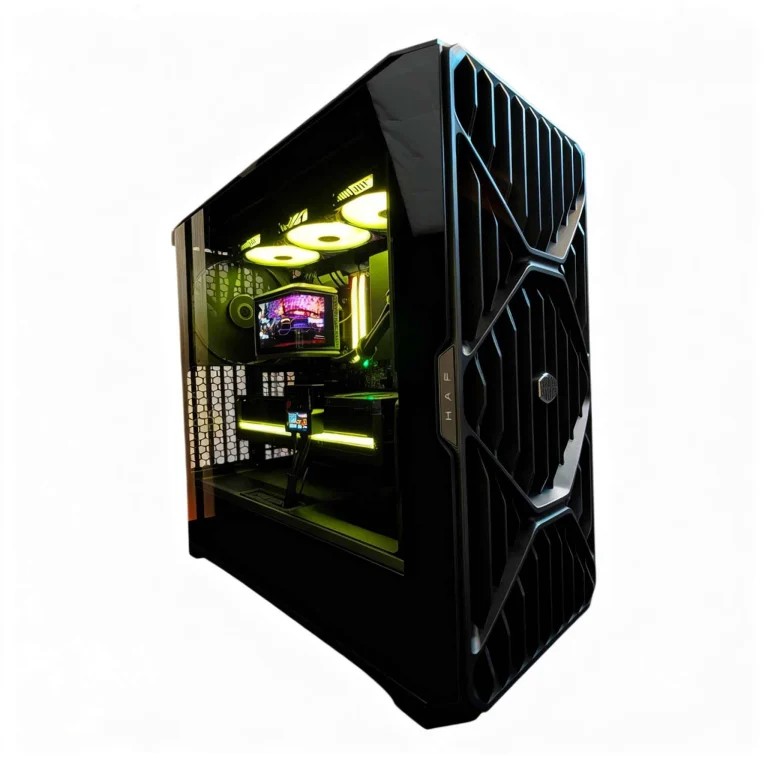
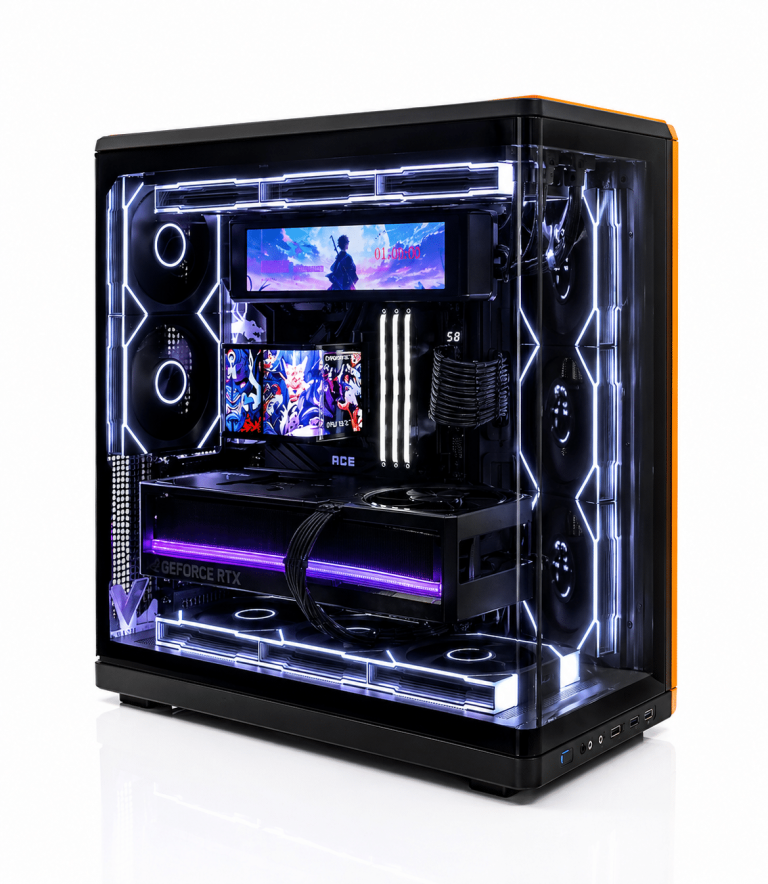
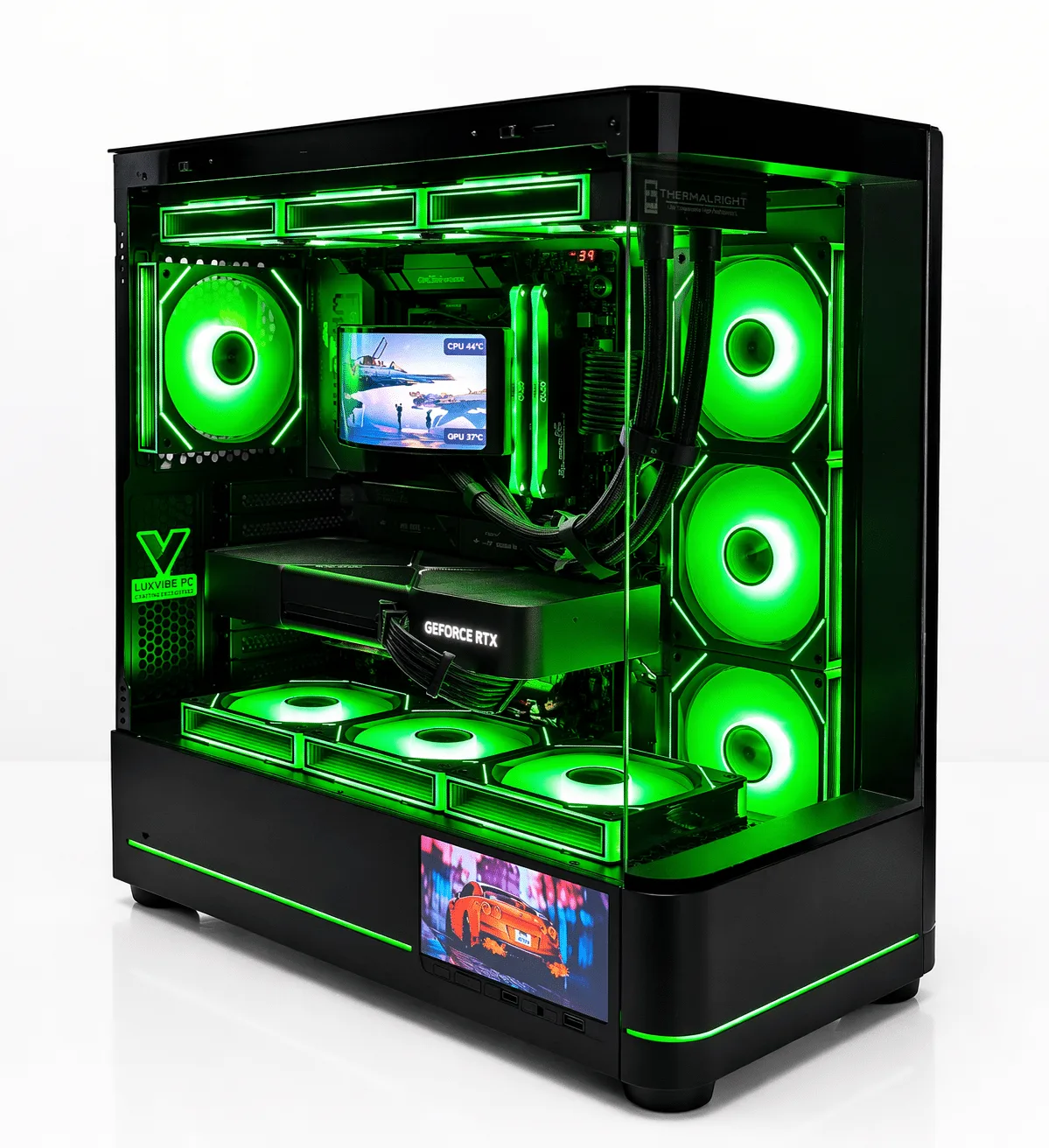
- LUX Optic 5070ti Core: A sensible base for a computer for music production. Ask us to configure it with a 12-core Ryzen 9 9900X3D, 64 GB of RAM and a second NVMe drive for samples.
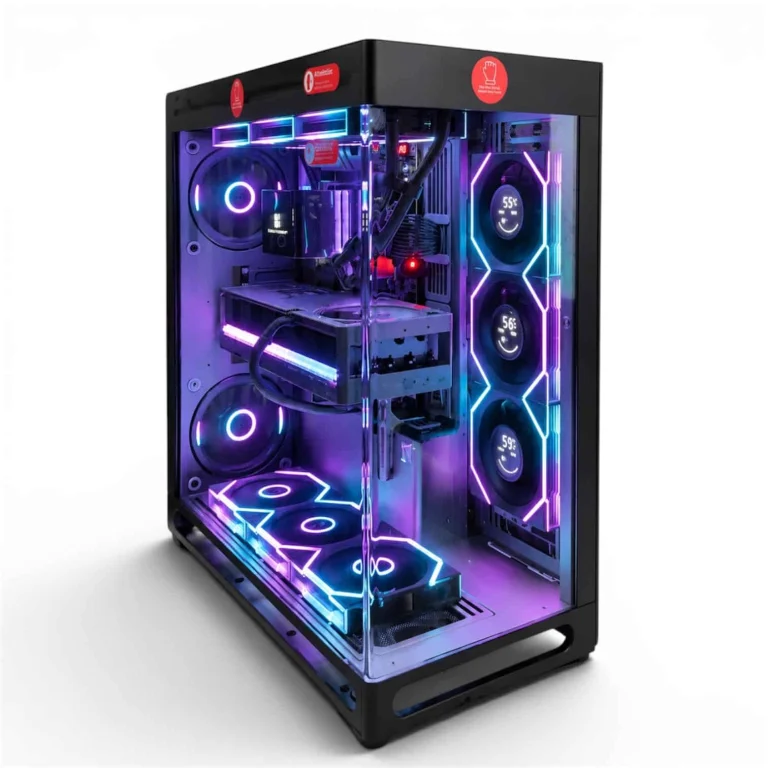
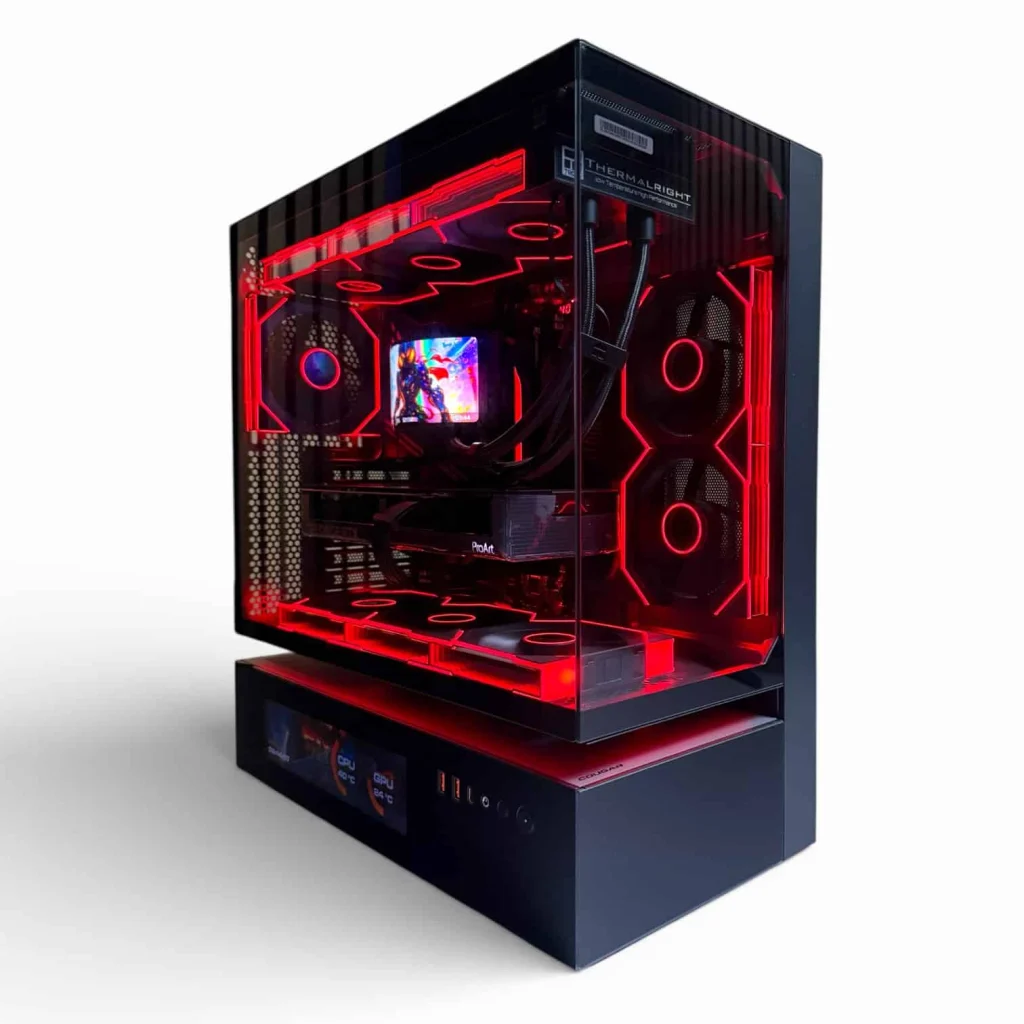
- LUX Floating 5070ti: Another RTX 5070 Ti build with room to tailor CPU, memory and fans to a quiet studio.
- Parts to prioritize: The Ryzen 9 9900X3D or Ryzen 9 9950X3D, plus quiet 140 mm fans like the be quiet! Light Wings 140 PWM.
See every creator PC we build if you produce music and video on the same machine.
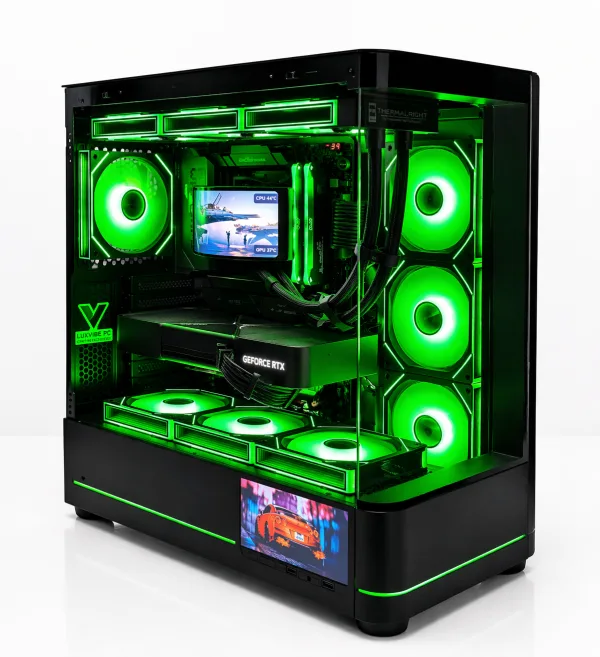
LUX Optic 5070ti Core
- GPURTX 5070 Ti
- CPURyzen 7 9800X3D
- RAM32GB DDR5
- SSD2TB NVMe
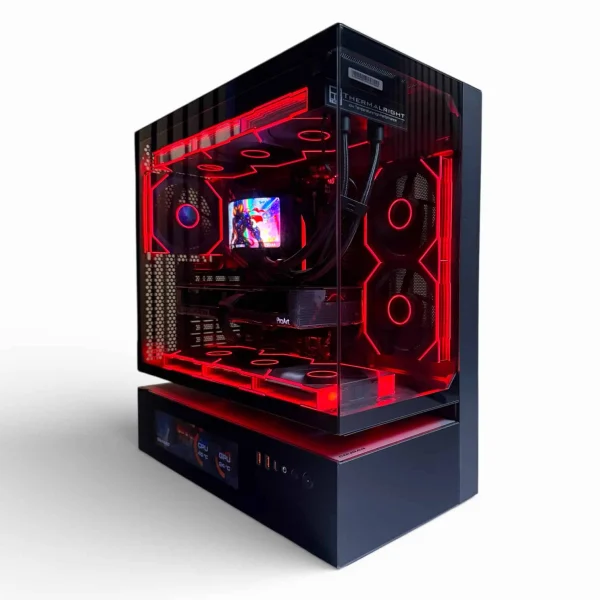
LUX Floating 5070ti
- GPURTX 5070 Ti
- CPURyzen 7 9800X3D
- RAM32GB DDR5
- SSD2TB NVMe
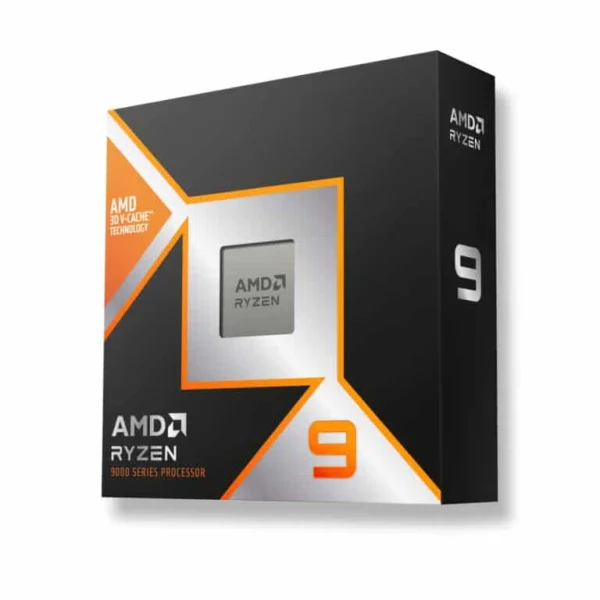
AMD Ryzen 9 9900X3D
The AMD Ryzen 9 9900X3D is a desktop processor with 12 cores, built for high frame…
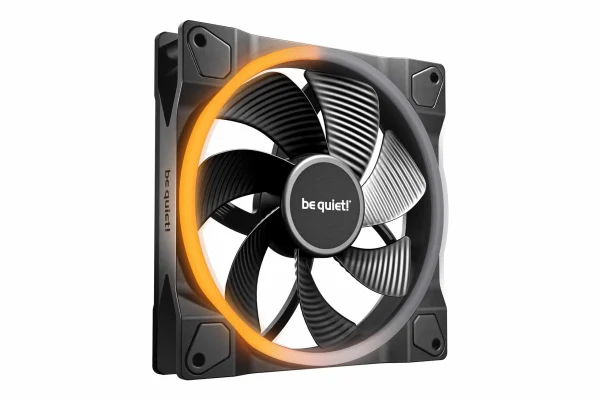
be quiet! Light Wings 140 PWM Reverse
The be quiet! Light Wings 140 PWM Reverse is a RGB fan built to move more…
Best Computer for Music Production FAQ
How much RAM do I need for music production?
Ableton recommends 16 GB or more, and 32 GB or more for large projects with big sample libraries. We start a new computer for music production at 32 GB and recommend 64 GB for heavy orchestral or multi-library work.
Is a gaming PC good for music production?
Often, yes. A modern gaming PC has a fast CPU, plenty of RAM and NVMe storage. Add a proper ASIO audio interface, set quiet fan curves and you have a capable studio machine.
What buffer size should I use?
Ableton suggests 128, 256, 512 or 1024 samples. Use a small buffer while recording for lower latency, then raise it while mixing to give heavy plug-ins more CPU time.
Is a laptop or desktop better for producing music?
A laptop wins for portability and live sets. As a home studio computer for music production, a desktop is easier to keep cool and quiet, holds more NVMe drives and RAM, and leaves room to upgrade as your libraries grow.
Do I need an audio interface for a computer for music production?
For serious work on Windows, yes. Ableton recommends an ASIO-compatible interface and says MME/DirectX drivers are not recommended for Live.
The Bottom Line
For most producers, the best computer for music production is a quiet desktop with a 12-core Ryzen 9 9900X3D, 64 GB of DDR5, two NVMe drives and an ASIO audio interface. Step up to the 16-core 9950X3D for huge templates, or start with 32 GB if your projects are lighter.
Browse our creator PCs, or email our builders at sales@luxvibepcs.com or use the contact form with your DAW, plug-ins and libraries. Real builders answer your questions.