The best graphics card for gaming in 2026 depends on your monitor more than anything else. For no-compromise 4K, it is NVIDIA’s GeForce RTX 5090. For most high-end builds, the RTX 5080 hits the sweet spot. For high-refresh 1440p, the RTX 5070 Ti and AMD’s Radeon RX 9070 XT are the cards to beat.
Our builders built this best GPU for gaming shortlist from official specs, features, power needs and value, not invented benchmark charts. Below you will find a quick comparison table, a closer look at each pick, and the checks to run before you buy.
In This Guide
Best Graphics Card for Gaming: Our Picks at a Glance
Here is how the current lineup compares on official specs and launch pricing. Power figures are NVIDIA’s total graphics power and AMD’s typical board power, and the PSU column shows each company’s recommendation.
| Pick | Card | Memory | Power | PSU | Launch MSRP |
|---|---|---|---|---|---|
| Best overall | GeForce RTX 5090 | 32 GB GDDR7 | 575 W | 1,000 W | $1,999 |
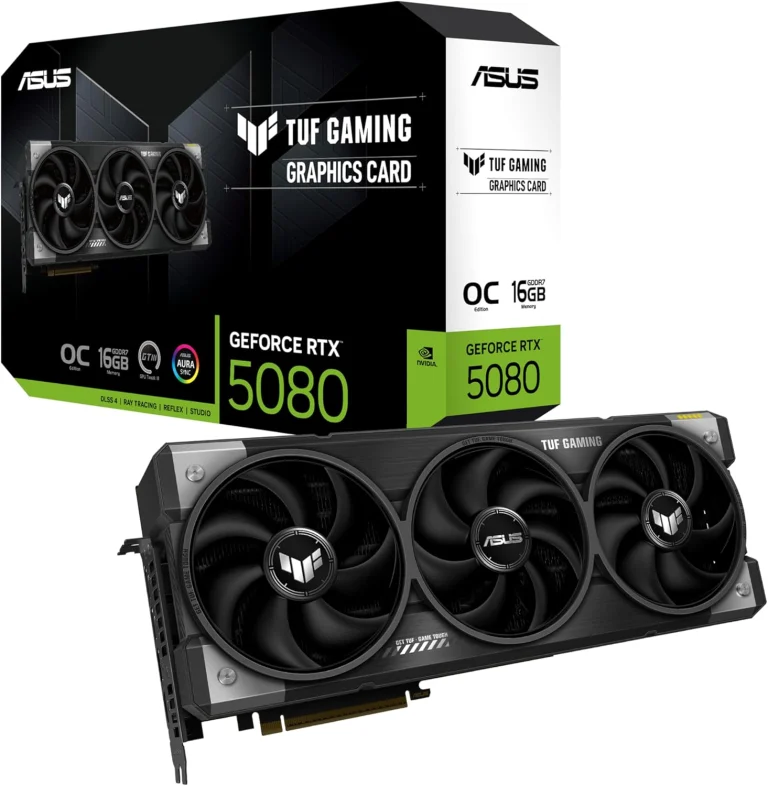
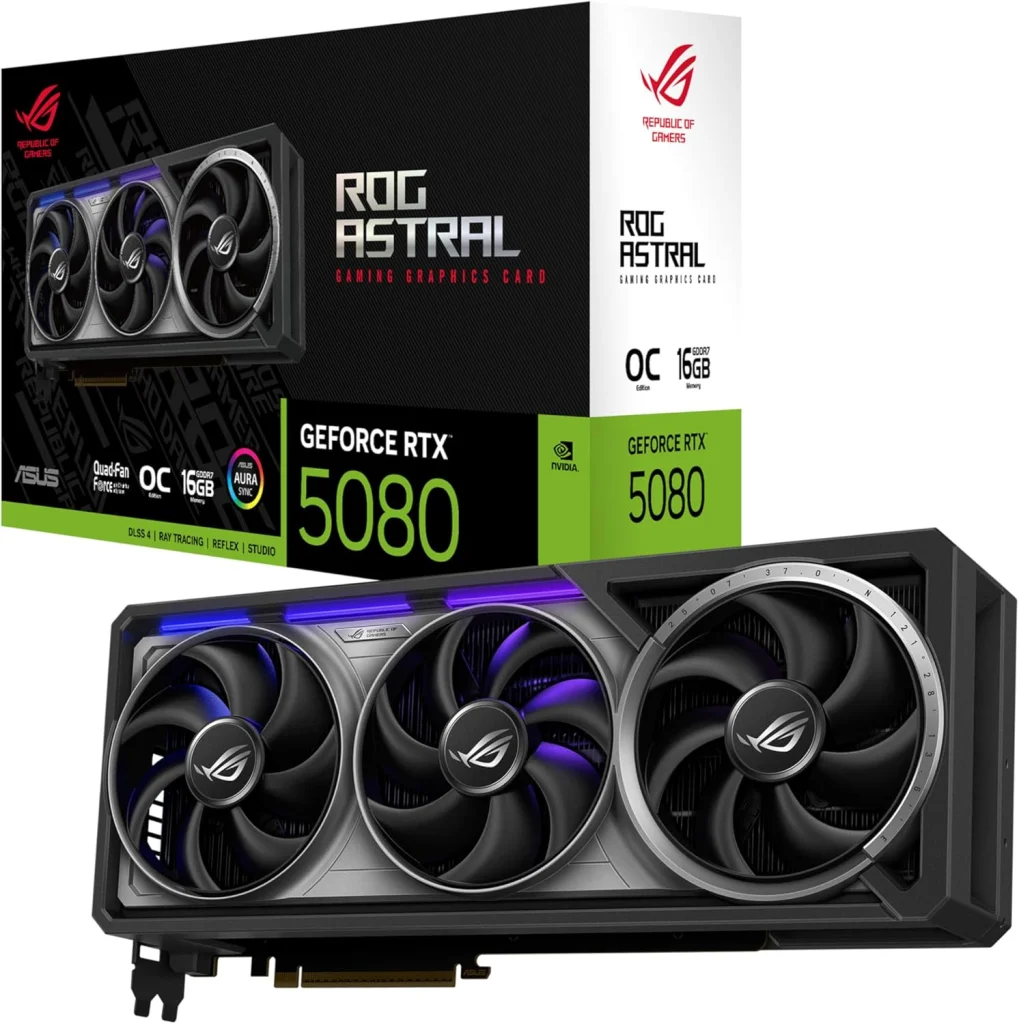
| Best high-end value | GeForce RTX 5080 | 16 GB GDDR7 | 360 W | 850 W | $999 |
| Best upper midrange | GeForce RTX 5070 Ti | 16 GB GDDR7 | 300 W | 750 W | $749 |
| Best AMD card | Radeon RX 9070 XT | 16 GB GDDR6 | 304 W | 750 W | $599 |
| Tighter budget | GeForce RTX 5070 | 12 GB GDDR7 | 250 W | 650 W | $549 |
| Tighter budget | Radeon RX 9070 | 16 GB GDDR6 | 220 W | 650 W | $549 |
Every card on this list launched in 2025, so if you are reading an older best graphics card 2025 roundup, most of its picks still apply. What has changed is pricing, which we cover further down. For NVIDIA’s full spec tables, see its official GeForce compare tool.
How We Chose the Best GPU for Gaming
There is no single best GPU for gaming for everyone, so we judged each card on the things that decide a real build:
- Your resolution and refresh rate. A card that is overkill at 1080p can be just enough at 4K.
- VRAM. 16 GB is the comfortable standard for a new high-end card in 2026; 12 GB works but leaves less headroom.
- Features. DLSS 4 Multi Frame Generation and DLSS 5 are RTX 50 exclusives at launch. FSR 4, AMD’s machine-learning upscaler, is exclusive to RX 9000 cards.
- Power and size. The card has to fit your case and your power supply.
- Value. Launch MSRP gives a fair baseline, even though 2026 street prices sit well above it.
Best Overall: The 5090
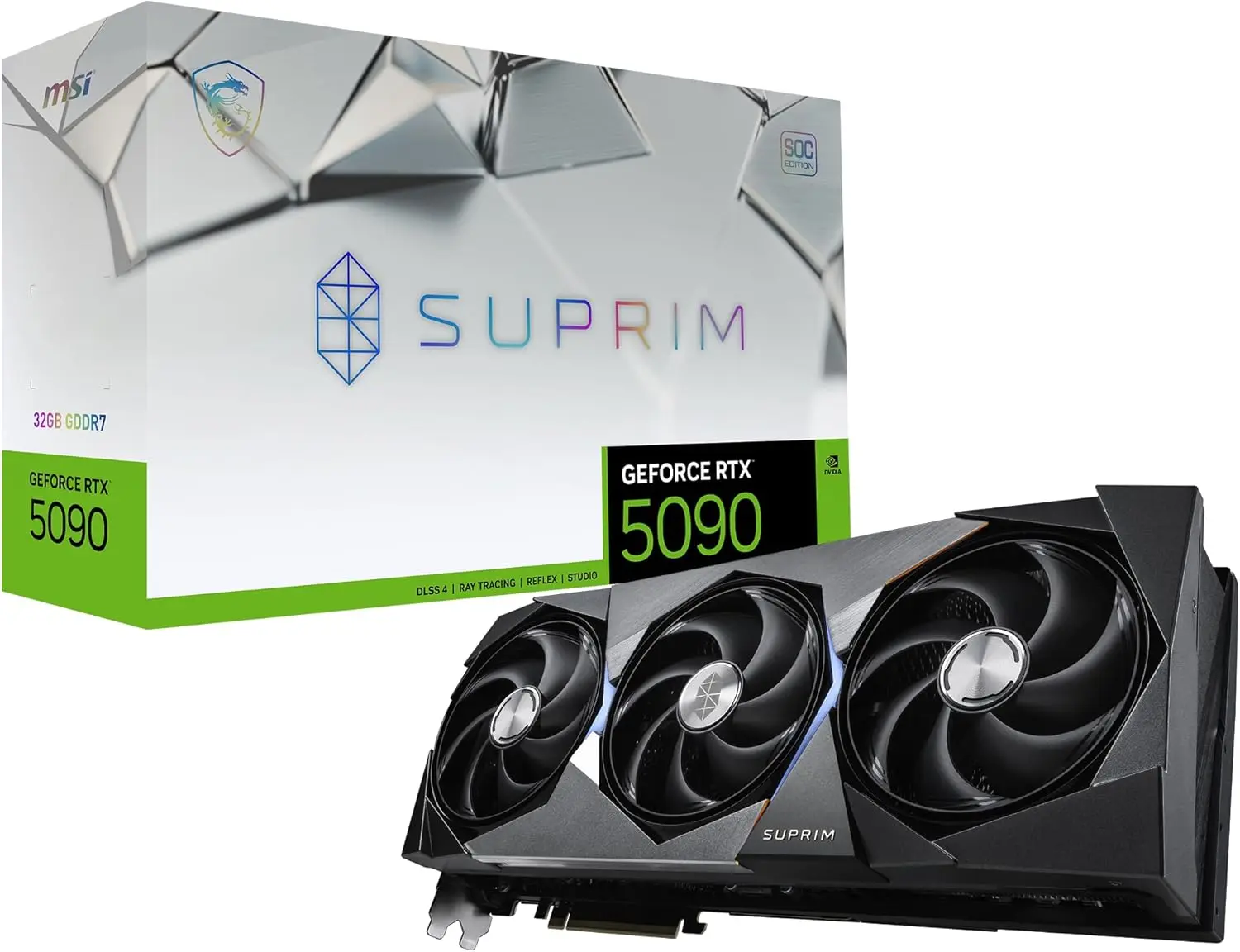
The GeForce RTX 5090 is NVIDIA’s consumer flagship, and NVIDIA calls it “the most powerful GeForce GPU ever made.” It has 21,760 CUDA cores, roughly twice as many as the RTX 5080, plus 32 GB of GDDR7 on a 512-bit bus. Its DisplayPort 2.1b outputs support up to 4K at 480 Hz or 8K at 165 Hz with DSC.
It is the best graphics card for gaming at 4K with every setting maxed, path tracing on and a very high-refresh monitor. The 32 GB also makes it the obvious choice if you run local AI models or heavy 3D work on the same PC.
The tradeoffs are real. It draws 575 W, NVIDIA lists 1,000 W required system power, and many partner models are very large. At a $1,999 launch MSRP, it only makes sense if you will use what it offers.
Best High-End Value: The 5080
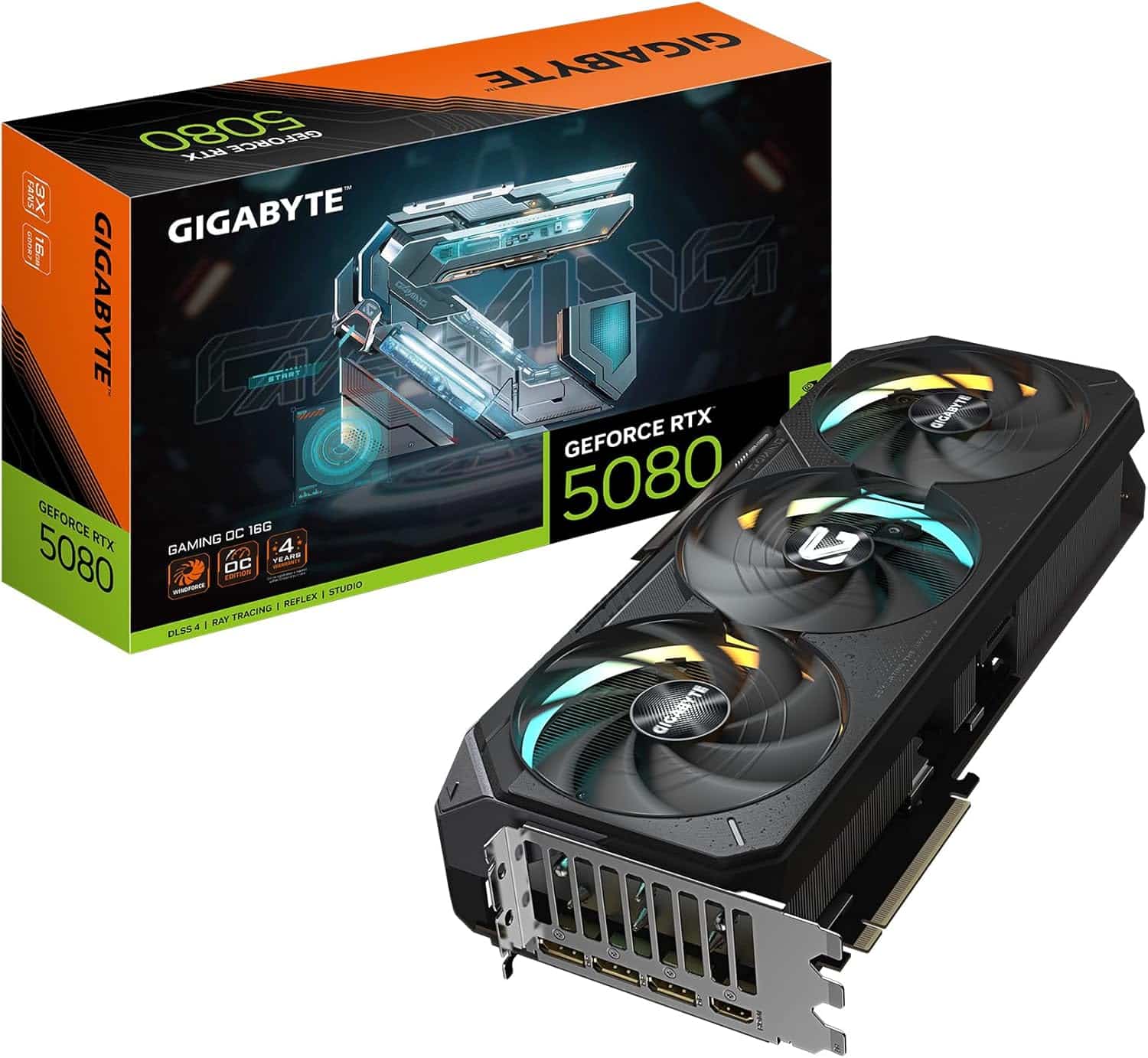
The GeForce RTX 5080 launched at $999, about half the 5090’s MSRP, with 10,752 CUDA cores and 16 GB of GDDR7 on a 256-bit bus. It draws 360 W and NVIDIA lists 850 W required system power, so it is far easier to cool and power than the flagship.
You get the same RTX 50 feature set: Multi Frame Generation, DLSS 5, DisplayPort 2.1b and 9th-gen NVENC encoders for streaming. For most people building a high-end 4K or 240 Hz-plus 1440p system, this is the best GPU for gaming at the top end without flagship pricing.
About the rumored RTX 5080 Super: NVIDIA has not announced it and there is no date. Reports in 2026 say the refresh was delayed or put on hold by the GDDR7 memory shortage. Buy based on what exists today.
Best Upper-Midrange Pick: The 5070 Ti
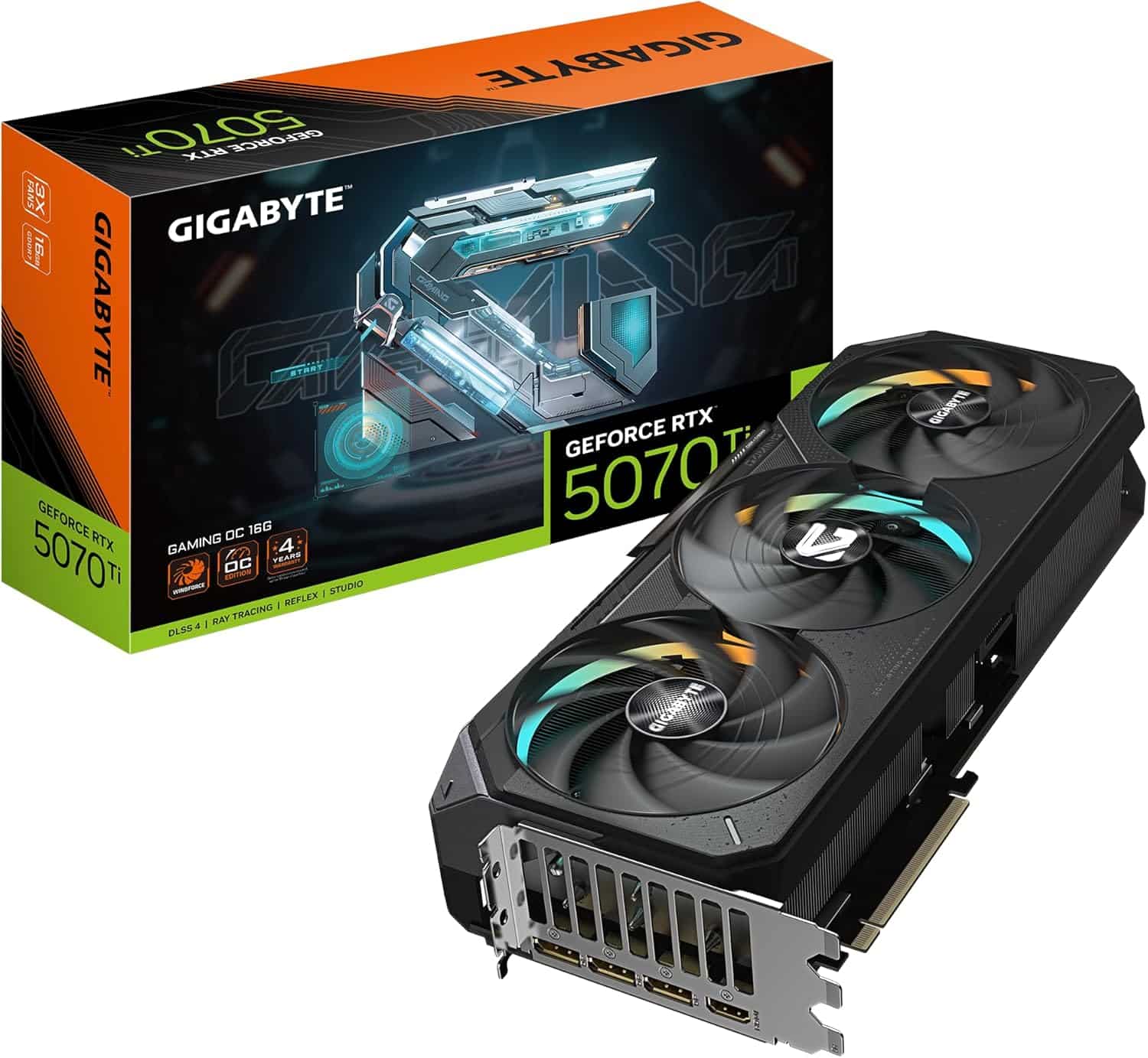
The GeForce RTX 5070 Ti shares the 5080’s memory setup, 16 GB of GDDR7 on a 256-bit bus, with about 83% of its CUDA cores (8,960 versus 10,752). At its $749 launch MSRP it cost 75% of the 5080’s price.
It draws 300 W, needs a 750 W power supply and keeps every RTX 50 feature, including Multi Frame Generation and two 9th-gen NVENC encoders. For high-refresh 1440p with room to try 4K using DLSS, it is our best GPU for gaming pick in the upper midrange.
Best AMD Card: Radeon 9070 XT
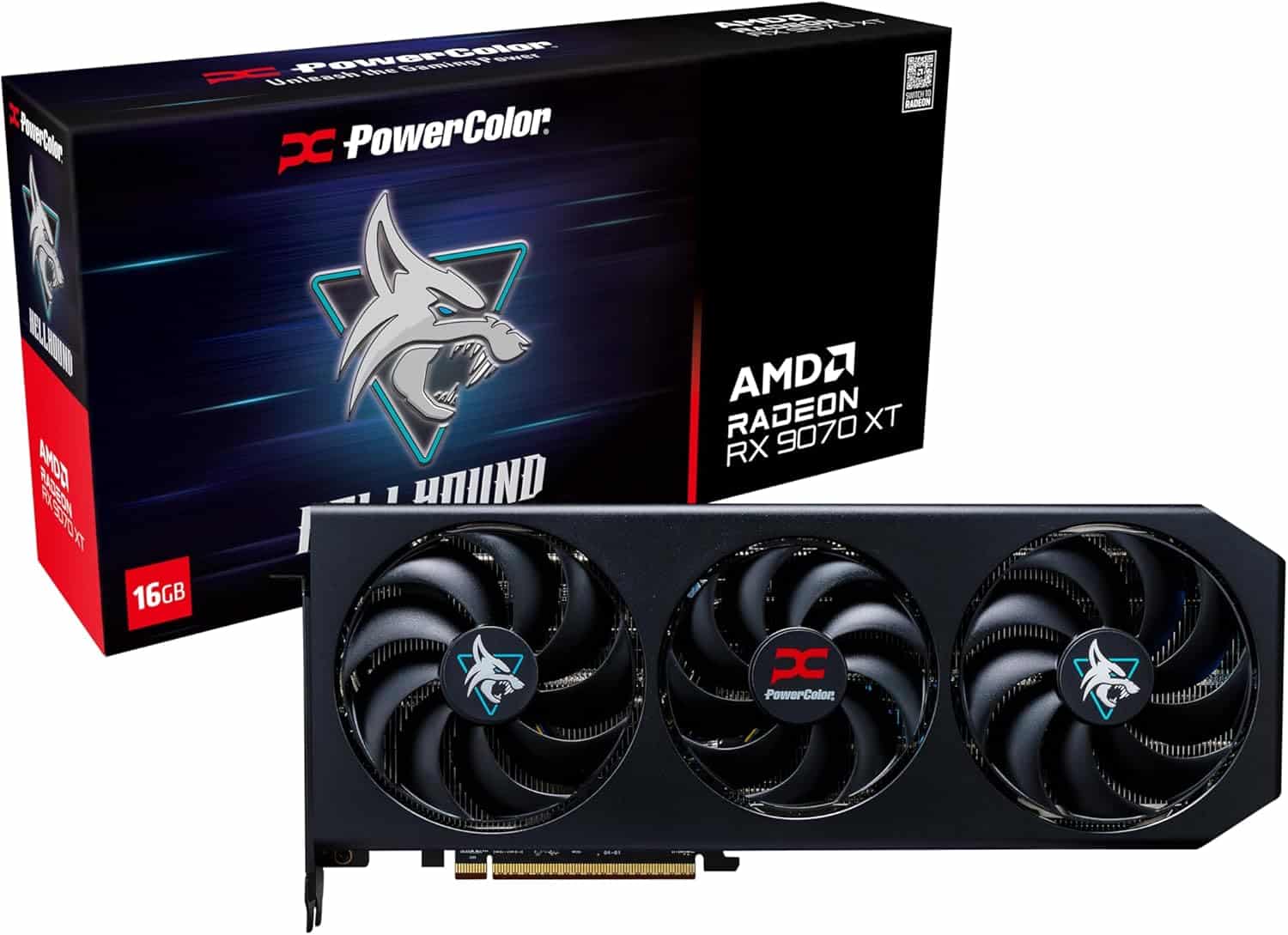
AMD’s Radeon RX 9070 XT launched at $599 with 64 compute units, 16 GB of GDDR6 on a 256-bit bus and 64 MB of Infinity Cache. It draws 304 W and AMD recommends a 750 W power supply. AMD positioned it against the RTX 5070 Ti and says it is over 40% faster on average than the older RX 7900 GRE at 1440p.
FSR 4, AMD’s machine-learning upscaler, is the headline feature, since earlier FSR versions did not use machine learning. AMD now groups its upscaling tools under the “FSR Redstone” name. If you mainly game and want 16 GB for the least money, it is the best graphics card for gaming on the AMD side. Full specs are on AMD’s official RX 9070 XT page.
Choose NVIDIA instead if you stream, edit 4:2:2 video, rely on CUDA apps or want DLSS Multi Frame Generation.
Tighter Budgets: 5070 and Radeon 9070
Both appeared on plenty of best graphics card 2025 lists, both launched at $549, and AMD positioned its RX 9070 directly against NVIDIA’s RTX 5070. The key difference is memory: the RX 9070 has 16 GB of GDDR6, while the RTX 5070 has 12 GB of GDDR7 on a 192-bit bus. The 5070 counters with the full RTX 50 feature set, and it needs a 650 W PSU, the same as the RX 9070.
Neither is part of our standalone graphics card lineup, which starts at the RX 9070 XT and RTX 5070 Ti. If your budget can stretch, those two cards add a lot of headroom for the years ahead.
Match the Card to Your Monitor
Resolution sets the workload. A 1440p screen has about 1.78 times as many pixels as 1080p, and 4K has 2.25 times as many as 1440p, or four times 1080p. That is why the best GPU for gaming at one resolution can be the wrong card at another.
- 1080p, high refresh: RTX 5070 or RX 9070 class cards are the sensible starting point.
- 1440p: The RTX 5070 Ti and RX 9070 XT are the sweet spot; see our guide to the best GPU for 1440p for details.
- 4K: Start at the RTX 5080 and step up to the RTX 5090 for maxed settings. Our guide to the best GPU for 4K gaming goes deeper.
Power Supply, Case and CPU Checks
Before you buy even the best graphics card for gaming, confirm three things:
- PSU: Match the vendor recommendation in the table above, and check that your unit has the right connectors. RTX 50 cards use a 16-pin (12V-2×6) cable or an included 8-pin adapter.
- Case clearance: Partner cards vary widely in length and thickness. Measure before you order.
- CPU: A fast card needs a fast processor, especially at 1080p and 1440p. A gaming CPU like the Ryzen 7 9800X3D keeps a high-end card fed.
Not sure what is in your PC right now? Our guide on what graphics card you have shows how to check in Windows in under a minute.
Graphics Card Prices in 2026
Launch MSRPs are useful for comparison, but they are not what cards sell for today. A global memory shortage driven by AI data center demand has pushed GDDR7 and DRAM supply tight, and graphics card street prices are well above launch MSRP in 2026. That is the honest backdrop to any best graphics card 2026 recommendation.
The practical advice: compare current prices on our product pages and in our graphics card collection, then pick the best GPU for gaming that your budget covers. Waiting for a rumored refresh is a gamble while NVIDIA has announced nothing.
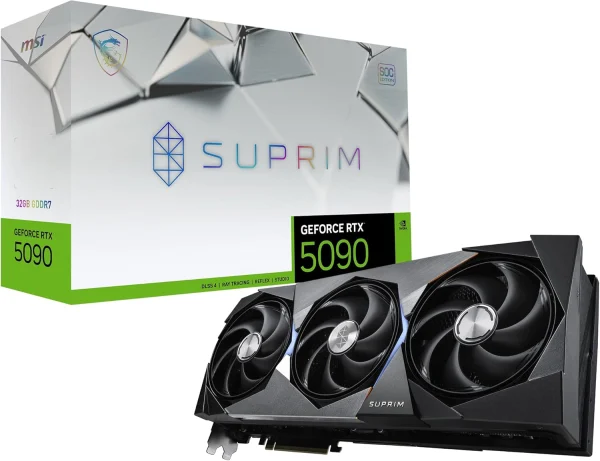
MSI RTX 5090 Suprim X
The MSI RTX 5090 Suprim X puts NVIDIA GeForce RTX 5090 power into your desktop. It…
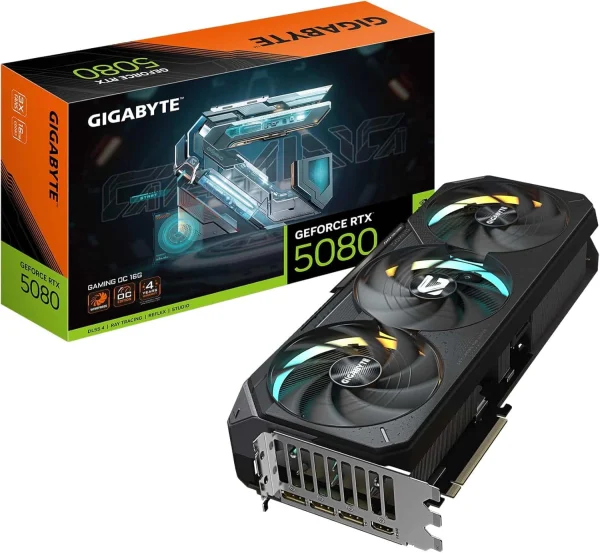
GIGABYTE RTX 5080 Gaming OC
Upgrade to the GIGABYTE RTX 5080 Gaming OC and get NVIDIA GeForce RTX 5080 performance for…
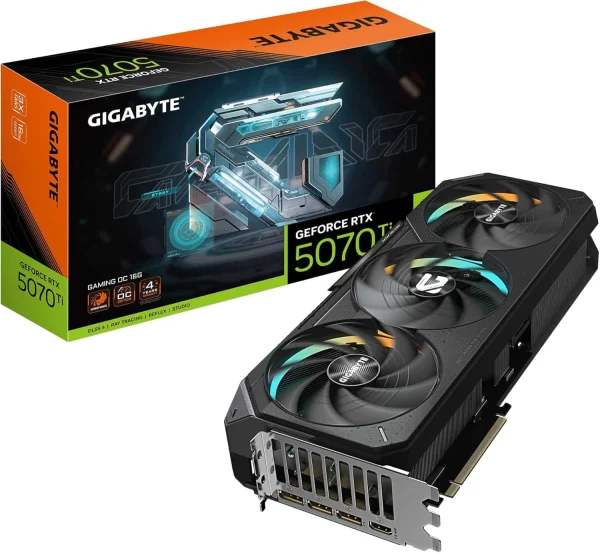
GIGABYTE AORUS GeForce RTX 5070 Ti Master 16G Graphics Card
Upgrade to the GIGABYTE AORUS RTX 5070 Ti Master 16G and get NVIDIA GeForce RTX 5070…
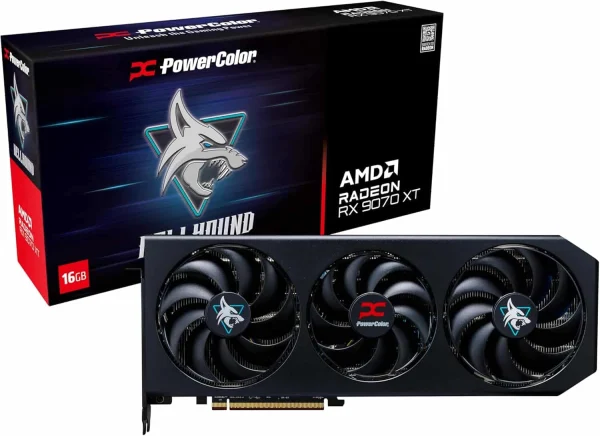
PowerColor RX 9070 XT Hellhound
Upgrade to the PowerColor RX 9070 XT Hellhound and get AMD Radeon RX 9070 XT performance…
Best Graphics Card for Gaming FAQ
Which is the best graphics card 2026 has to offer?
The GeForce RTX 5090 is NVIDIA’s most powerful consumer card, with 21,760 CUDA cores and 32 GB of GDDR7. For most buyers, the RTX 5080 or RTX 5070 Ti is the better value, and the RX 9070 XT is the strongest AMD option.
Is NVIDIA or AMD better for gaming?
Both make excellent cards. AMD’s RX 9070 XT launched for less money with 16 GB of VRAM. NVIDIA adds Multi Frame Generation, DLSS 5, stronger streaming and editing tools, and CUDA support. Pick based on your budget and whether you create content.
How much VRAM do I need for gaming?
For a new card in 2026, 16 GB is the comfortable target for 1440p and 4K. Twelve gigabytes works well at 1080p and 1440p but leaves less headroom. The 5090’s 32 GB is mostly for 4K extremes, AI and creative work.
Should I wait for the RTX 50 Super series?
NVIDIA has not announced an RTX 50 Super refresh, and there is no release date. Reports in 2026 say it was delayed or put on hold because of the memory shortage. If you need a card now, buy now.
Is the best GPU for gaming also good for streaming?
Yes, every card here encodes AV1 in hardware, and OBS Studio supports both NVIDIA NVENC and AMD AMF. NVIDIA cards add Twitch Enhanced Broadcasting support and, on RTX 50, 4:2:2 hardware decode for editing.
The Bottom Line
For most players, the best graphics card for gaming is the one that matches your monitor: an RTX 5070 Ti or RX 9070 XT for 1440p, an RTX 5080 for 4K, and an RTX 5090 when you want no compromises at all. Size your PSU to the vendor’s guidance and pair the card with a fast CPU.
Browse every card in our graphics card collection, or skip the parts list with a hand-built prebuilt gaming PC. Questions? Real builders answer at sales@luxvibepcs.com or through our contact form.