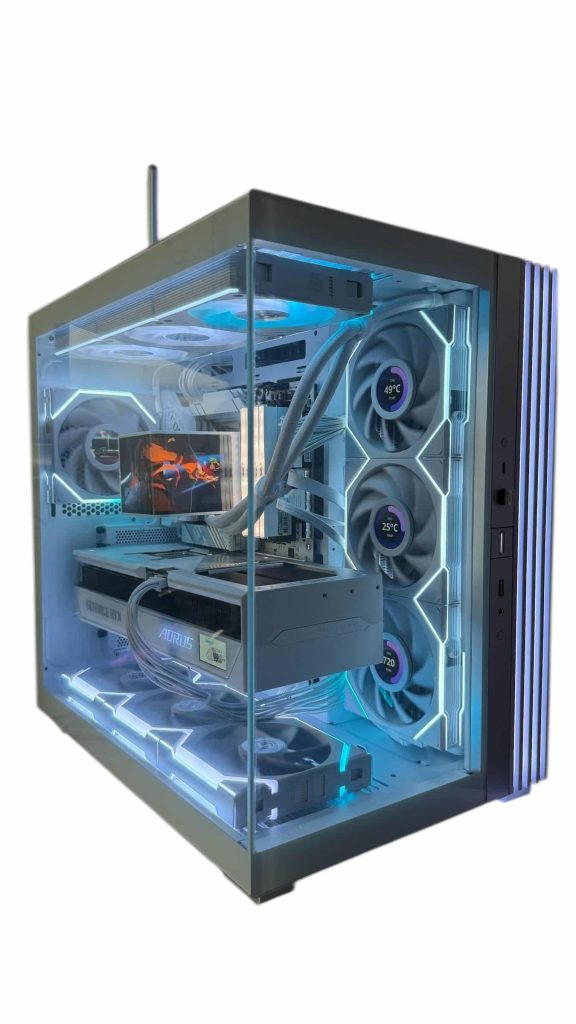
A great white PC build starts with the parts you can see through the glass: the case, the graphics card, the motherboard, the RAM, the cooler and the fans. Get those in matching whites, hide everything else, and tune the lighting so it doesn’t fight the color scheme. Performance works the same as in any other gaming PC; the planning is all about looks and fit.
Below, our builders walk through choosing a white PC case, the white parts that matter most, how to avoid mismatched shades, cable and lighting tips, theme ideas, and the white builds we hand-build to order.
In This Guide
How to Choose a White PC Case
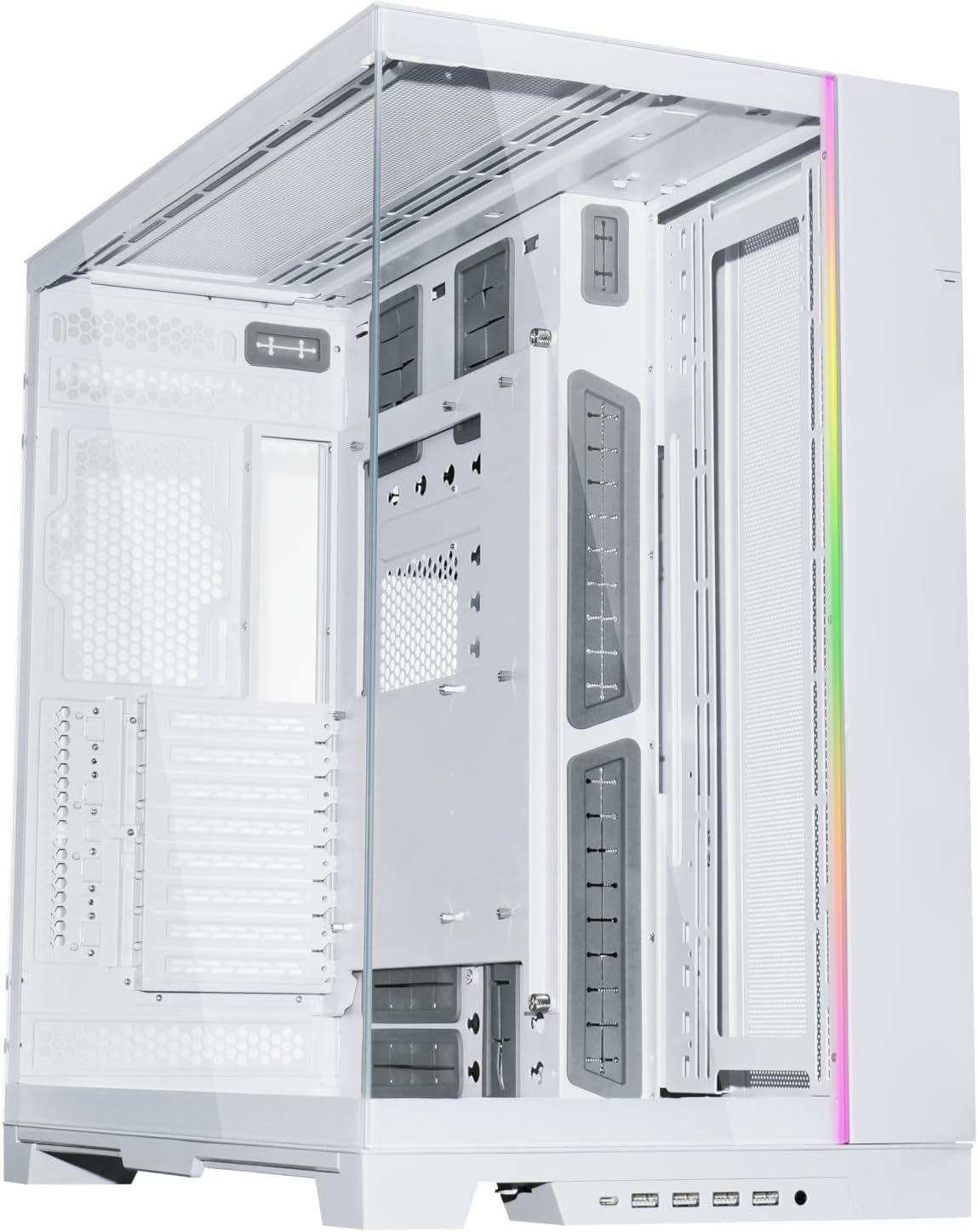
The case is the biggest white surface in the build, so choose it first and fit everything else around it. A white PC case also decides how much of the inside people will see, which changes how many other parts need to be white.
Check these before you fall for a design:
- GPU clearance. Premium white graphics cards can be long and thick. Compare the card’s length and thickness with the case’s listed limits.
- Radiator support. If you want a white 360 mm AIO, confirm where the case can mount it and whether the radiator clears the RAM and motherboard heatsinks.
- Glass layout. Panoramic designs with glass on the front and side show off the whole interior, which means every cable and part is on display.
- Cable space. Room behind the motherboard tray matters more in a white build, because one stray black cable stands out.
- Fan support. Count the fan mounts, and decide early whether you want white fans or the case’s included ones.
The white cases we work with include the HAVN HS 420 White, MONTECH King 45 PRO Panoramic White, MONTECH Sky 3 Panoramic White, Thermalright A70 Vision White, Jungle Leopard AC-02 Digital White and ASUS ROG Cronox White Edition. The Lian Li O11 Dynamic EVO also comes as the O11 Dynamic EVO XL White for larger builds.
Which Parts Show in a White PC Build?
Not every part needs to be white. Focus your budget on what you can see:
| Part | How visible? | White options in our store |
|---|---|---|
| Case | Always | HAVN HS 420 White, MONTECH King 45 PRO Panoramic White, O11 Dynamic EVO XL White |
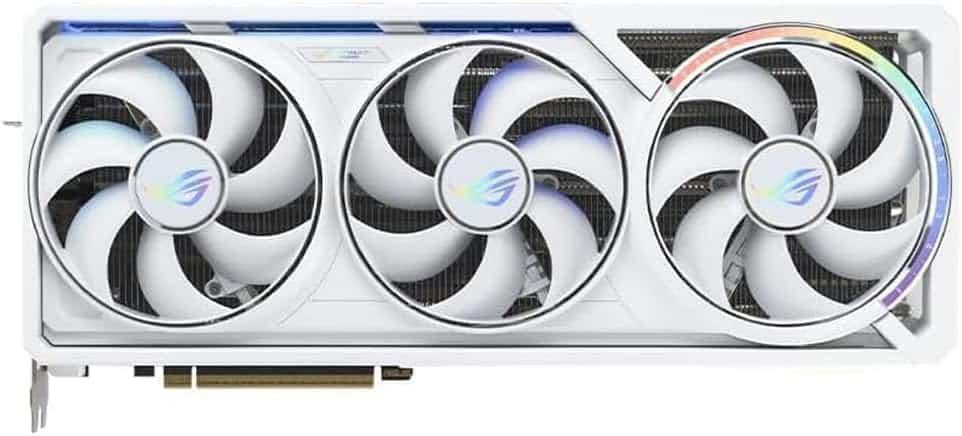
| Graphics card | Very (shroud and backplate) | ZOTAC RTX 5090 Solid OC White, GIGABYTE RTX 5080 Aorus Master White, GIGABYTE RTX 5070 Ti AERO OC 16G White |
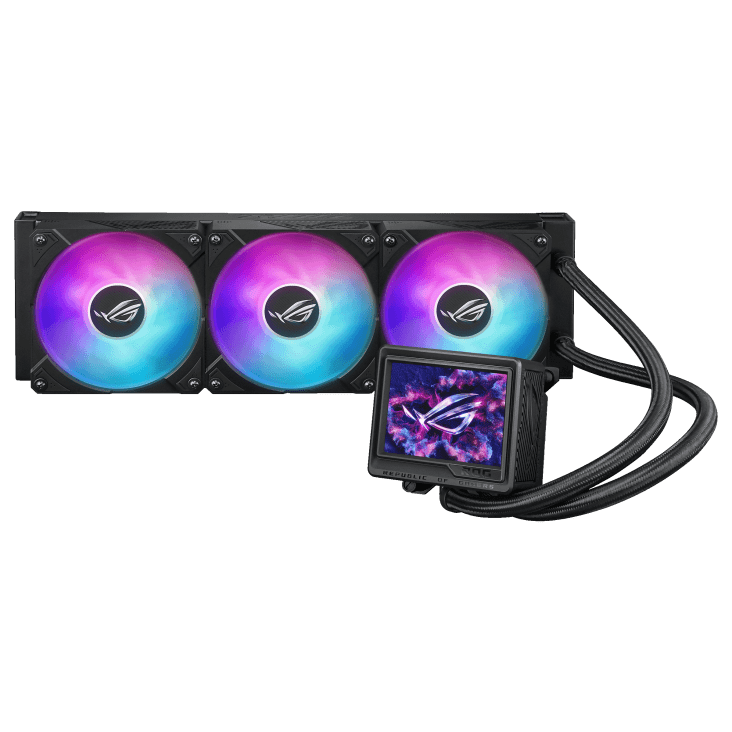
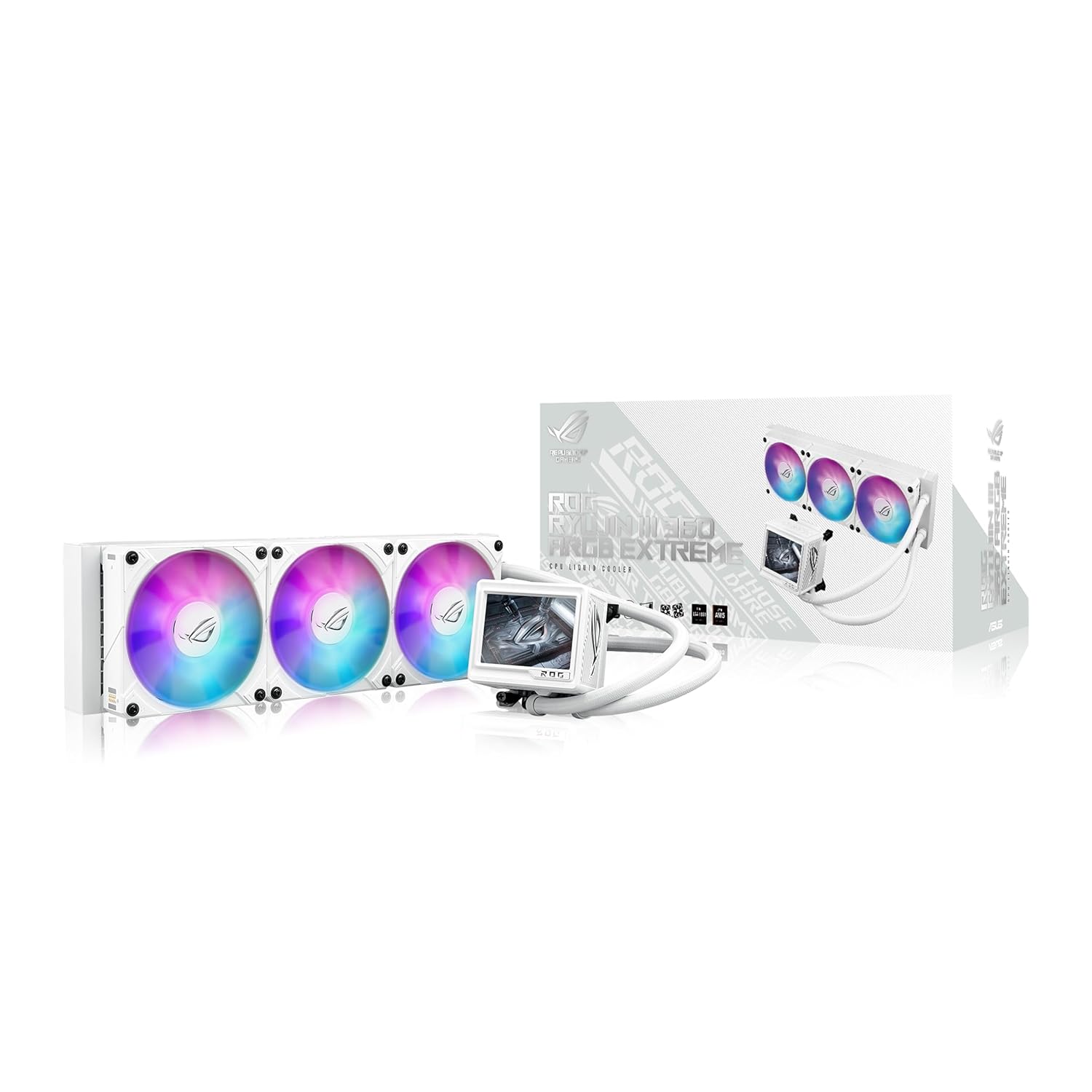
| CPU cooler | Very (pump head, radiator) | ASUS ROG Ryujin III 360 ARGB Extreme White, TRYX STAGE 360 ARGB White |
| Memory | Very | G.SKILL Trident Z5 Neo White, Corsair Vengeance RGB White |
| Motherboard | Partly (heatsinks, covers) | ASRock X870E Challenger White, GIGABYTE X870E AORUS PRO ICE |
| Fans | Very | Match to the case and cooler |
| PSU and SSD | Usually hidden | Color rarely matters |
The power supply usually sits under a shroud, and M.2 drives hide under motherboard heatsinks. Put that money toward the graphics card and cooler instead.
Graphics Cards for a White Gaming PC
The graphics card is the centerpiece of most white gaming PC builds, because its shroud and backplate face the glass. White editions exist across the RTX 50 range:
- RTX 5090: ZOTAC RTX 5090 Solid OC White. 32 GB of GDDR7 and 575 W total graphics power, so plan for NVIDIA’s 1,000 W system power guidance.
- RTX 5080: GIGABYTE RTX 5080 Aorus Master White and ASUS ROG Astral OC RTX 5080 White. 16 GB of GDDR7 and 360 W.
- RTX 5070 Ti: GIGABYTE RTX 5070 Ti AERO OC 16G White. 16 GB of GDDR7 and 300 W.
Size matters here. NVIDIA’s official RTX 50 specs list the RTX 5090 and 5080 Founders Editions at 304 mm long and two slots thick, and note that partner cards vary. Premium partner models are often bigger, so always check the exact card against your white PC case.
Launch MSRPs were $1,999 for the RTX 5090, $999 for the RTX 5080 and $749 for the RTX 5070 Ti, but street prices are well above MSRP in 2026 because of the memory shortage. Check our product pages for current prices.
Motherboard, RAM and Cooler: Matching Whites
The most common white PC build mistake isn’t a black part. It’s three different whites. Bright white, warm off-white and silver-gray accents can look fine alone and clash side by side under RGB light. Look at product photos in neutral lighting, and keep to one or two brands for the most visible parts when you can.
Motherboard. White-themed boards, often labeled ICE or White, use light heatsinks and covers so the board blends in. If your board is black, a white case with a vertical layout or a large GPU will hide much of it anyway.
Memory. RAM sits right next to the cooler, so white heat spreaders make a big difference. For a new build, 32 GB of DDR5 in a two-stick kit is the 2026 standard.
Cooler. AM5 X3D chips need one: the Ryzen 7 9800X3D ships without a cooler, and AMD recommends liquid cooling for optimal performance. A white 360 mm AIO gives you a white pump head, tubing and radiator in one step. Our guide to choosing an AIO explains radiator sizes and mounting.
Cables, Lighting and the Small Details
Small details make or break a white gaming PC. These are the finishing steps our builders take:
- Cables: White or light-gray sleeved cables for the 24-pin, CPU and GPU runs keep black wiring out of sight. Route everything else behind the tray.
- Fans: Match fan frames to the case and cooler. Our guide to choosing case fans covers airflow and RGB options.
- RGB tuning: “White” from RGB LEDs can look blue or pink. Adjust the color in your lighting software until it looks neutral against the case, or pick a single soft accent color.
- Cleaning: Use a soft microfiber cloth on glass and painted panels, and clean dust filters regularly so the interior stays bright.
All White PC Build or Two-Tone?
An all white PC build, with every visible part in white, is the cleanest look but takes the most planning, and it can cost more because some white editions carry a premium. Two-tone themes are easier to pull off:
- White and black: a white case with black accents, or the reverse. Our LUX Vision B&W 5080 is built around this contrast.
- White and wood: warm wood accents, such as the GIGABYTE X870E AERO X3D WOOD motherboard, soften an all-white interior.
- White with one accent color: set the RGB to a single color so the white parts still read as one theme.
Whatever you pick, decide on the theme before you buy parts. It’s far easier than swapping a part later to fix a shade that doesn’t match. If you’re assembling it yourself, our step-by-step build walkthrough covers the assembly.
Our Hand-Built White Gaming PCs
If you’d rather skip the shade-matching, every custom gaming PC we sell is hand-built to order, and our ICE, SNOW and White builds use a white color theme. They span the range:
- LUX Vision SNOW 5090 and LUX Crystal White (5090) for RTX 5090 performance in white.
- LUX V2 ICE 5080 for a white RTX 5080 build.
- LUX Optic ICE 9070XT and LUX Optic ICE 5070 TI for a white gaming PC with a 16 GB mid-range card.
Upgrades and changes are always possible before we build, so you can swap in a different white cooler, case or memory kit.
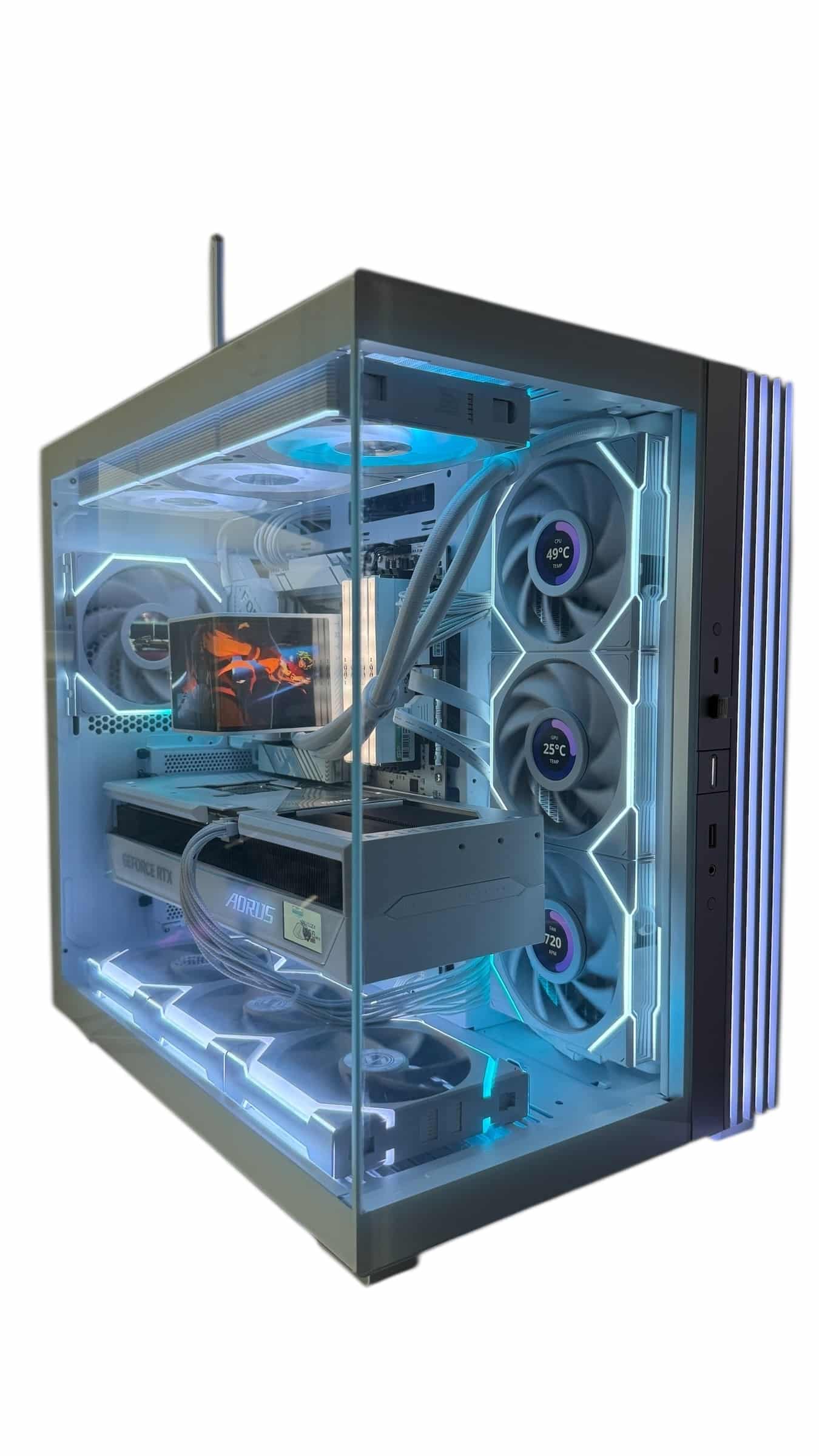
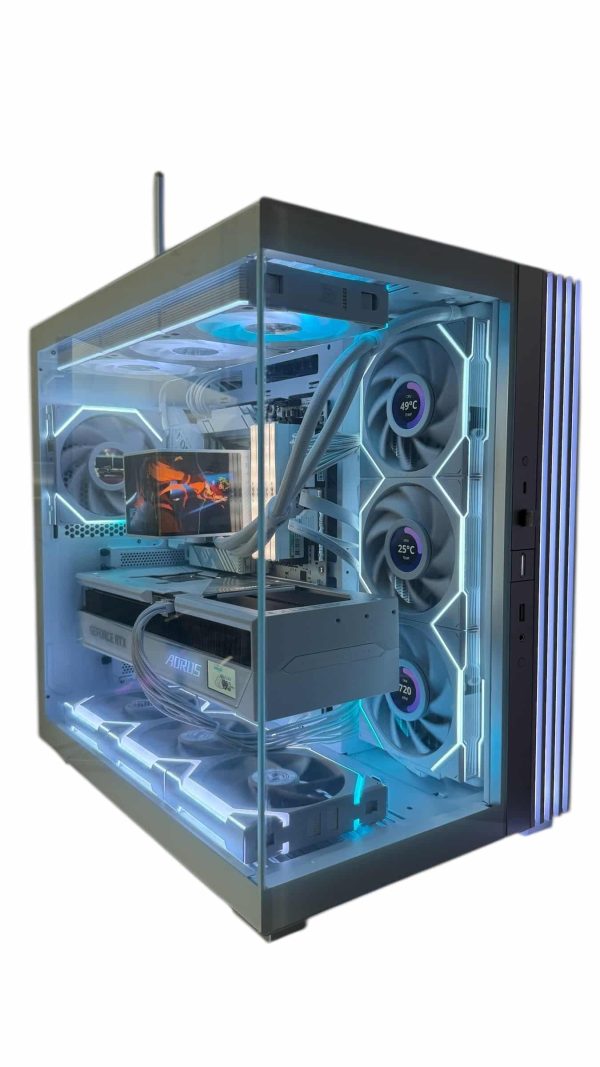
LUX Vision SNOW 5090
- GPURTX 5090
- CPURyzen 9 9950X3D
- RAM64GB DDR5
- SSD4TB NVMe
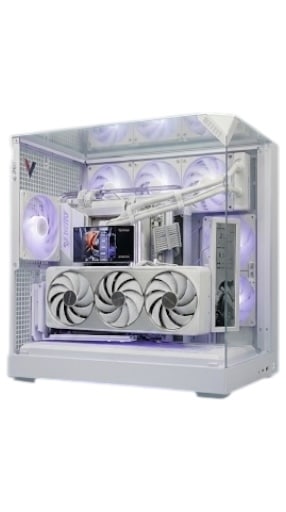
LUX Crystal White
- GPURTX 5090
- CPURyzen 9 9950X3D
- RAM64GB DDR5
- SSD4TB NVMe
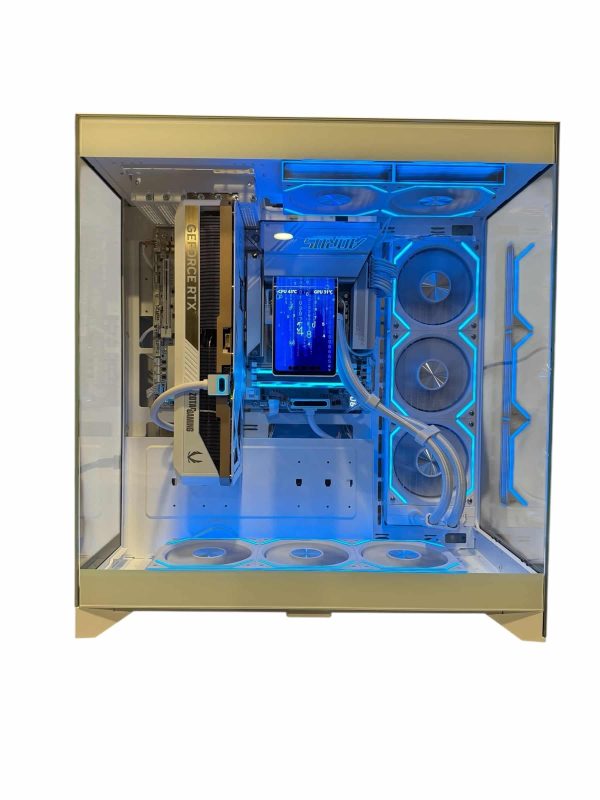
LUX V2 ICE 5080
- GPURTX 5080
- CPURyzen 7 9800X3D
- RAM32GB DDR5
- SSD2TB NVMe
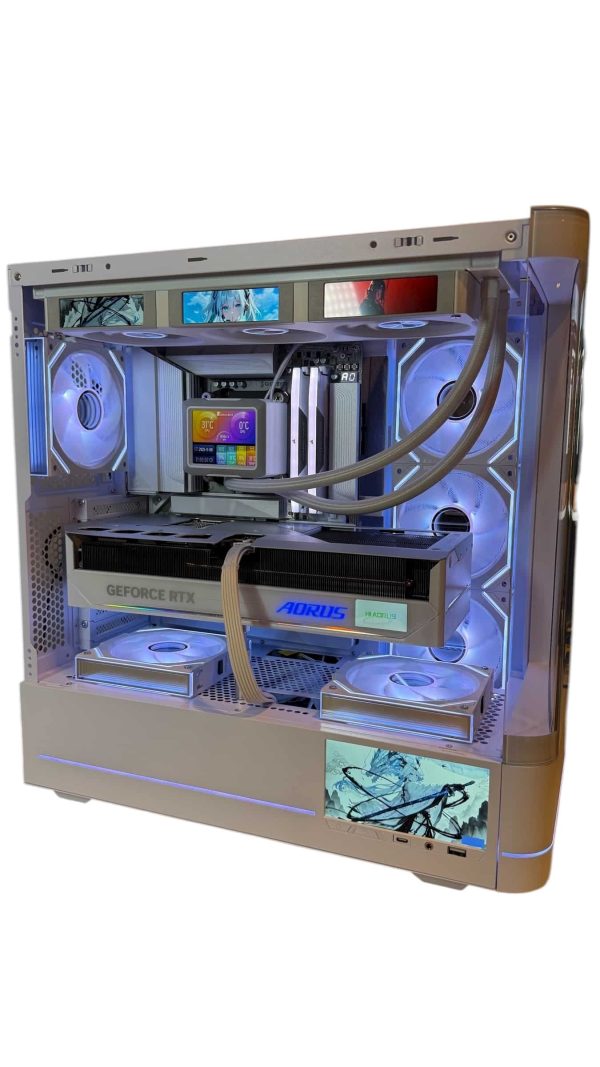
LUX Optic ICE 9070XT
- GPURX 9070 XT
- CPURyzen 7 9800X3D
- RAM32GB DDR5
- SSD2TB NVMe
White PC Build FAQ
Is a white gaming PC more expensive?
Sometimes. White editions of some graphics cards, coolers and memory kits carry a premium over black versions, but not always. Compare current prices on the product pages before you commit.
What should I look for in a white PC case?
GPU length and thickness limits, radiator support, the glass layout and space behind the motherboard tray. In a white PC case, cable space matters more because stray black cables stand out.
Do I need a white motherboard for an all white PC build?
Not always. A large graphics card and the cooler cover much of the board. A white board helps most in open, panoramic cases where the whole board is visible.
Does a white gaming PC perform differently?
No. Color doesn’t change performance. A white RTX 5080 has the same GPU and 16 GB of memory as a black one; only factory clocks and cooler design vary between models.
Can you build a white PC for me?
Yes. Every Luxvibe PC is hand-built to order, and our ICE, SNOW and White builds are white-themed. Contact our builders with the look you want.
The Bottom Line
A standout white PC build comes down to three choices made in order: a white PC case with room for your parts, white versions of the visible parts (graphics card, cooler, RAM and fans), and one consistent shade of white with lighting tuned to match. Hide the rest, and the build looks clean for years.
Want it done for you? Browse our white-themed gaming PCs, or ask our builders at sales@luxvibepcs.com to plan a white build around the games you play.