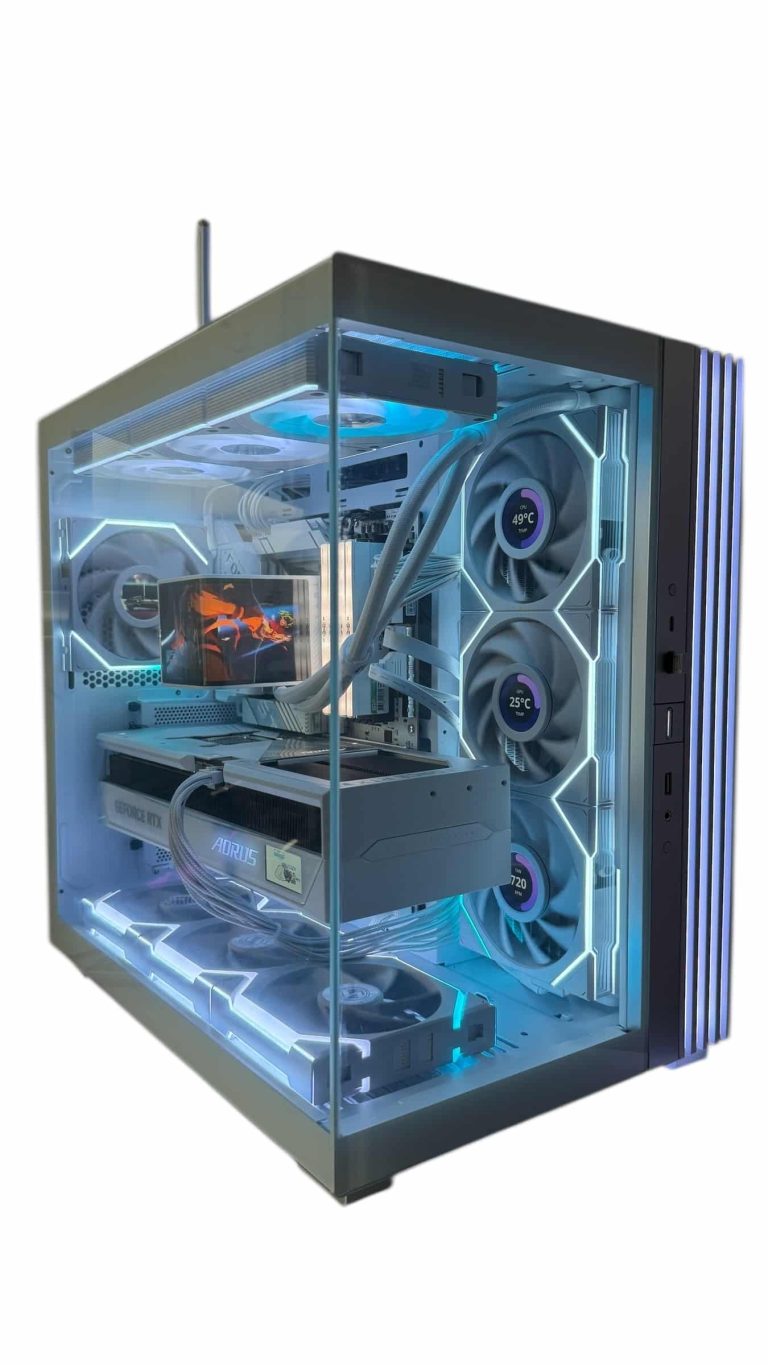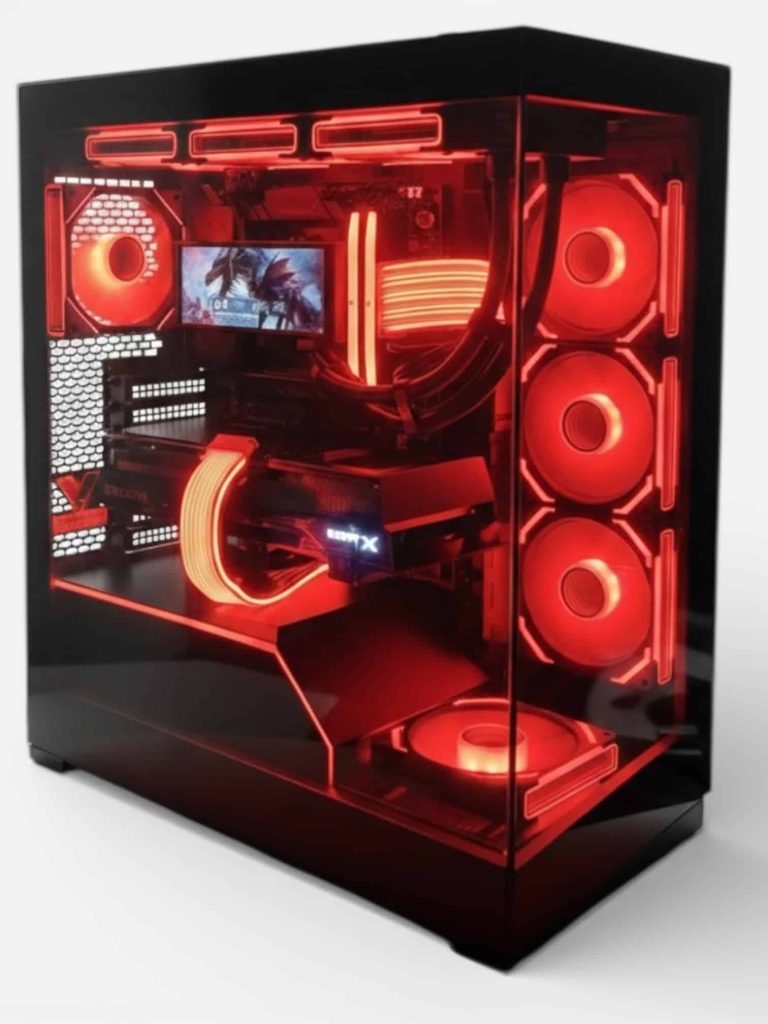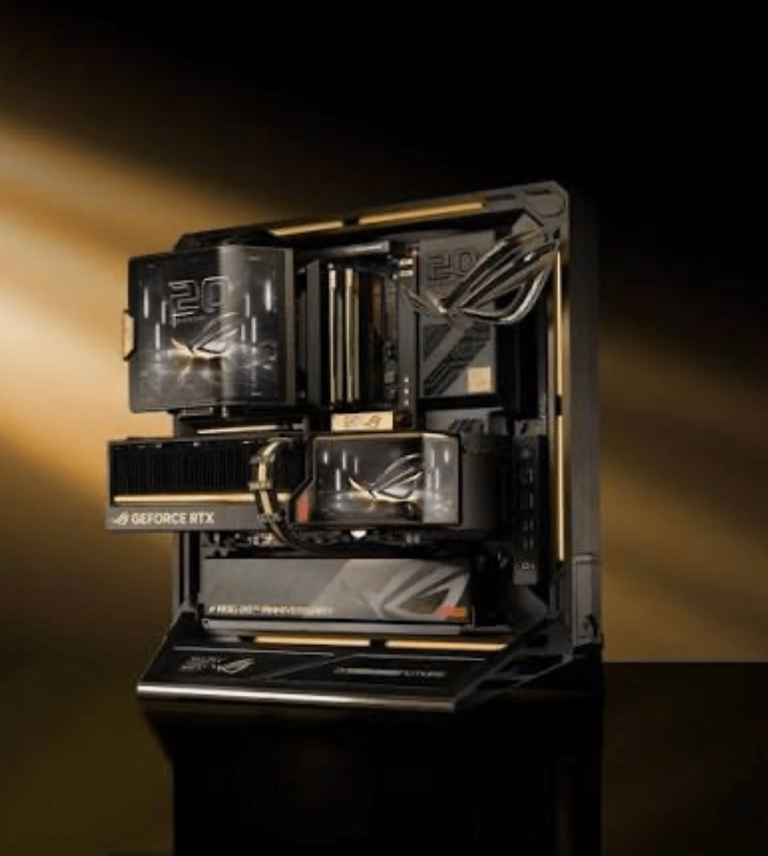
A liquid cooled PC moves heat away from the processor through a loop of coolant and dumps it out through a radiator and fans, instead of relying only on a metal heatsink sitting on the chip. For most gamers, a sealed 360 mm all-in-one (AIO) cooler is the sweet spot. A full custom loop is for enthusiasts who want the coolest temperatures, GPU cooling and a showpiece look, and who don’t mind the extra work.
This guide explains how liquid cooling works, AIO vs custom loop, when water cooling is worth it, radiator placement, maintenance and noise, plus the coolers our builders reach for most.
In This Guide
How a Liquid Cooled PC Works
Every liquid cooler has the same basic parts, whether it’s sealed at the factory or built by hand:
- Cold plate (block): a copper base that sits on the CPU or GPU and passes heat into the coolant.
- Pump: moves coolant around the loop. In most AIOs it’s built into the CPU block.
- Tubing: carries warm coolant to the radiator and cooled coolant back.
- Radiator and fans: thin fins spread the heat over a large area, and fans push air through them.
Liquid cooling doesn’t make heat disappear. It moves heat from a small, crowded area around the socket to a large radiator where fans can get rid of it more efficiently. That’s why radiator size and case airflow matter as much as the cooler itself in any water cooled PC.
AIO vs Custom Loop
| AIO | Custom loop | |
|---|---|---|
| What it cools | CPU | CPU, and usually the GPU too |
| Setup | Pre-filled and sealed; mounts like a large air cooler | Planned and assembled part by part, then filled and leak-tested |
| Maintenance | Dust the radiator; no refills | Periodic coolant changes and inspections |
| Cost | Moderate | High, plus many hours of build time |
| Looks | Clean; LCD or OLED pump heads on some models | Full showpiece with hard tubing and colored coolant |
| Risk | Low; few joints | Higher; many fittings and joints |
| Best for | Most gaming and creator builds | Enthusiasts and showpiece builds |
All-in-One (AIO) Liquid Coolers
An AIO cooler arrives pre-filled and sealed, usually with the pump built into the CPU block. It installs much like a big air cooler and needs no refilling. Radiators come in sizes such as 240, 280, 360 and 420 mm; a 360 mm unit is what we recommend for most high-end gaming builds, because it fits many mid-tower cases and has plenty of surface area.
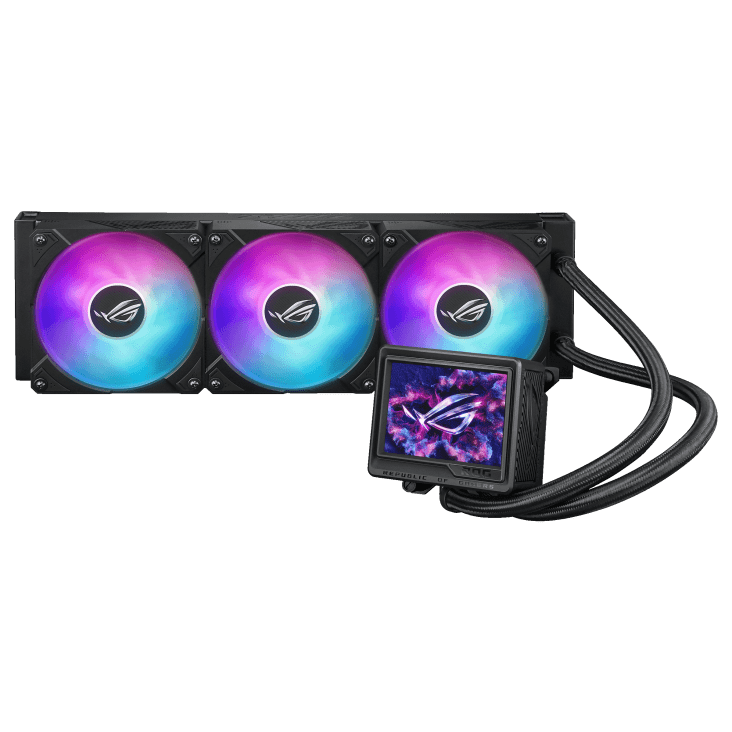
Many premium AIOs add a screen on the pump head, like the Corsair iCUE H150i ELITE LCD XT, Lian Li Galahad II LCD 360 and Lian Li Hydroshift II OLED Curved 360. Screens don’t cool better, but they can show temperatures or custom images. For a deeper buying guide, read how to choose the right AIO.
Custom Loops
A custom loop is built from separate parts: a reservoir, pump, CPU block, often a GPU block, one or more radiators, fittings, and soft or hard tubing. Because it can cool the graphics card as well as the CPU, a custom water cooled PC handles the most heat of any setup.
The trade-offs are real. A custom loop costs far more than an AIO, takes hours to plan, bend, fit and leak-test, and needs regular coolant changes. Every GPU swap means a new water block and draining the loop. It’s a hobby as much as a cooling choice.
Is a Liquid Cooled Gaming PC Worth It?
For many builds, yes. These are the cases where our builders recommend a liquid cooled PC over air:
- High-power CPUs. The Ryzen 9 9950X3D has a 170 W default TDP and the 9950X3D2 Dual Edition 200 W. AMD ships neither with a cooler and recommends a liquid cooler for optimal performance on both.
- Gaming X3D chips. The Ryzen 7 9800X3D has a 120 W TDP, and AMD gives it the same liquid cooler recommendation.
- Long gaming or render sessions. A large radiator spreads heat over more fin area, so fans can often run slower for the same load.
- Clearance and looks. An AIO leaves the area around the socket open, with no tall tower hanging over the RAM, and it looks cleaner through the glass.
When is air enough? A quality air tower is simpler, has no pump to wear out, and suits lower-power CPUs well. If you want the simplest possible build and your CPU doesn’t draw much power, air is a perfectly good choice. For a liquid cooled gaming PC built around a high-end Ryzen chip, though, we’d pick a 360 mm AIO almost every time.
Liquid Cooling and Your Graphics Card
An AIO cools the CPU only. Your graphics card still cools itself with its own fans, and modern cards produce a lot of heat: NVIDIA’s official specs rate the RTX 5090 at 575 W of total graphics power and the RTX 5080 at 360 W.
That means a liquid cooled PC still needs good case airflow. The GPU’s heat has to leave the case somehow, and the radiator fans are part of that path. Only a custom loop with a GPU water block moves the graphics card’s heat into the liquid as well, which is the route some enthusiast RTX 5090 builds take.
Radiator Placement in a Liquid Cooled PC
Where the radiator goes changes how the whole system breathes:
- Top, as exhaust: the most common choice. Warm air from the radiator leaves the case, and the GPU breathes cool front intake air.
- Front, as intake: gives the CPU the coolest air, but the air passing into the case is warmed by the radiator first, so the GPU runs in warmer air.
- Side or bottom: some dual-chamber and showcase cases support this. Check the manual for clearance.
Two rules apply in every case. Don’t mount the pump as the highest point of the loop, because air collects there and can make noise. And keep a balance of intake and exhaust fans. Our guide to choosing case fans covers airflow layouts.
Maintenance, Noise and Leaks
AIO care is light. Dust the radiator fins and fan filters every few months, check that the pump is running in your motherboard’s monitoring software, and set sensible fan curves.
Custom loop care takes more. Expect periodic coolant changes on the schedule your coolant maker suggests, checks of fittings and tubing, and a full drain when you swap parts.
Noise. Pumps make a quiet hum, and fans make most of the noise. A larger radiator lets fans spin slower, which is why a water cooled PC can be pleasantly quiet under load.
Leaks. No liquid cooler is risk-free. Sealed AIOs have very few joints, which keeps the risk low. Custom loops have many fittings, which is why careful builders leak-test them before the system ever powers on.
Water Cooled PC Buying Checklist
Before you buy a cooler or a pre-planned liquid cooled gaming PC, run through these checks:
- Radiator fit: confirm the case supports your radiator size in the spot you want, with room for the fans and RAM.
- Socket support: make sure the cooler includes mounting hardware for your platform, such as AM5 or LGA 1851.
- Tubing length: in large cases, check that the tubes reach from the radiator position to the CPU without strain.
- Fans and software: good radiator fans matter as much as the pump. Check how fan and lighting control works, and whether it needs its own app.
- Total heat: a liquid cooled PC with a 575 W graphics card still needs strong case airflow, so plan intake and exhaust fans together.
Our Liquid Cooling Picks
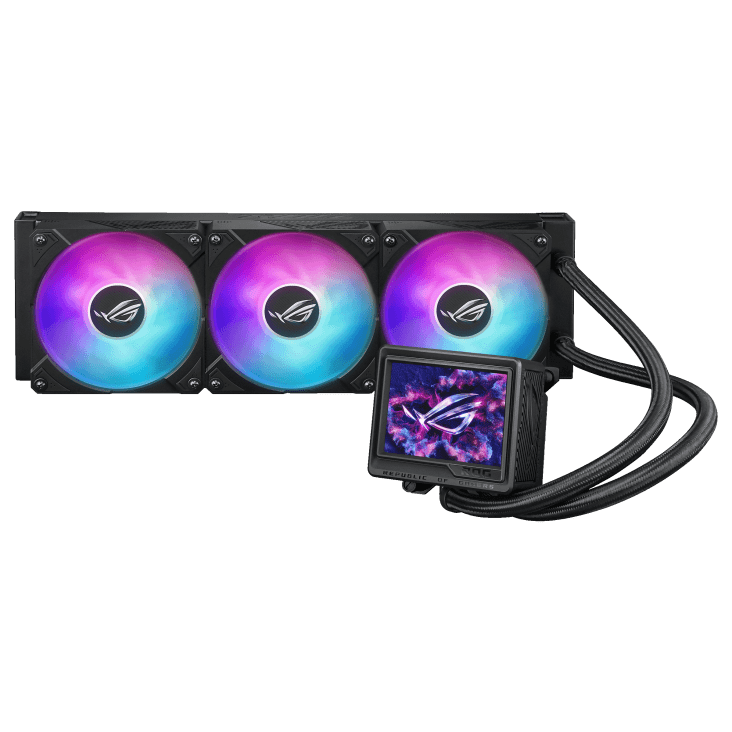
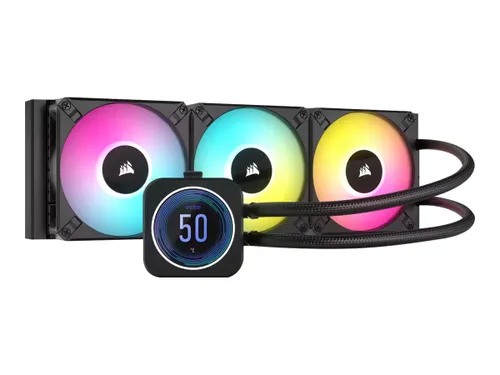
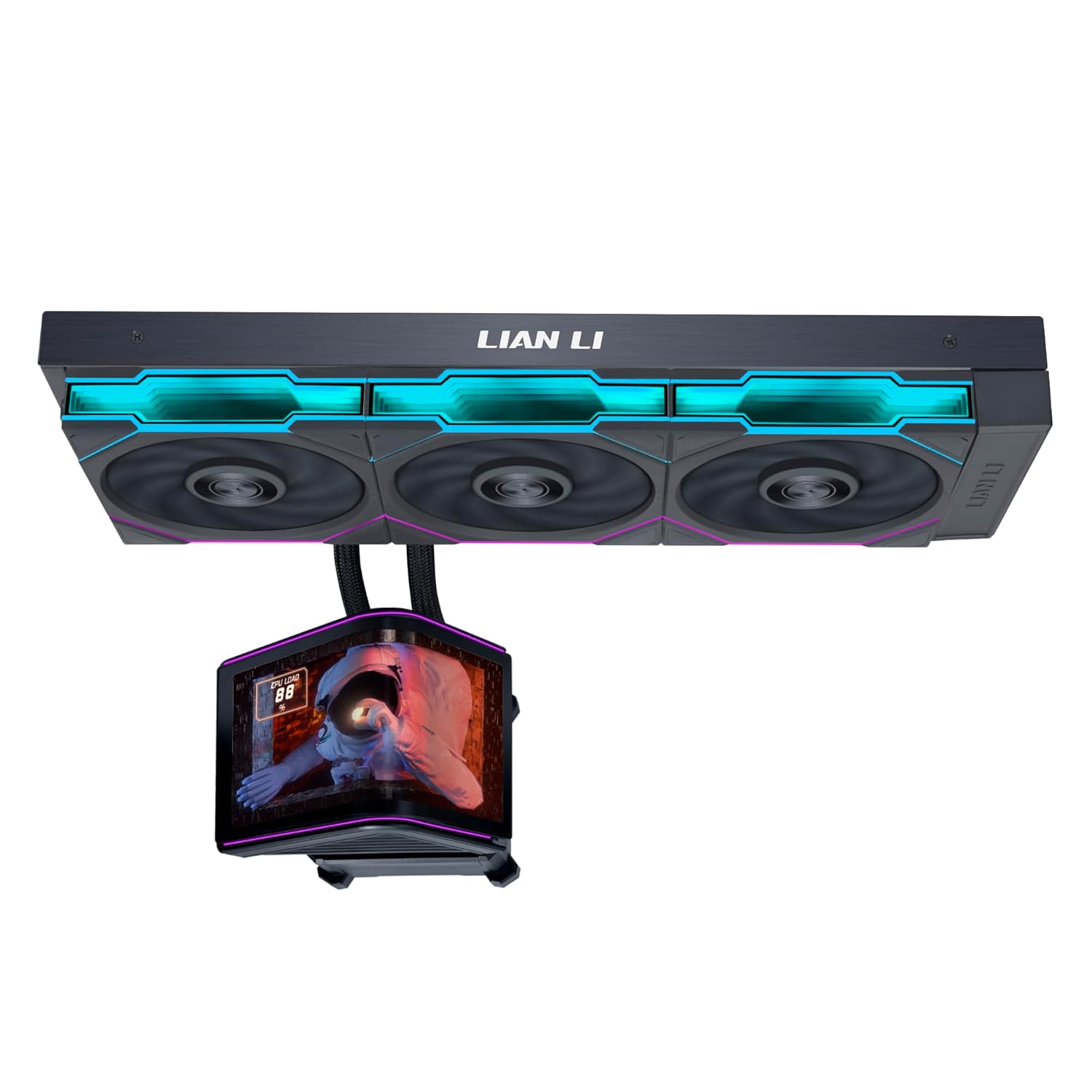
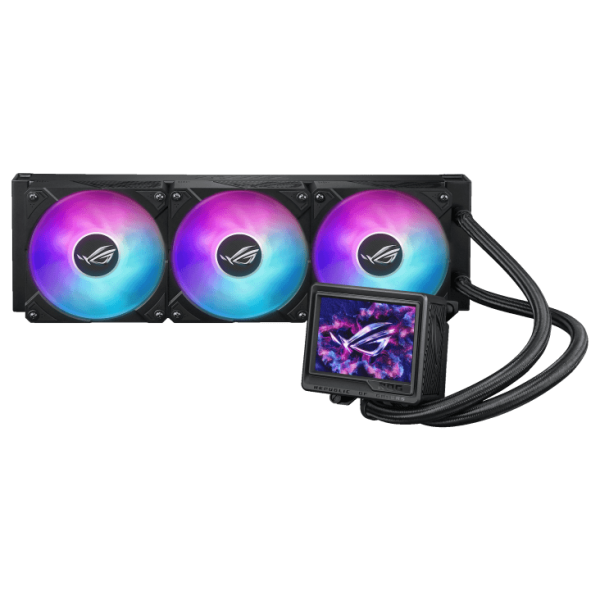
Here are four 360 mm AIOs we recommend for high-end builds. Every Luxvibe custom gaming PC is hand-built to order, and upgrades and changes are always possible before we build, so you can ask for any of them in your system.
ASUS ROG Ryujin III 360
The ASUS ROG Ryujin III 360 is a 360mm all-in-one liquid cooler with a pump display…
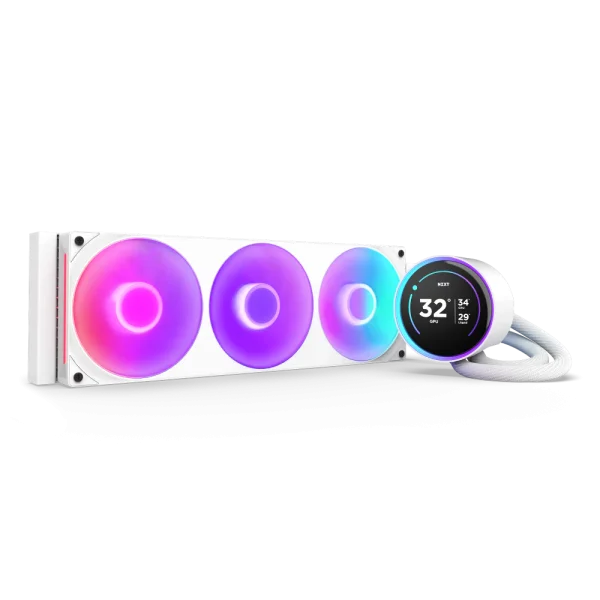
NZXT Kraken Elite 360 RGB
The NZXT Kraken Elite 360 RGB AIO Cooler is an all-in-one liquid cooler with a pump…
Corsair iCUE H150i ELITE LCD XT
The Corsair iCUE H150i ELITE LCD XT is a 360mm all-in-one liquid cooler with a pump…
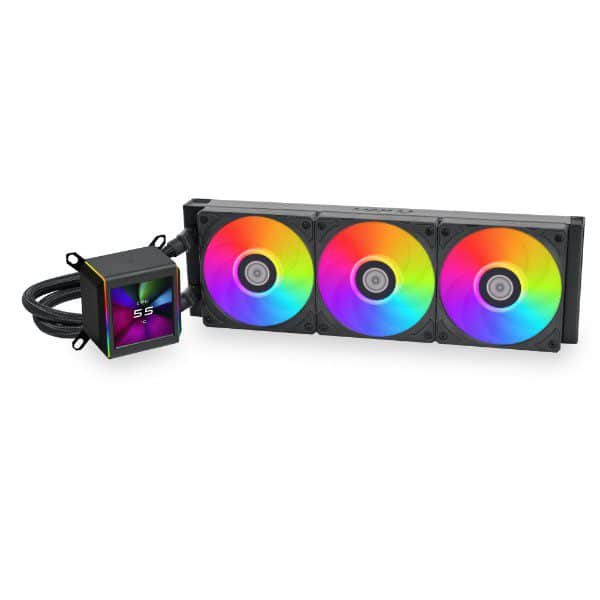
Lian Li Galahad II LCD 360
The Lian Li Galahad II LCD 360 is a 360mm all-in-one liquid cooler with a pump…
Building your own? Our step-by-step build guide shows where the radiator and pump go during assembly.
Liquid Cooled PC FAQ
Is a water cooled PC better than air cooling?
For high-power CPUs, a 360 mm AIO usually handles sustained heat better and leaves more room around the socket. For lower-power chips, a quality air cooler is simpler and works well. Neither is better in every build.
Do liquid cooled PCs leak?
They can, but sealed AIOs have very few joints and need no refilling. Custom loops carry more risk because they have more fittings, so builders leak-test them before powering on.
Is a liquid cooled gaming PC quieter?
It often is under heavy load, because a large radiator lets the fans spin slower. At idle, the difference is small, and pump hum can be audible in a very quiet room.
Do X3D gaming CPUs need liquid cooling?
For the Ryzen 7 9800X3D, AMD recommends a liquid cooler for optimal performance, and the chip ships without one. A 360 mm AIO is the pairing we recommend for a high-end liquid cooled gaming PC.
Can you liquid cool a graphics card?
Yes, with a custom loop and a water block made for your exact card model. An AIO on its own cools only the CPU.
The Bottom Line
For most people, the right liquid cooled PC uses a 360 mm AIO: easy to install, no refills, strong cooling for high-power Ryzen chips and a clean look. Choose a custom loop only if you want to cool the GPU too and you enjoy the build and maintenance as part of the hobby.
Browse our hand-built gaming PCs, or ask our builders which cooler suits the CPU and case you have in mind.