In the 1080p vs 1440p decision, 1440p is the better pick for most new gaming PCs in 2026. It has 78% more pixels for a visibly sharper image on a 27-inch screen, and current midrange graphics cards can drive it at high refresh rates. 1080p still makes sense for esports players chasing the highest possible frame rates and for tight budgets.
This guide breaks down the 1080p vs 1440p numbers, what you will actually notice on screen, what the upgrade costs in performance and hardware, and who should stay put.
In This Guide
1080p vs 1440p by the Numbers
| Spec | 1080p (Full HD) | 1440p (QHD) |
|---|---|---|
| Resolution | 1920 x 1080 | 2560 x 1440 |
| Total pixels | 2,073,600 | 3,686,400 (1.78x) |
| Aspect ratio | 16:9 | 16:9 |
| Classic monitor size | 24 inch | 27 inch |
| Density at 24 inches | ~92 PPI | ~122 PPI |
| Density at 27 inches | ~82 PPI | ~109 PPI |
| Best for | Esports, tight budgets | Most gamers, mixed work and play |
In a 1080p vs 1440p comparison, both resolutions share the same 16:9 shape, so the jump is purely about detail. Every frame at 1440p carries 1.78 times the pixels of a 1080p frame, and that ratio drives both the visual gain and the extra load on your graphics card. For a full explainer on the higher resolution, including the “2K” naming confusion, see what 1440p means.
What You Actually See: Sharpness and Screen Size
The 1440p vs 1080p difference depends heavily on screen size, because pixel density decides sharpness.
- At 24 inches, 1080p lands at about 92 PPI. That looks acceptable at a normal distance, which is why 24-inch 1080p monitors have been a staple for years.
- At 27 inches, 1080p drops to about 82 PPI. Text looks soft and you can see the pixel grid up close. 1440p at the same size is about 109 PPI, and the difference is immediately visible.
Beyond raw sharpness, here is what players notice in a 1440p vs 1080p side-by-side:
- Cleaner edges. Higher resolution makes jagged edges and shimmering on fine geometry less visible, even with the same anti-aliasing setting.
- More distant detail. Far-off enemies, foliage and signage resolve more clearly, which helps in open-world and tactical games.
- More desktop space. 78% more pixels means room for side-by-side windows, longer timelines in video editors and more rows in spreadsheets.
Our builders’ view on 1080p vs 1440p: if your next monitor is 27 inches, 1080p is a compromise you will notice every day.
Performance: What 78% More Pixels Costs
Your GPU has to render 1.78 times as many pixels per frame at 1440p, so the same card produces fewer frames per second than it does at 1080p. How much the 1080p vs 1440p switch costs depends on where your system’s bottleneck sits.
- With a fast GPU, many games at 1080p are limited by the CPU, so the graphics card has spare headroom to absorb the extra pixels.
- With an older or entry-level GPU, the card is already the limit, and frame rates drop more noticeably at the higher resolution.
- Upscaling softens the hit. DLSS and FSR render below native resolution and reconstruct a sharp output image. NVIDIA describes DLSS Super Resolution as using AI to output higher-resolution frames from a lower-resolution input.
VRAM also matters a little more as resolution rises. Our builders are comfortable with 12 GB at 1440p for most games, and 16 GB gives extra headroom for high-resolution textures and ray tracing.
Upscaling Changes the 1440p vs 1080p Math
Upscaling is a big reason the higher resolution is so accessible now. Instead of choosing between a sharp image and a high frame rate, you can render internally at a lower resolution and let an AI model rebuild a QHD frame. Support depends on your card:
- DLSS Super Resolution: RTX 20 Series and newer.
- DLSS Frame Generation: RTX 40 and RTX 50 Series.
- Multi Frame Generation: RTX 50 Series only. NVIDIA says it can generate up to five frames per rendered frame.
- FSR 4: AMD’s machine-learning upscaler, launched exclusive to the RX 9000 Series.
The practical takeaway in the 1440p vs 1080p debate: upscaling narrows the performance gap between the two resolutions while keeping the sharper picture. Frame generation smooths motion, but responsiveness still follows the frames the GPU actually renders, so start from a solid base frame rate.
Who Should Stay at 1080p
The 1080p vs 1440p question does not have one answer for everyone. Full HD still makes sense if you:
- Play esports titles competitively and want the highest frame rates your CPU and GPU can produce on a very high refresh monitor.
- Are on a tight budget or keeping an older graphics card that already struggles at higher resolutions.
- Use a 24-inch monitor at a close desk and are happy with the image.
- Stream or record on the same PC with limited GPU headroom and want to keep frame rates steady.
Who Should Move Up to QHD
For most people building or buying a new PC, the move up is the right call. Upgrade if you:
- Are buying an RTX 5070, RX 9070 or anything faster. These cards are a natural fit for QHD, and NVIDIA’s own RTX 5070 family page uses 1440p for its performance charts.
- Want a 27-inch monitor, the size where 1080p starts to look soft.
- Play a mix of single-player and multiplayer games and want both sharpness and high refresh.
- Use your PC for work as well, where the extra desktop space pays off daily.
In the 1440p vs 1080p matchup, these are the buyers who gain the most for the least extra cost.
Hardware for the Upgrade
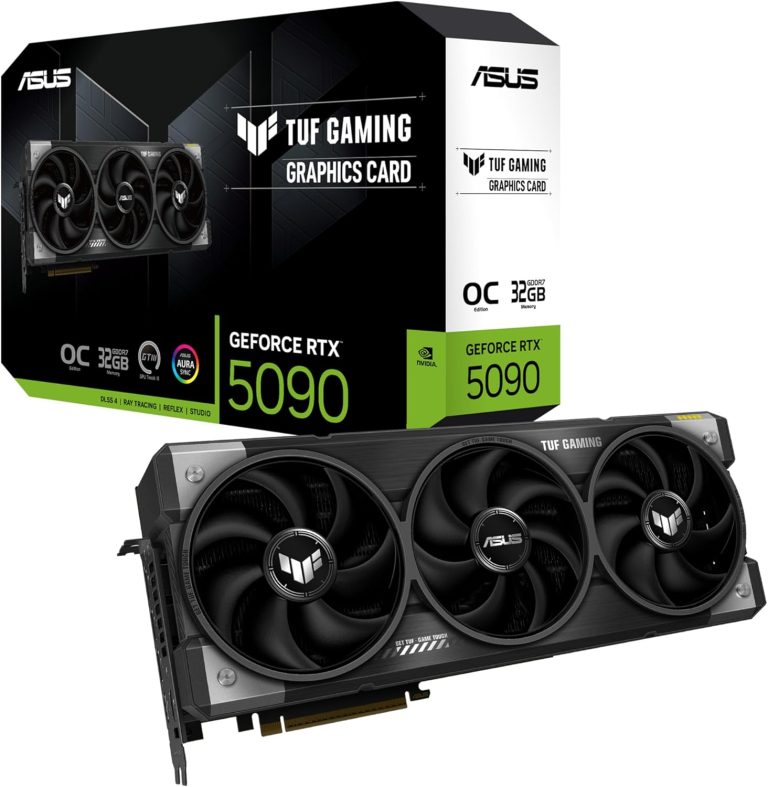
Here are the cards our builders recommend for QHD, with official specs and launch MSRPs. In 2026, street prices are well above MSRP because of the memory shortage, so check our product pages for current prices.
- RTX 5070: 6,144 CUDA cores, 12 GB of GDDR7, 250 W, 650 W system power. $549 at launch.
- RX 9070: 56 compute units, 16 GB of GDDR6, 220 W, 650 W PSU per AMD. $549 at launch.
- RX 9070 XT: 64 compute units, 16 GB of GDDR6, 304 W, 750 W PSU. $599 at launch. AMD said at launch it is over 40% faster on average than the RX 7900 GRE at 1440p.
- RTX 5070 Ti: 8,960 CUDA cores, 16 GB of GDDR7, 300 W, 750 W system power. $749 at launch.
Budget for two things when you settle 1080p vs 1440p in favor of the sharper option: a capable graphics card and a new monitor. For our full ranking of cards, see our guide to the best GPU for 1440p.
The rest of the system
- CPU: High-refresh play at either resolution rewards a strong gaming CPU. The Ryzen 7 9800X3D and 7800X3D, each with 96 MB of L3 cache, are our go-to picks.
- Memory: 32 GB of DDR5 is the 2026 standard for a new gaming PC.
- Storage: an NVMe SSD keeps load times short.
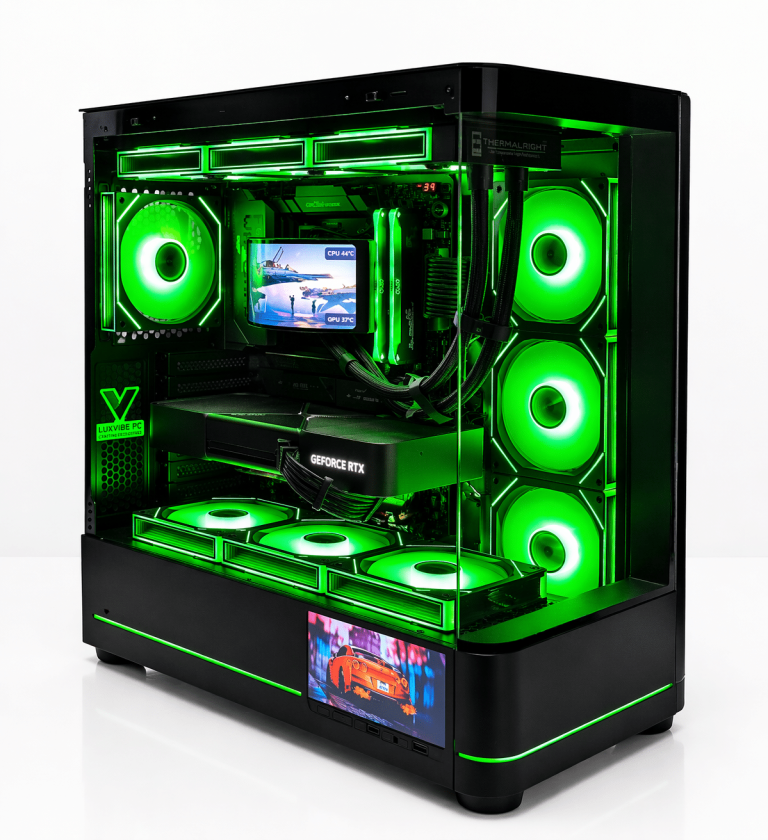
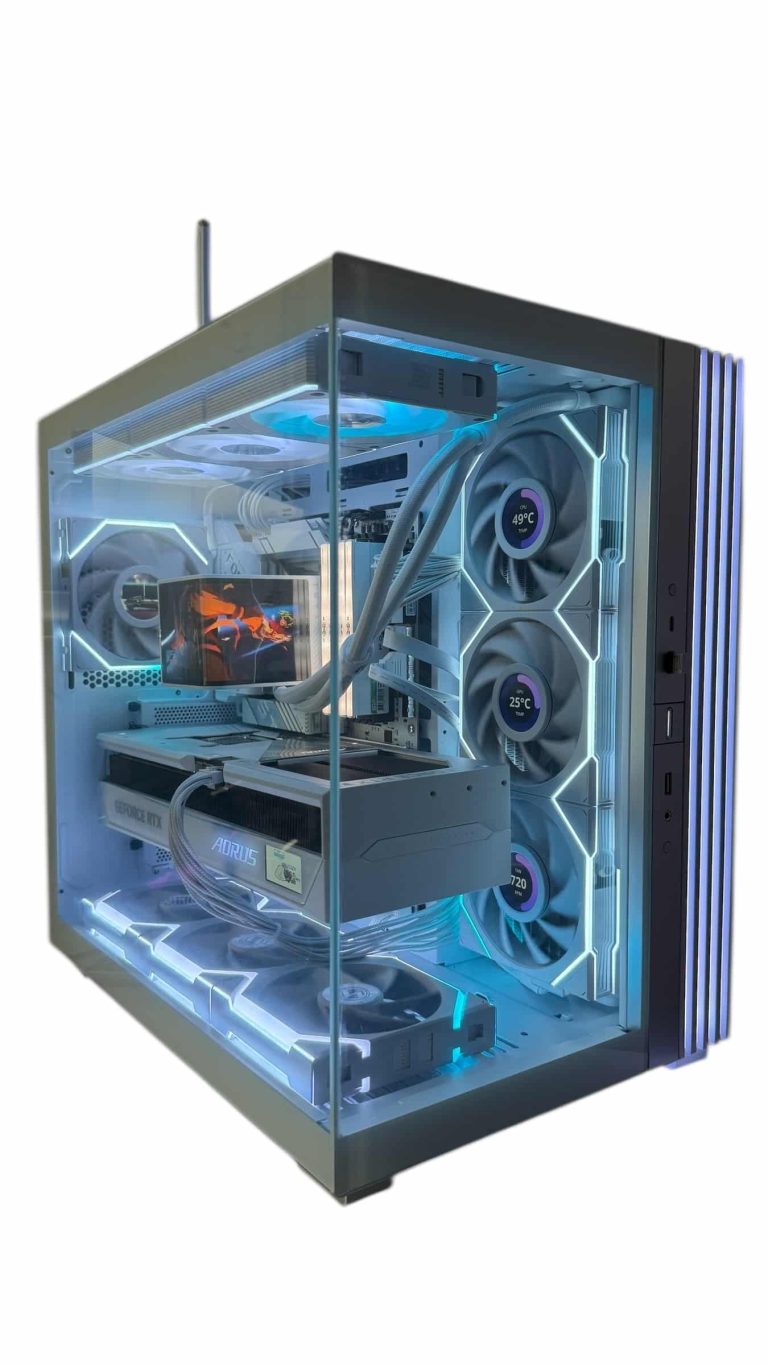
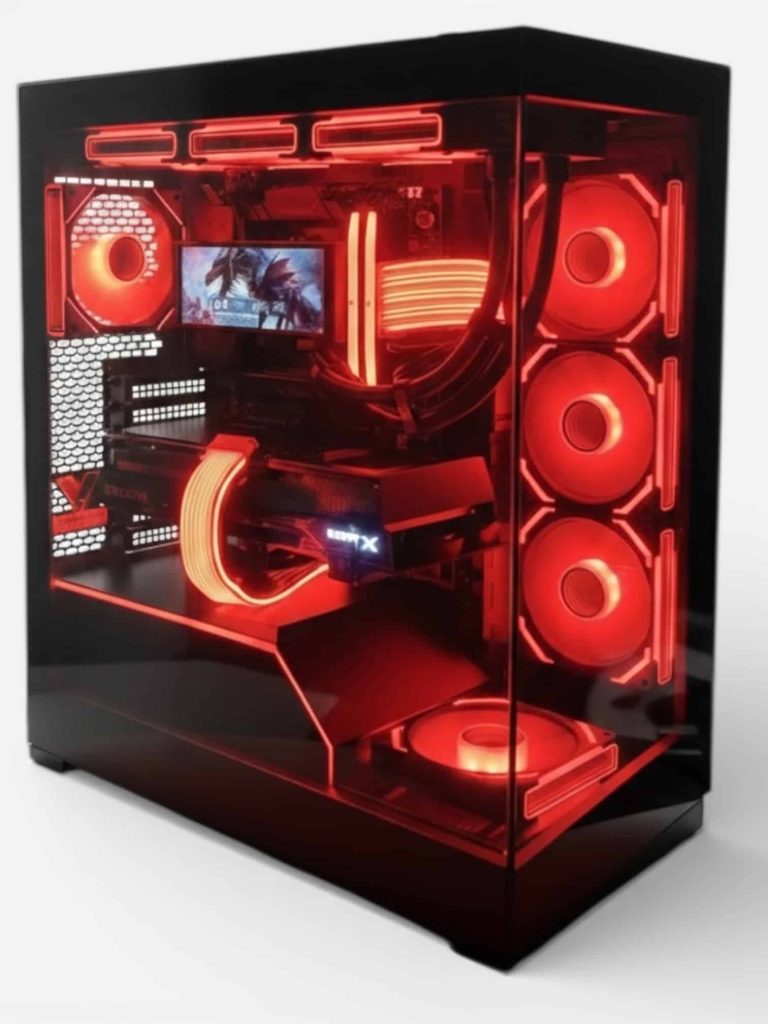
If you would rather skip the parts list, every 1440p gaming PC we sell is hand-built to order, and upgrades and changes are always possible before we build.
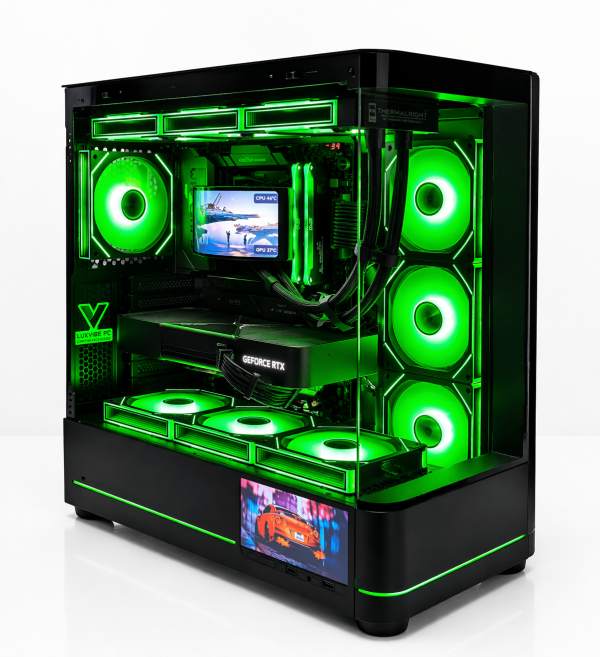
LUX Optic 5070ti Core
- GPURTX 5070 Ti
- CPURyzen 7 9800X3D
- RAM32GB DDR5
- SSD2TB NVMe
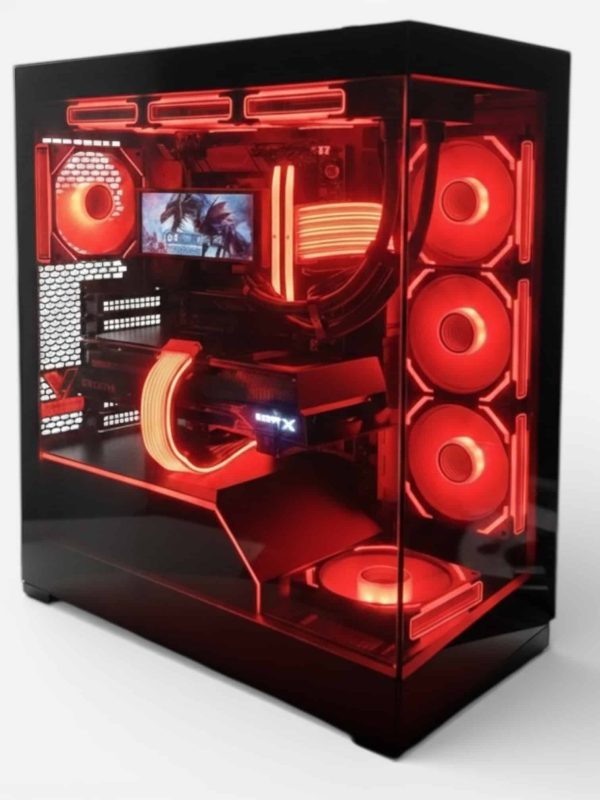
Lux Nv5 Black 9070XT
- GPURX 9070 XT
- CPURyzen 7 9800X3D
- RAM32GB DDR5
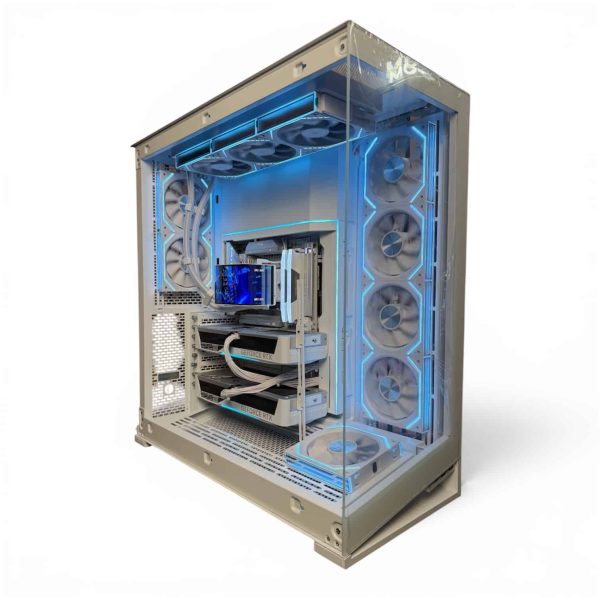
LUX ICE Duo 5070
- GPURTX 5070
- CPURyzen 7 9800X3D
- RAM32GB DDR5
- SSD2TB NVMe
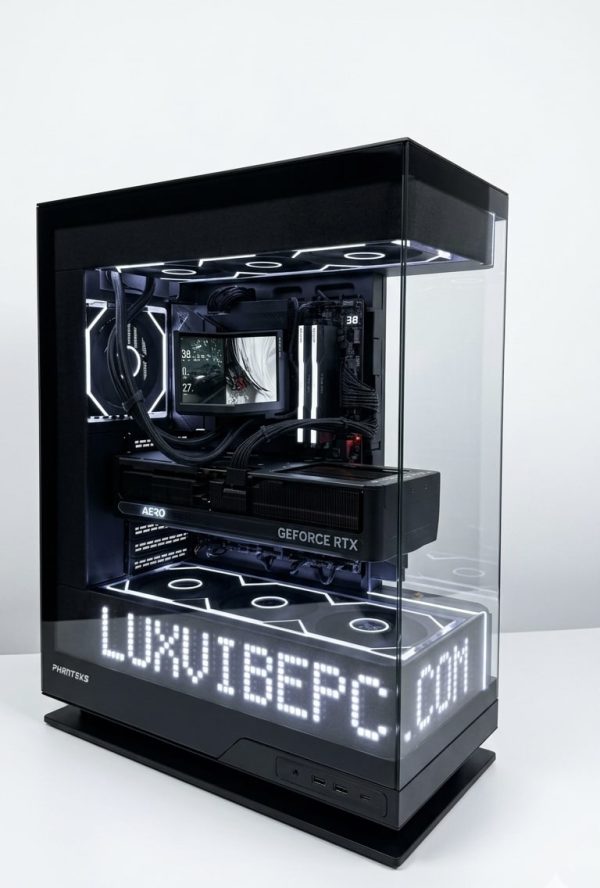
LUX Matrix 5070ti
- GPURTX 5070 Ti
- CPURyzen 7 9800X3D
- RAM32GB DDR5
- SSD2TB NVMe
Choosing Your Next Monitor
The display is half of the 1080p vs 1440p upgrade. Our quick checklist for a QHD gaming monitor:
- Size: 27 inches for the best balance of density and desk space.
- Refresh rate: 144 Hz at minimum; faster panels pay off with an RTX 5070 Ti or RX 9070 XT.
- Variable refresh rate: G-SYNC Compatible for GeForce cards, FreeSync for Radeon cards.
- Panel: IPS for balanced color and value; OLED for contrast and motion clarity.
- Connection: use DisplayPort to unlock the full refresh rate.
Our guide to the best 1440p gaming monitor goes deeper on panel types and refresh rates.
1080p vs 1440p FAQ
Is 1440p vs 1080p a big difference?
On a 27-inch monitor, yes. 1440p has 78% more pixels and about 109 PPI against 82 PPI for 1080p at that size, so text, edges and distant detail are clearly sharper. On a 24-inch screen the difference is smaller but still visible.
Does 1440p lower FPS?
Yes, because the GPU renders 1.78 times as many pixels. How much depends on your card: a fast GPU that was CPU-limited at 1080p loses less, while an older card loses more. DLSS or FSR upscaling recovers much of the difference.
Is 1080p still good for gaming in 2026?
Yes, for competitive esports at very high frame rates and for budget systems. For a new mid-range or better PC, QHD is the better match for the hardware.
Can you run 1080p on a 1440p monitor?
You can, but it looks soft. 1440 is 1.33 times 1080, so the scaling is uneven. Running native resolution with upscaling in the game looks noticeably better.
What GPU do I need to move up from Full HD?
An RTX 5070 or RX 9070 is a comfortable starting point. For high-refresh play in demanding games, the RX 9070 XT or RTX 5070 Ti gives you more headroom and 16 GB of VRAM.
Is the 1080p vs 1440p Upgrade Worth It?
For most gamers weighing 1080p vs 1440p, yes. If you are buying a new PC with an RTX 5070, RX 9070 or faster, 1440p on a 27-inch monitor is the best balance of sharpness and speed in 2026. Stay at 1080p only if you chase maximum esports frame rates or are working with an older GPU on a tight budget.
Ready to make the jump? Browse our QHD-ready systems, or ask a real builder at sales@luxvibepcs.com or through our contact form. We ship across the USA from Oshkosh, Wisconsin.