A strong RX 9070 XT build pairs AMD’s 16 GB Radeon card with a fast 8-core gaming CPU, 32 GB of DDR5 in a two-stick kit, a quality power supply of 750 W or more and a case with real airflow. Put those together on an AM5 motherboard and you have a well-balanced machine for high-refresh 1440p gaming that skips the cost of a flagship GPU.
Below, our builders go part by part: why the card is worth building around, which CPU to pair with it, motherboard, memory, storage, power, cooling, first-boot setup and the prebuilt options if you’d rather we assemble it.
In This Guide
Why Build Around the Radeon RX 9070 XT?
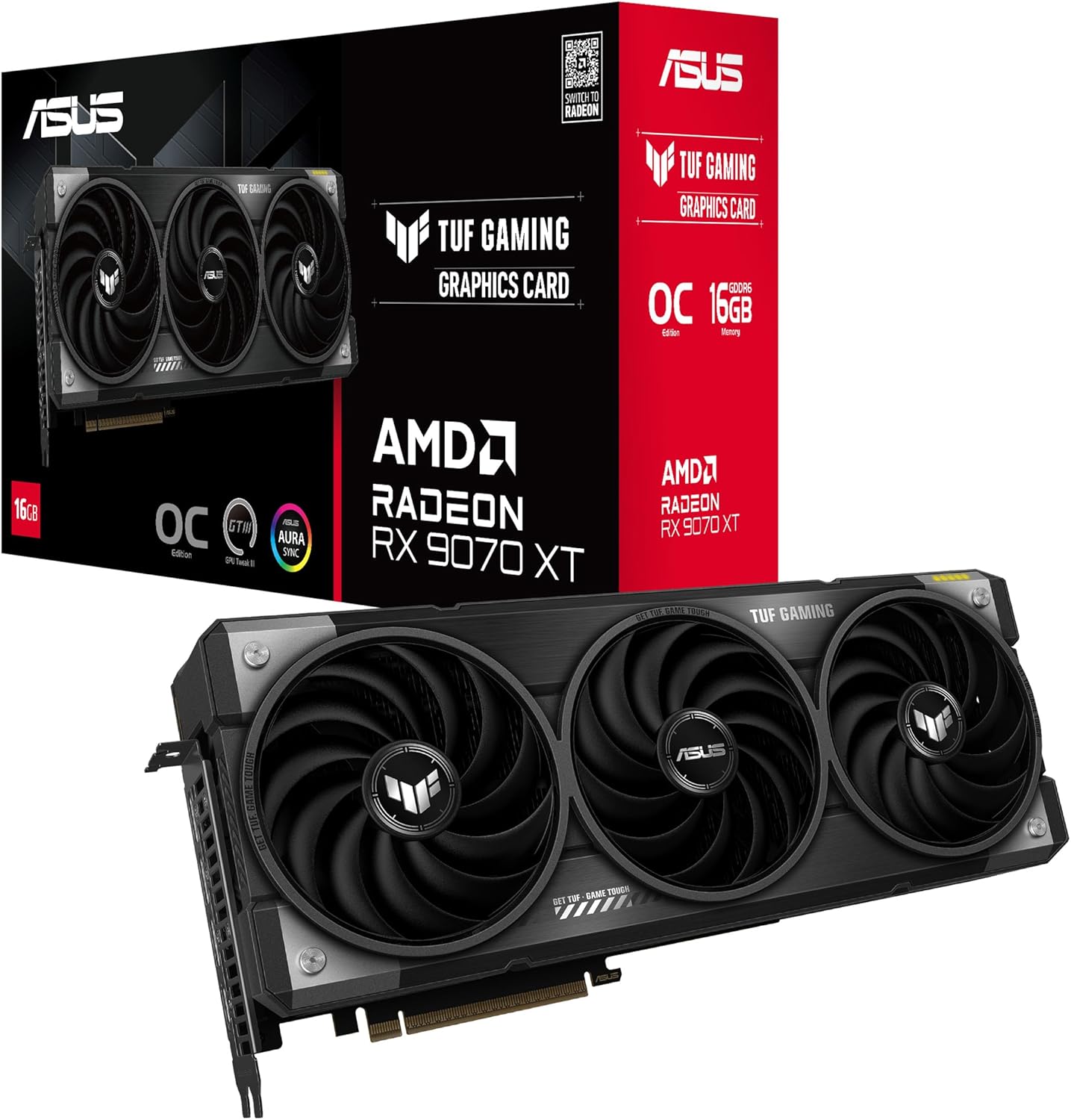
The Radeon RX 9070 XT is AMD’s RDNA 4 card, launched on March 6, 2025 at a $599 suggested price. Its key specs:
- 64 compute units and 4,096 stream processors
- 2,400 MHz game clock, boost up to 2,970 MHz
- 16 GB of GDDR6 on a 256-bit bus, up to 640 GB/s, plus 64 MB of Infinity Cache
- 304 W typical board power, with AMD recommending a 750 W power supply
- PCIe 5.0 x16, DisplayPort 2.1a and HDMI 2.1b
AMD positioned it against NVIDIA’s RTX 5070 Ti and says the 9070 XT is over 40% faster on average than the RX 7900 GRE at 1440p. It also supports FSR 4 machine-learning upscaling, which launched exclusive to the RX 9000 series and is now part of AMD’s FSR Redstone suite. Our full RX 9070 XT guide covers the card in depth, and if you’re still deciding between brands, see our Radeon vs GeForce comparison.
Street prices are well above the launch price in 2026 because of the memory shortage, so check our product pages for current pricing.
RX 9070 XT Build Parts List
Here is the parts list our builders would start from for a balanced RX 9070 XT build, with alternatives for each slot:
| Part | Our pick | Alternatives | Why |
|---|---|---|---|
| Graphics card | ASUS TUF RX 9070 XT | Sapphire RX 9070 XT Pulse, PowerColor RX 9070 XT Hellhound, XFX RX 9070 XT Swift, GIGABYTE RX 9070 XT OC | Same GPU; coolers, clocks and size vary |
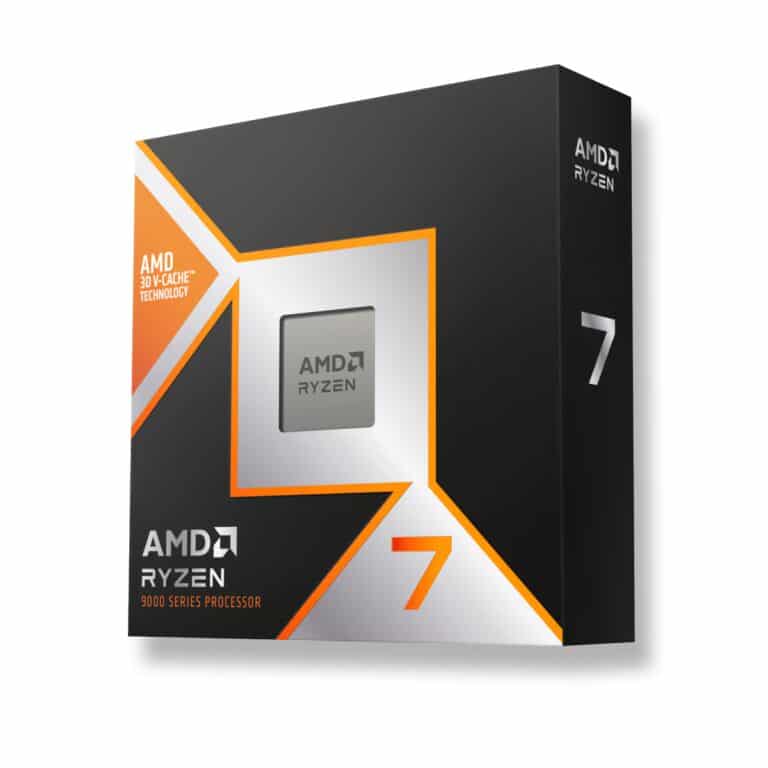
| CPU | AMD Ryzen 7 9800X3D | Ryzen 7 7800X3D, Ryzen 7 9700X | 3D V-Cache for gaming |
| Motherboard | ASUS TUF B850M-PLUS | ASUS TUF X870-Plus, ASUS Prime X870-P | AM5, mainstream B850 or X870 |
| Memory | Corsair Vengeance RGB 32GB | Other 32 GB DDR5 kits | Two sticks, EXPO profile |
| Storage | Samsung 990 PRO | Crucial T500 | Fast NVMe for games |
| Power supply | Corsair RM1000e | Seasonic Vertex GX-1000 | Headroom over AMD’s 750 W guidance |
| Case | Phanteks NV5 | Lian Li Lancool 216 | GPU clearance and airflow |
| Cooler | 360 mm AIO | Quality air tower | The 9800X3D ships without one |
Where to Spend and Where to Save
The graphics card and memory are where 2026 pricing bites hardest in any 9070 XT build. Here’s how our builders balance the rest:
- Spend on: the CPU, since a strong gaming chip can carry over to a future GPU upgrade, and the power supply, which can do the same.
- Save on: the motherboard. A solid B850 board runs an X3D chip and this card without fuss; flagship X870E features matter more to enthusiasts.
- Don’t skimp on: case airflow. A well-ventilated case helps every part of an RX 9070 XT build run cooler and quieter.
Choosing the CPU
For gaming, the CPU that pairs best with this card is an AMD X3D chip, because its extra stacked cache helps keep a fast GPU fed with frames. Your main options:
- Ryzen 7 9800X3D: 8 cores and 16 threads, 96 MB of L3 cache, up to 5.2 GHz and a 120 W TDP, launched at $479. Its second-generation 3D V-Cache sits under the cores, so the chip runs cooler and is fully unlocked. Our 9800X3D guide goes deeper.
- Ryzen 7 7800X3D: the Zen 4 predecessor with the same 8 cores and 96 MB of L3, up to 5.0 GHz, launched at $449. A sensible pick if you find one for less.
- Ryzen 7 9850X3D: a higher-binned 9800X3D with a 400 MHz higher boost, launched at $499. Independent reviews generally found single-digit-percent gains, so buy it only if the price gap is small.
- Ryzen 7 9700X: a non-X3D Zen 5 chip without the extra stacked cache. It costs less but gives up the gaming cache that makes X3D chips popular.
Our pick for most 9070 XT build plans is the Ryzen 7 9800X3D. It’s a balanced match for a card in this class, without paying for 16 cores you may not use.
Motherboard, Memory and Storage
Motherboard. Any AM5 board runs Ryzen 9000 chips, though older boards may need a BIOS update first. B850 is the mainstream chipset and a sensible fit for this build. Step up to X870 if you want USB4, which is mandatory on X870 and X870E, along with PCIe 5.0 graphics and NVMe support.
Memory. 32GB DDR5 RAM is the standard for a new gaming PC in 2026. Buy a two-stick kit: AMD’s official support for the Ryzen 7 9800X3D is DDR5-5600 with two sticks, dropping to DDR5-3600 with four. DDR5-6000 EXPO kits are the common sweet spot. At the time of writing, a 32 GB DDR5-6000 kit runs roughly $500 to $650 in the US.
Storage. A PCIe NVMe M.2 SSD for Windows and your main games keeps load times short. Add a second drive later if your library grows.
Power Supply, Case and Cooling
Power. The RX 9070 XT has a 304 W typical board power, and AMD recommends a 750 W power supply. AMD’s reference spec uses two 8-pin connectors, but partner cards vary, so check the exact model before you order cables. We like extra headroom in an RX 9070 XT build, which is why a quality 1,000 W unit like the Corsair RM1000e is on our list.
Case. Partner RX 9070 XT cards come in different lengths and thicknesses. Check your card’s size against the case’s GPU clearance, and choose a case with good front intake so the card breathes cool air.
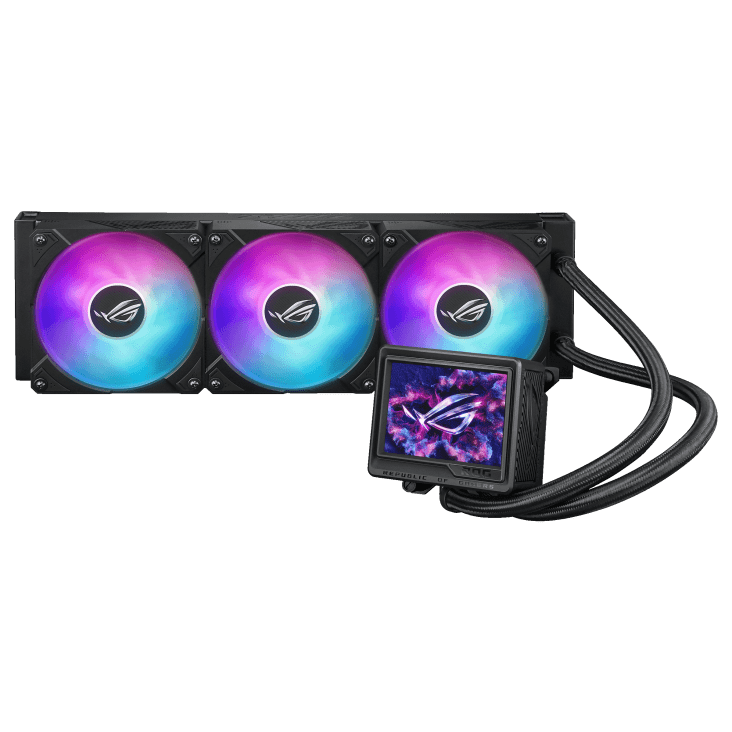
Cooling. The 9800X3D ships without a cooler, and AMD recommends a liquid cooler for optimal performance. A 360 mm AIO is our usual choice; a quality air tower also suits a 120 W chip if you prefer simplicity.
Setting Up Your 9070 XT Build
Once the parts are assembled, a few setup steps get the most from your 9070 XT build:
- Enable EXPO in BIOS so the RAM runs at its rated speed instead of the default JEDEC speed.
- Update the BIOS if your board’s version predates your CPU.
- Install AMD’s chipset driver, then AMD Software: Adrenalin Edition. It handles driver updates, performance tuning, recording and one-click HYPR-RX profiles, plus AMD FSR and Fluid Motion Frames.
- Turn on FreeSync for your monitor, and set its refresh rate in Settings > System > Display > Advanced display.
- Use FSR in supported games when you want higher frame rates at high settings.
Plug the monitor into the graphics card, not the motherboard, and confirm Windows shows the full refresh rate before you start gaming.
Prebuilt RX 9070 XT Build Options
If you’d rather skip assembly, we offer the same idea as a finished machine. Every 1440p gaming PC we sell is hand-built to order, and upgrades and changes are always possible before we build. Our two RX 9070 XT build options:
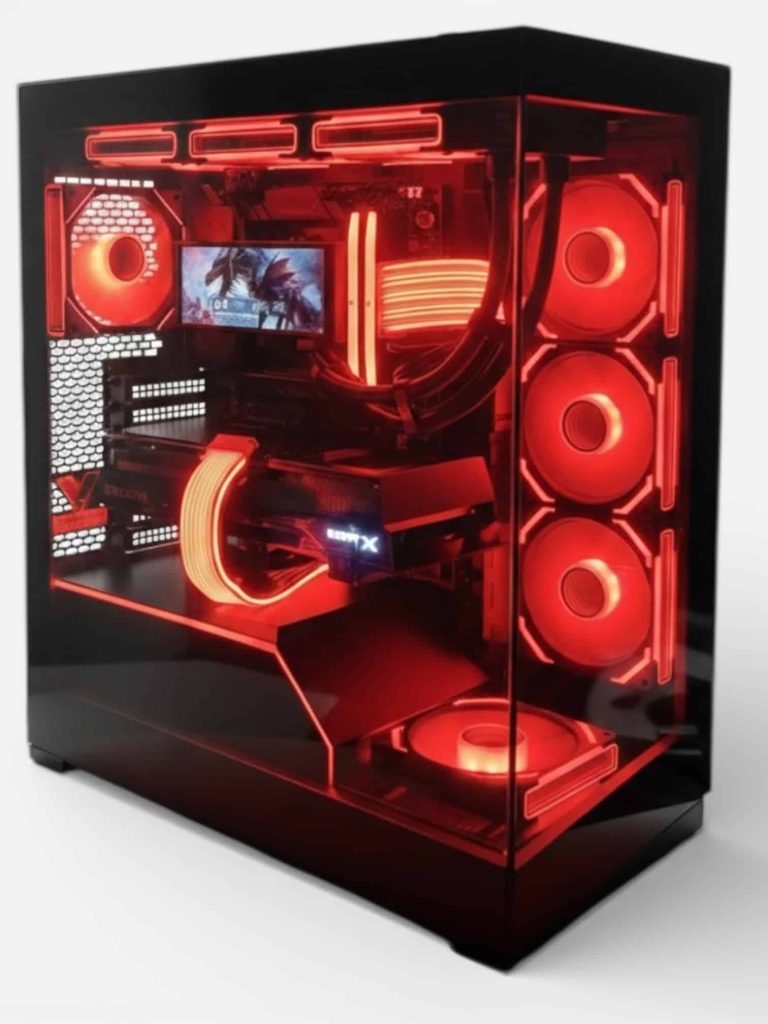
- Lux Nv5 Black 9070XT: a black-themed RX 9070 XT gaming PC.
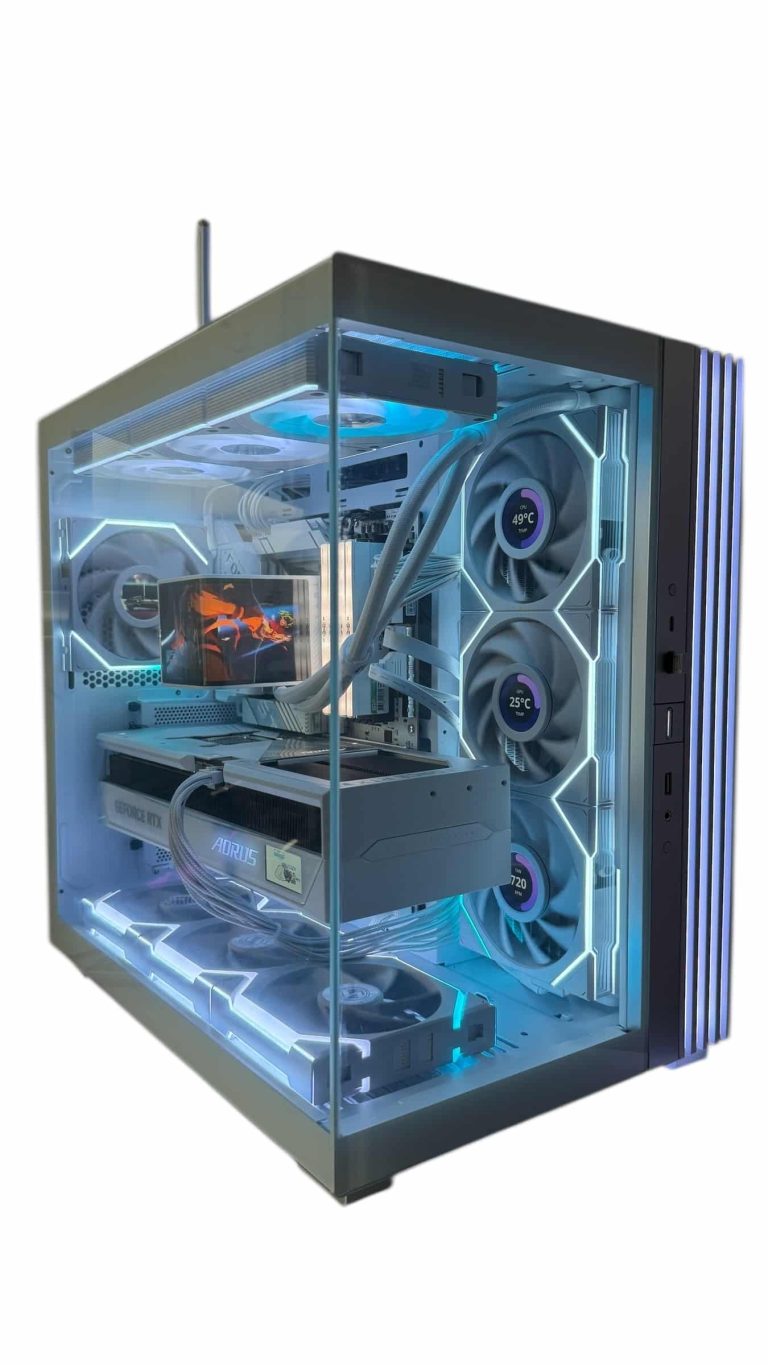
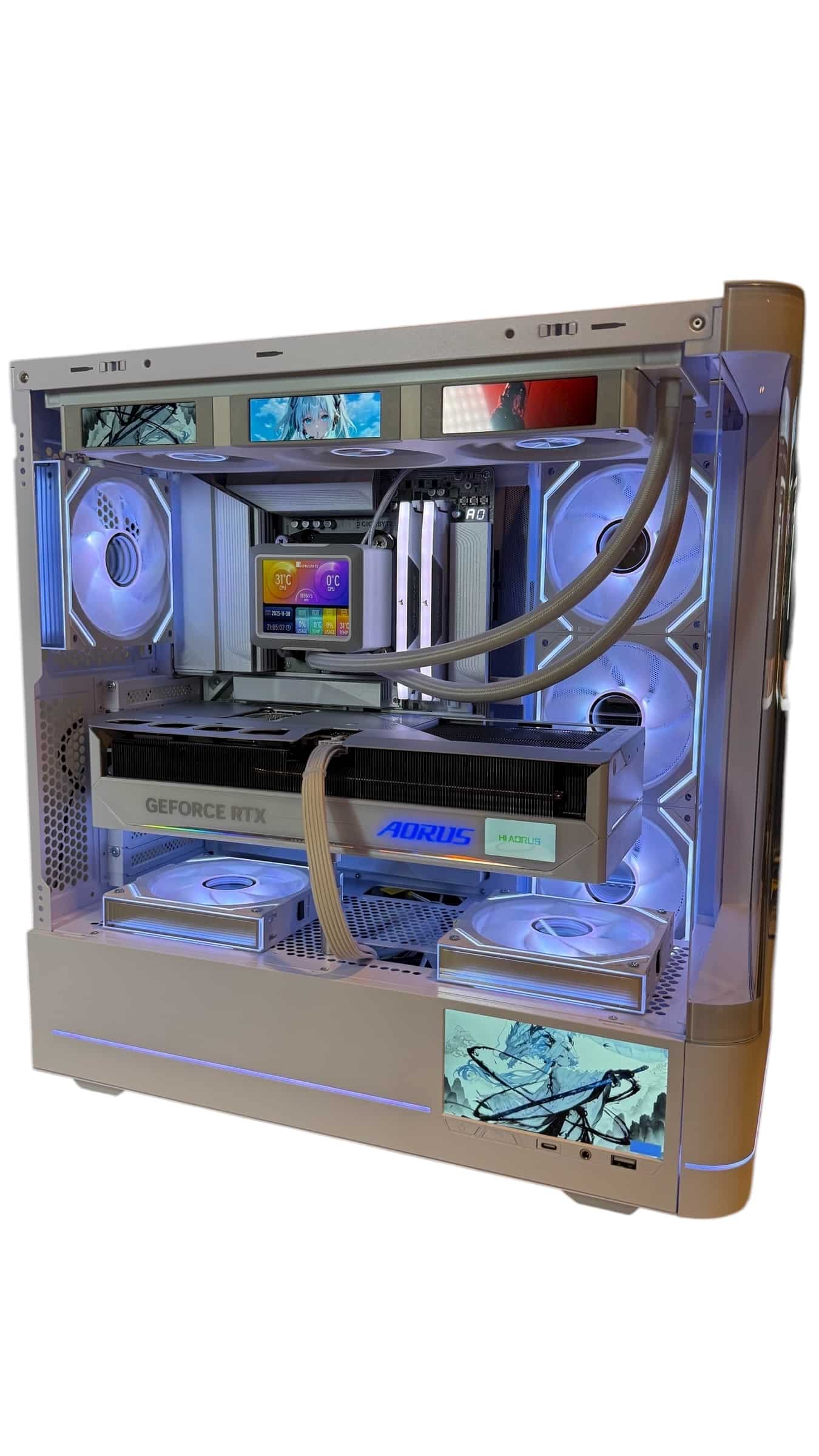
- LUX Optic ICE 9070XT: the white-themed version, built around the same GPU.
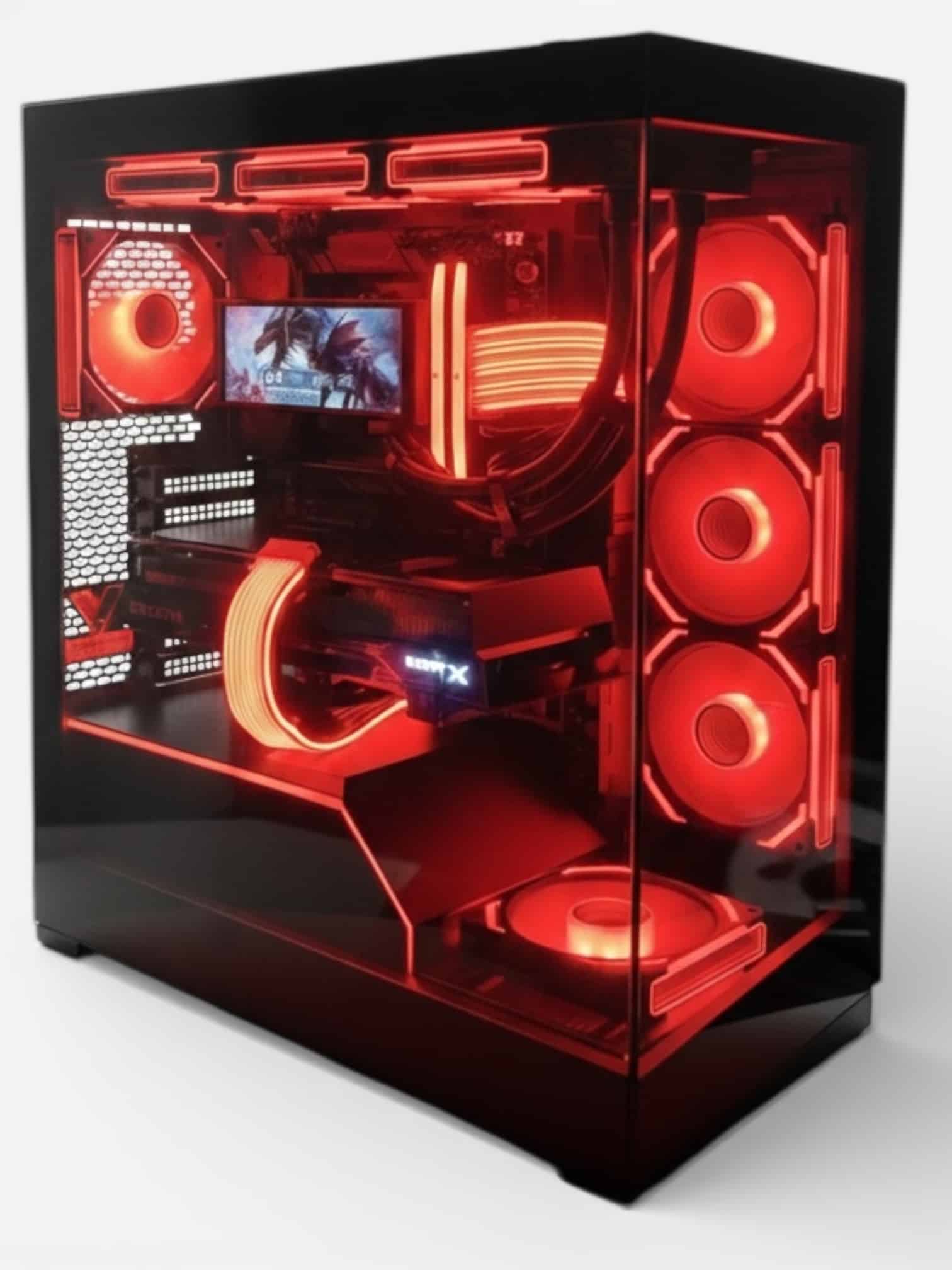
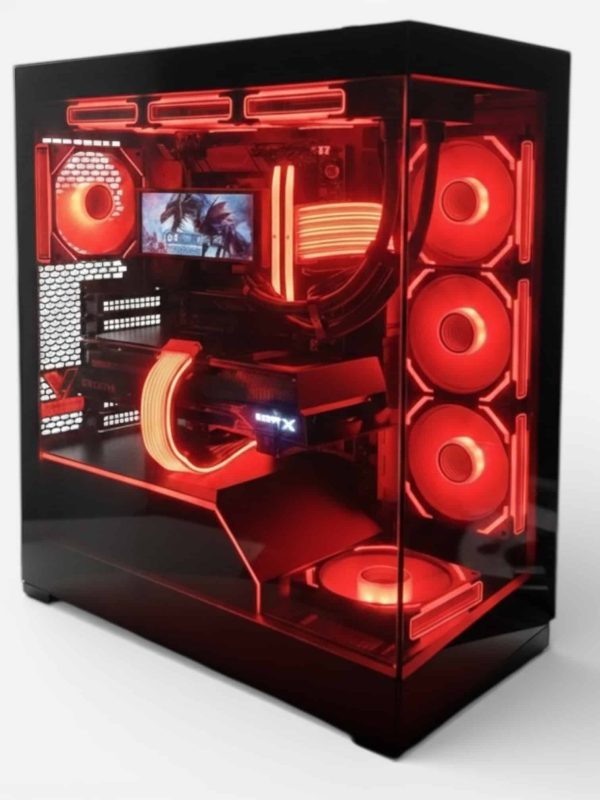
Lux Nv5 Black 9070XT
- GPURX 9070 XT
- CPURyzen 7 9800X3D
- RAM32GB DDR5
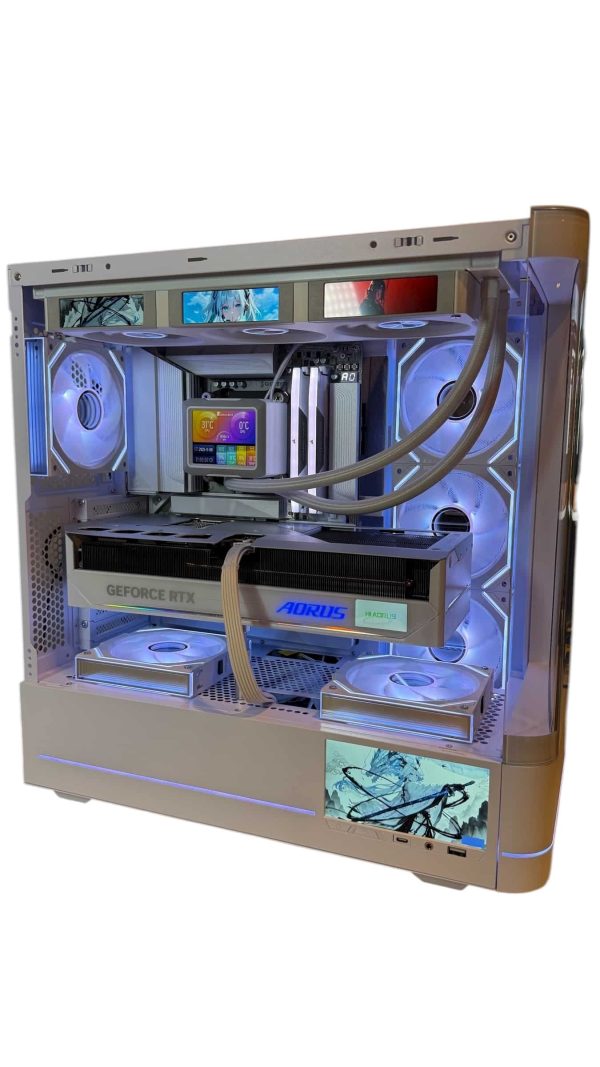
LUX Optic ICE 9070XT
- GPURX 9070 XT
- CPURyzen 7 9800X3D
- RAM32GB DDR5
- SSD2TB NVMe
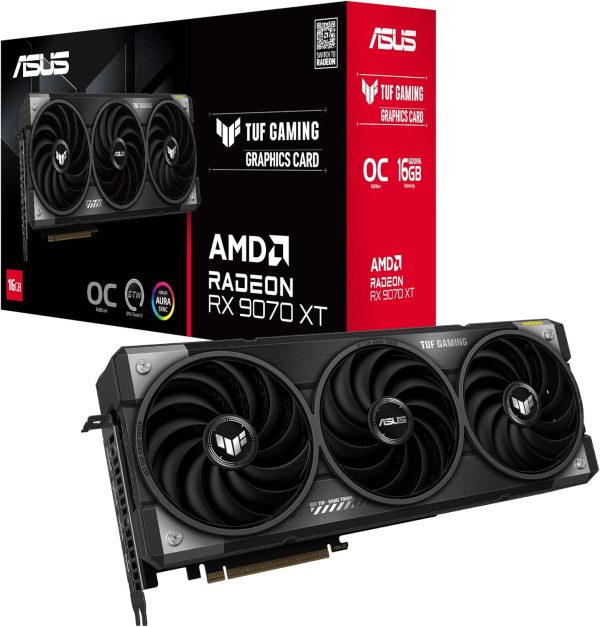
ASUS TUF Gaming RX 9070 XT
The ASUS TUF Gaming RX 9070 XT puts AMD Radeon RX 9070 XT power into your…
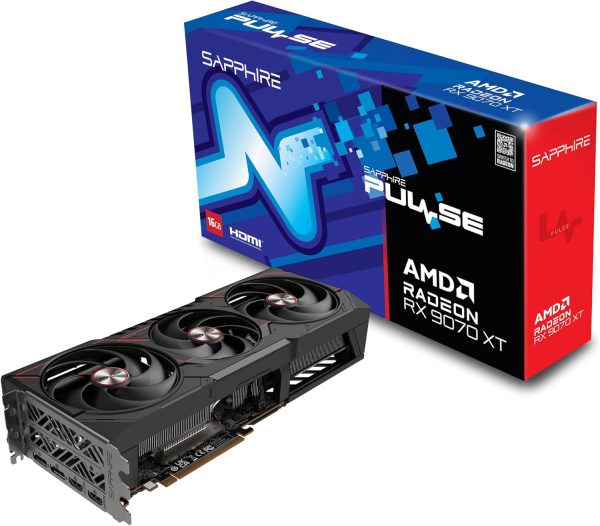
Sapphire RX 9070 XT Pulse
Upgrade to the Sapphire RX 9070 XT Pulse and get AMD Radeon RX 9070 XT performance…
RX 9070 XT Build FAQ
What CPU should I pair with a 9070 XT build?
The Ryzen 7 9800X3D is our first choice for gaming. The Ryzen 7 7800X3D is a good value alternative, and the 9850X3D only makes sense if it costs little more than the 9800X3D.
What power supply does an RX 9070 XT build need?
AMD recommends 750 W for the RX 9070 XT. We prefer extra headroom with a quality 850 W to 1,000 W unit, especially if you plan to upgrade later.
Is 16 GB of VRAM enough for a 9070 XT build?
For high-refresh 1440p gaming in 2026, 16 GB is a comfortable amount. It matches the RTX 5070 Ti and RTX 5080, which also carry 16 GB.
Should I build with the RX 9070 or the RX 9070 XT?
The RX 9070 has 56 compute units, 220 W board power and a $549 launch price, versus 64 compute units, 304 W and $599 for the XT. If your budget stretches, the XT is the stronger card to build around.
Can I use an older AM5 motherboard?
Yes. All AM5 boards support Ryzen 9000 CPUs, but older boards may need a BIOS update first. Many boards can flash a new BIOS from a USB drive.
The Bottom Line
The best RX 9070 XT build for most gamers pairs the card with a Ryzen 7 9800X3D, a B850 motherboard, 32 GB of DDR5-6000 in two sticks, a fast NVMe SSD, a quality 1,000 W power supply and a case with good airflow. It’s a balanced, upgrade-friendly machine for high-refresh 1440p gaming.
Want it built for you? Browse our hand-built 1440p PCs, or ask our builders to tailor an RX 9070 XT build to your games and budget.