The RTX 4090 vs 5090 question matters most to two groups: 4090 owners wondering whether an upgrade is worth it, and buyers choosing between the last-generation flagship and the current one. The short version: the RTX 5090 brings about 33% more CUDA cores, 32 GB of GDDR7 memory, Multi Frame Generation and DisplayPort 2.1b, but it draws 125 W more power and launched $400 higher.
Below, our builders compare the official 4090 vs 5090 specs side by side, explain which new features reach the 4090 and which don’t, and give a clear upgrade verdict for gamers, streamers and creators.
In This Guide
RTX 4090 vs 5090: The Quick Answer
- Buying new today? Choose the RTX 5090. It is NVIDIA’s current flagship, it gets new DLSS features first, and it is the card we build our top systems around.
- Already own a 4090 and only game? You can keep it with a clear conscience. It still has 24 GB of VRAM and keeps DLSS Super Resolution, Ray Reconstruction and Frame Generation.
- Own a 4090 and do AI, 3D or video work? The 5090’s 32 GB, faster memory and extra encoders make the upgrade much easier to justify.
The rest of this RTX 4090 vs 5090 guide explains the reasoning behind each verdict, using NVIDIA’s official numbers rather than invented benchmark charts.
4090 vs 5090 Specs Compared
All figures below come from NVIDIA’s RTX 5090 page, its RTX 4090 page and its GPU compare tool. Partner cards can differ in clocks, size and power limits.
| Spec | RTX 4090 | RTX 5090 |
|---|---|---|
| Architecture | Ada Lovelace (40 Series) | Blackwell (50 Series) |
| CUDA cores | 16,384 | 21,760 |
| Boost clock | 2.52 GHz | 2.41 GHz |
| Memory | 24 GB GDDR6X, 384-bit | 32 GB GDDR7, 512-bit |
| Tensor cores / AI TOPS | 4th gen / 1,321 | 5th gen / 3,352 |
| RT cores | 3rd gen, 191 TFLOPS | 4th gen, 318 TFLOPS |
| NVENC / NVDEC | 2x 8th gen / 1x 5th gen | 3x 9th gen / 2x 6th gen |
| Total graphics power | 450 W | 575 W |
| Required system power | 850 W | 1,000 W |
| Founders Edition size | 304 mm, 3-slot | 304 mm, 2-slot |
| Display outputs | DisplayPort 1.4a, HDMI 2.1a | DisplayPort 2.1b, HDMI 2.1b |
| Launch and MSRP | October 2022, $1,599 | January 30, 2025, $1,999 |
In ratio terms, the 5090 has about 33% more CUDA cores, 33% more memory on a 33% wider bus, about 1.66 times the rated RT core throughput and roughly 2.5 times the AI TOPS. The 4090 actually has the slightly higher boost clock, so the newer card’s advantage comes from width, not frequency.
4090 vs 5090 Performance: Where the Newer Card Leads
NVIDIA calls the RTX 5090 “the most powerful GeForce GPU ever made.” The spec sheet backs up the direction of that claim: more shader cores, newer RT and Tensor cores, and much faster memory on a wider bus. That combination helps most at 4K and above, with ray tracing turned up, where the GPU is the bottleneck.
Be careful with vendor charts, though. NVIDIA’s own performance comparison on the 5090 page runs at 4K with max settings and DLSS, with Multi Frame Generation in 4X mode on the 50 Series card. That makes the new card look dramatically faster, because the 4090 cannot use Multi Frame Generation at all.
For a fair RTX 5090 vs 4090 picture, look for independent testing that shows native rendering and standard upscaling separately from frame generation. The gap shrinks wherever the CPU, not the GPU, sets the pace, which is common at 1440p with cards this fast. A fast gaming CPU such as the Ryzen 7 9800X3D helps either card stretch its legs.
DLSS 4, DLSS 5 and Frame Generation
Software is the biggest real-world split in the 4090 vs 5090 debate. According to NVIDIA’s DLSS technology page, here is what each card gets:
- Both cards: DLSS Super Resolution, DLAA, Ray Reconstruction and standard Frame Generation. NVIDIA’s support table lists all four for RTX 40, so 4090 owners keep the core of DLSS.
- RTX 5090 only: Multi Frame Generation, which NVIDIA says can generate up to five frames per rendered frame, plus Dynamic Multi Frame Generation.
- DLSS 5: NVIDIA’s neural rendering update launched on September 3, 2026, with NBA 2K27, on RTX 50 cards only. NVIDIA says RTX 40 support is planned later, without a date.
Multi Frame Generation makes motion look smoother on high-refresh displays, but it works best when the base frame rate is already healthy. Treat it as a bonus for fast monitors, not a substitute for raw GPU power.
VRAM: 24 GB vs 32 GB
For gaming alone, the 4090’s 24 GB is still a very generous amount. It is more than any current GeForce card offers except the 5090 itself, which has 32 GB.
The 5090’s 32 GB of GDDR7 matters most outside games. Local AI models, large 3D scenes, heavy simulation and long 8K video timelines can all use more memory than 24 GB, and running out forces slower workarounds. If that describes your workload, the extra 8 GB and the wider 512-bit bus are the strongest arguments in the RTX 4090 vs 5090 matchup. Our RTX 5090 guide covers its memory and specs in more depth.
Power, Heat and Your PSU
Power is where the RTX 4090 vs 5090 gap hurts. The 5090 is rated at 575 W total graphics power against 450 W for the 4090, about 28% more. NVIDIA lists 1,000 W required system power for the 5090 and 850 W for the 4090.
- Connectors: NVIDIA specs the 5090 for a single 600 W PCIe Gen 5 (12V-2×6) cable or four 8-pin plugs through the included adapter. The 4090 uses a 450 W-or-higher Gen 5 cable or three 8-pins.
- Size: The 5090 Founders Edition is a 2-slot card, while the 4090 Founders Edition takes 3 slots. Many partner 5090 cards are much larger, so check the clearance.
- Our advice: If your 4090 build runs an 850 W unit, plan a PSU upgrade with the GPU. A quality 1,000 W-plus supply with a native 16-pin cable avoids the adapter entirely.
The extra 125 W also ends up as heat in your case and room. Good front-to-back airflow matters more with a 5090 than it did with a 4090.
Display Outputs and Creator Features
Display outputs are an underrated part of the 4090 vs 5090 story. The 5090 moves to DisplayPort 2.1b with UHBR20 and HDMI 2.1b. NVIDIA rates it for up to 4K at 480 Hz or 8K at 165 Hz with DSC, compared with 4K at 240 Hz or 8K at 60 Hz for the 4090. If you are buying one of the newest ultra-high-refresh 4K monitors, that headroom is a real upgrade.
Creators get more too. The 5090 has three 9th-gen NVENC encoders and two 6th-gen NVDEC decoders, against two 8th-gen encoders and one 5th-gen decoder on the 4090. RTX 50 also adds hardware decode for 4:2:2 video, which helps editors working with footage from cameras that record in that format. Both cards encode AV1, so streamers using OBS are well served either way.
Price and Value in 2026
The RTX 4090 launched at $1,599 in October 2022, and the RTX 5090 launched at $1,999 on January 30, 2025. So the 4090 vs 5090 premium at MSRP was 25%, for about 33% more CUDA cores and 33% more memory.
Present-day pricing is a different story. A global memory shortage driven by AI data center demand has pushed graphics card street prices well above launch MSRP in 2026, and the 5090’s 32 GB of GDDR7 puts it right in the middle of that squeeze. Check current prices on our product pages rather than relying on launch figures.
We sell RTX 5090 cards and systems, not the 4090. If you are deciding between this flagship and a step down, our RTX 5080 vs 5090 comparison shows where the 5080 saves money without giving up much at 1440p.
Should You Upgrade From a 4090?
Upgrade If…
- You run local AI models, large 3D scenes or 8K timelines that push past 24 GB.
- You bought a 4K monitor above 240 Hz and want DisplayPort 2.1b bandwidth.
- You want Multi Frame Generation and DLSS 5 now, not someday.
- Your income depends on render or export times.
Keep Your 4090 If…
- You mainly game at 4K or 1440p and are happy with your frame rates.
- Your PSU, case or cooling would also need replacing to fit a 5090.
- You are fine waiting to see whether DLSS 5 reaches RTX 40 cards.
Building Fresh?
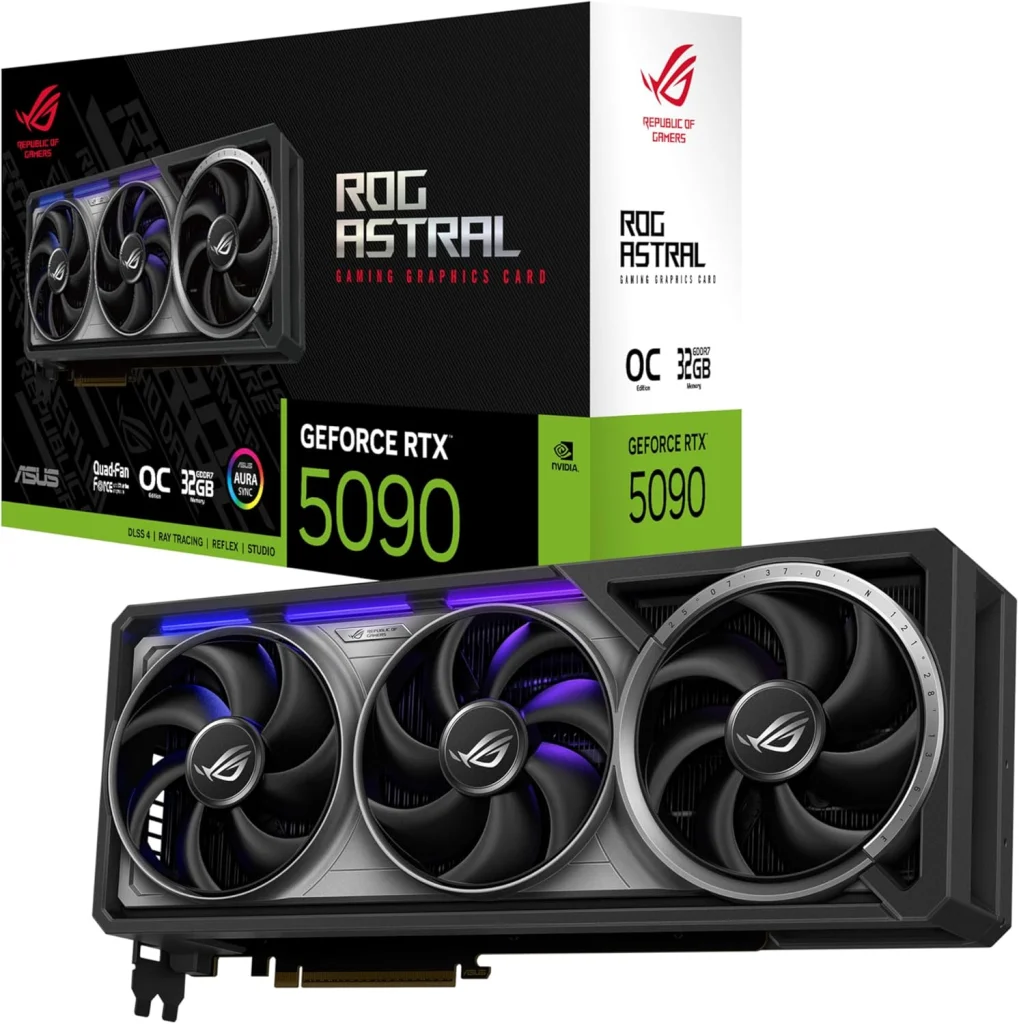
If you are starting from scratch, the RTX 4090 vs 5090 choice is simple: buy the current card. A complete RTX 5090 gaming PC comes hand-built to order, and upgrades and changes are always possible before we build. Prefer a premium standalone card? The ASUS ROG Astral RTX 5090 is our top-tier option.
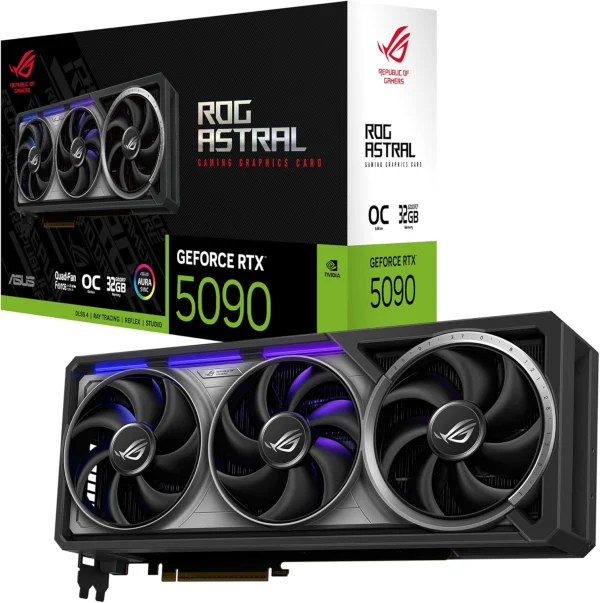
Asus ROG Astral RTX 5090
The Asus ROG Astral RTX 5090 puts NVIDIA GeForce RTX 5090 power into your desktop, backed…
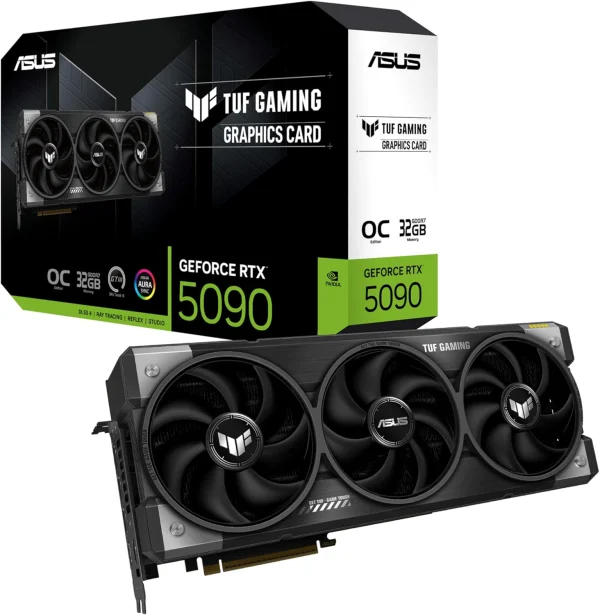
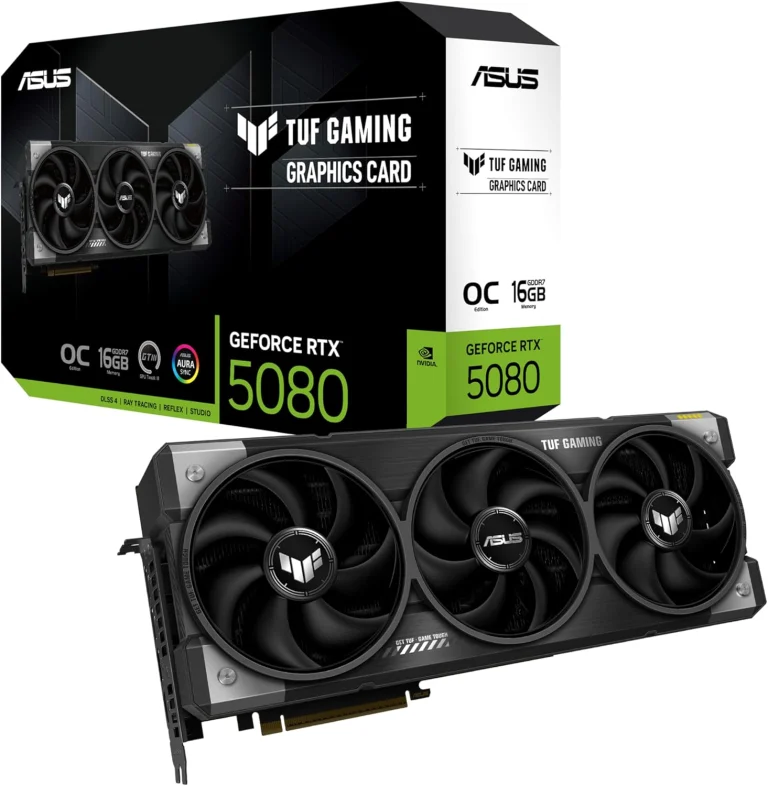
ASUS TUF Gaming RTX 5090
Upgrade to the ASUS TUF Gaming RTX 5090 and get NVIDIA GeForce RTX 5090 performance for…
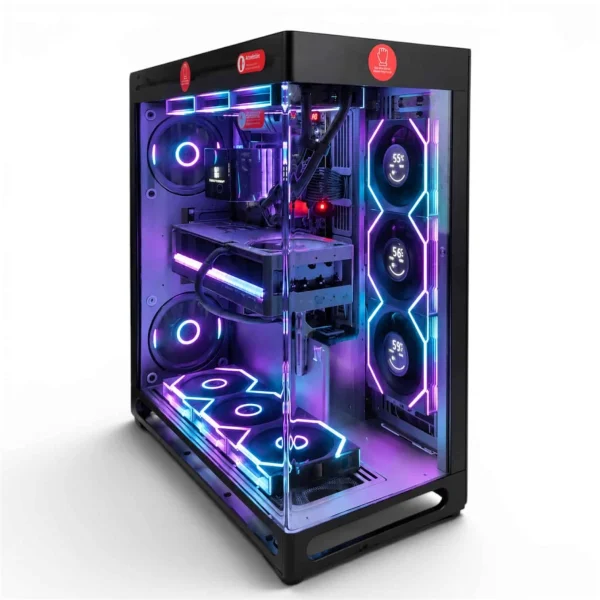
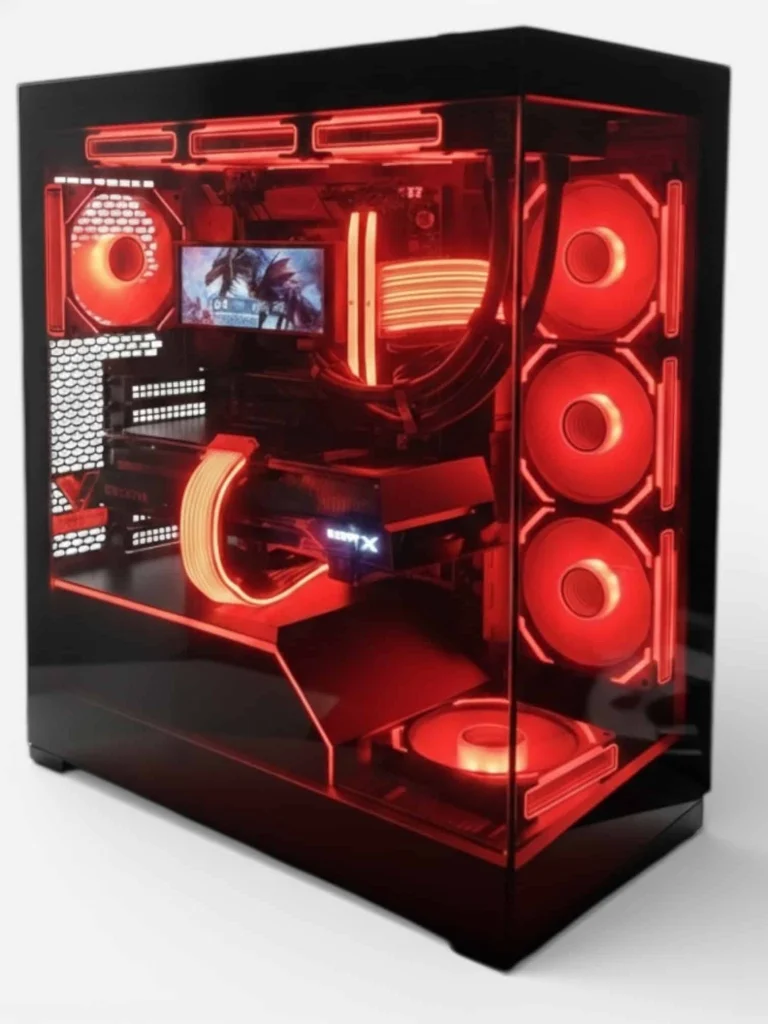
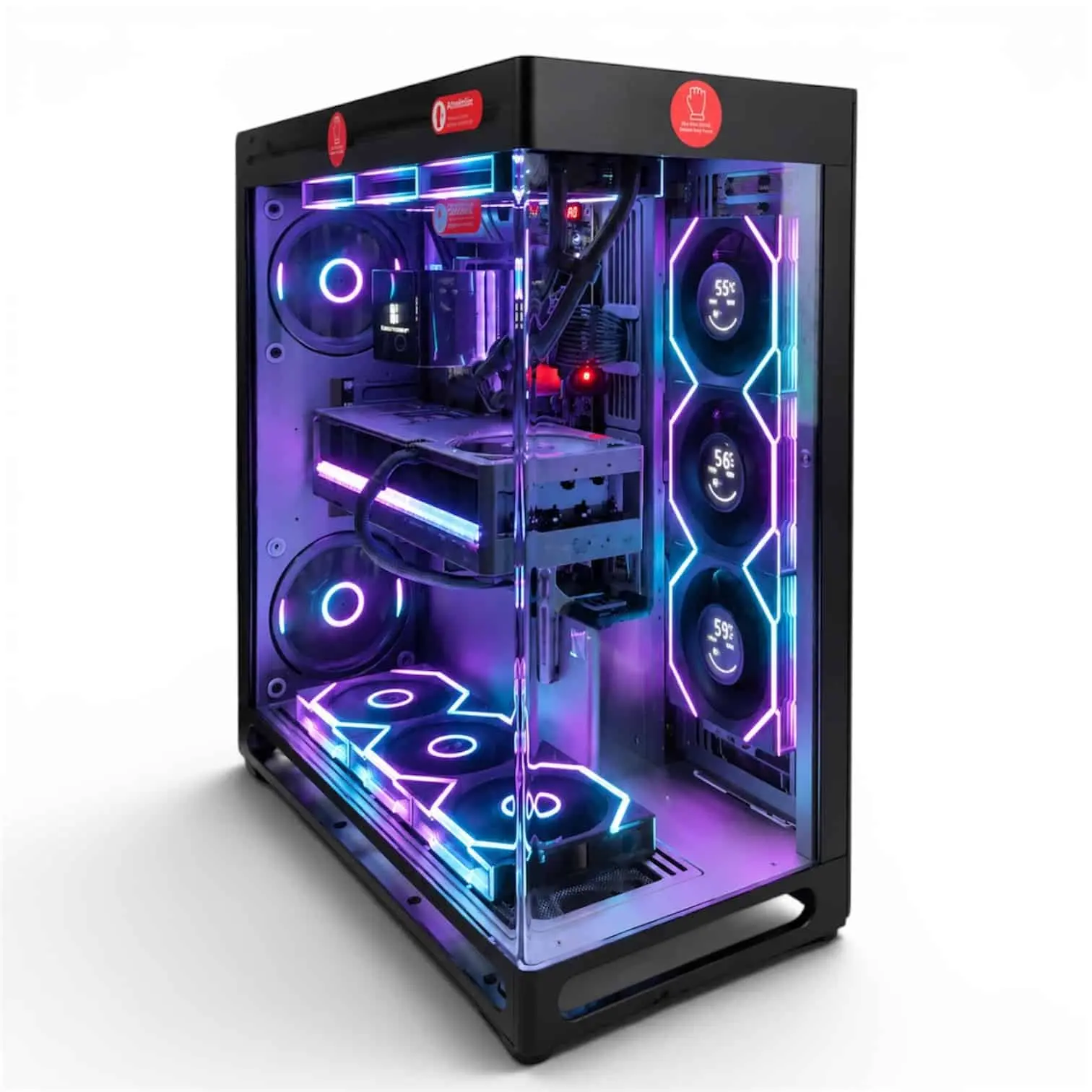
LUX View 5090
- GPURTX 5090
- CPURyzen 9 9950X3D
- RAM64GB DDR5
- SSD4TB NVMe
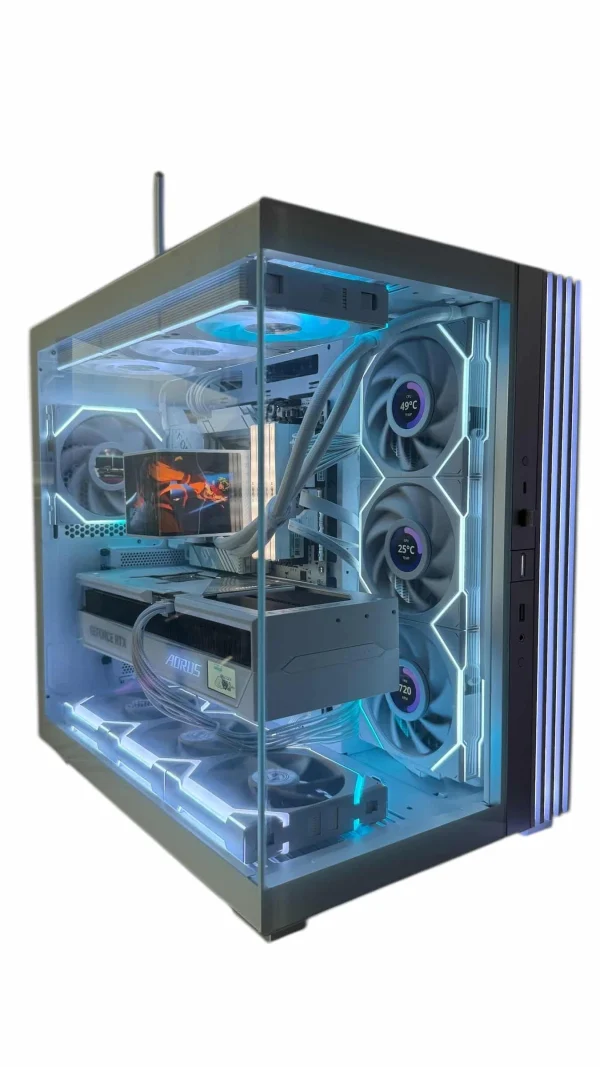
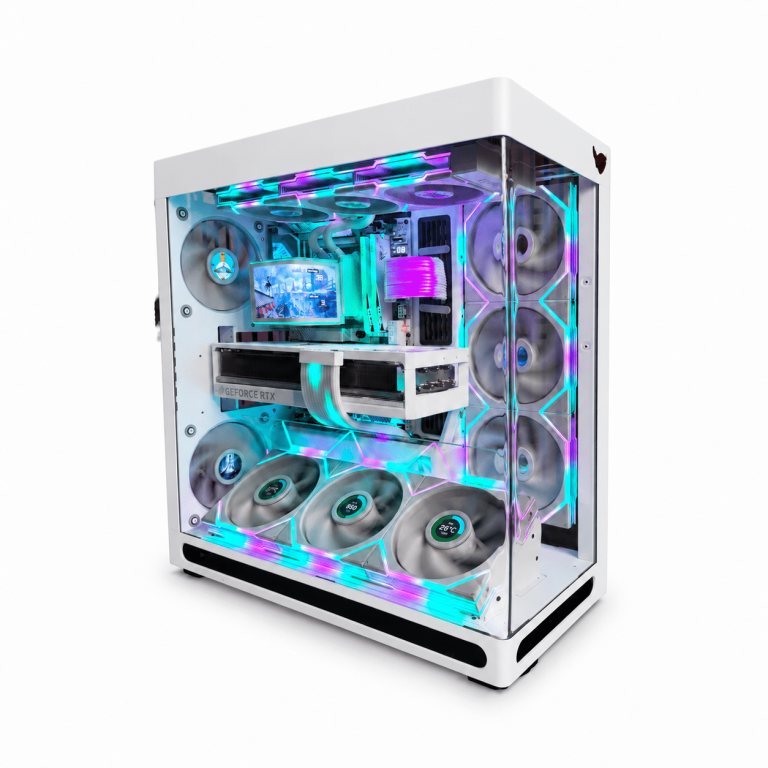
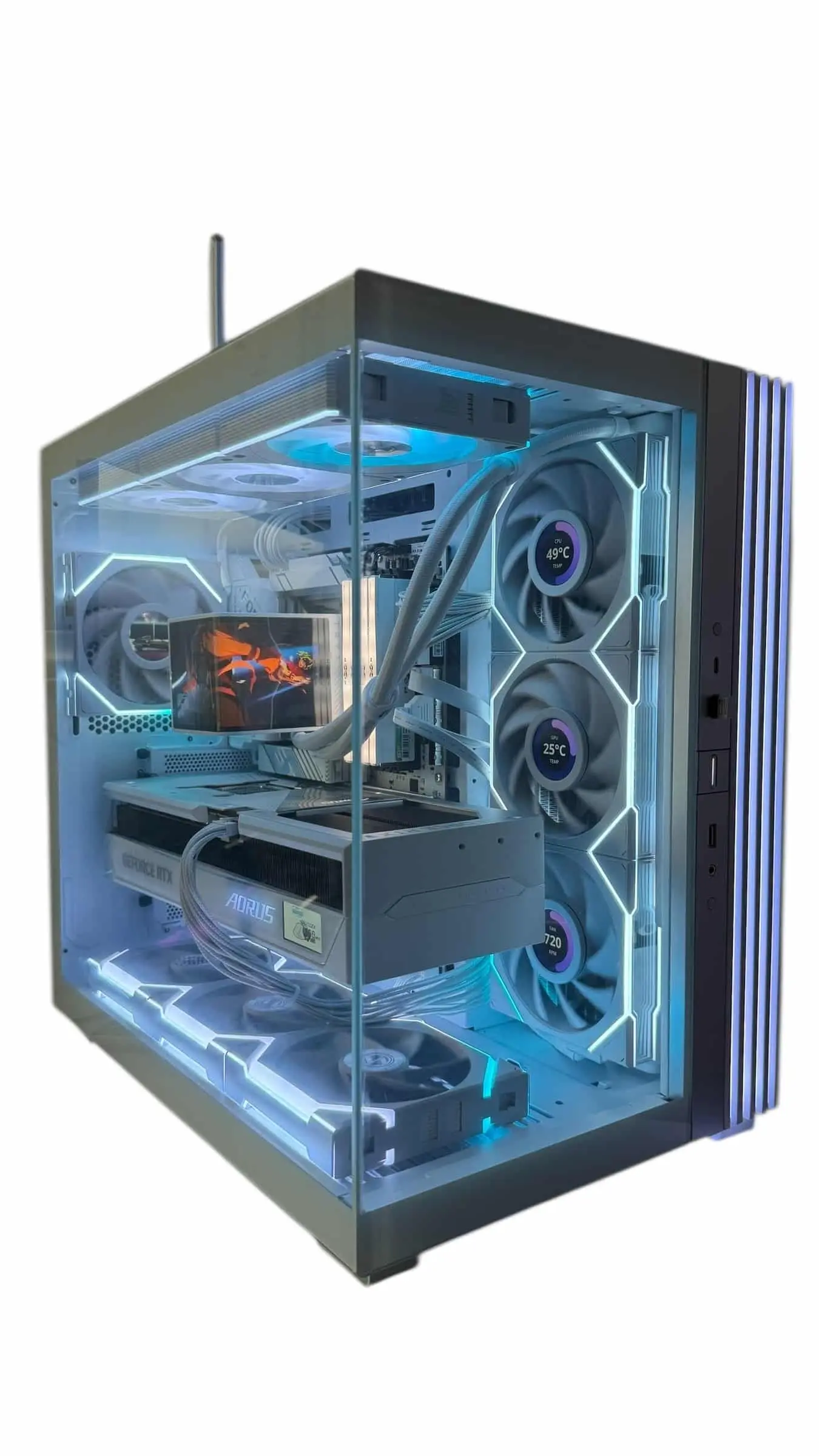
LUX Vision SNOW 5090
- GPURTX 5090
- CPURyzen 9 9950X3D
- RAM64GB DDR5
- SSD4TB NVMe
RTX 4090 vs 5090 FAQ
Is the 5090 worth it over the 4090?
For a new build, yes: it is the current flagship with more cores, more memory and RTX 50-only features. For an existing 4090 owner who only games, the upgrade is a luxury rather than a need. It is easiest to justify for AI, 3D and video work.
How much faster is the 5090 than the 4090?
There is no single honest number. It has about 33% more CUDA cores and much faster memory, but the real gap depends on the game, resolution and CPU. NVIDIA’s own RTX 5090 vs 4090 charts include Multi Frame Generation, so look for independent native-rendering results.
Will DLSS 5 come to the RTX 4090?
NVIDIA says RTX 40 support for DLSS 5 is planned later, but it has not given a date. At launch, DLSS 5 runs on RTX 50 Series cards only.
Can my 4090’s power supply run a 5090?
Maybe not. NVIDIA lists 850 W required system power for the 4090 and 1,000 W for the 5090. If your current unit is below 1,000 W, plan to replace it with the card.
Is 24 GB of VRAM still enough in 2026?
For gaming, yes. In the 4090 vs 5090 memory comparison, the older card’s 24 GB remains generous for 4K play. The 5090’s 32 GB mostly matters for AI, rendering and very large creative projects.
The Bottom Line
In the RTX 4090 vs 5090 matchup, the newer card is the clear pick for anyone buying today: more cores, 32 GB of GDDR7, DisplayPort 2.1b and first access to DLSS 5. For current 4090 owners, the case for upgrading rests on memory-hungry creative work or a very high-refresh 4K monitor. If you only game, your 4090 still has plenty left to give.
Ready to move up? Browse RTX 5090 cards in our graphics card collection, or email our builders at sales@luxvibepcs.com or use our contact form for advice on a full system.